SimpleScheduler timetable app Classes and homework, right on your home screen Enter a 45-minute class or a 75-minute lecture to the minute, and link homework to the class. See it in home screen widgets and on the lock screen.
Elementary Middle school High school College Kids’ activities Lessons & personal
Phone Tablet
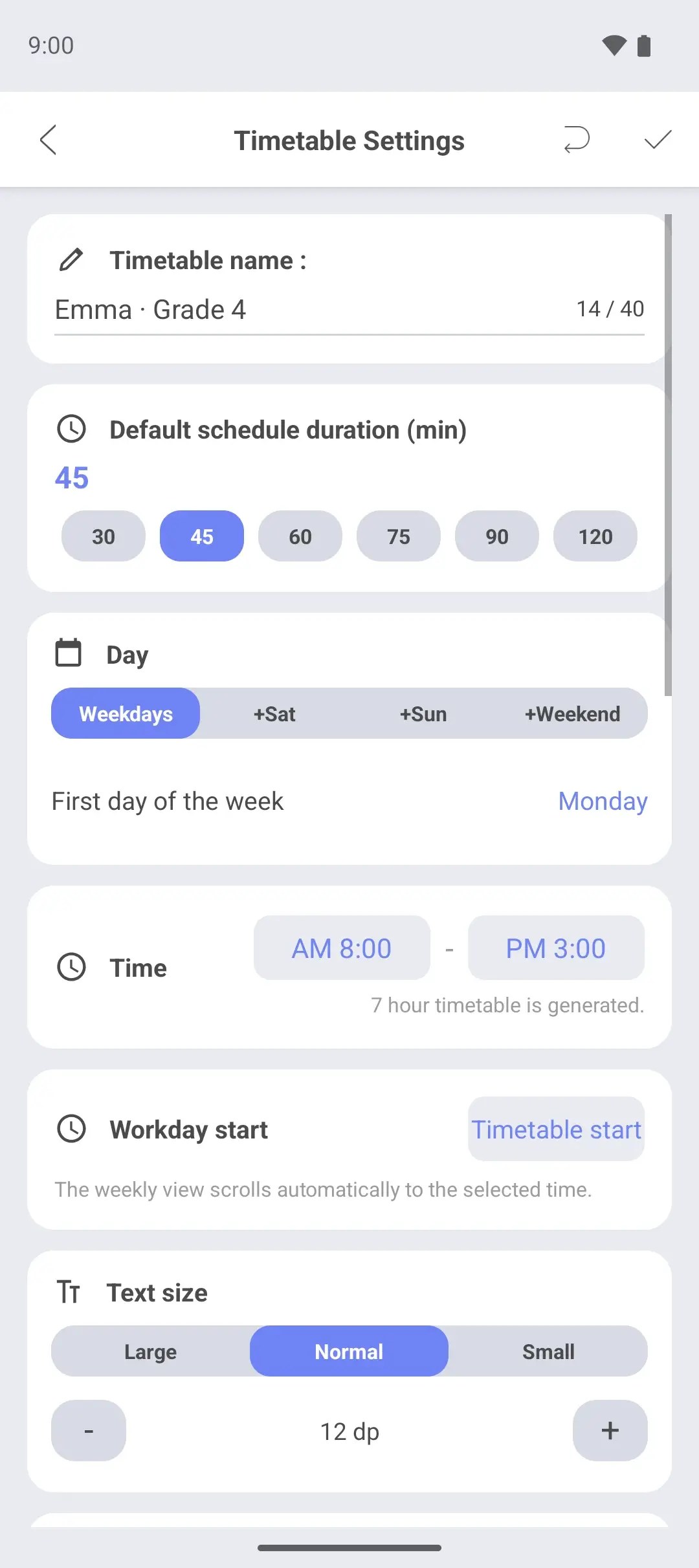
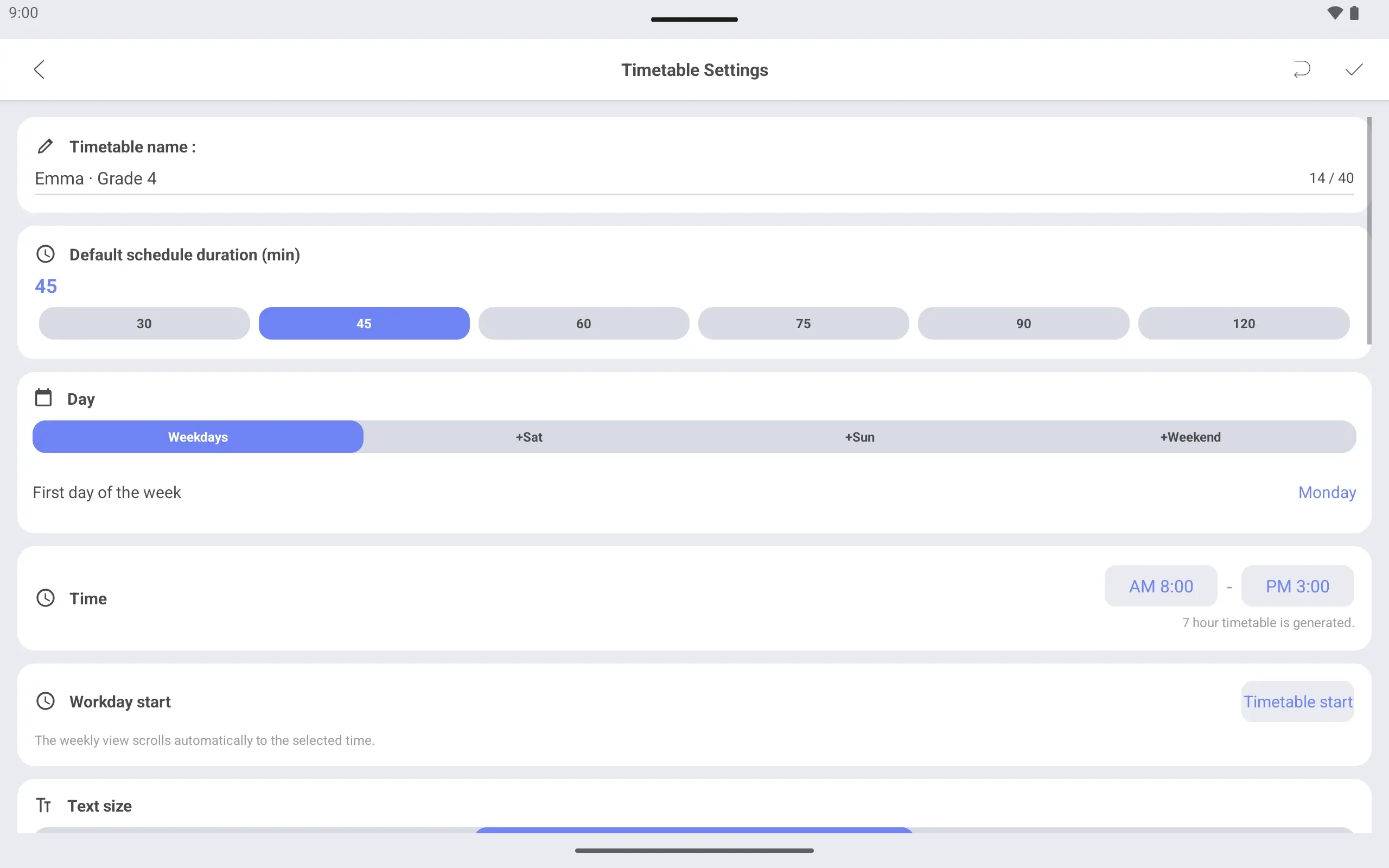
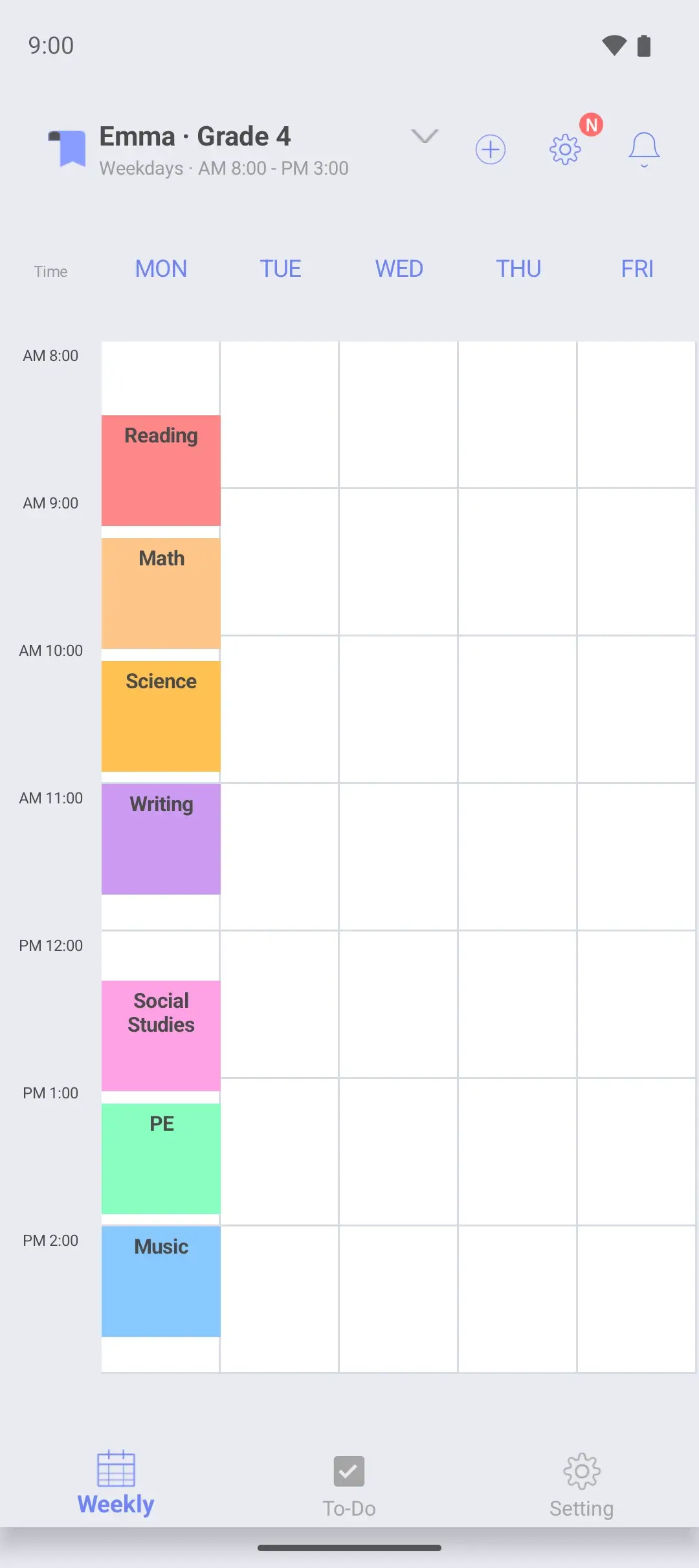
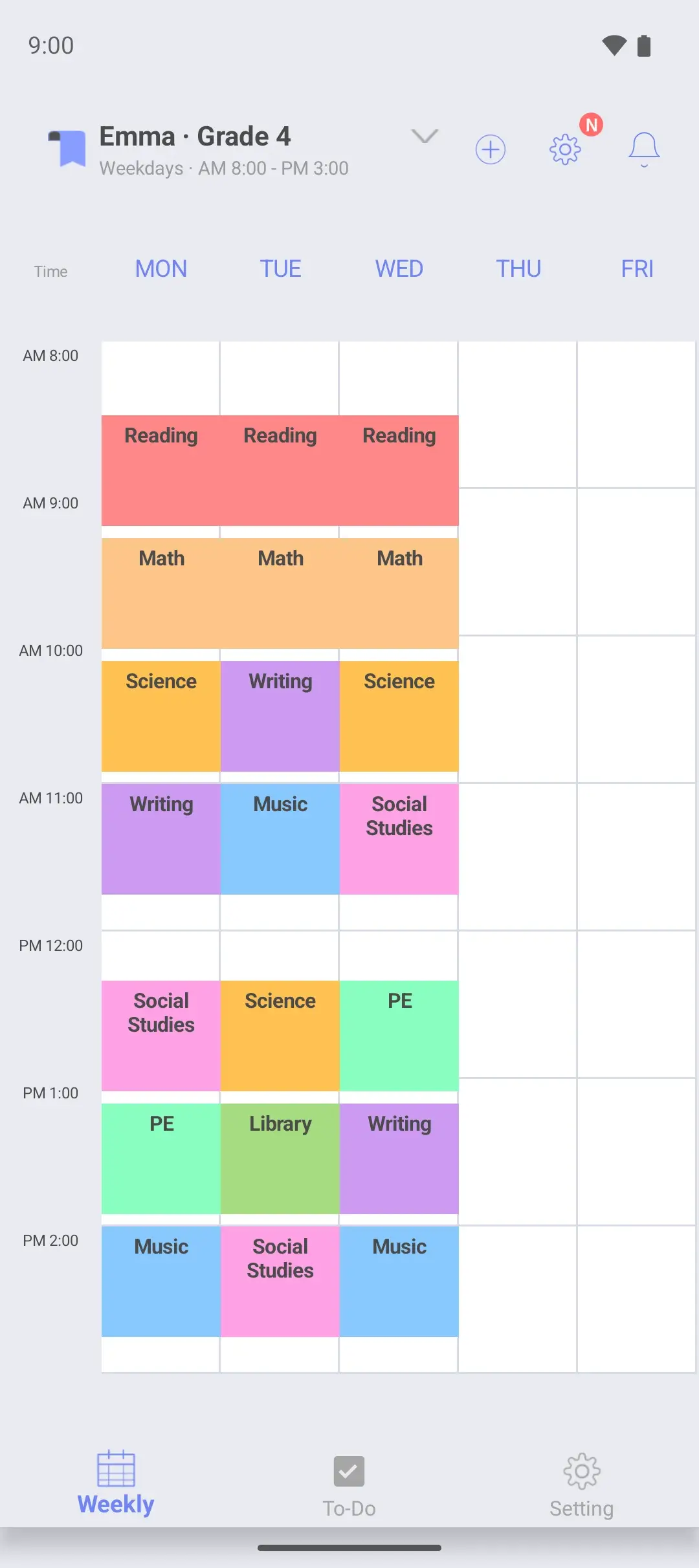
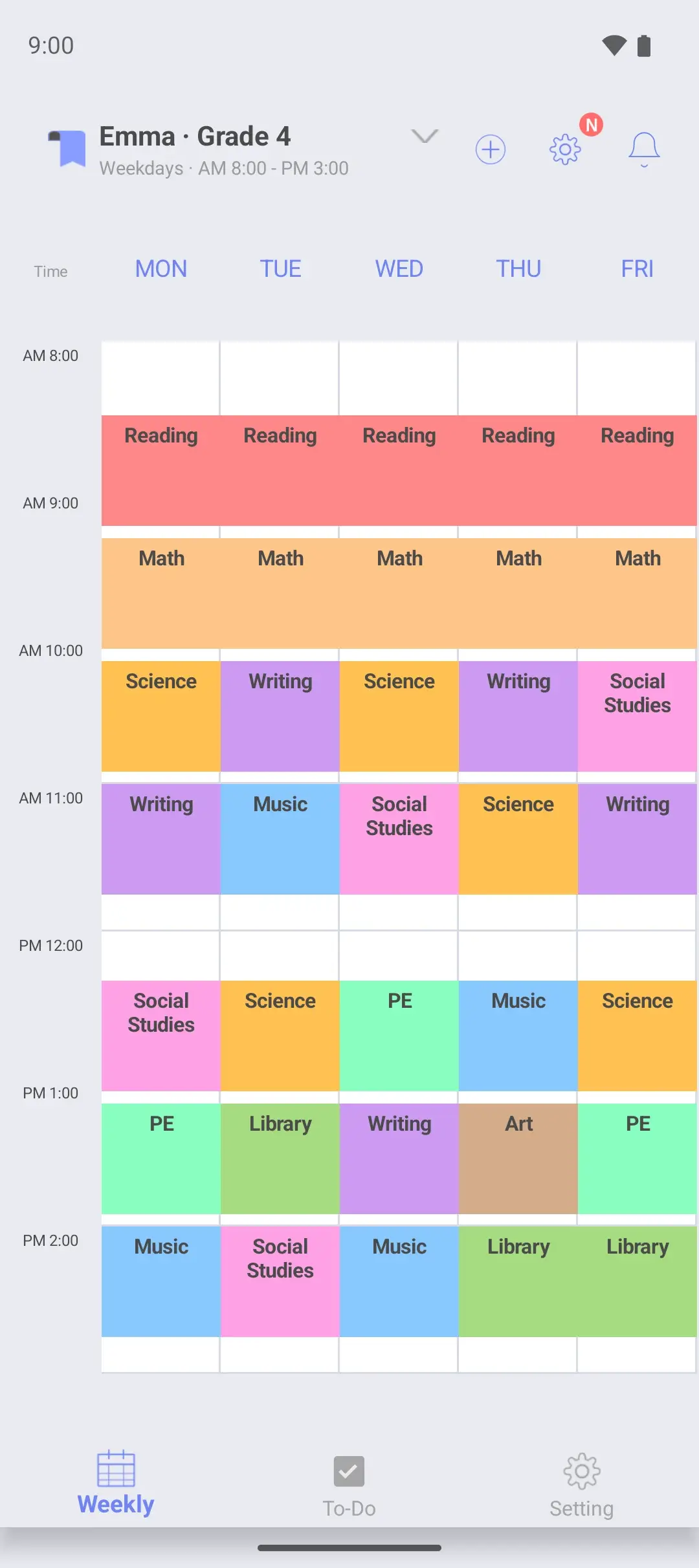
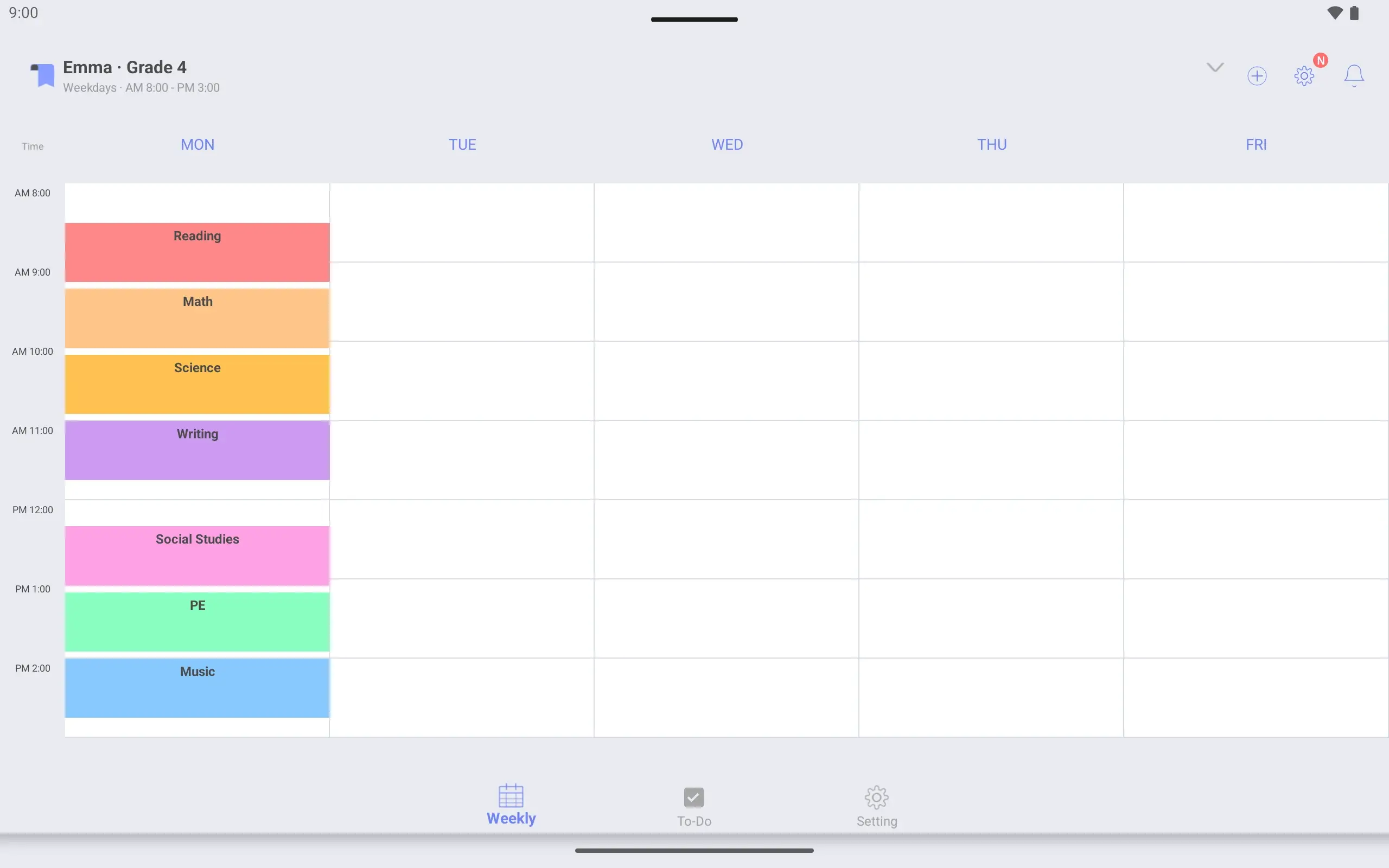
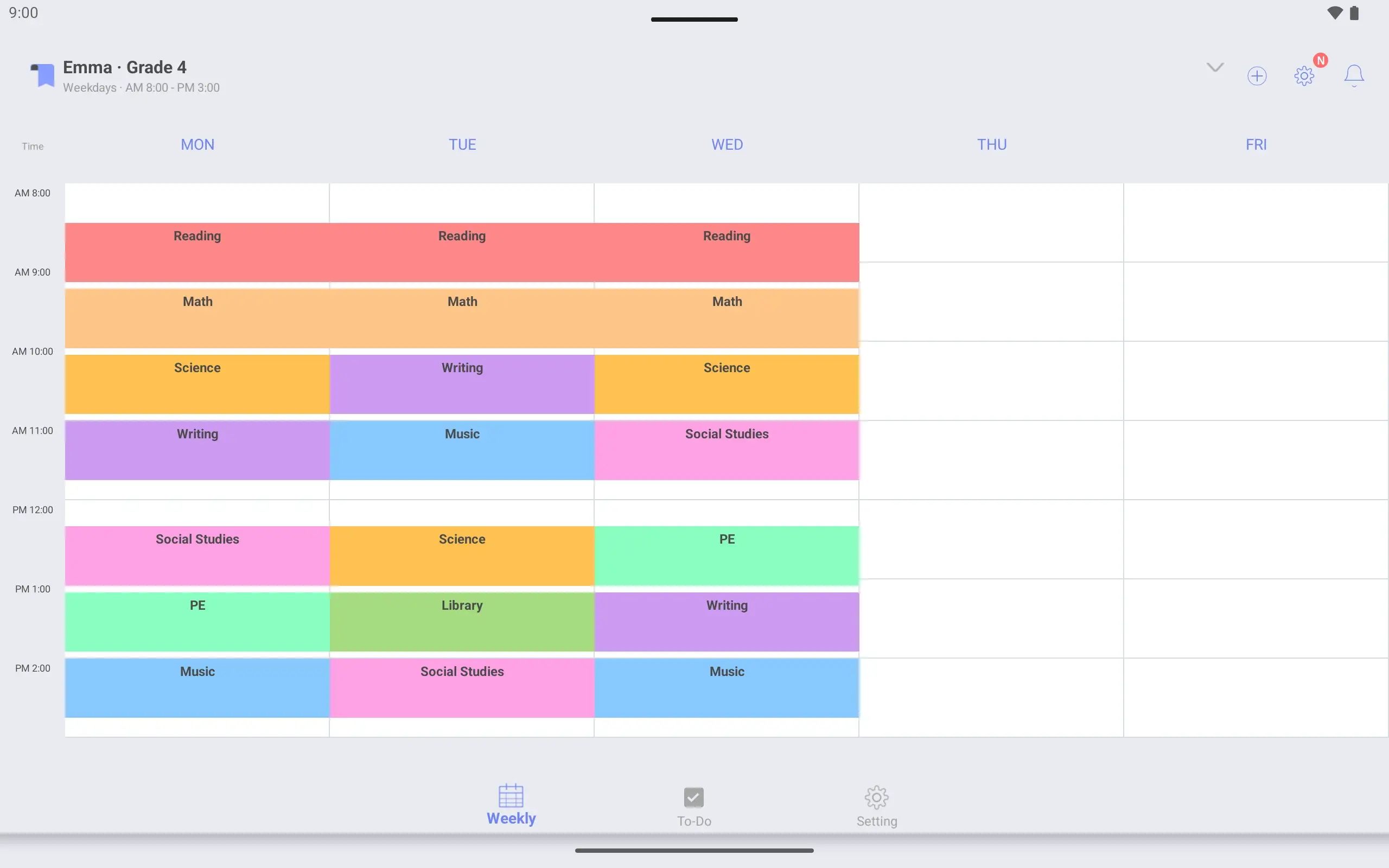
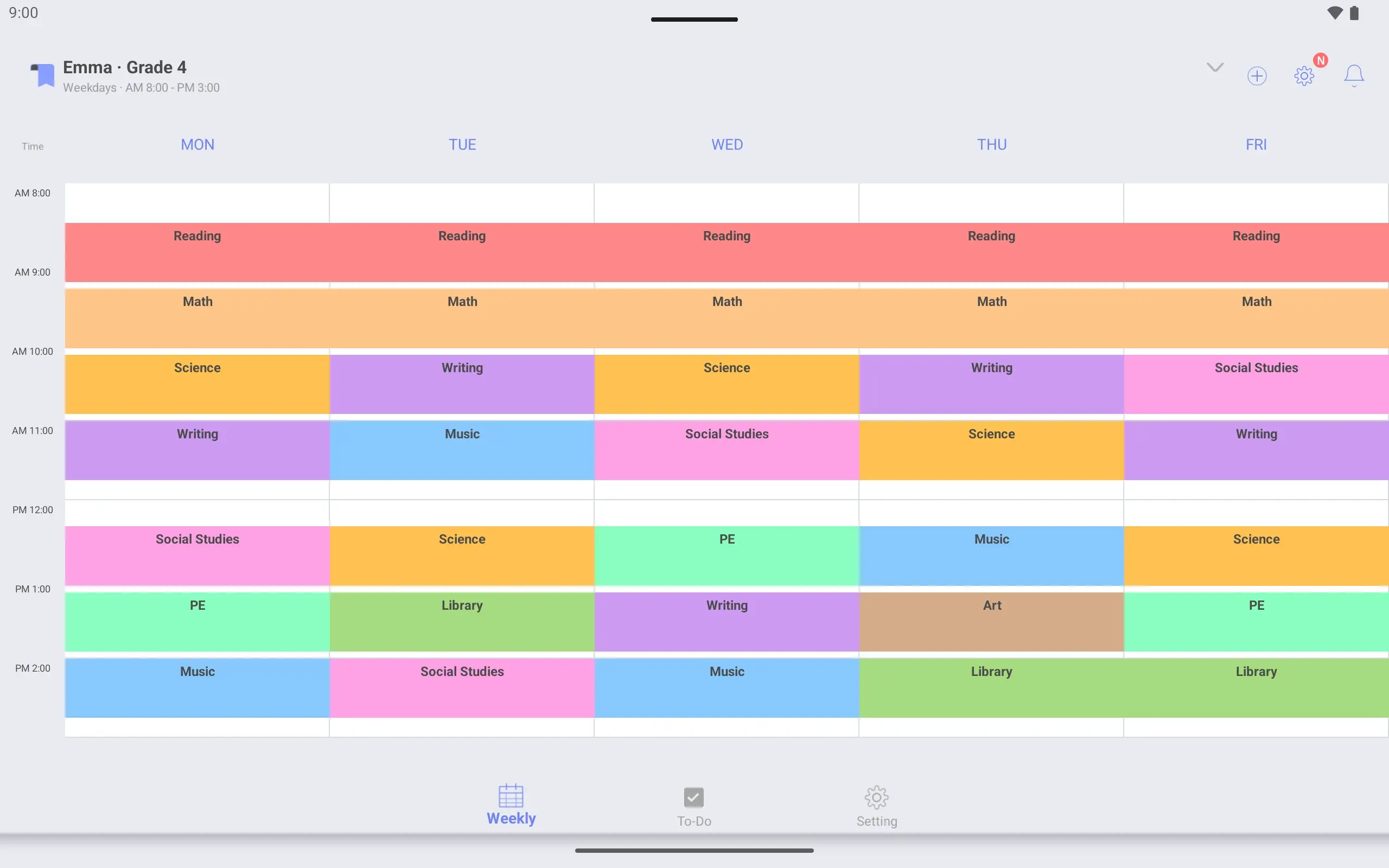
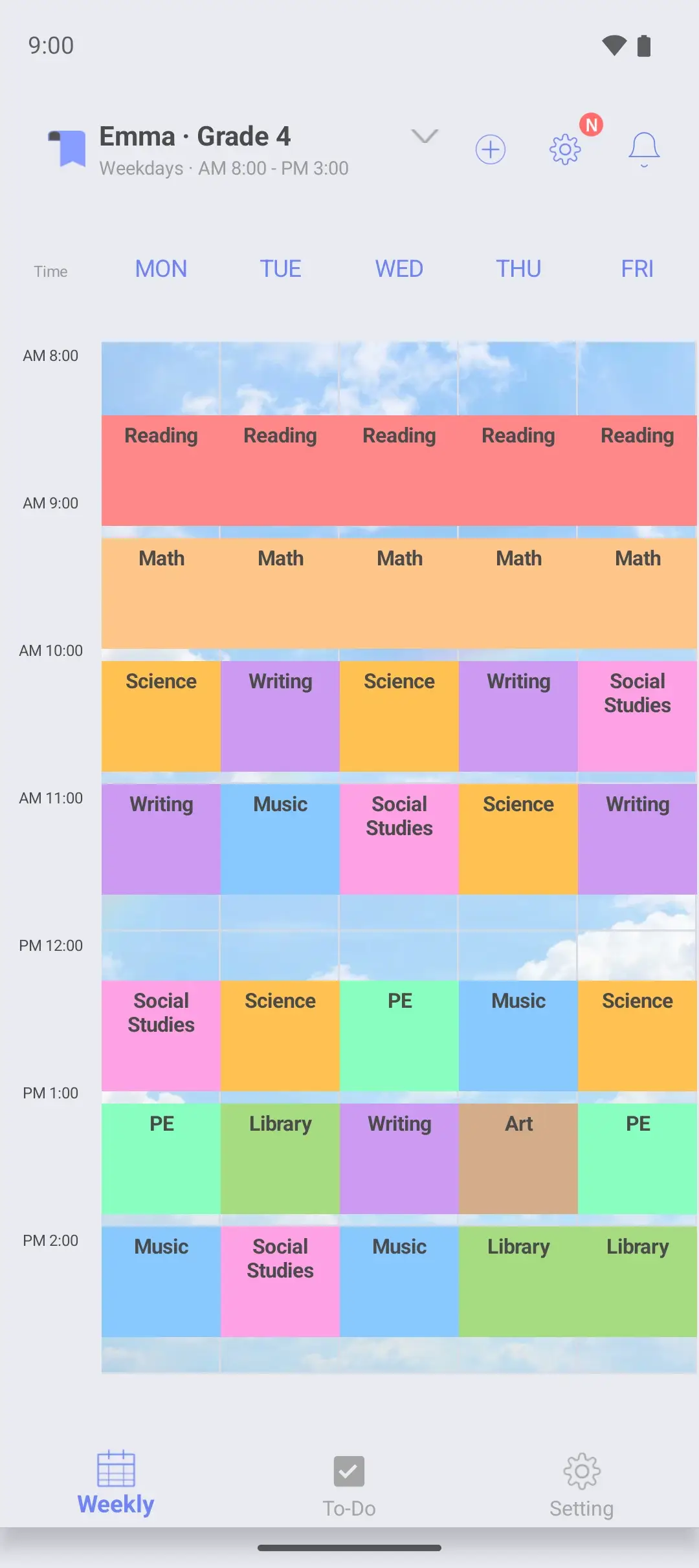
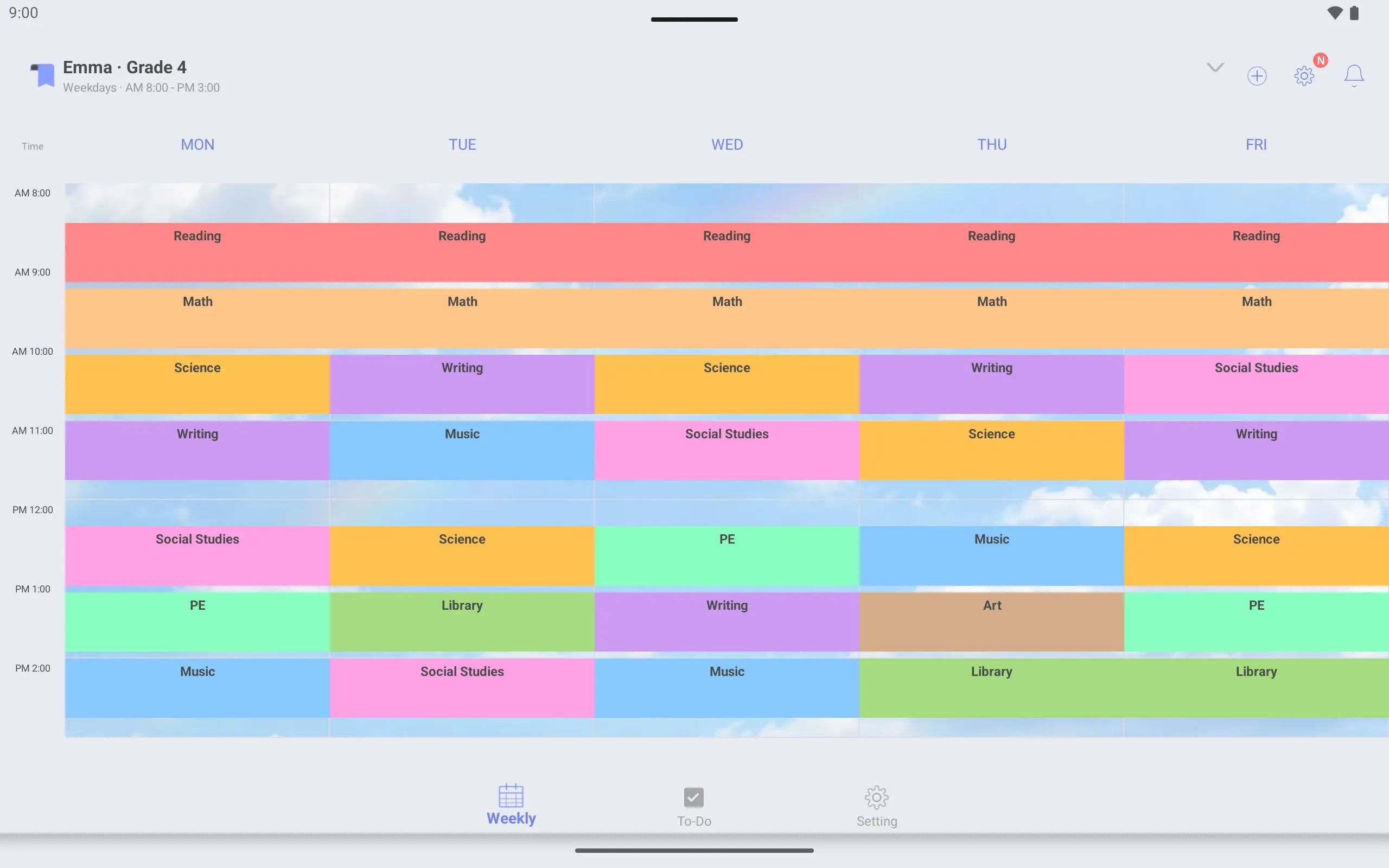
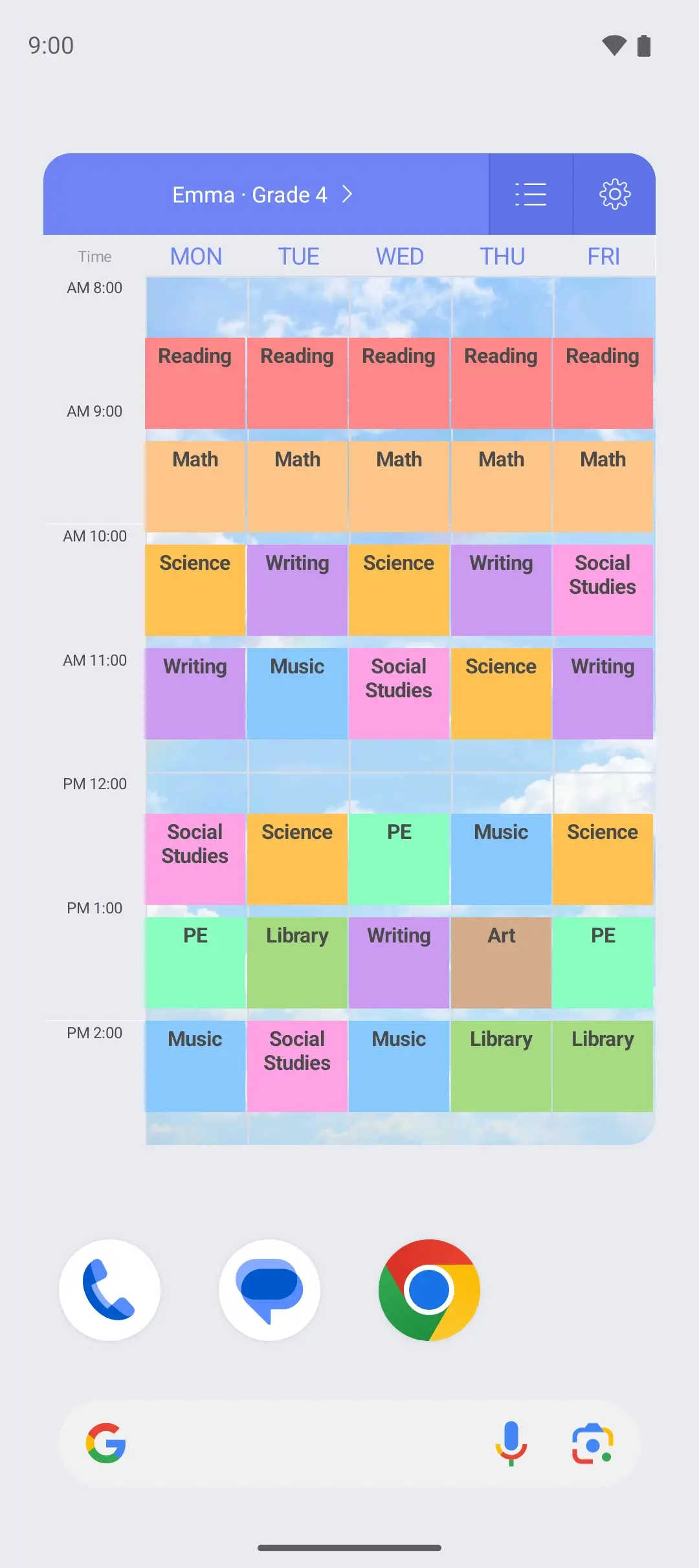
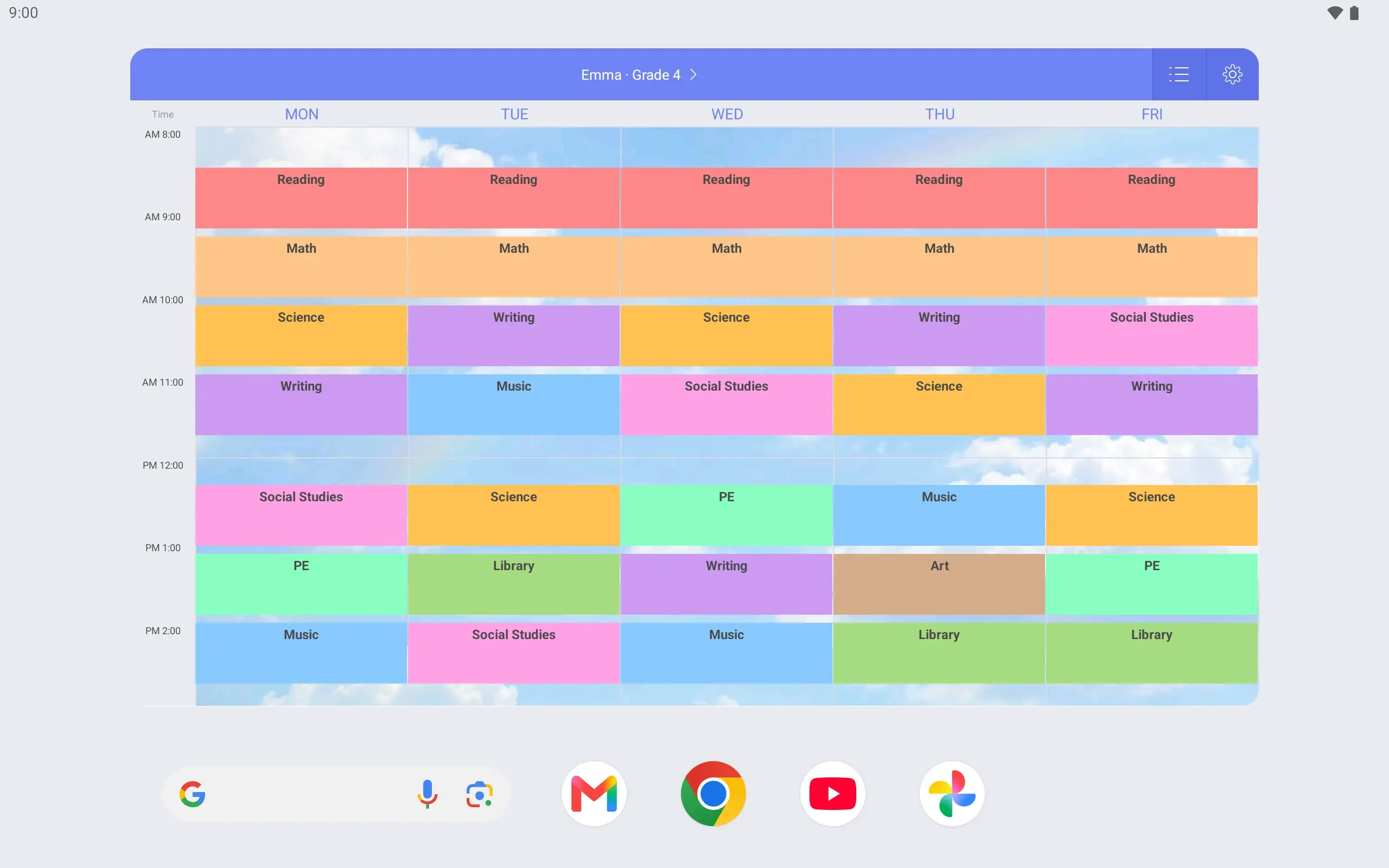
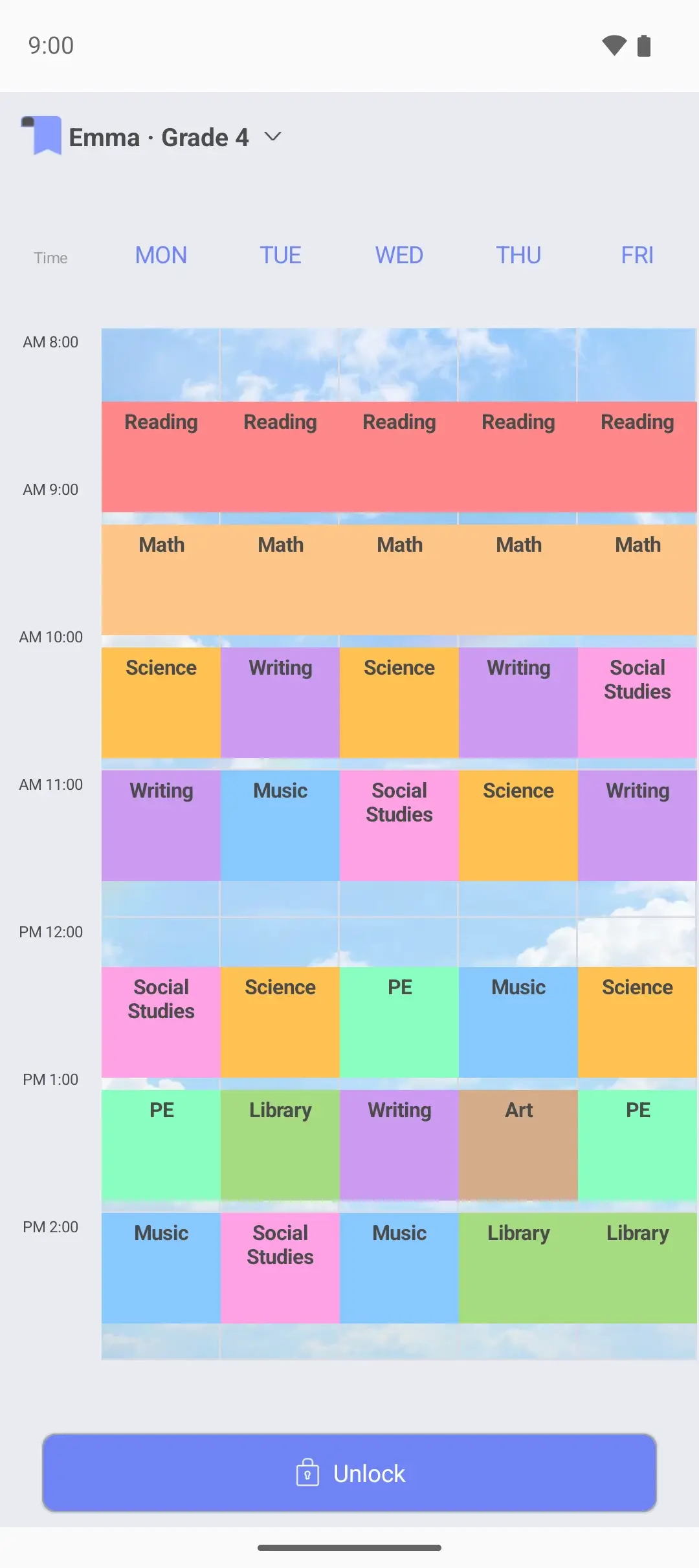
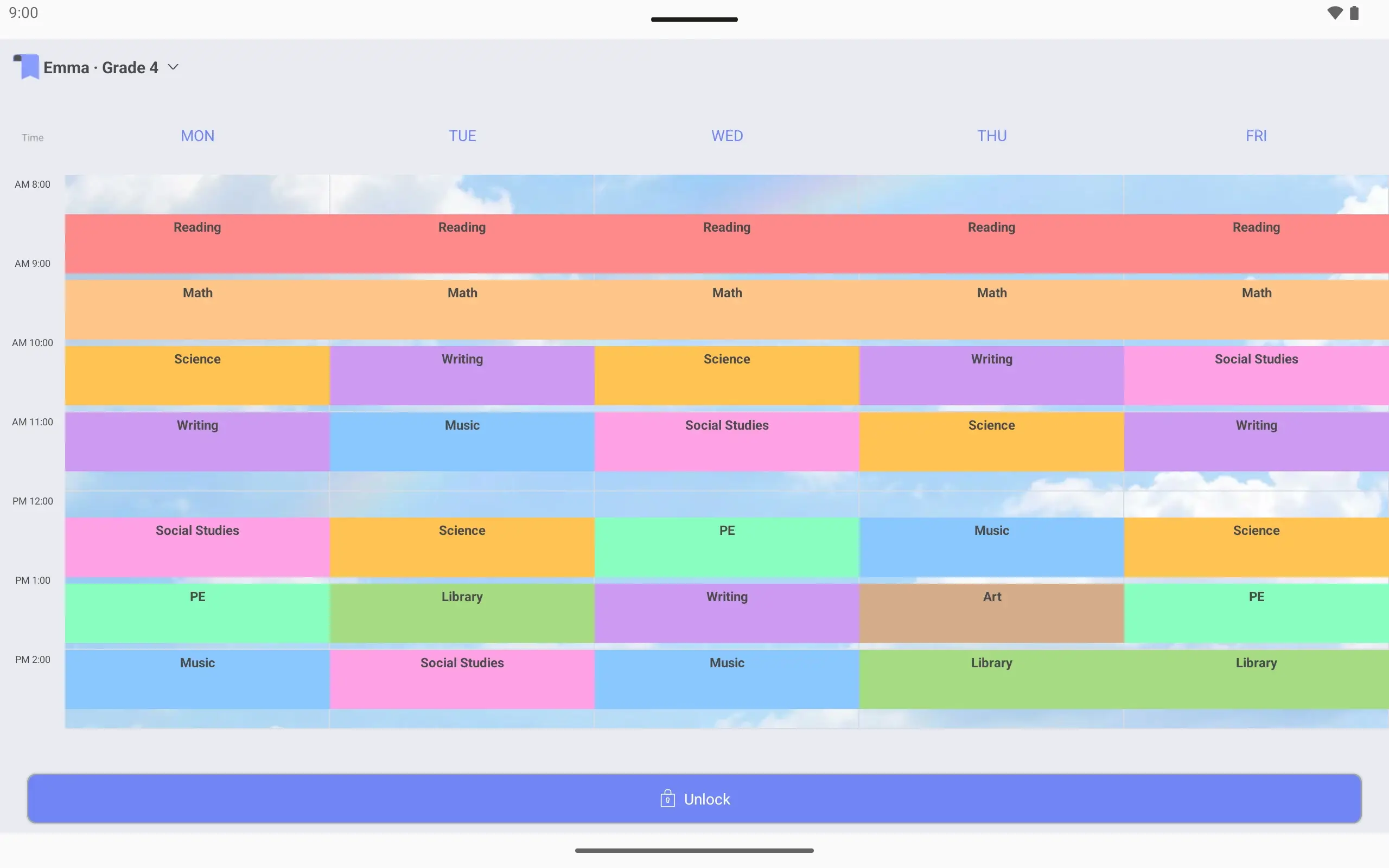
View larger View larger View larger View larger View larger View larger View larger View larger View larger View larger View larger View larger View larger View larger View larger View larger Elementary school timetable Make a timetable for Emma Name it “Emma · Grade 4”. Show Monday to Friday, from 8 am to 3 pm.
Add classes at their real times Reading 8:30–9:15, Math 9:20–10:05. Times are set to the minute.
Put a favorite photo behind it Put a photo Emma picked behind the timetable. Classes show on top of it.
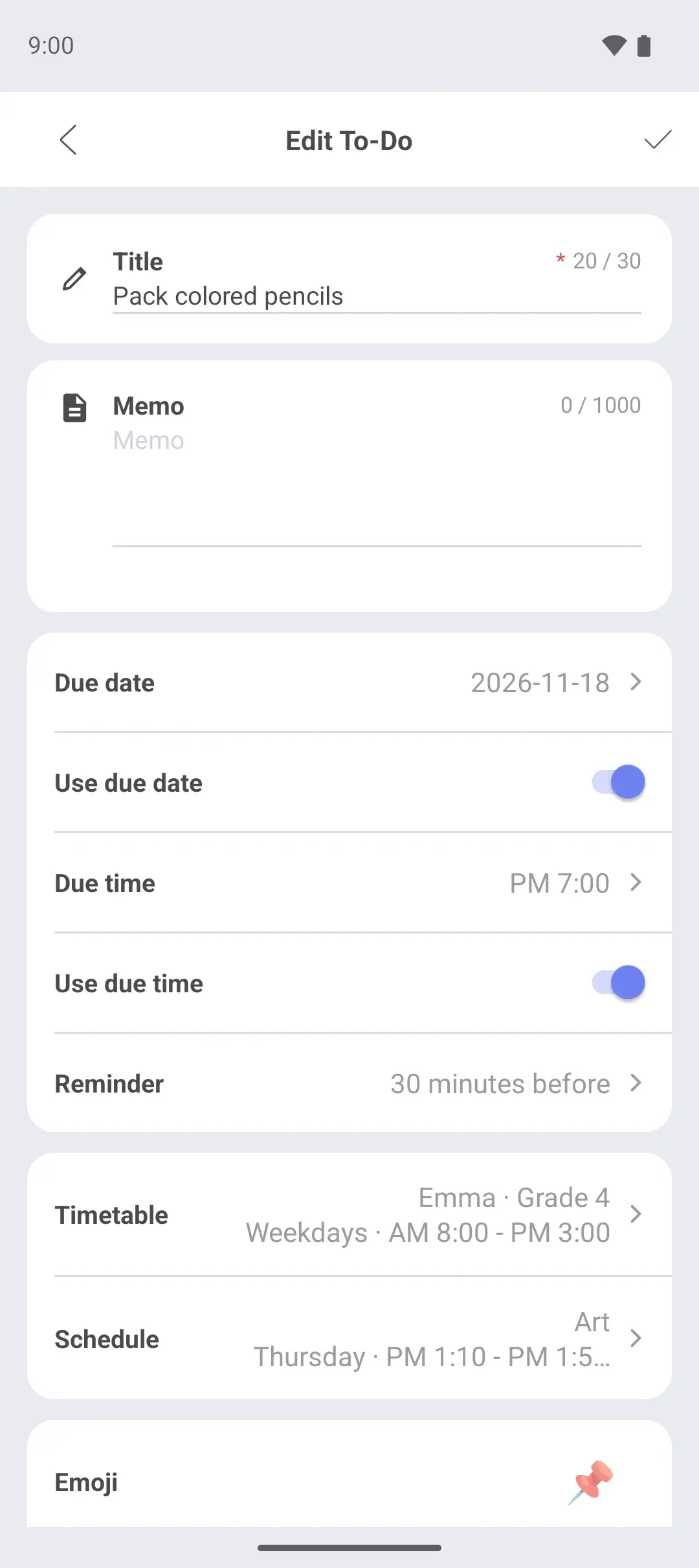
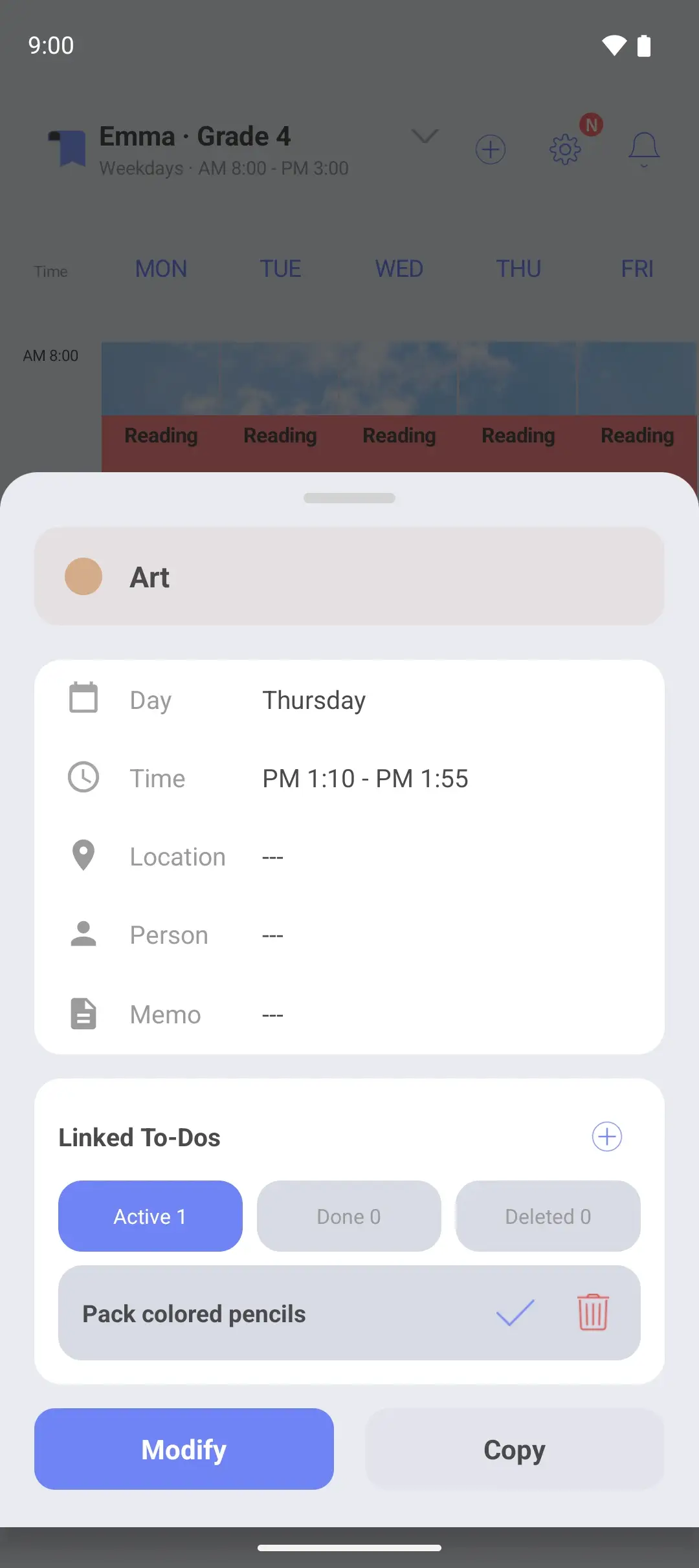
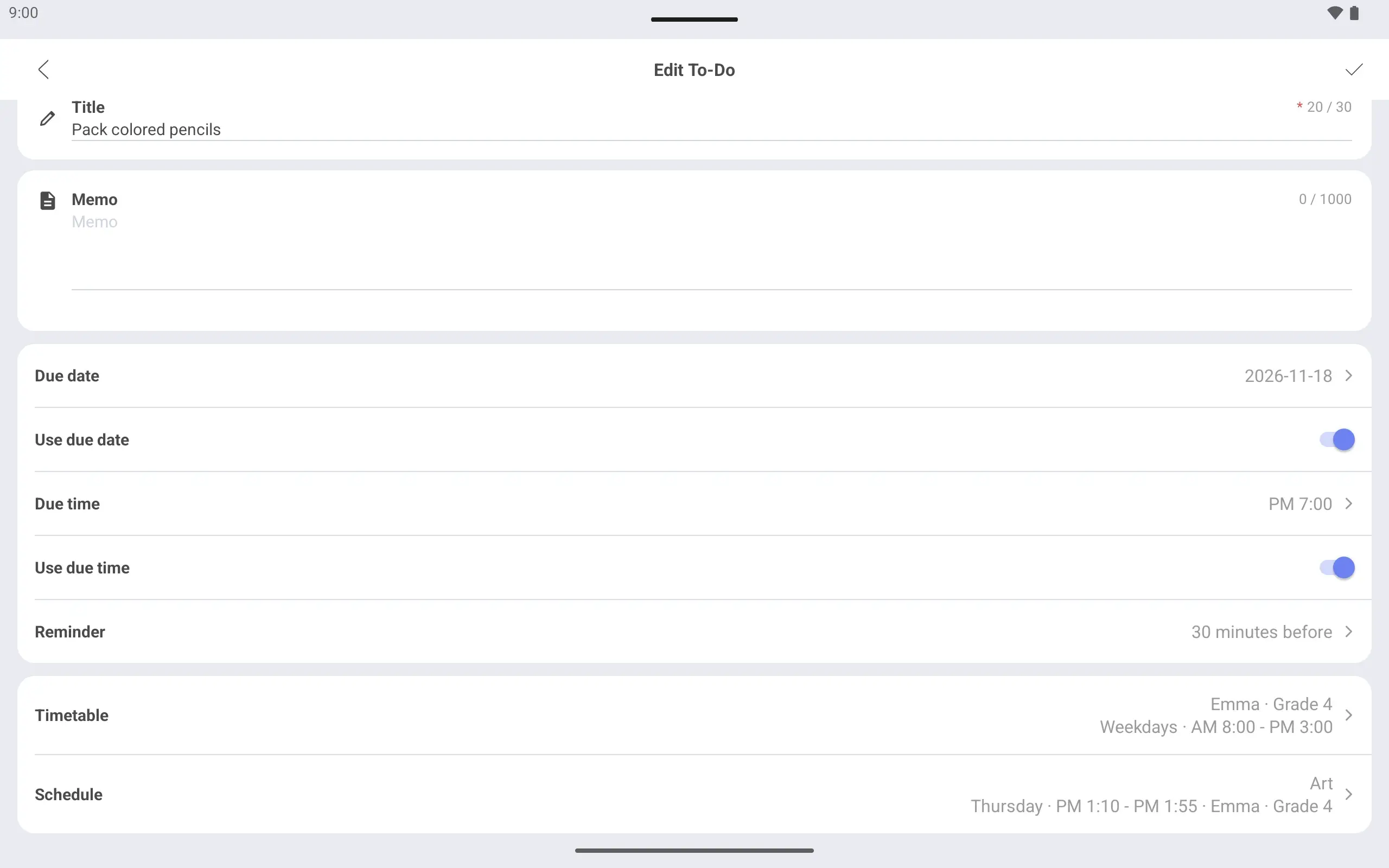
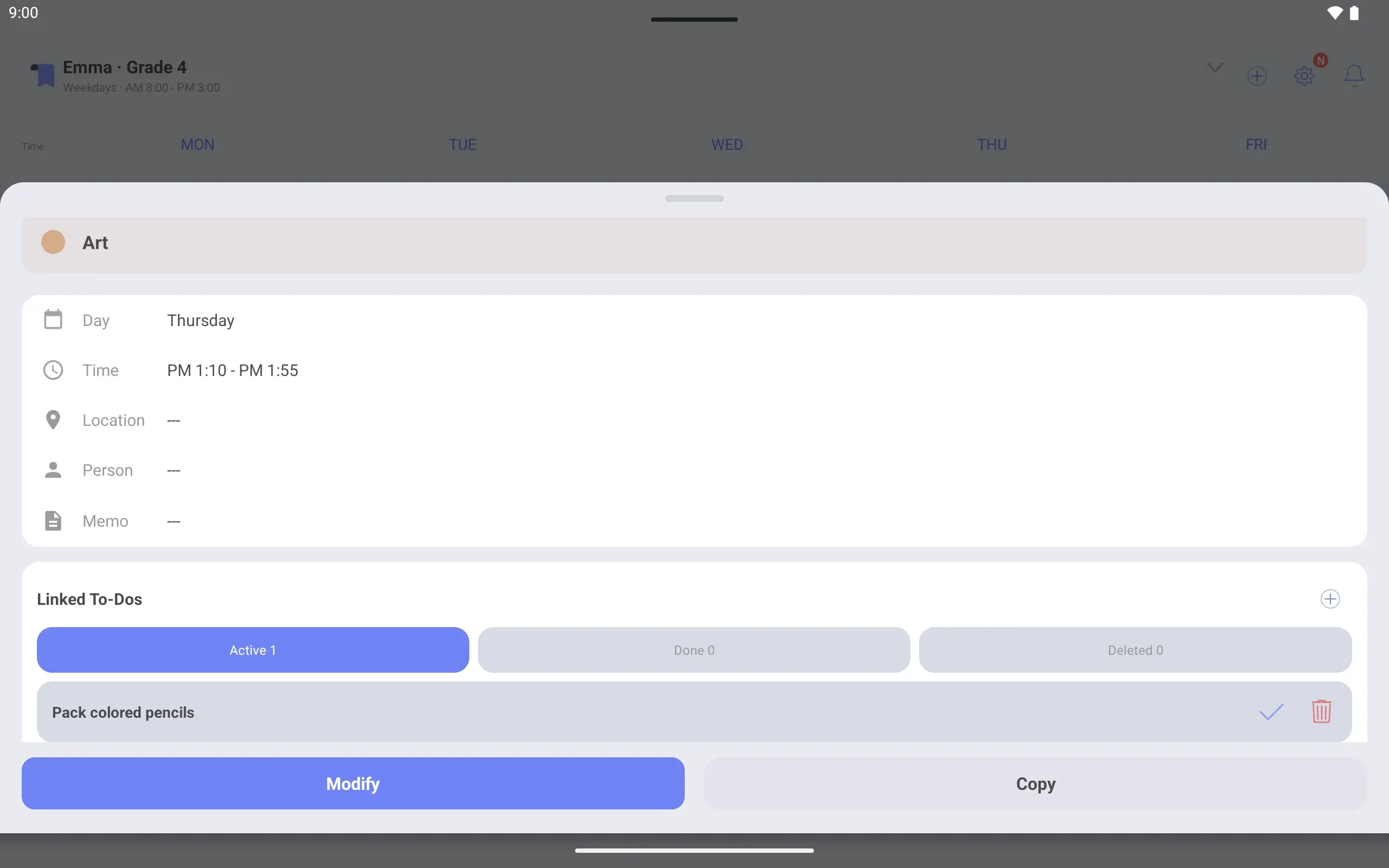
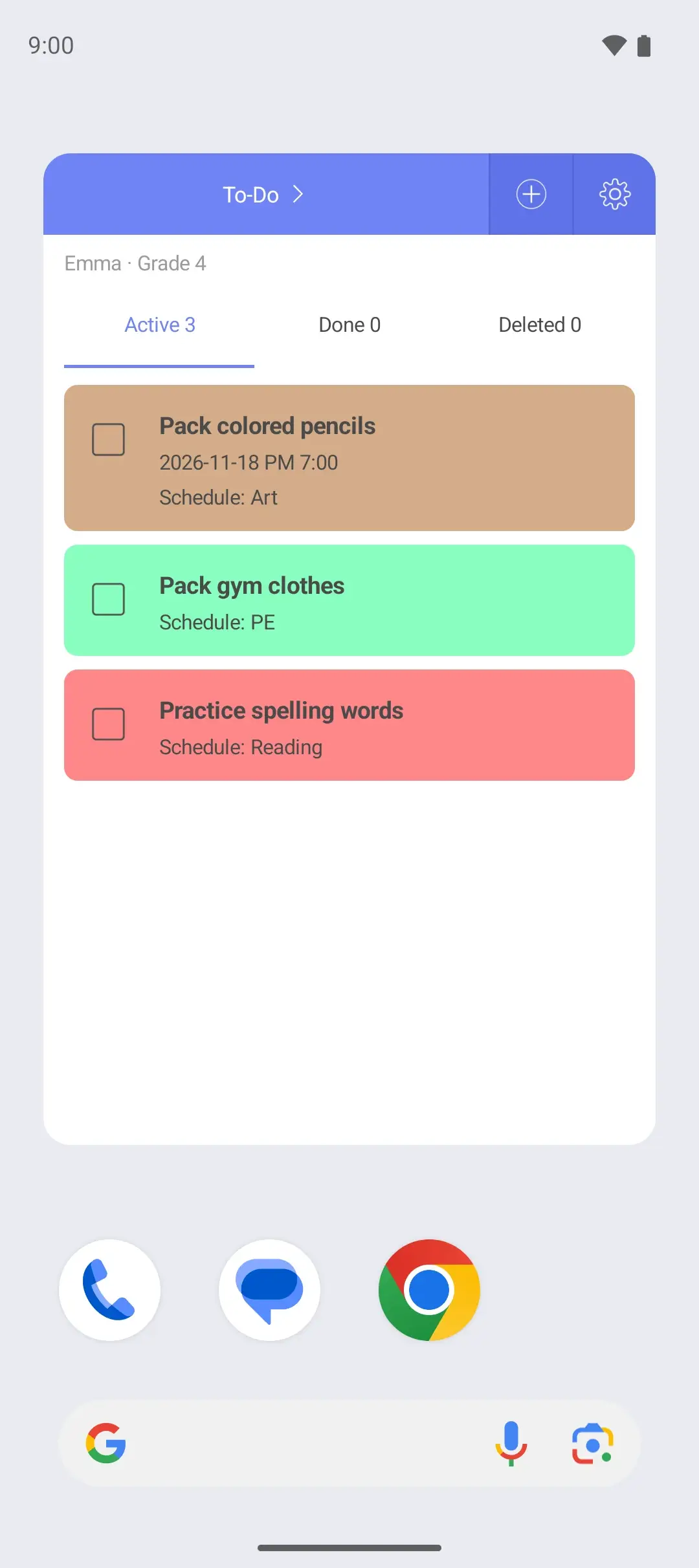
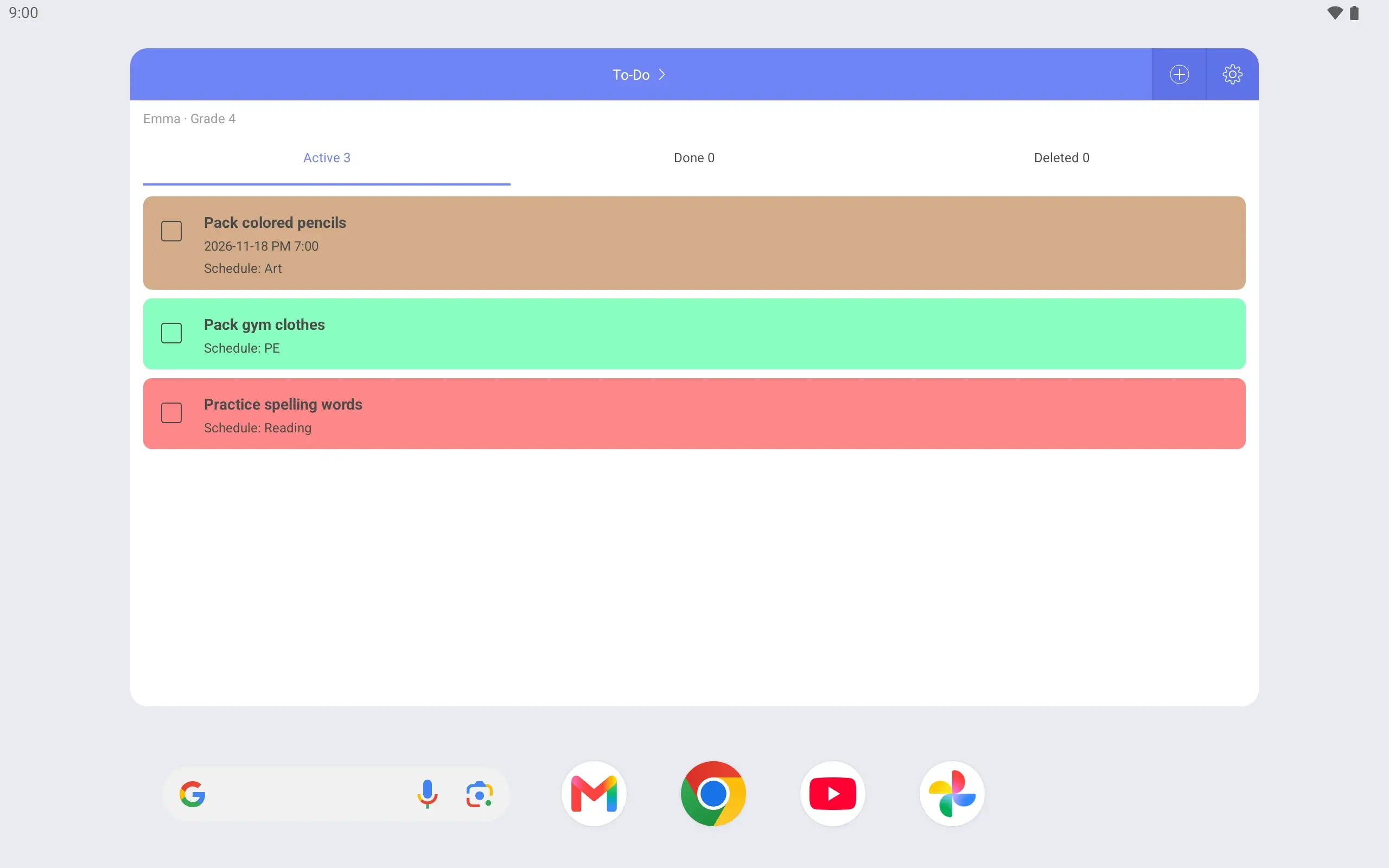
Link things to pack to a class Link “Pack colored pencils” to Thursday’s Art class. Tap that class and the task shows with it.
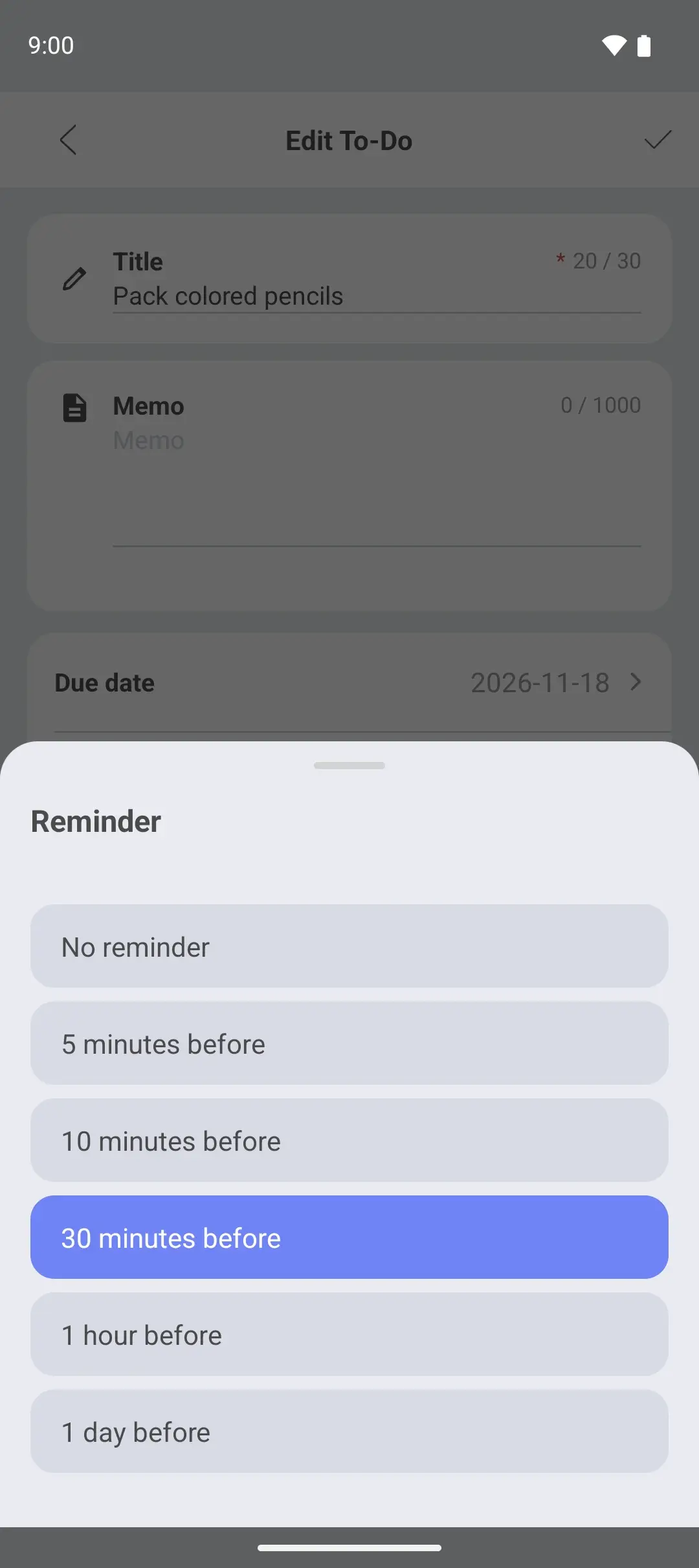
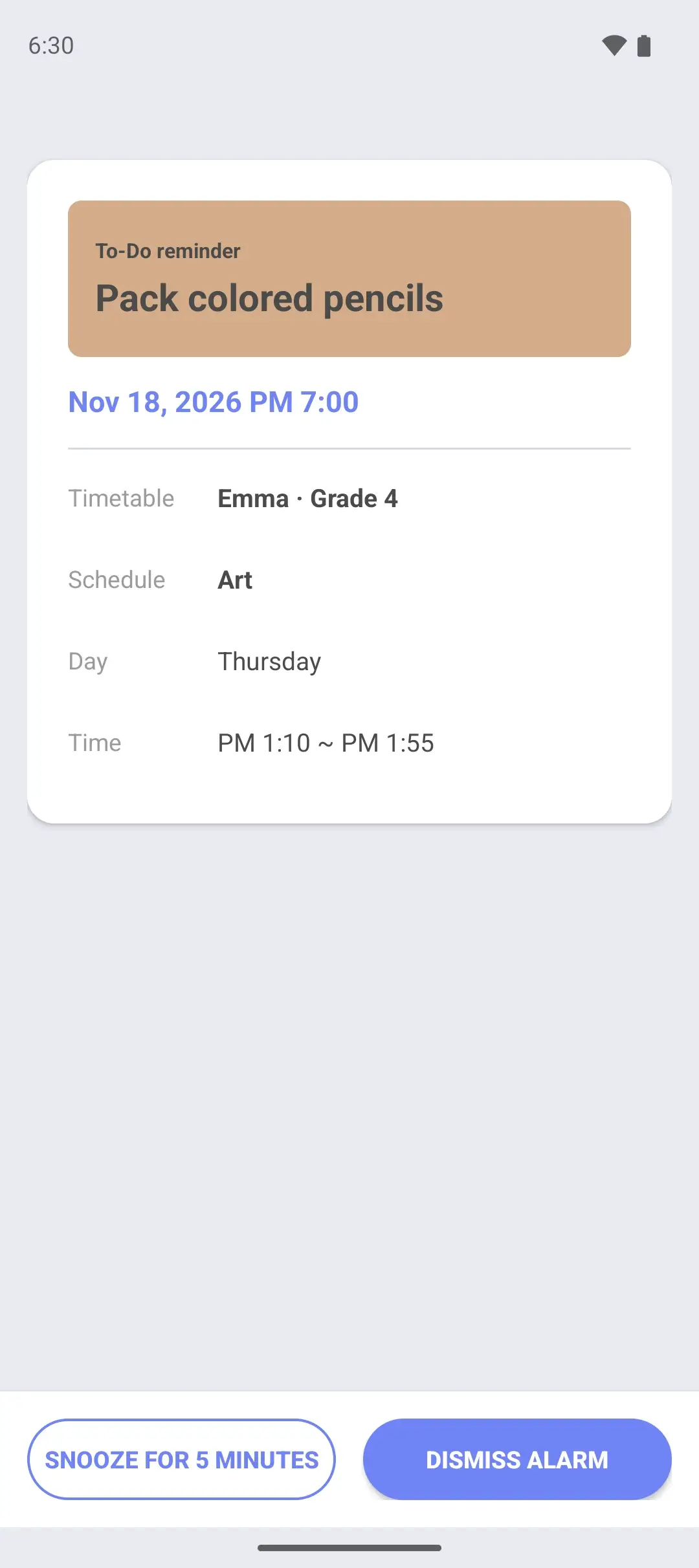
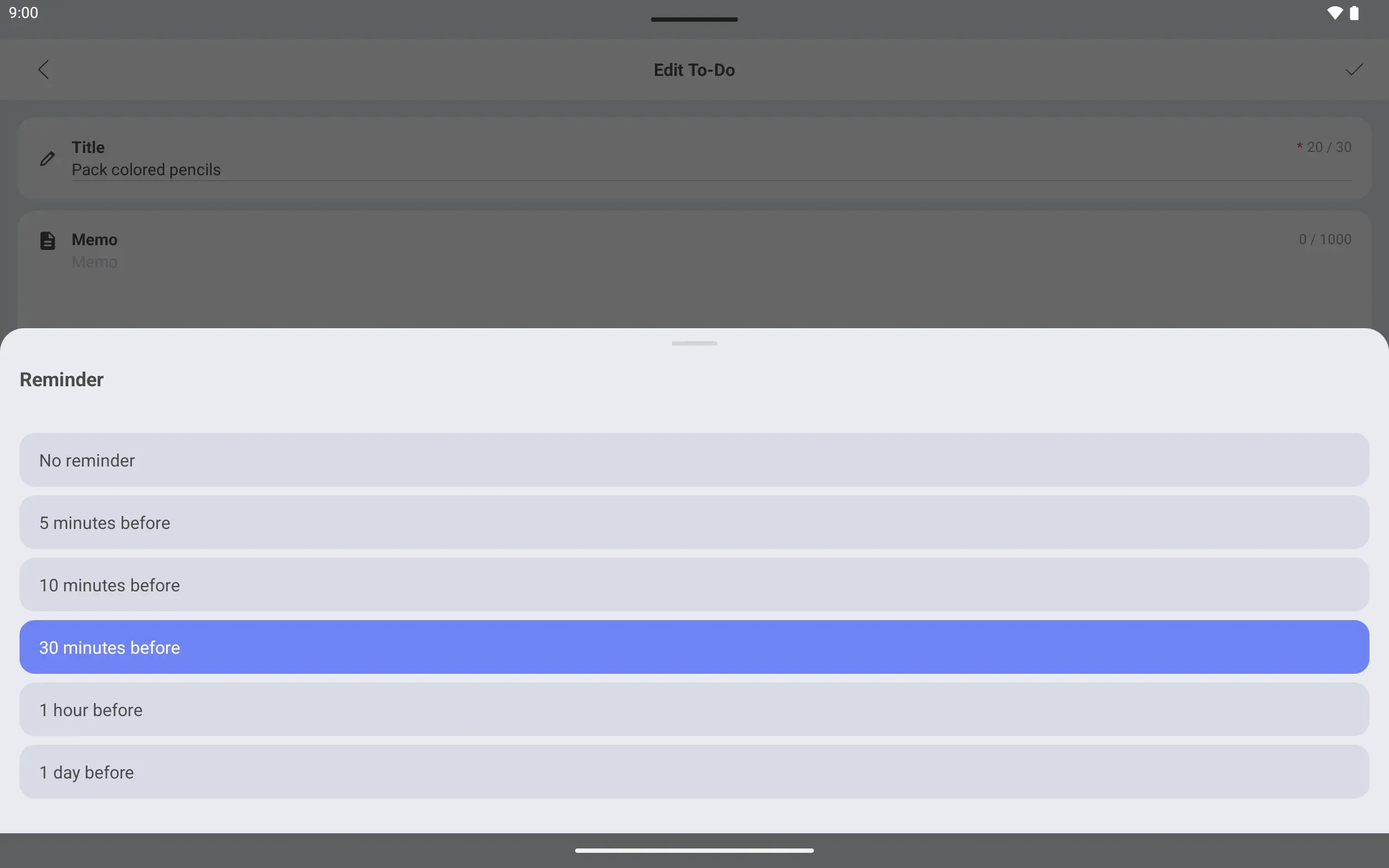
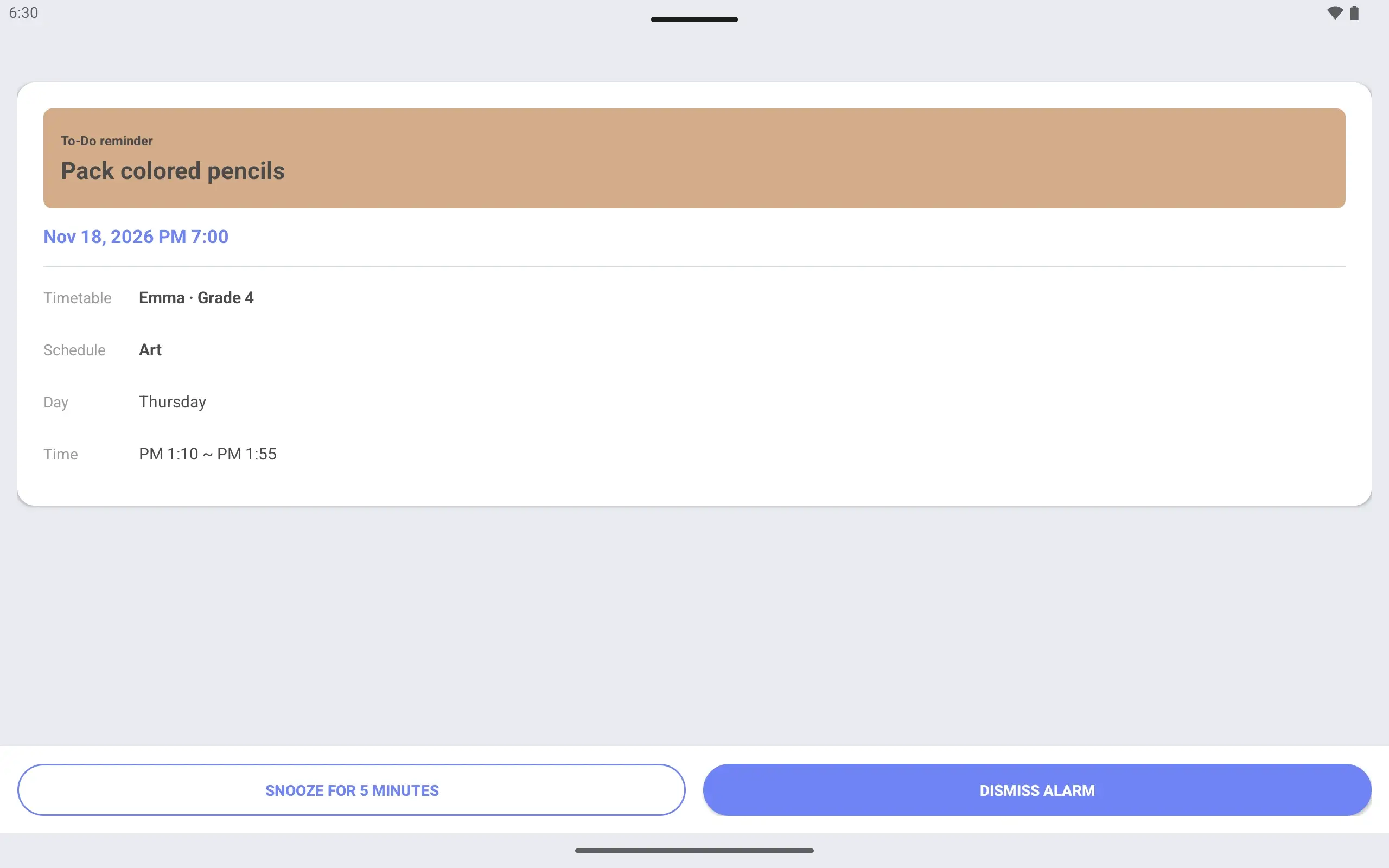
Get a reminder before it is due Set a due time and turn on a reminder. An alarm screen tells you before it is due.
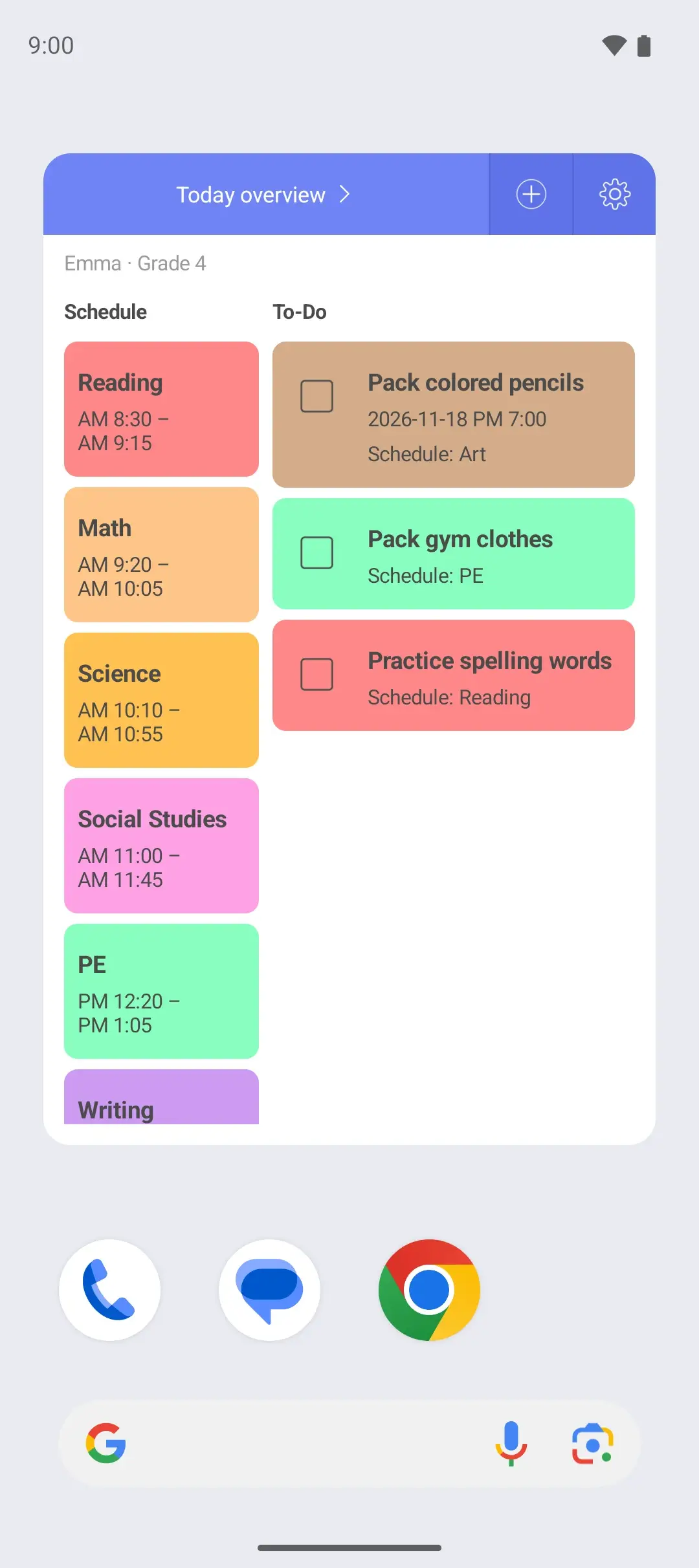
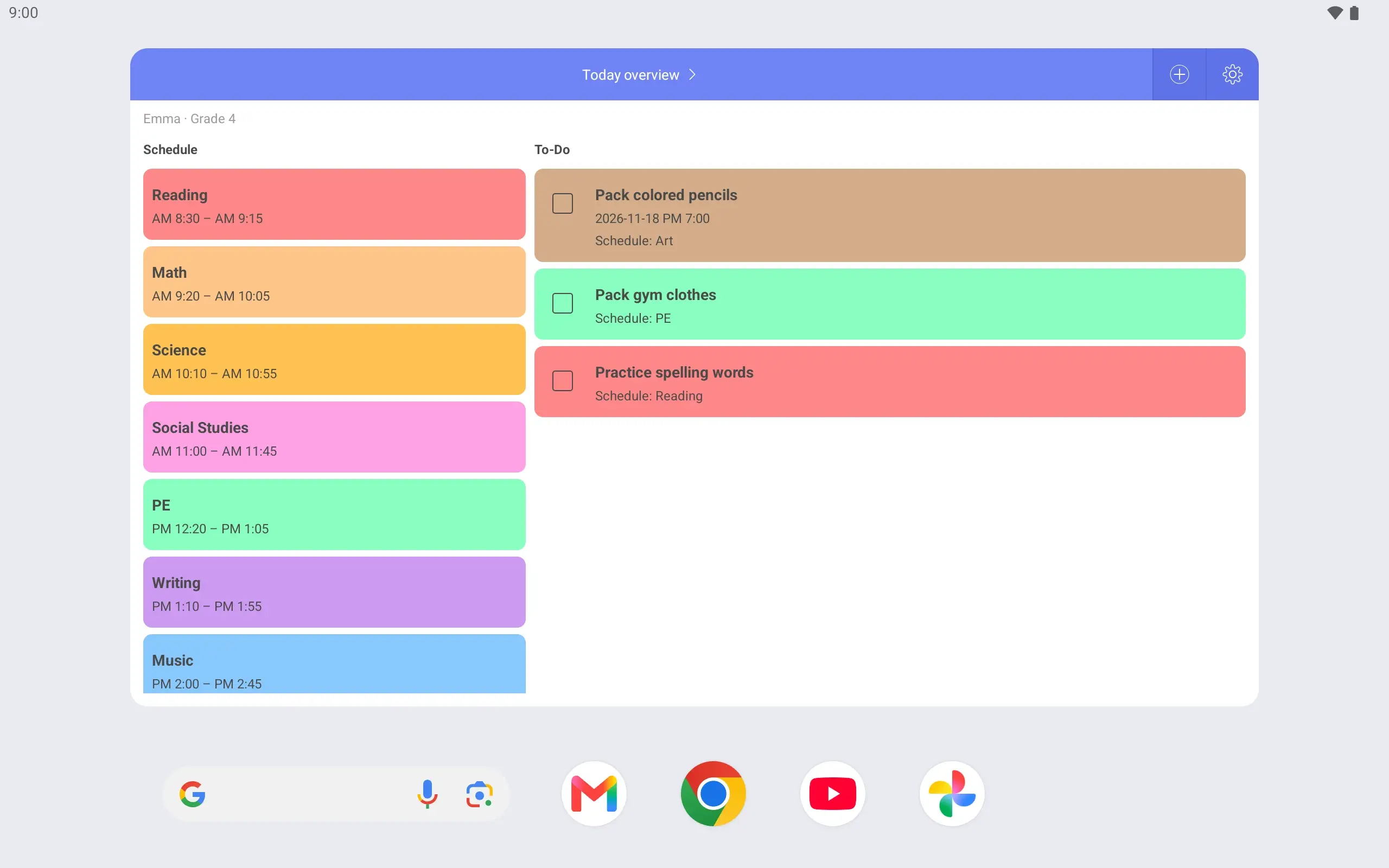
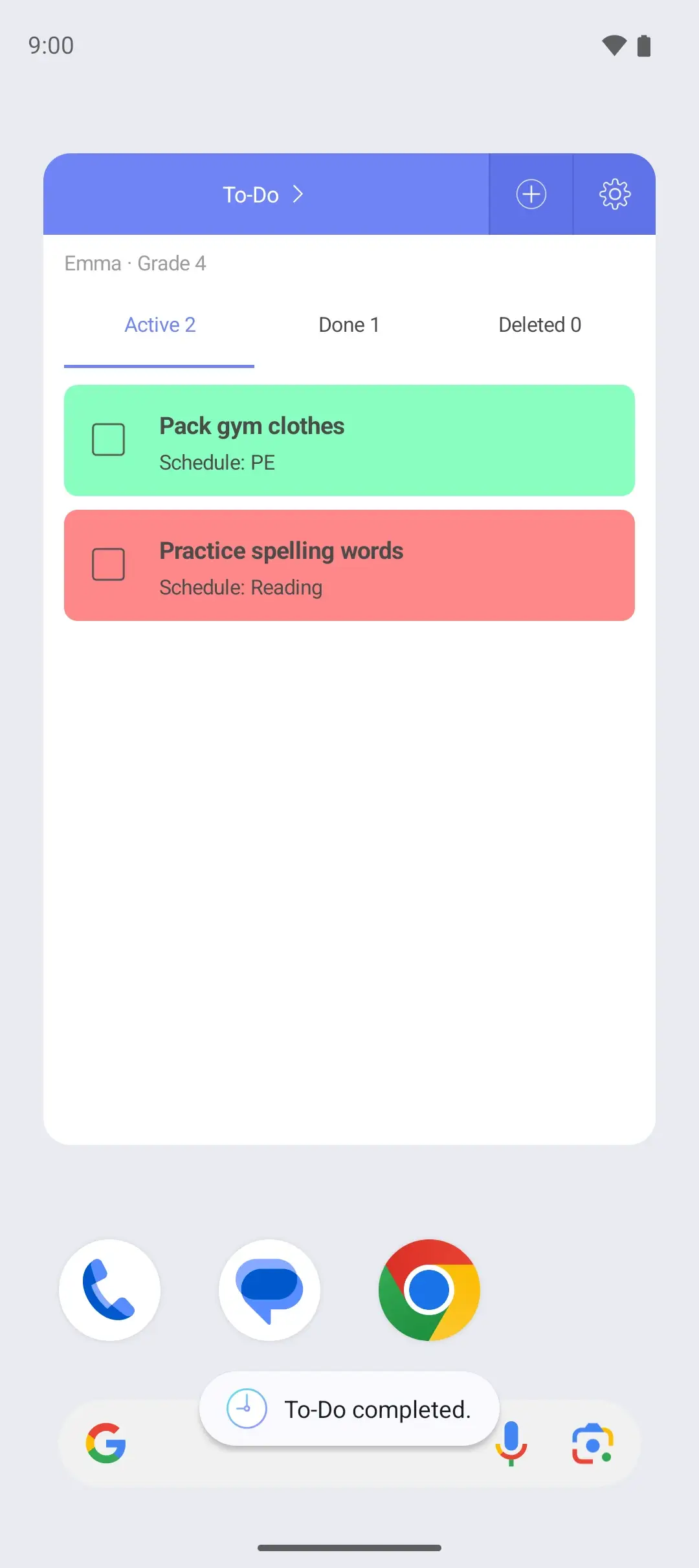
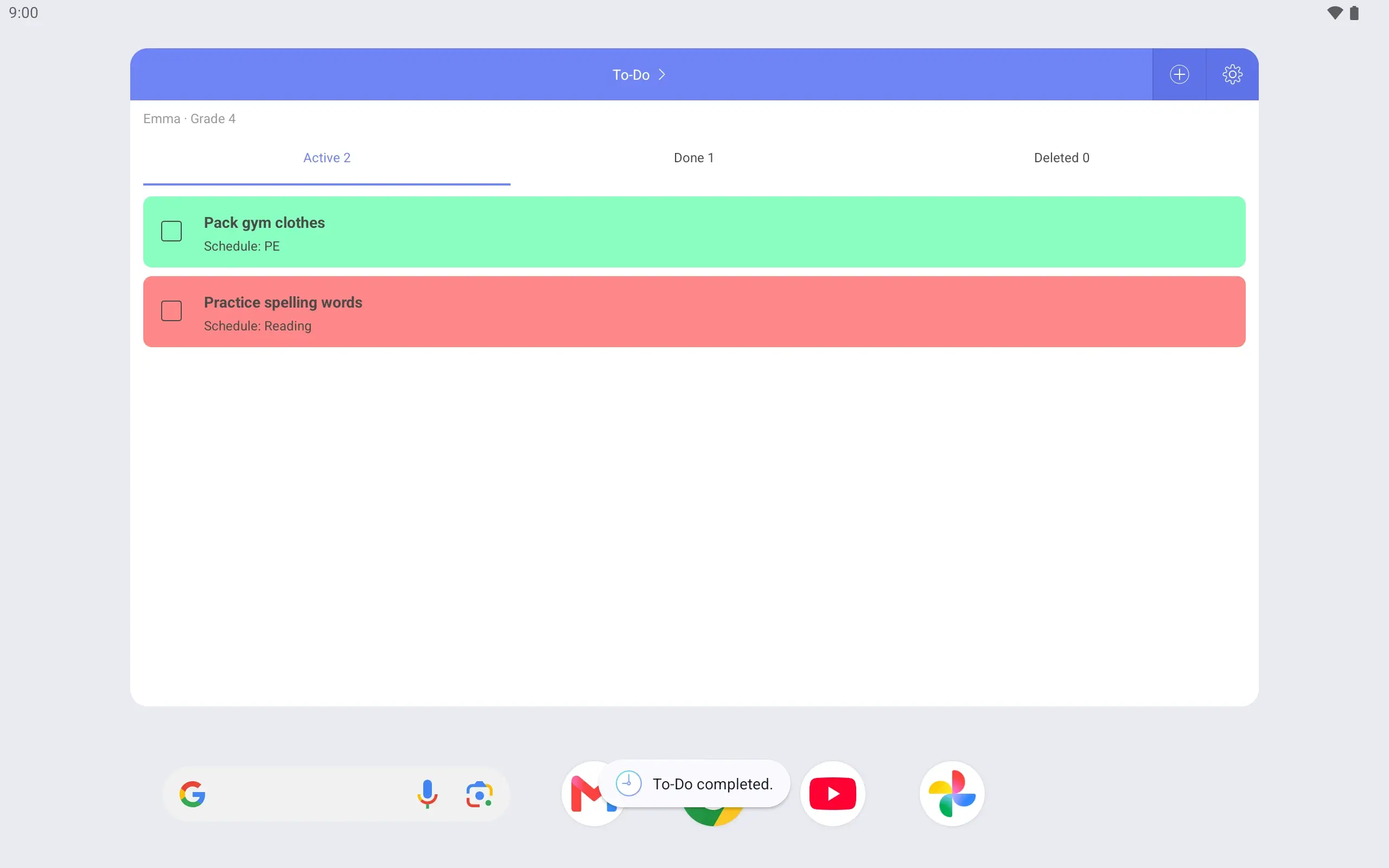
Weekly, Today overview and To-Do widgets. See Emma’s day without opening the app.
Pencils in the bag? Mark the task complete right in the widget.
See it on the lock screen Turn on the lock screen timetable and it is there when you wake the phone.
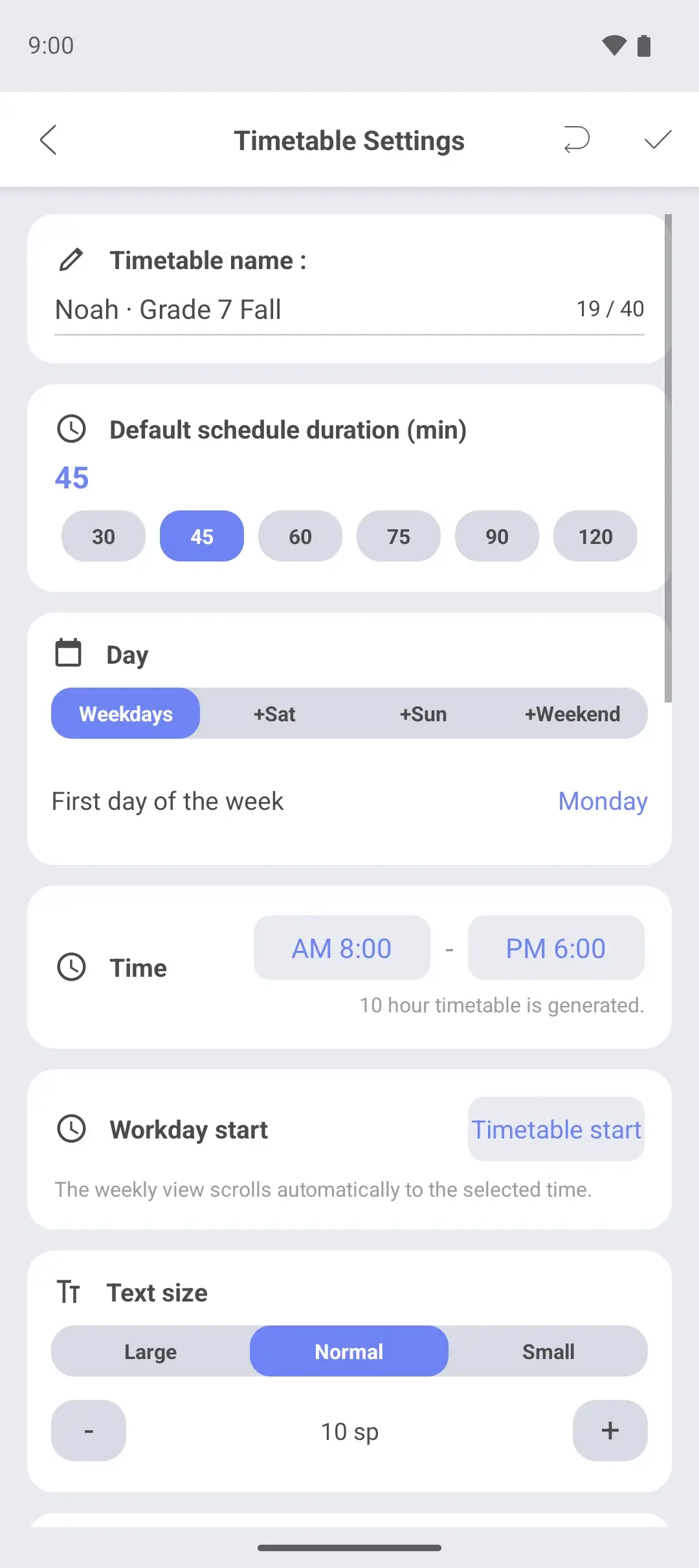
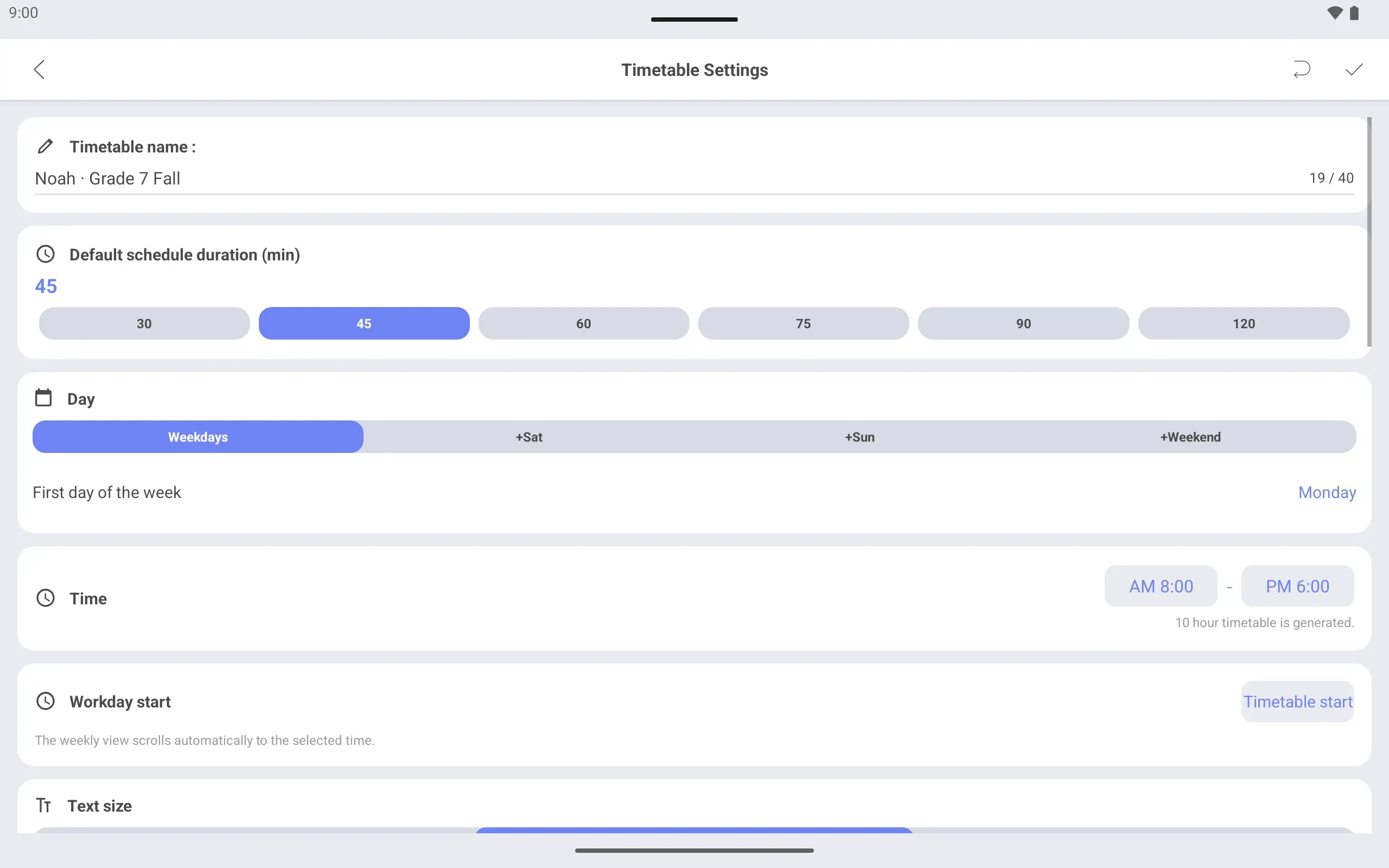
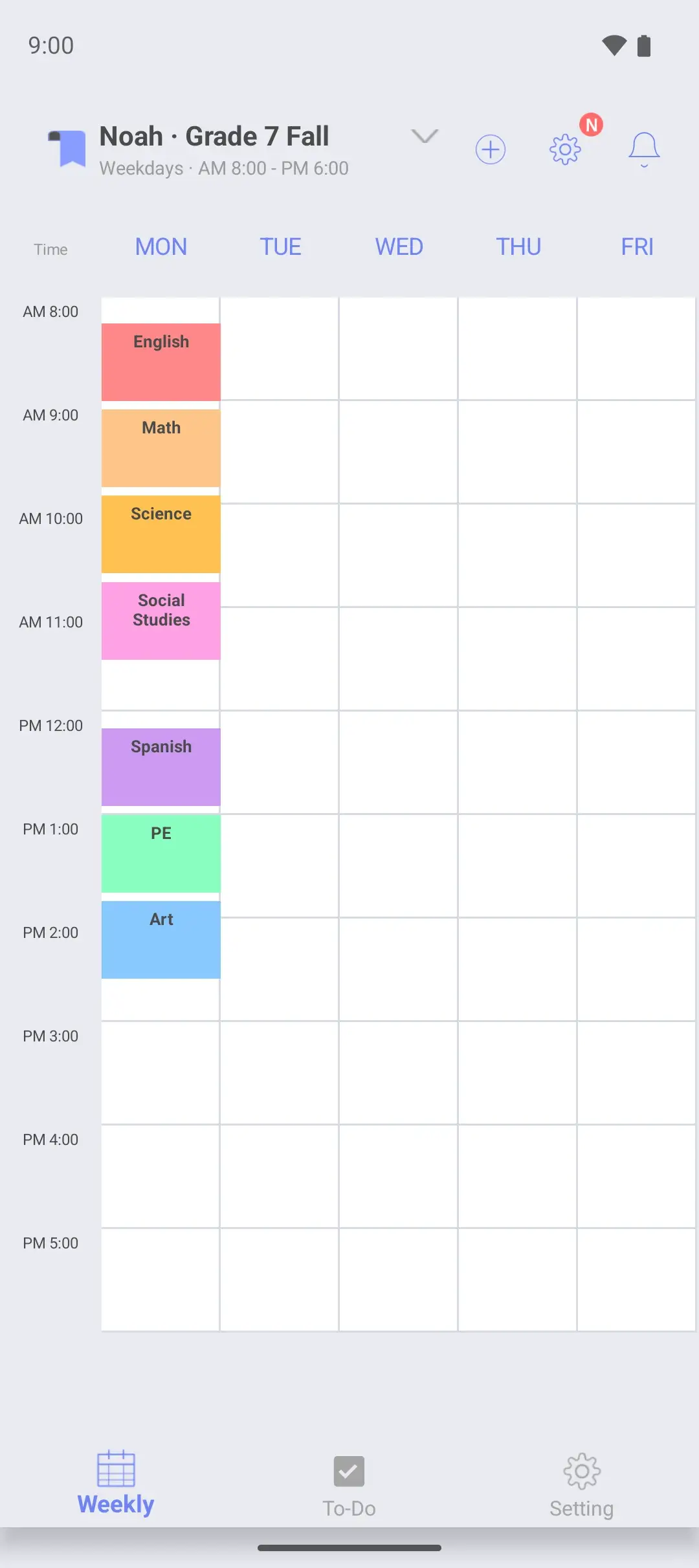
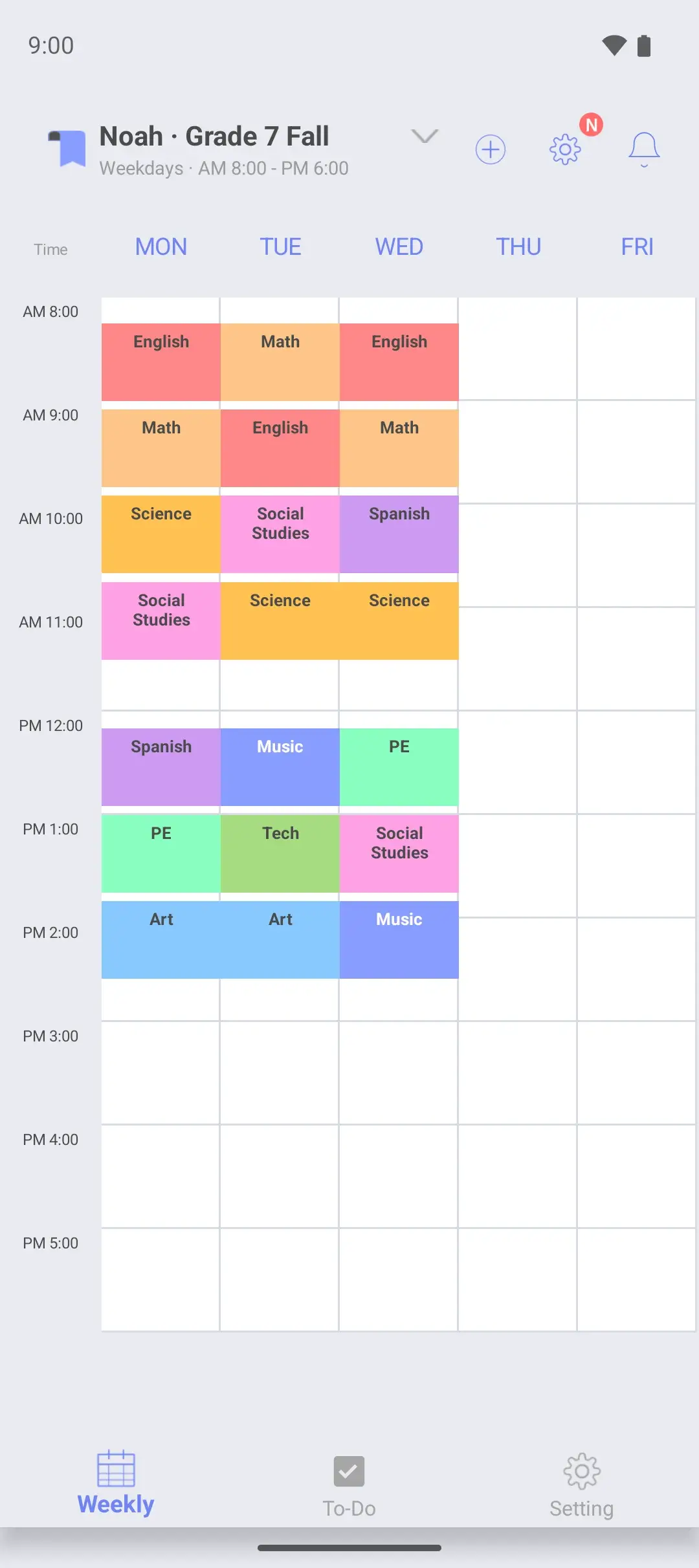
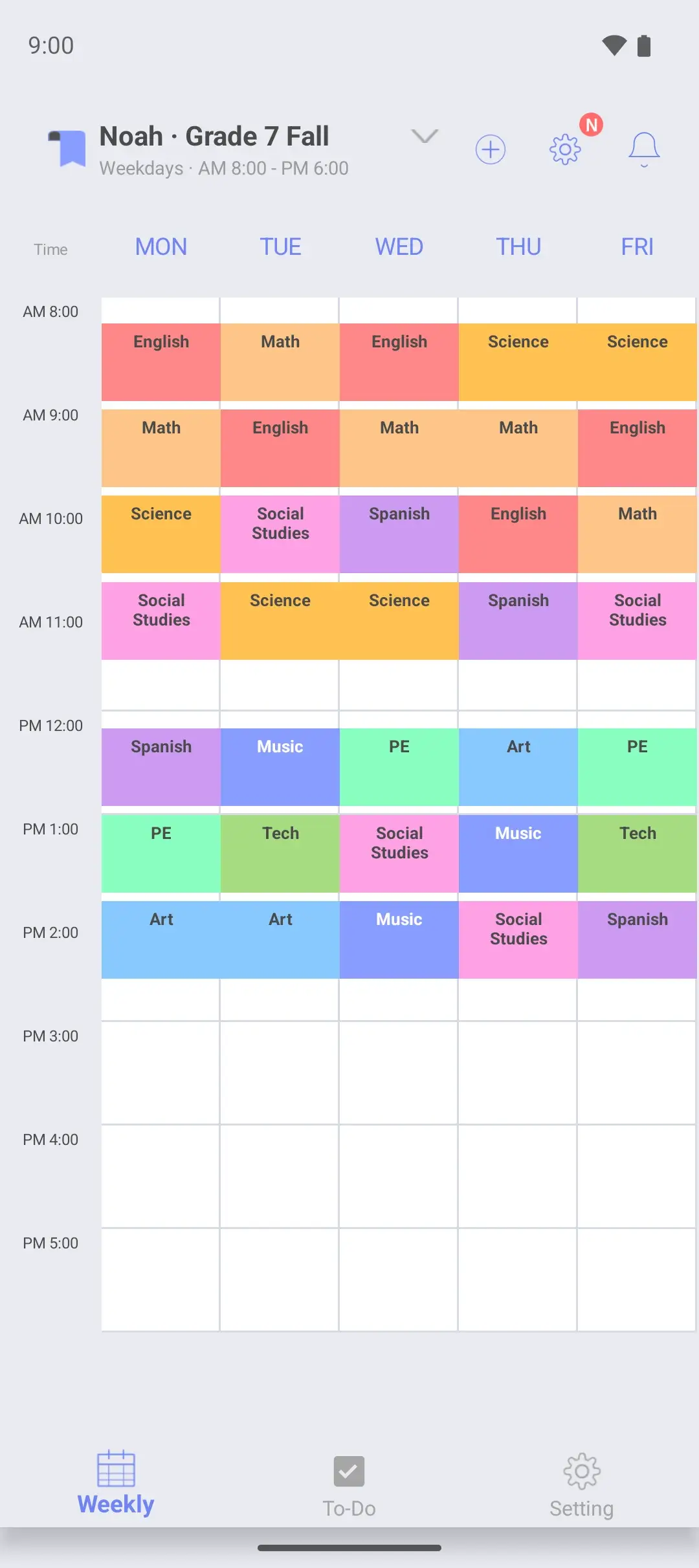
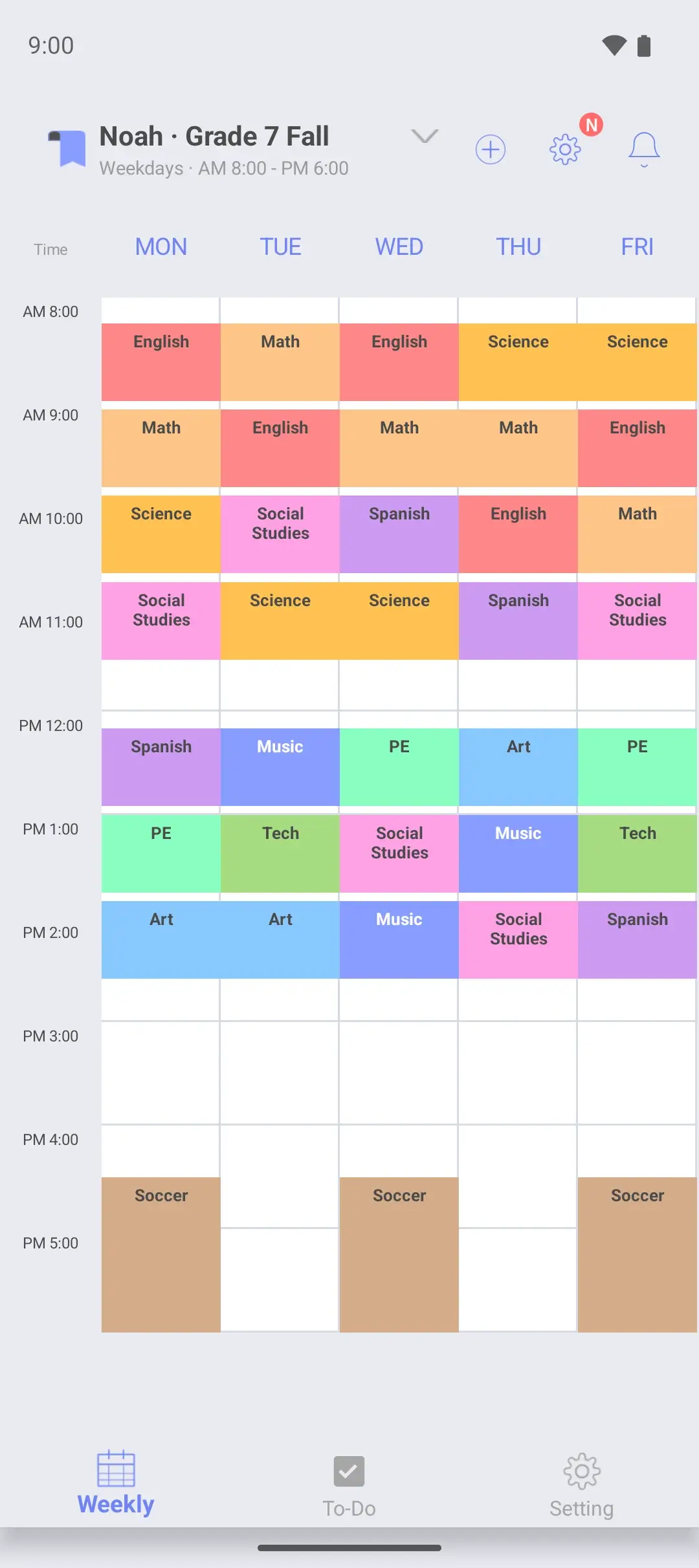
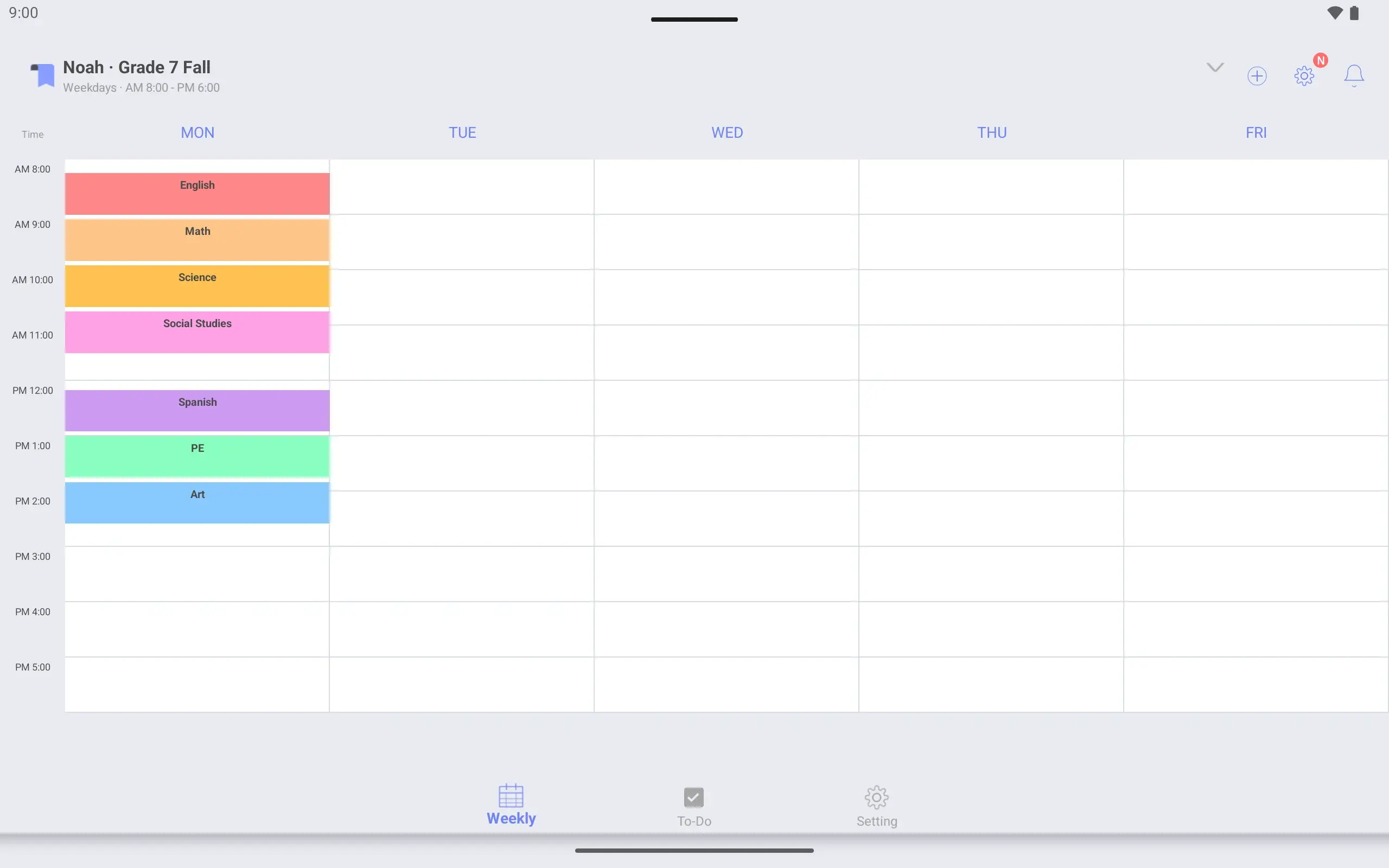
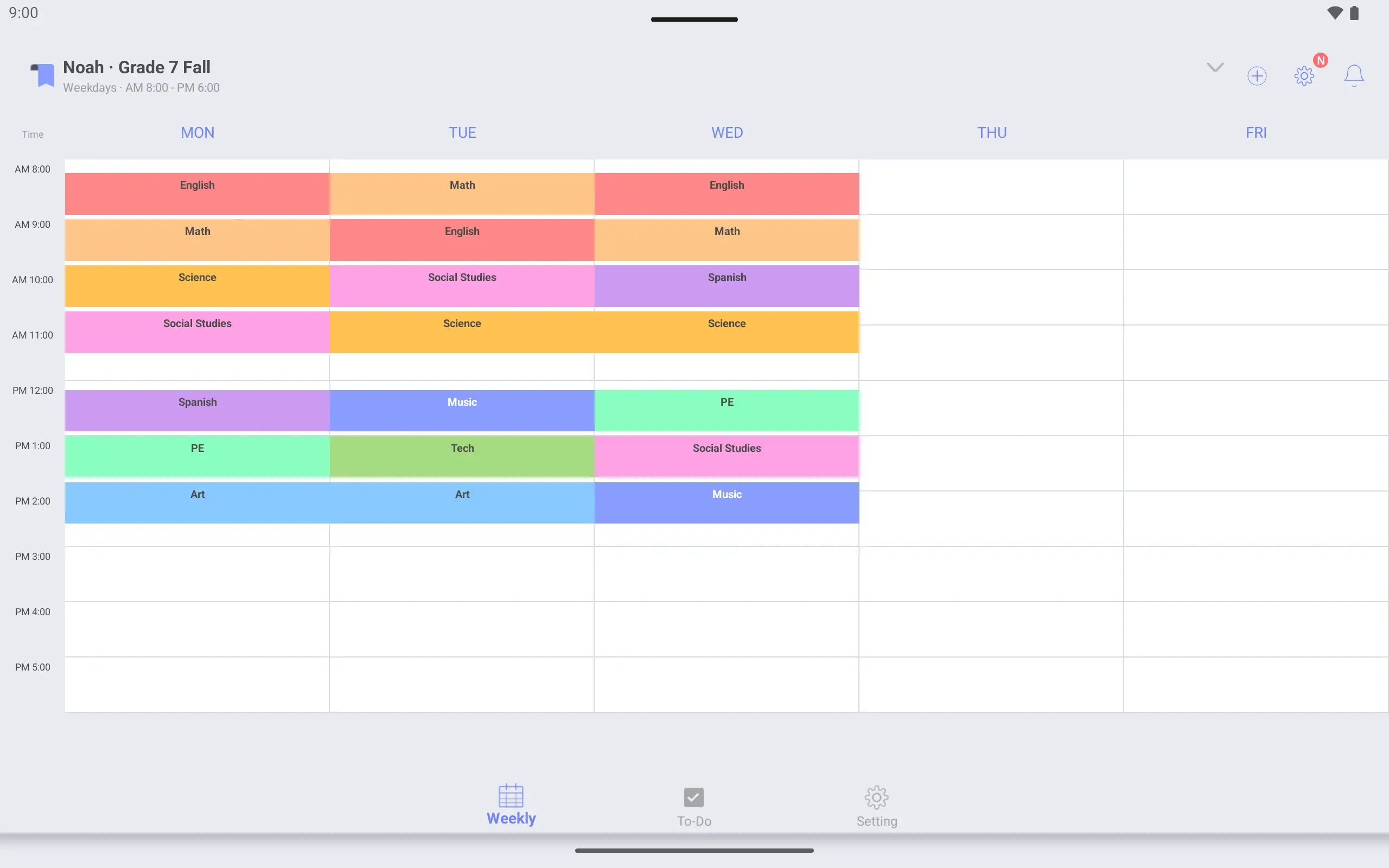
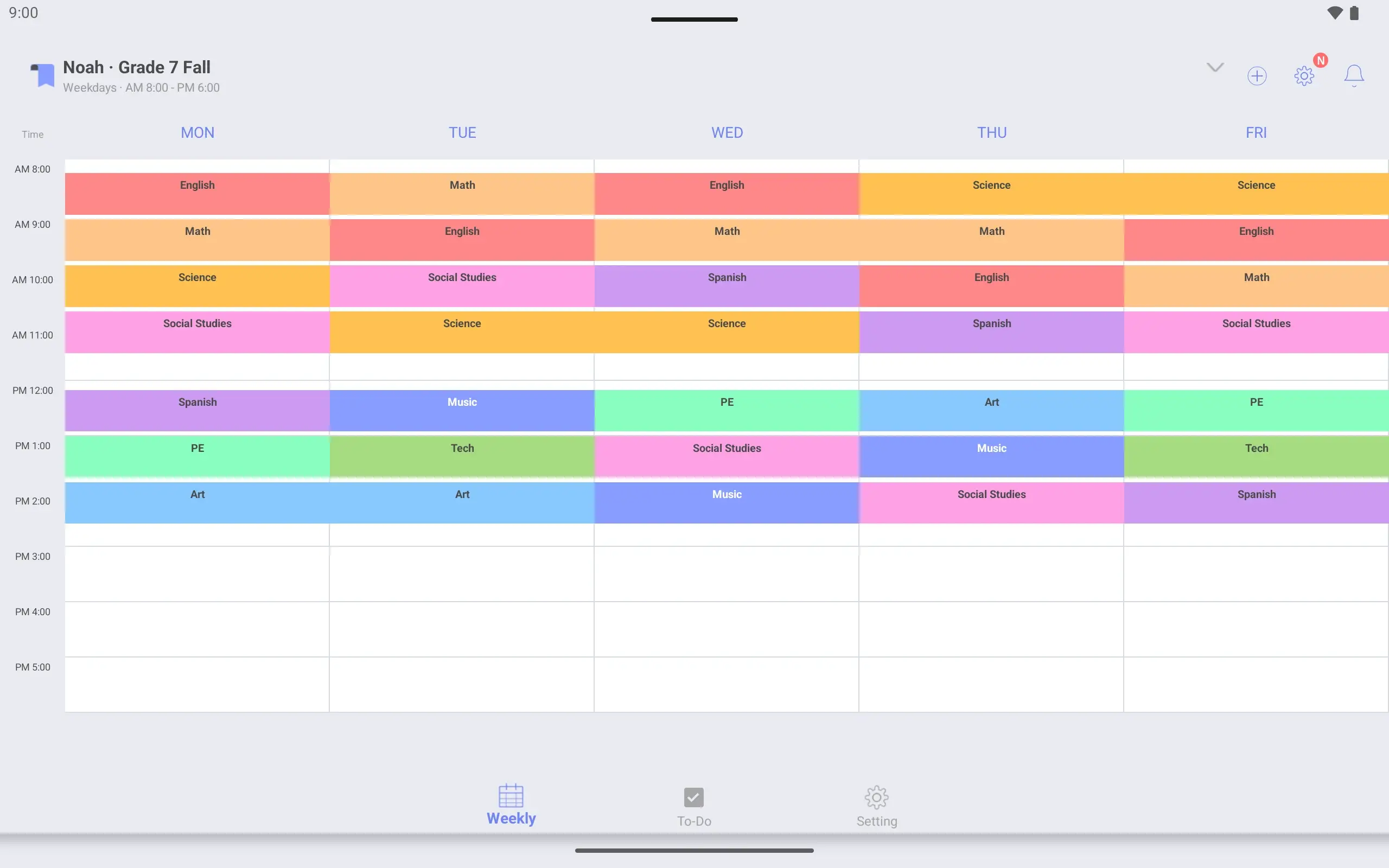
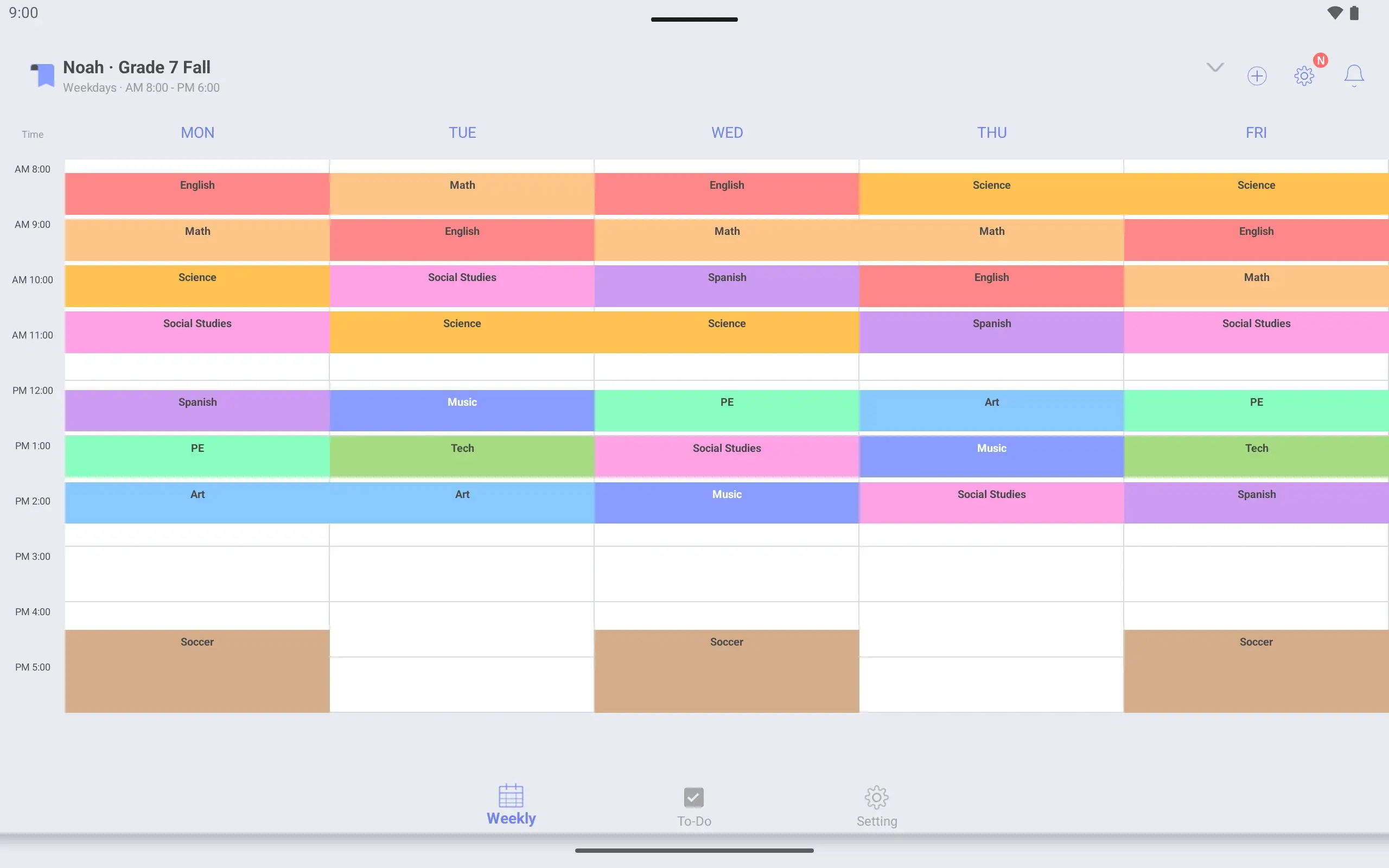
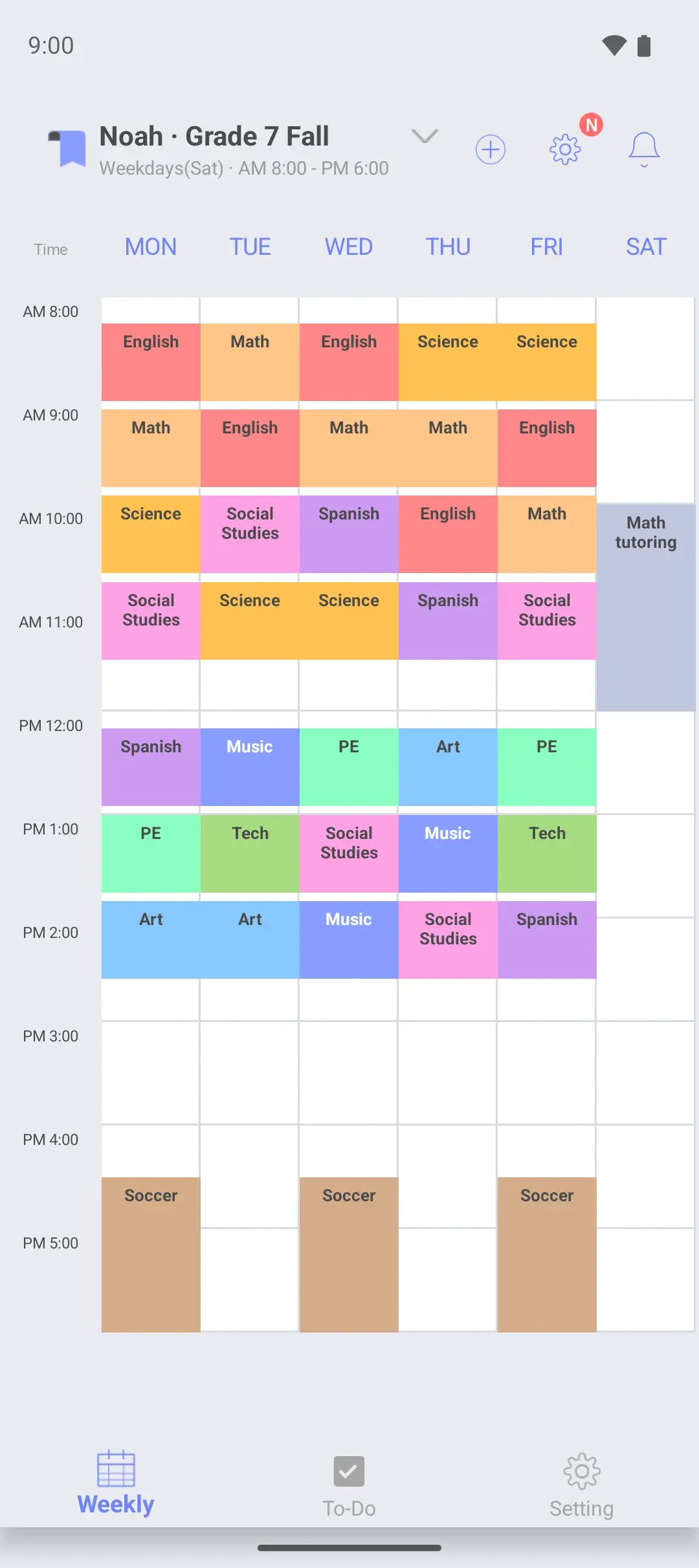
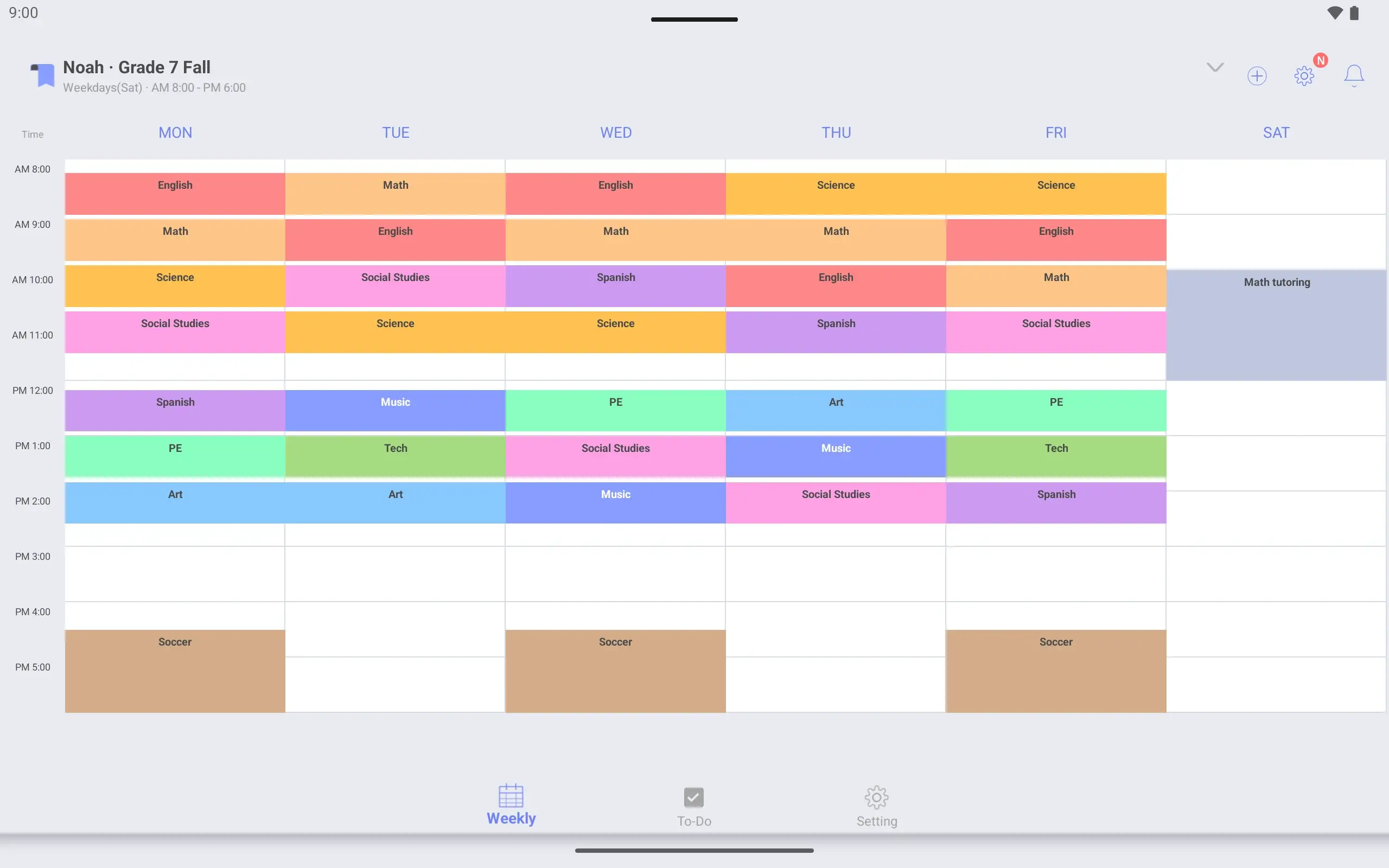
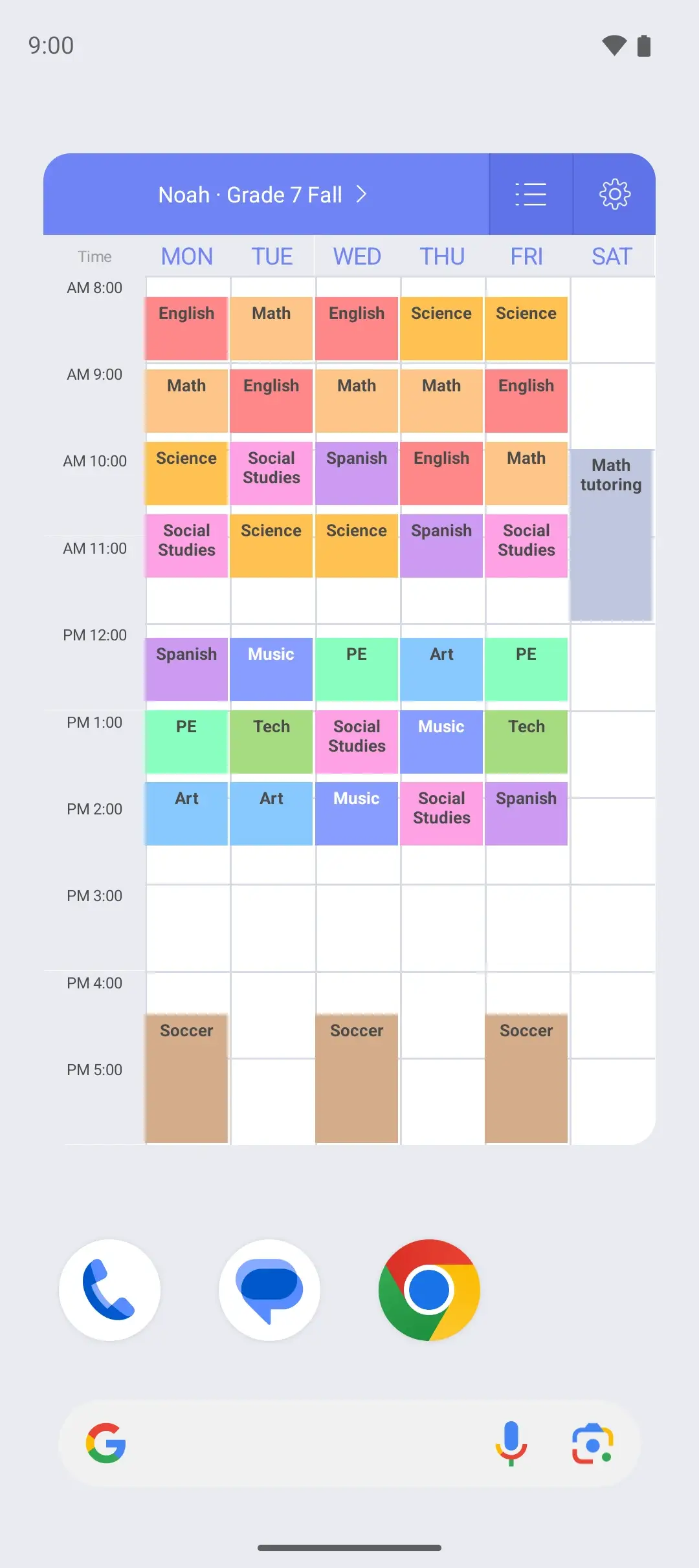
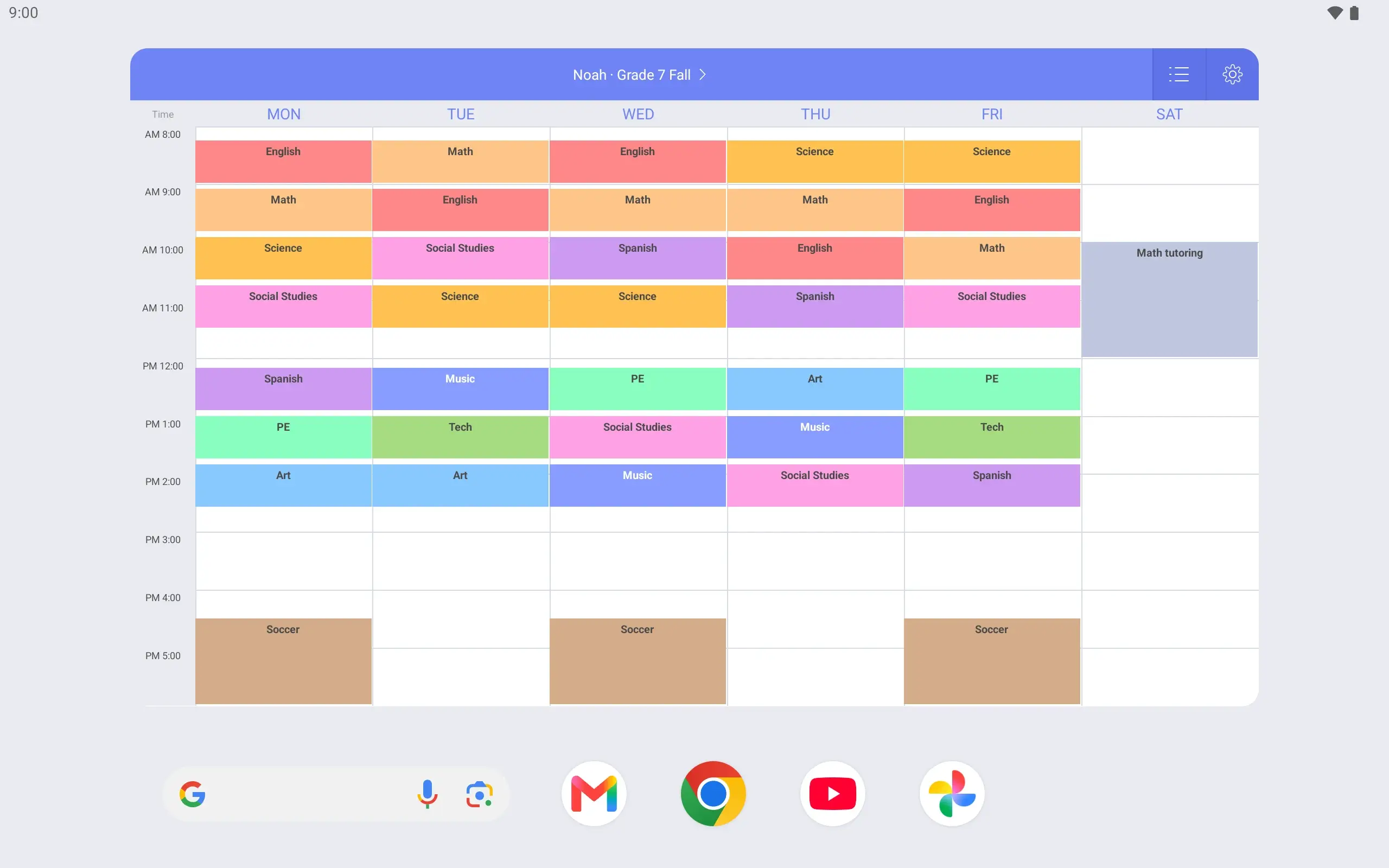
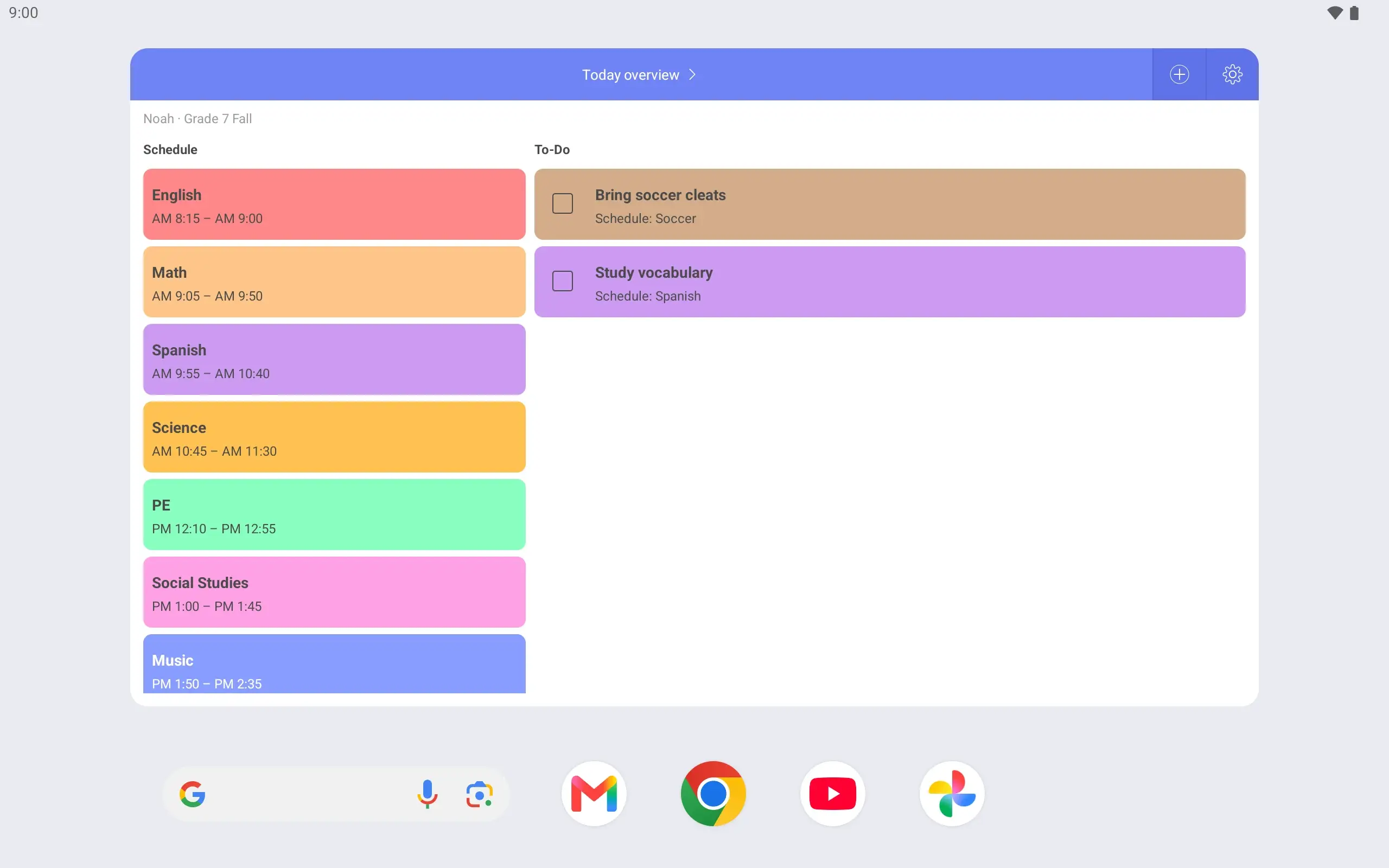
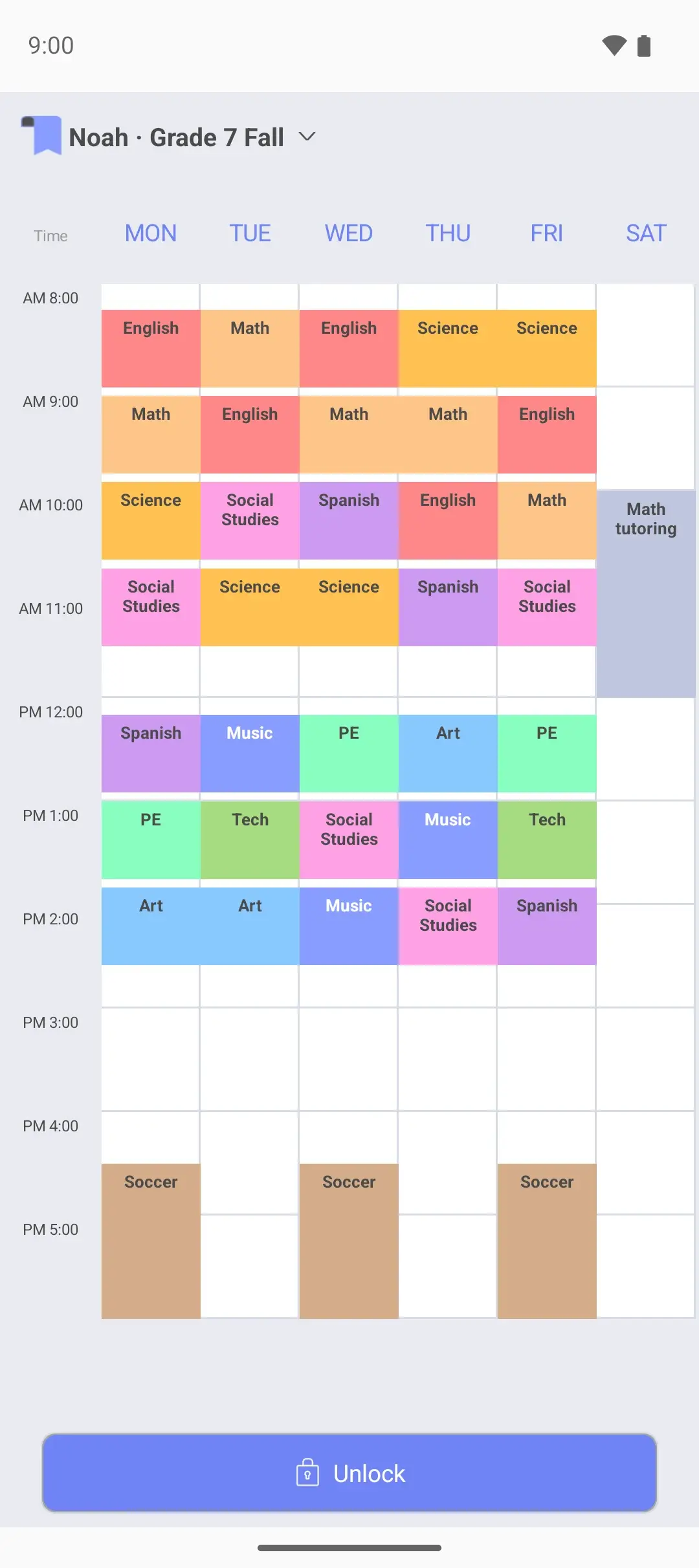
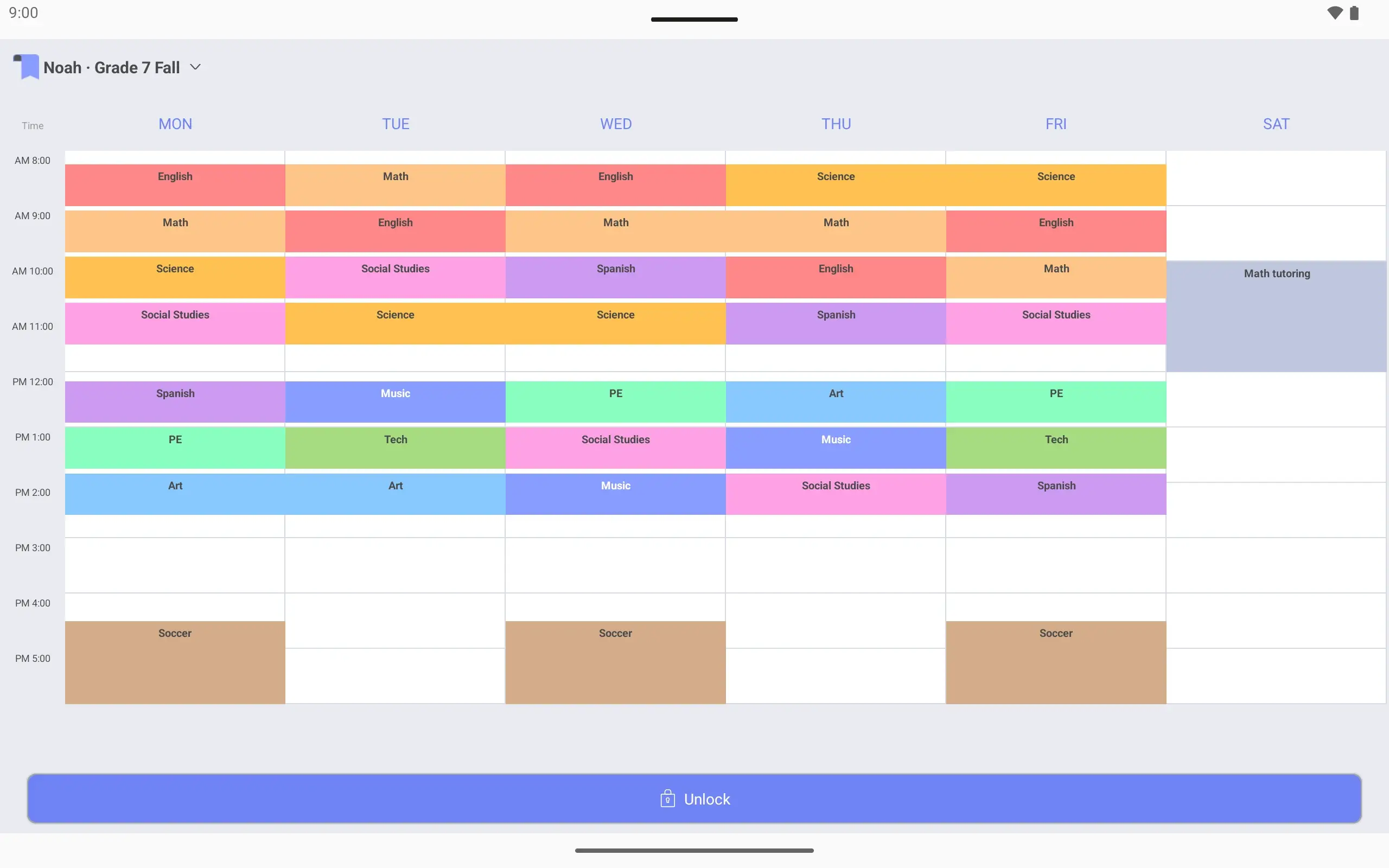
View larger View larger View larger View larger View larger View larger View larger View larger View larger View larger View larger View larger View larger View larger View larger View larger Middle school timetable Make a timetable with Noah Name it “Noah · Grade 7 Fall”. Show hours up to 6 pm, when practice ends.
Add periods and practice Period 1 is 8:15–9:00. Soccer on Monday, Wednesday and Friday gets its own color.
Add Saturday to the same page Extend the timetable to Saturday. Math tutoring at 10 am joins the same page.
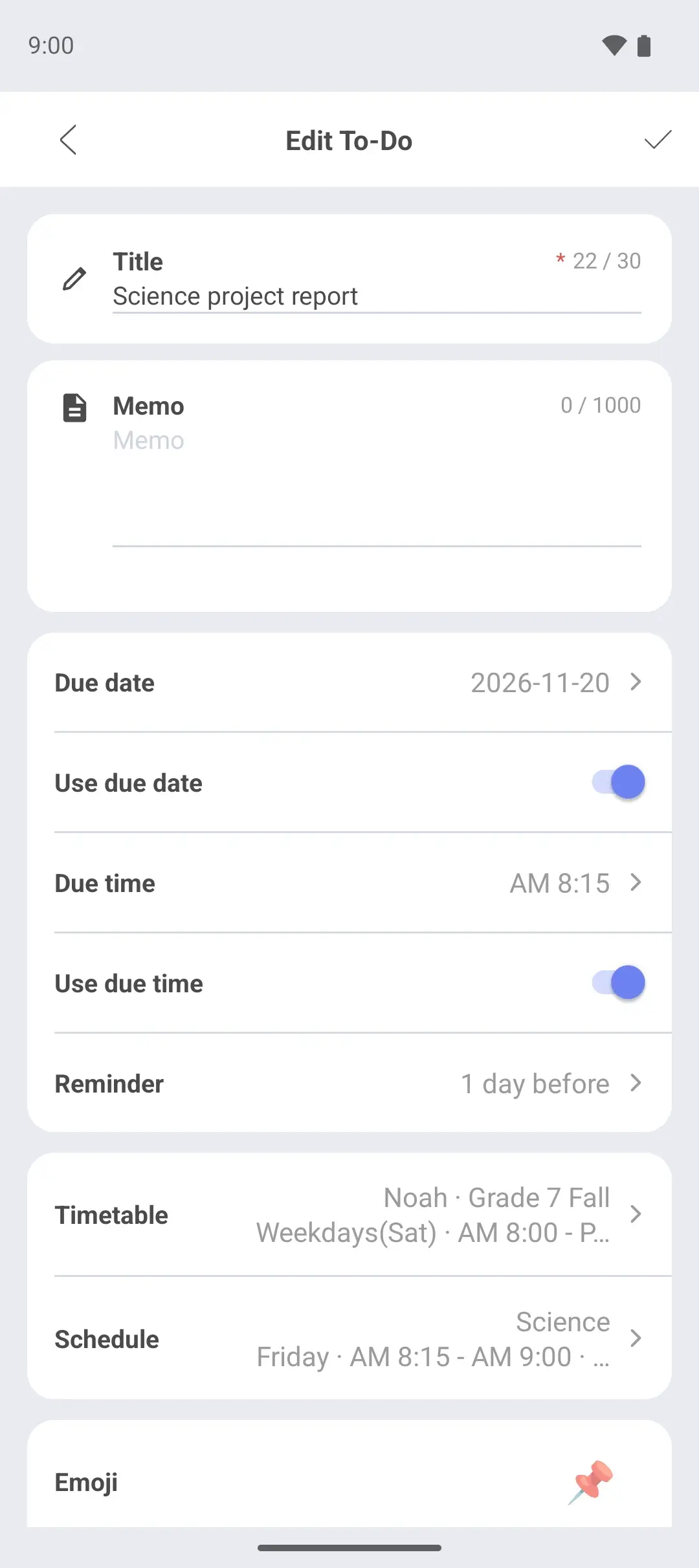
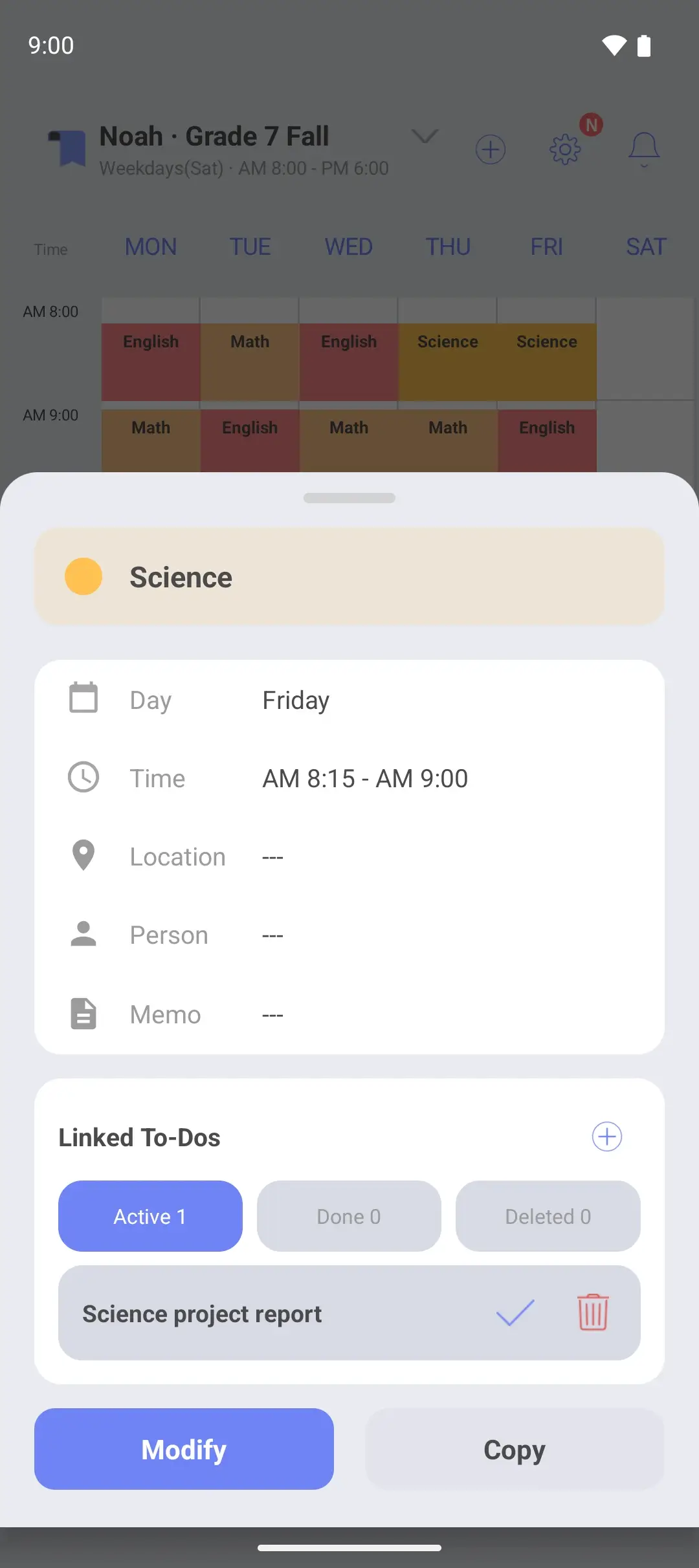
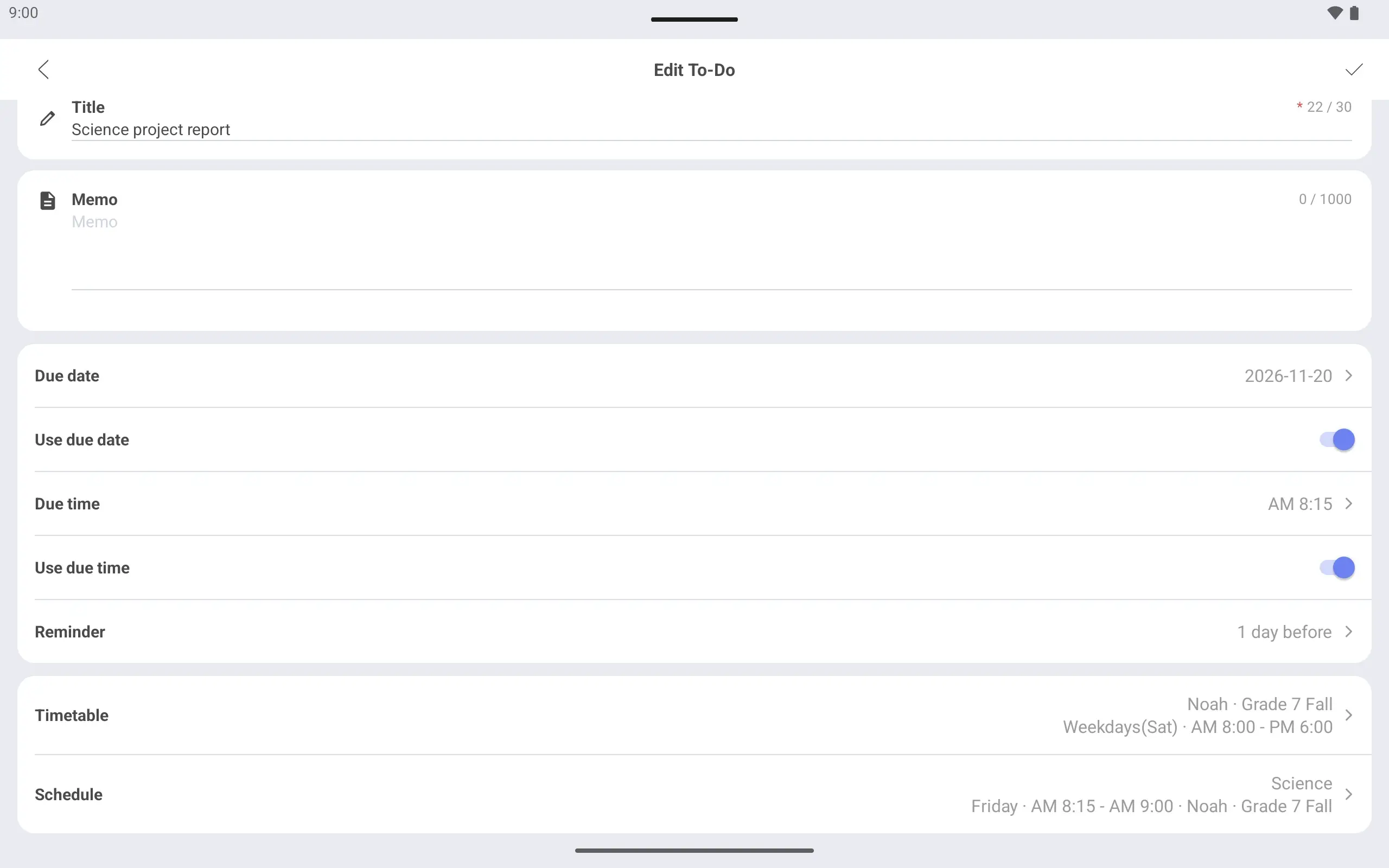
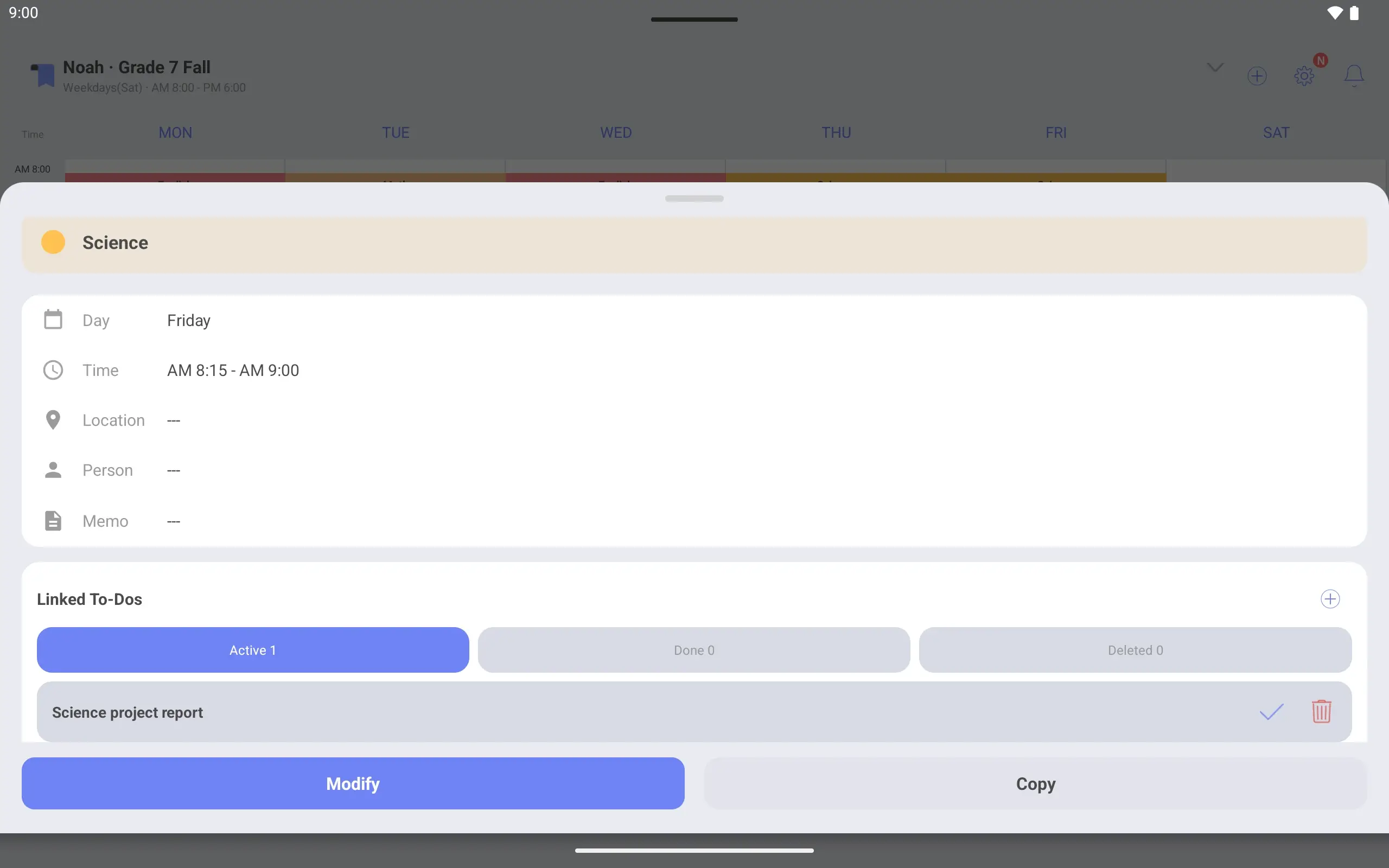
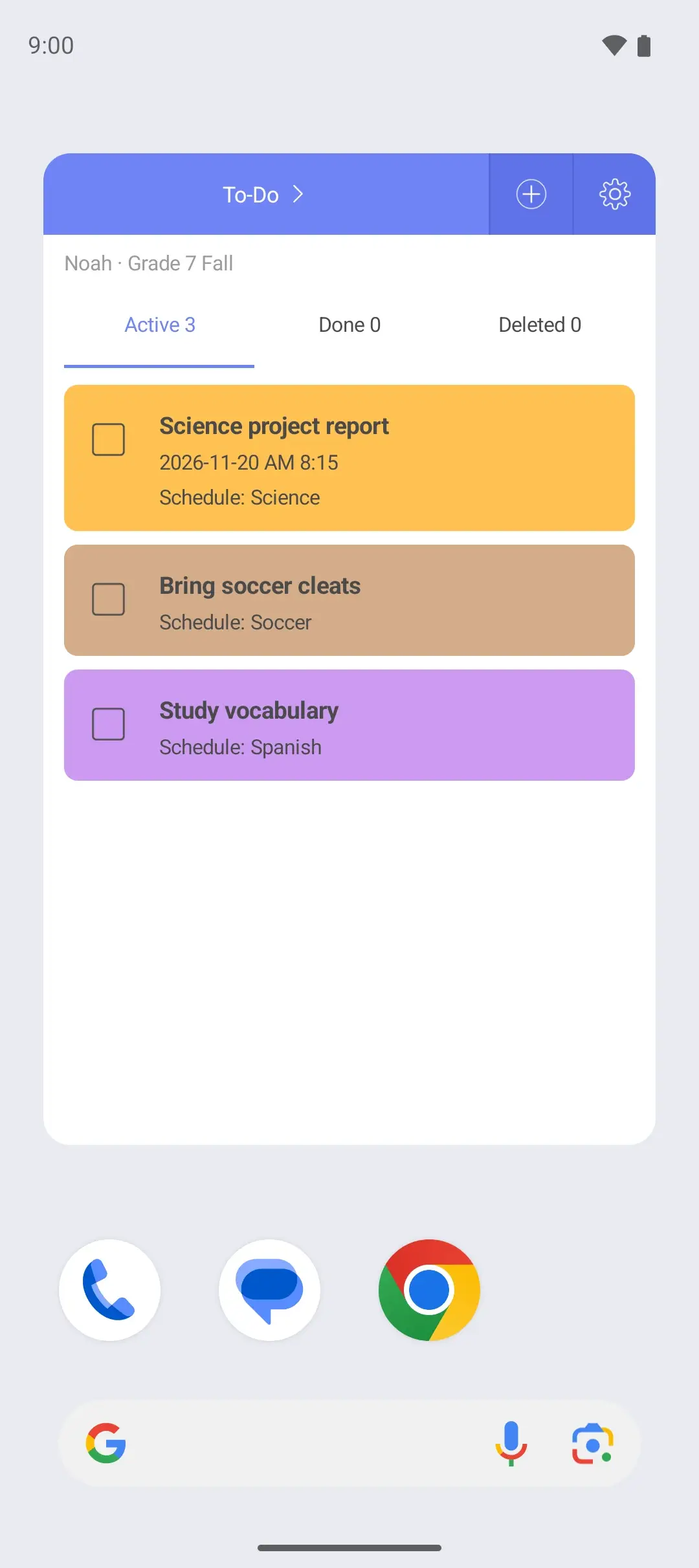
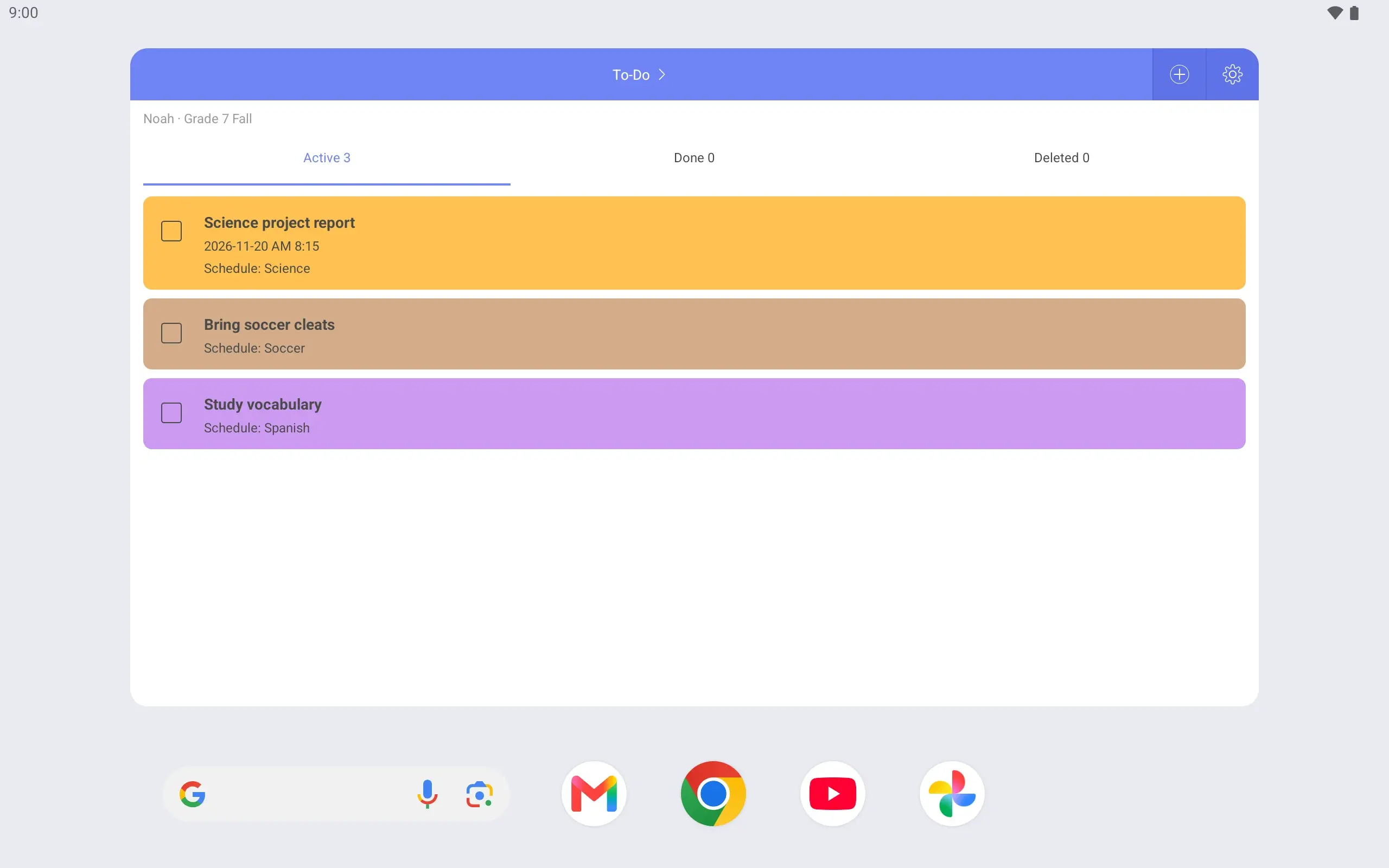
Link a project to its class Link “Science project report” to Friday’s Science class and set it due on Friday.
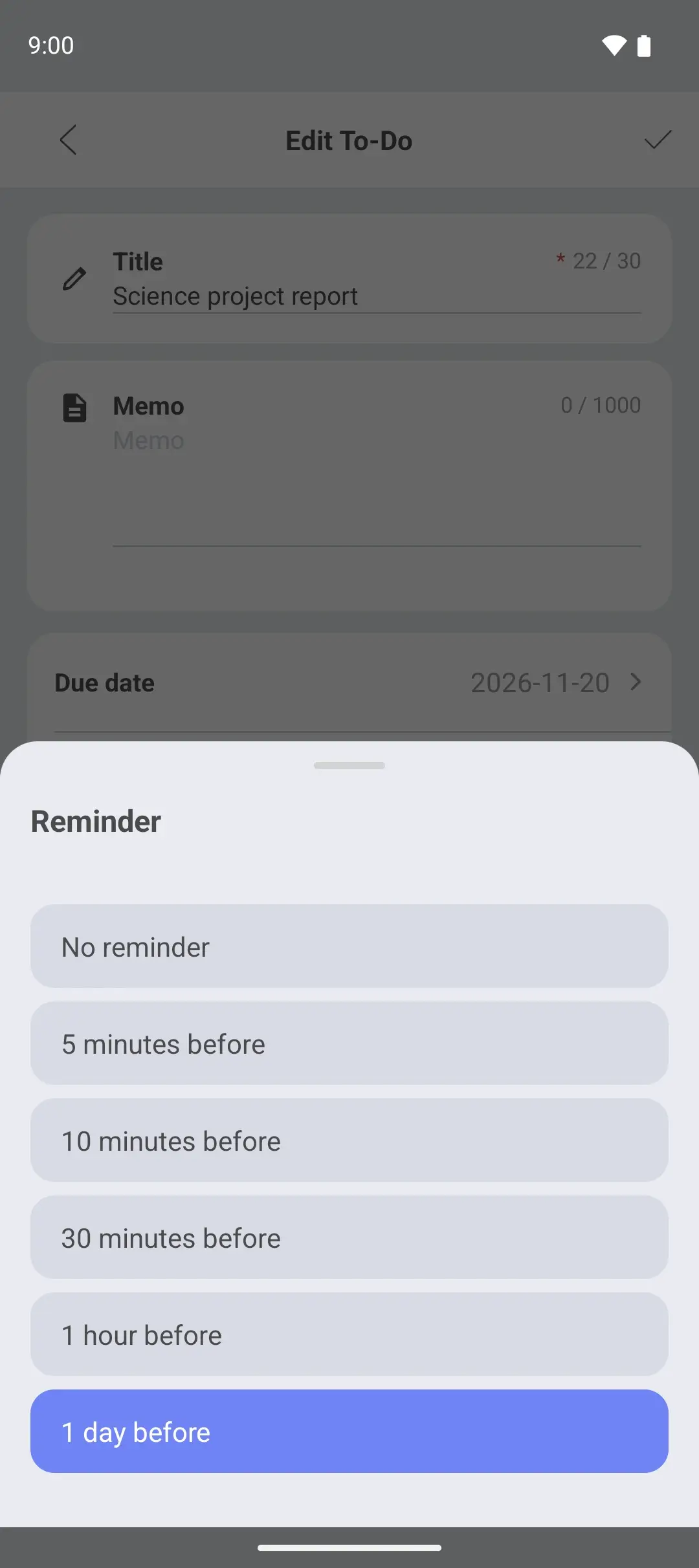
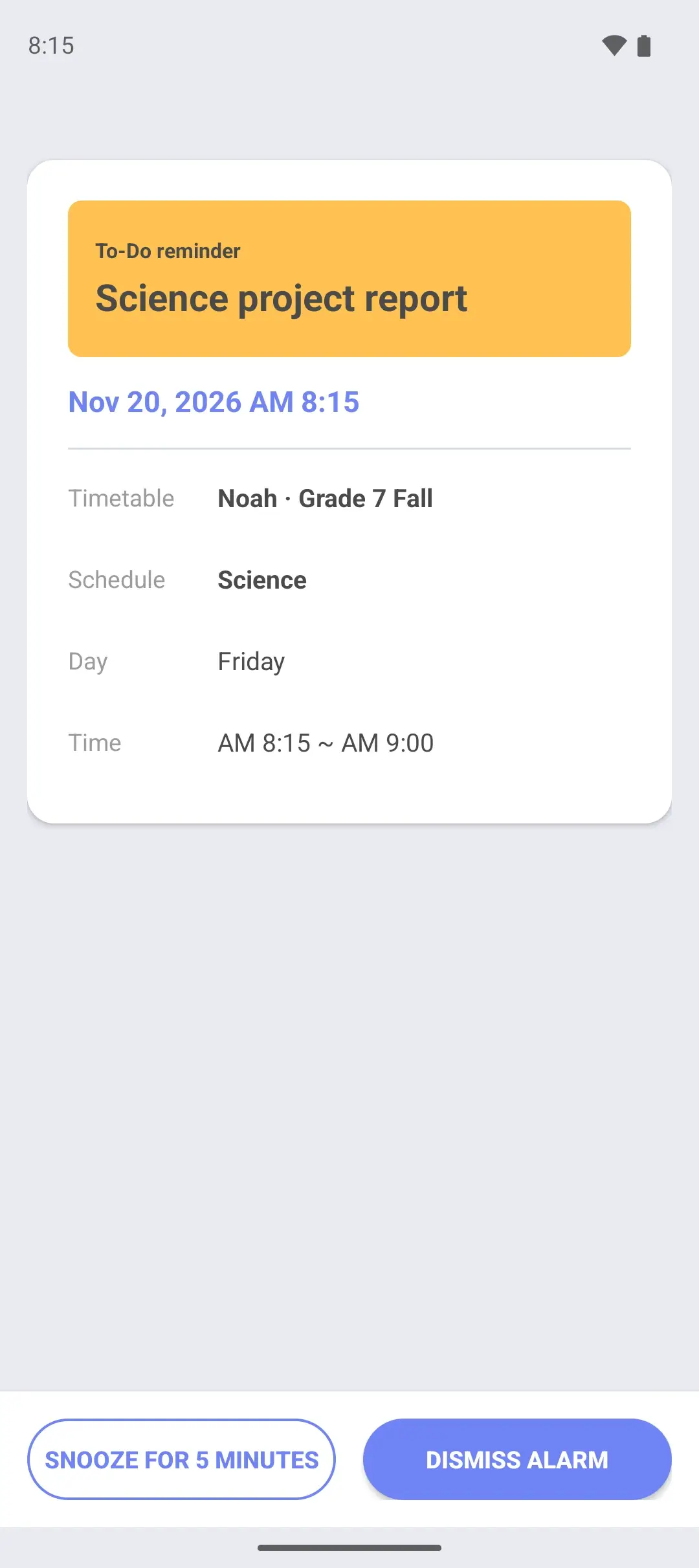
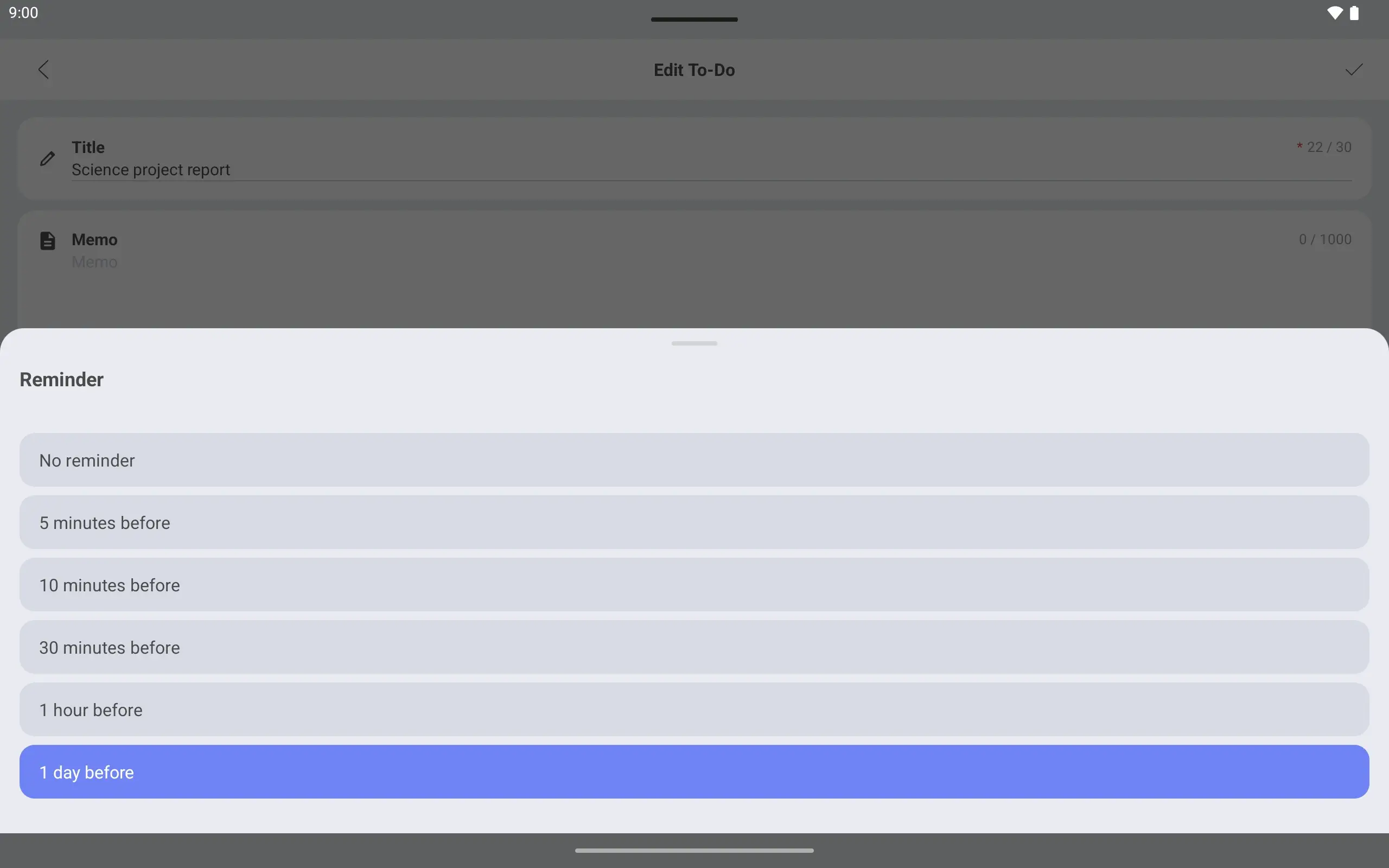
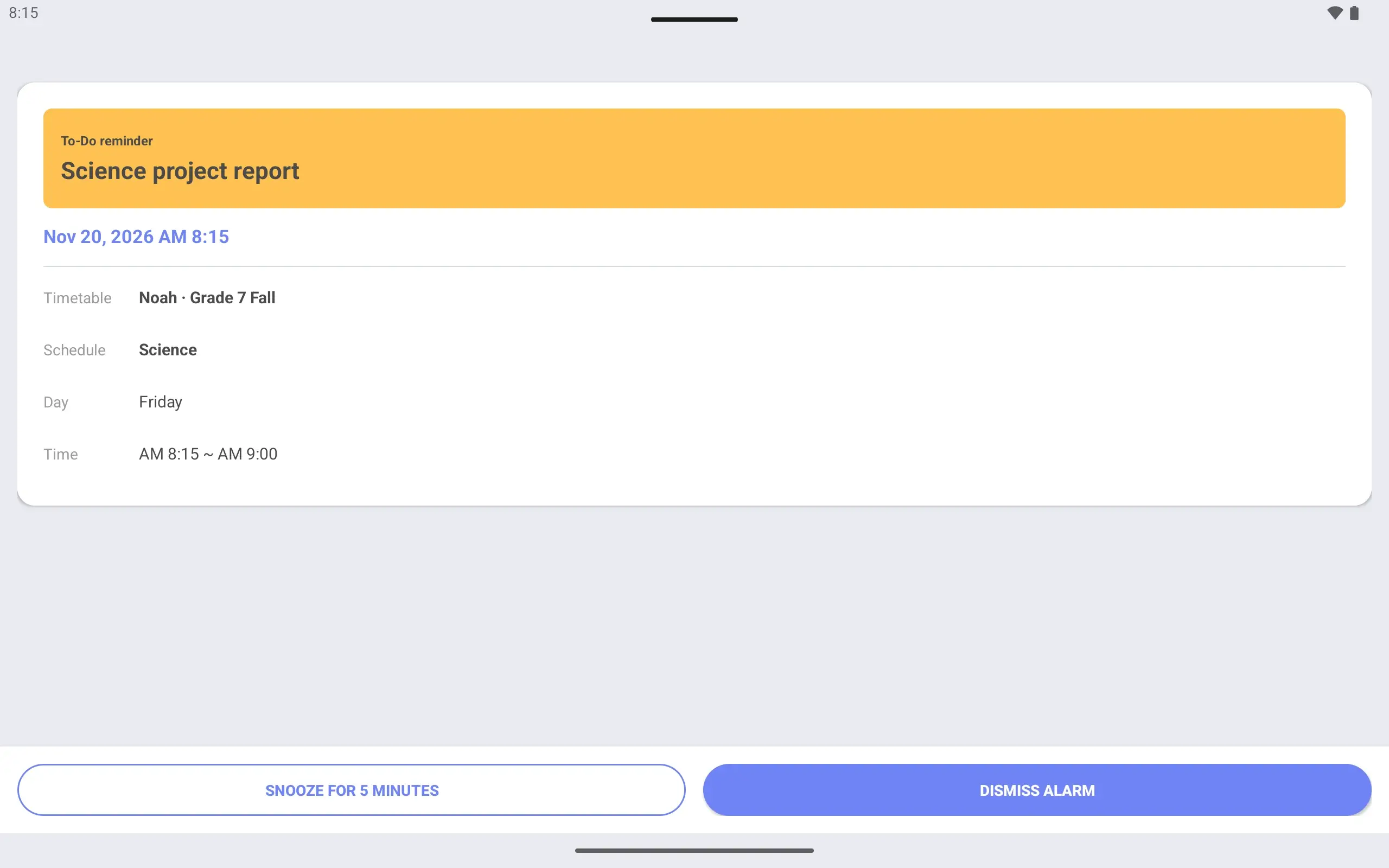
A reminder the day before Set the reminder to “1 day before” and an alarm screen tells you a day ahead.
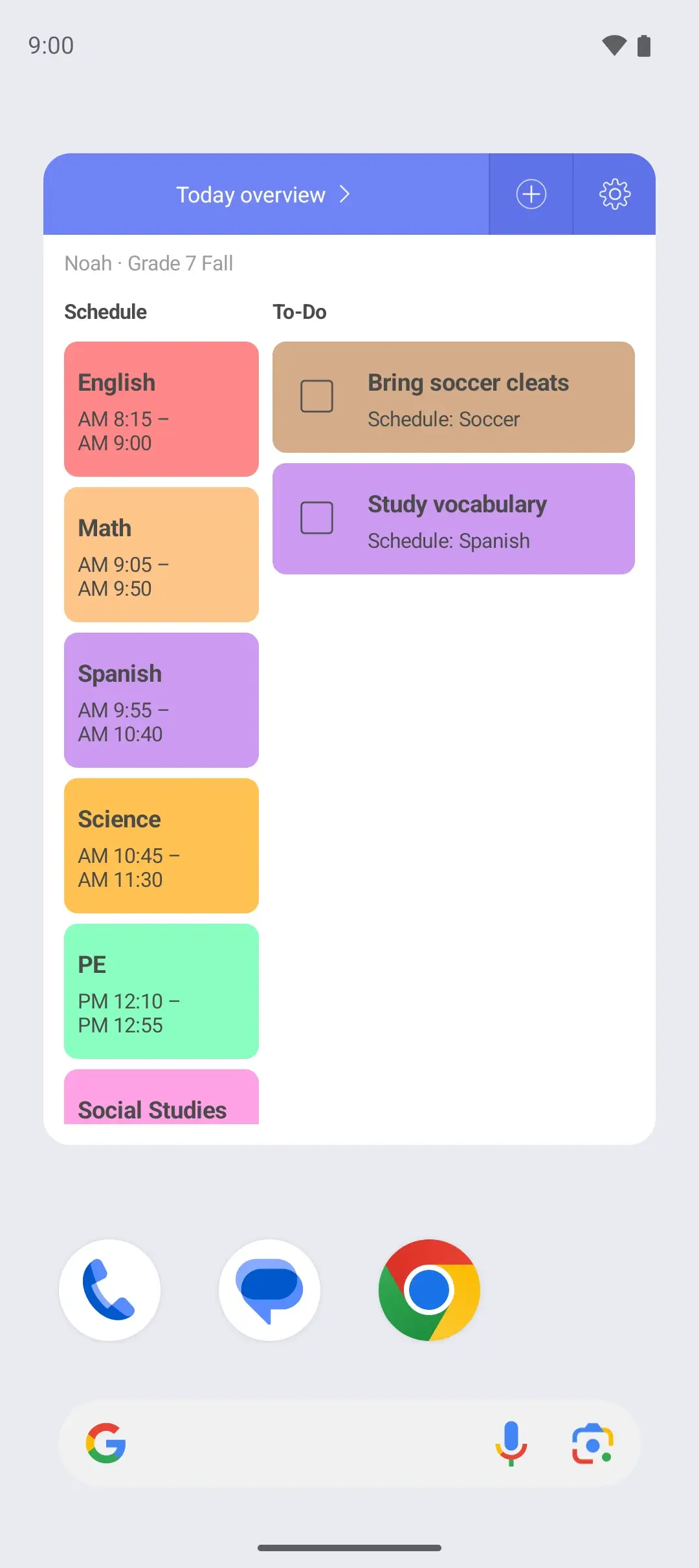
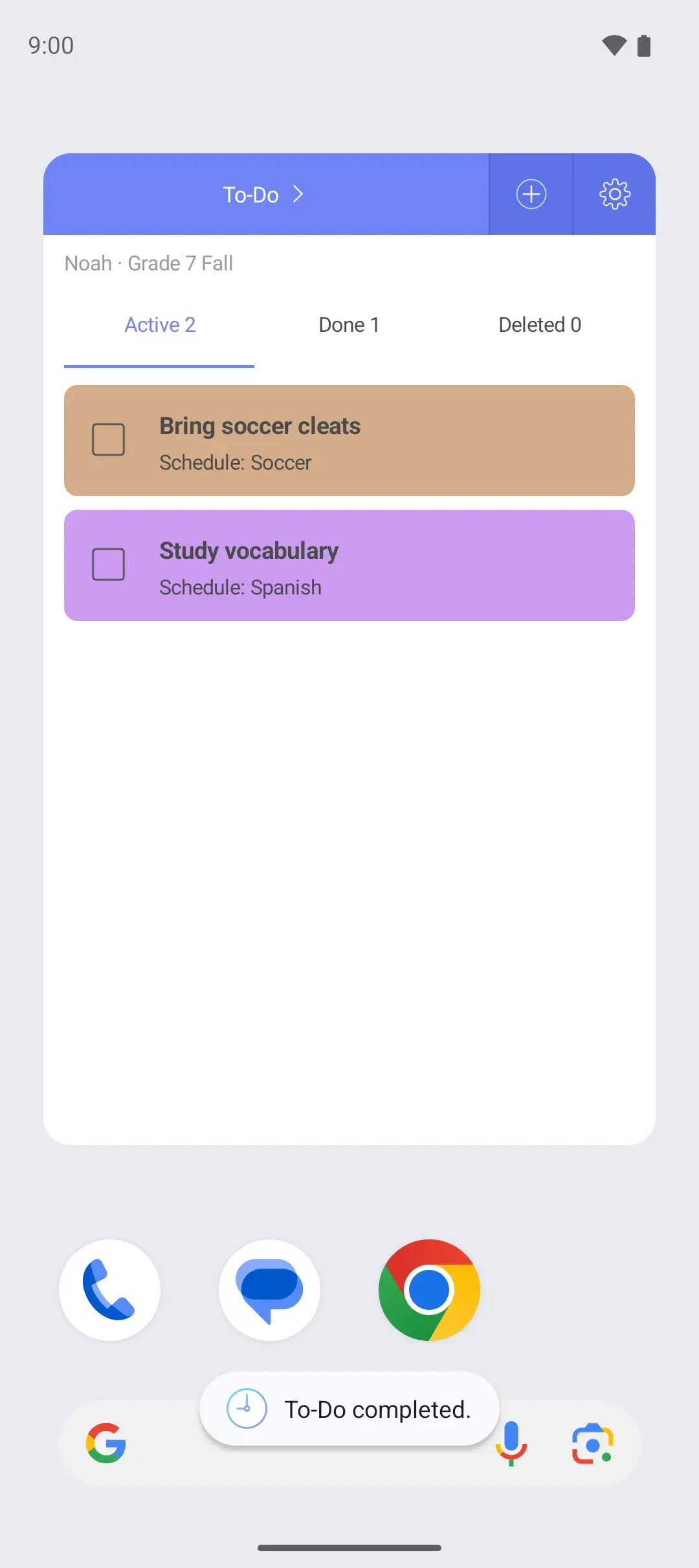
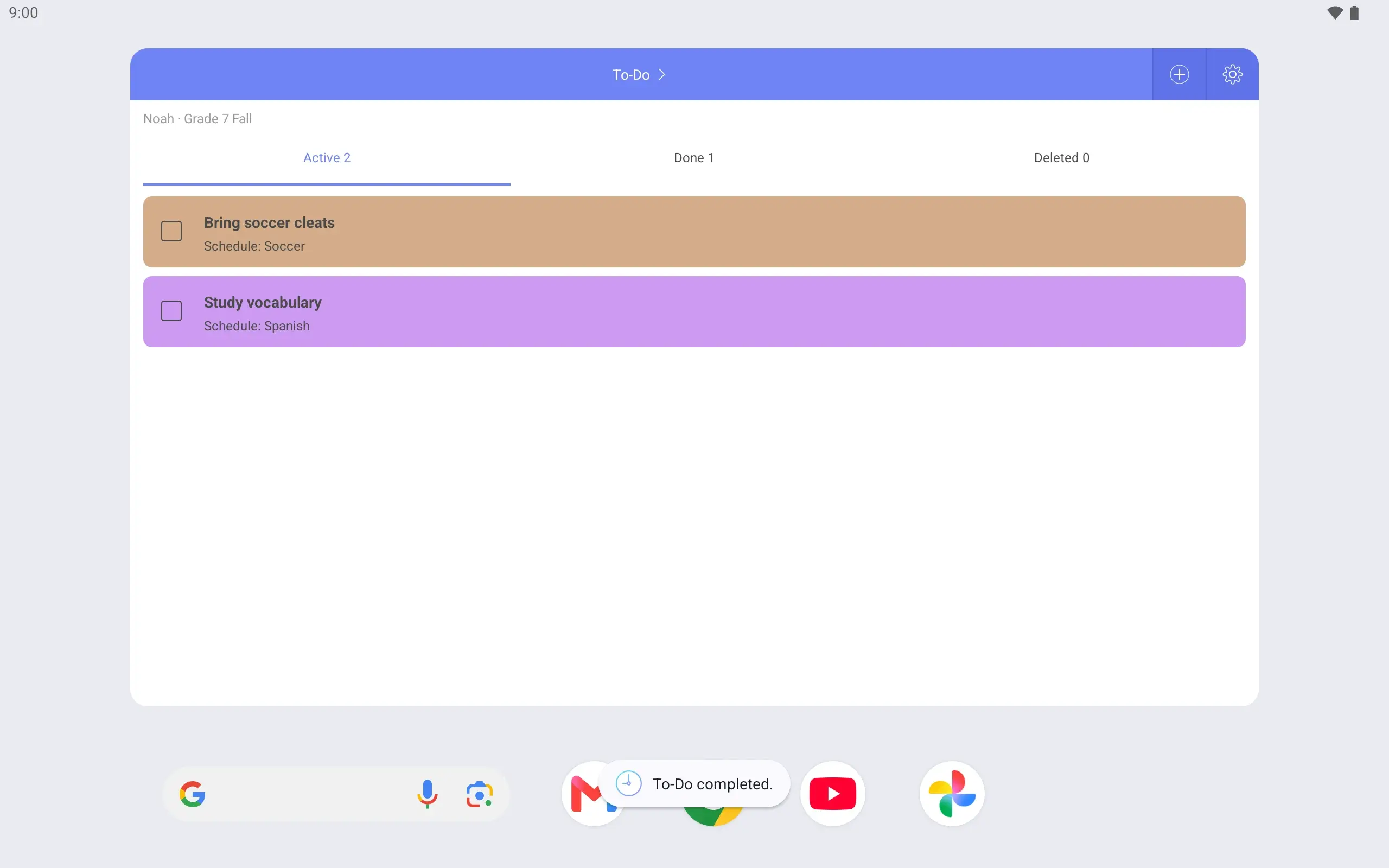
The weekly widget shows the week, the Today overview widget shows today, and the To-Do widget shows homework.
Has Noah finished the report? Mark it complete right in the widget.
See it on the lock screen Wake the phone and the timetable is there. Check what time Noah is done today without opening the app.
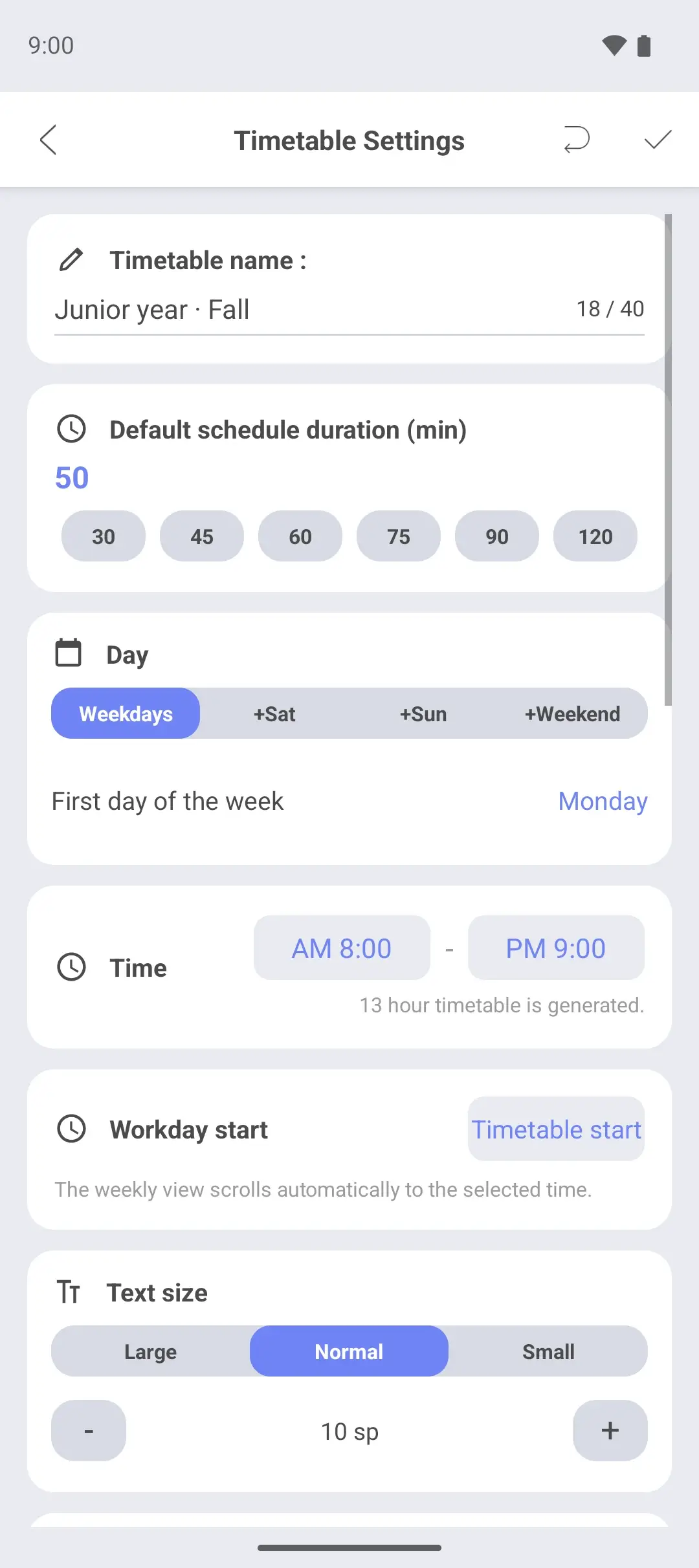
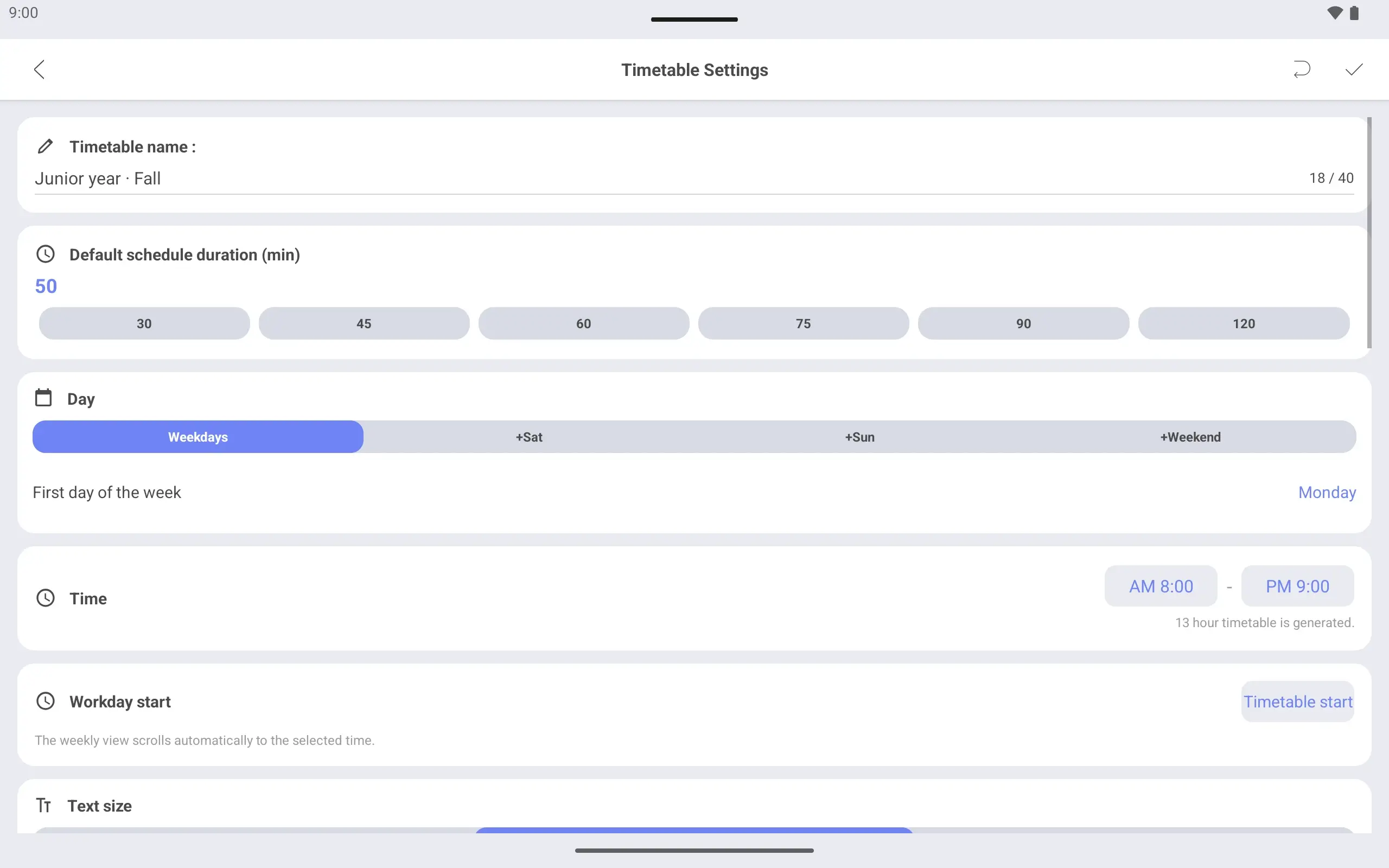
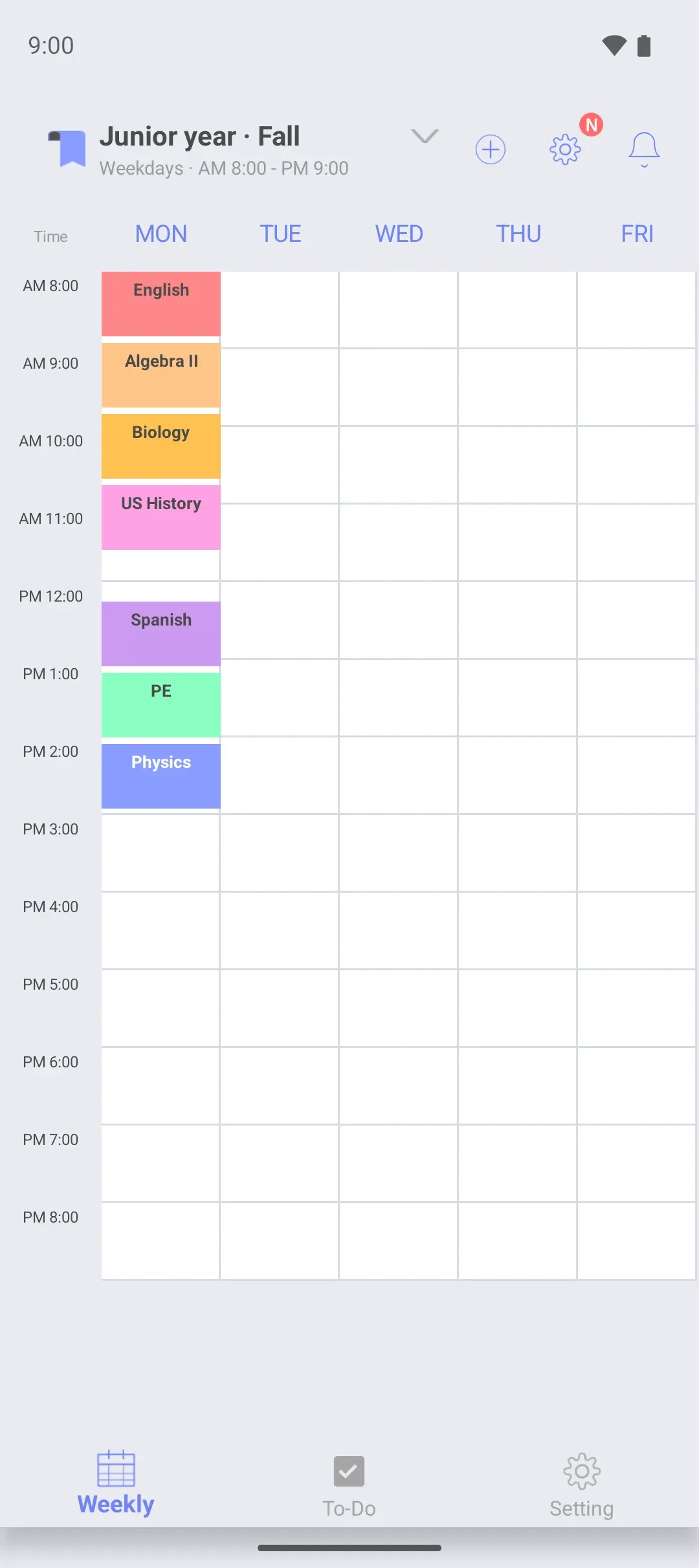
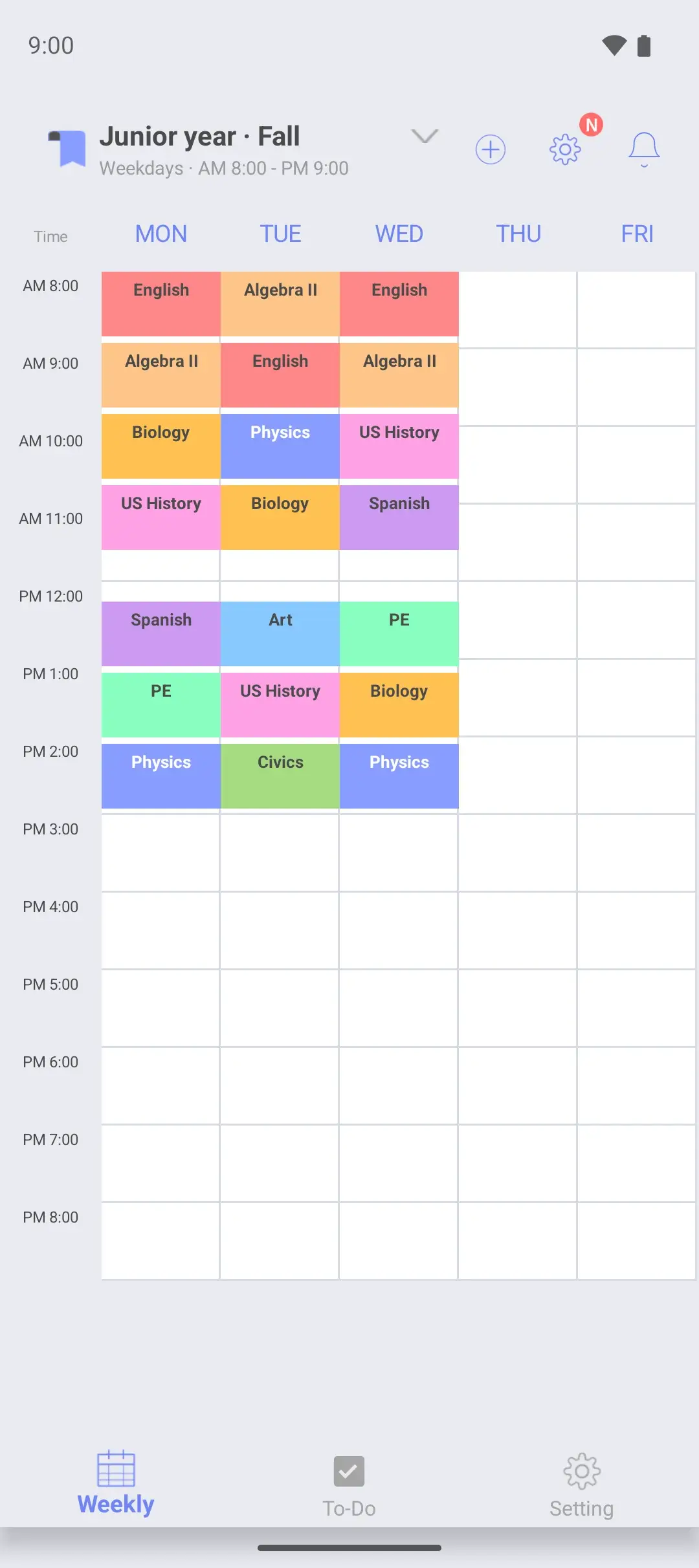
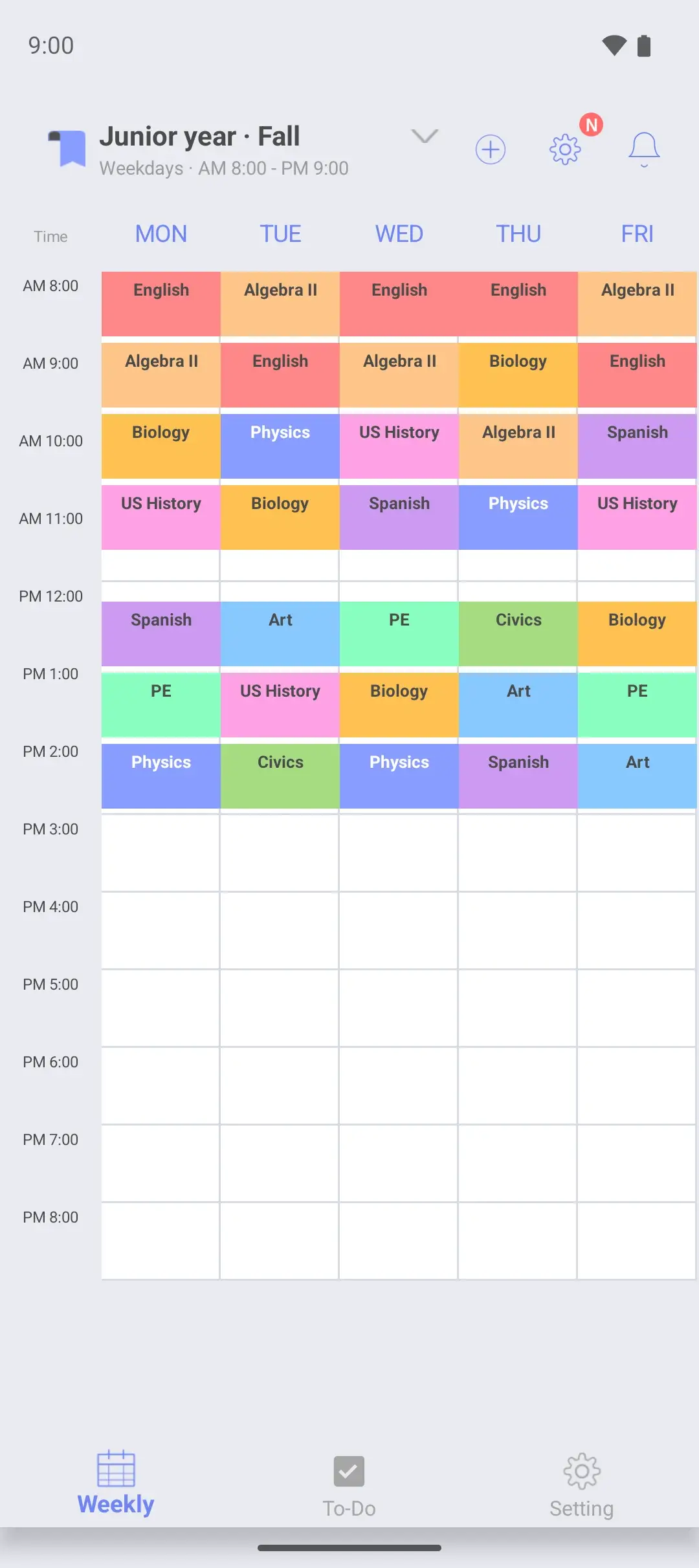
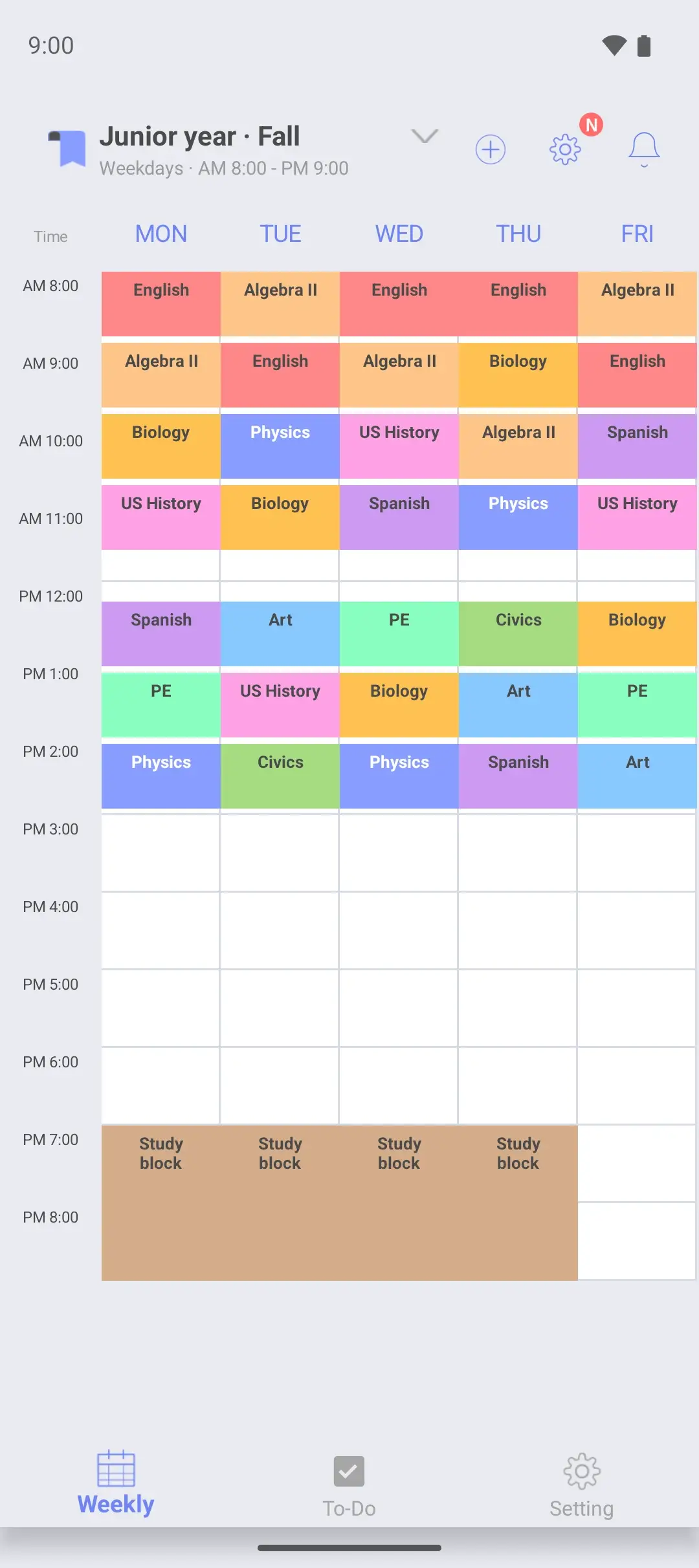
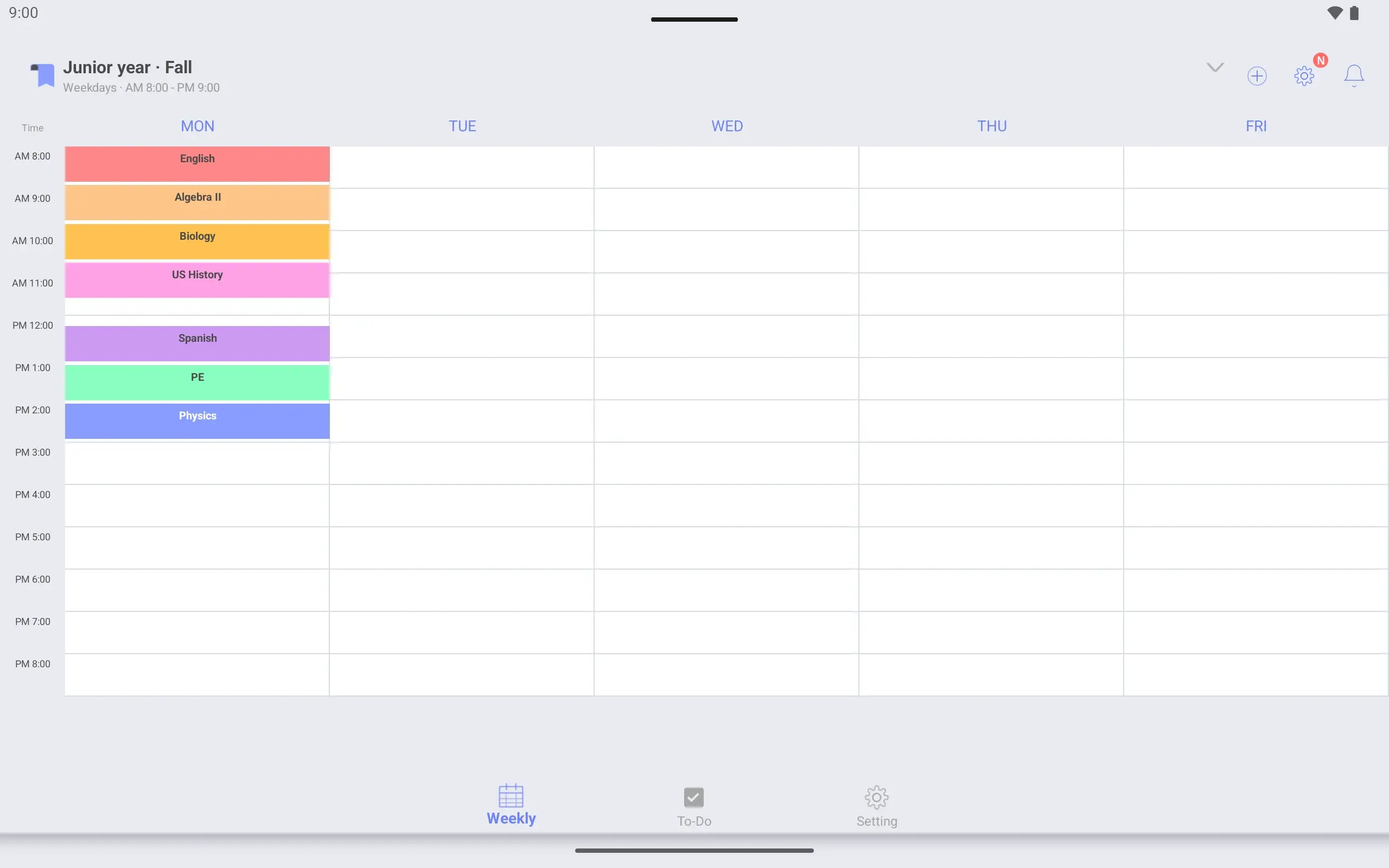
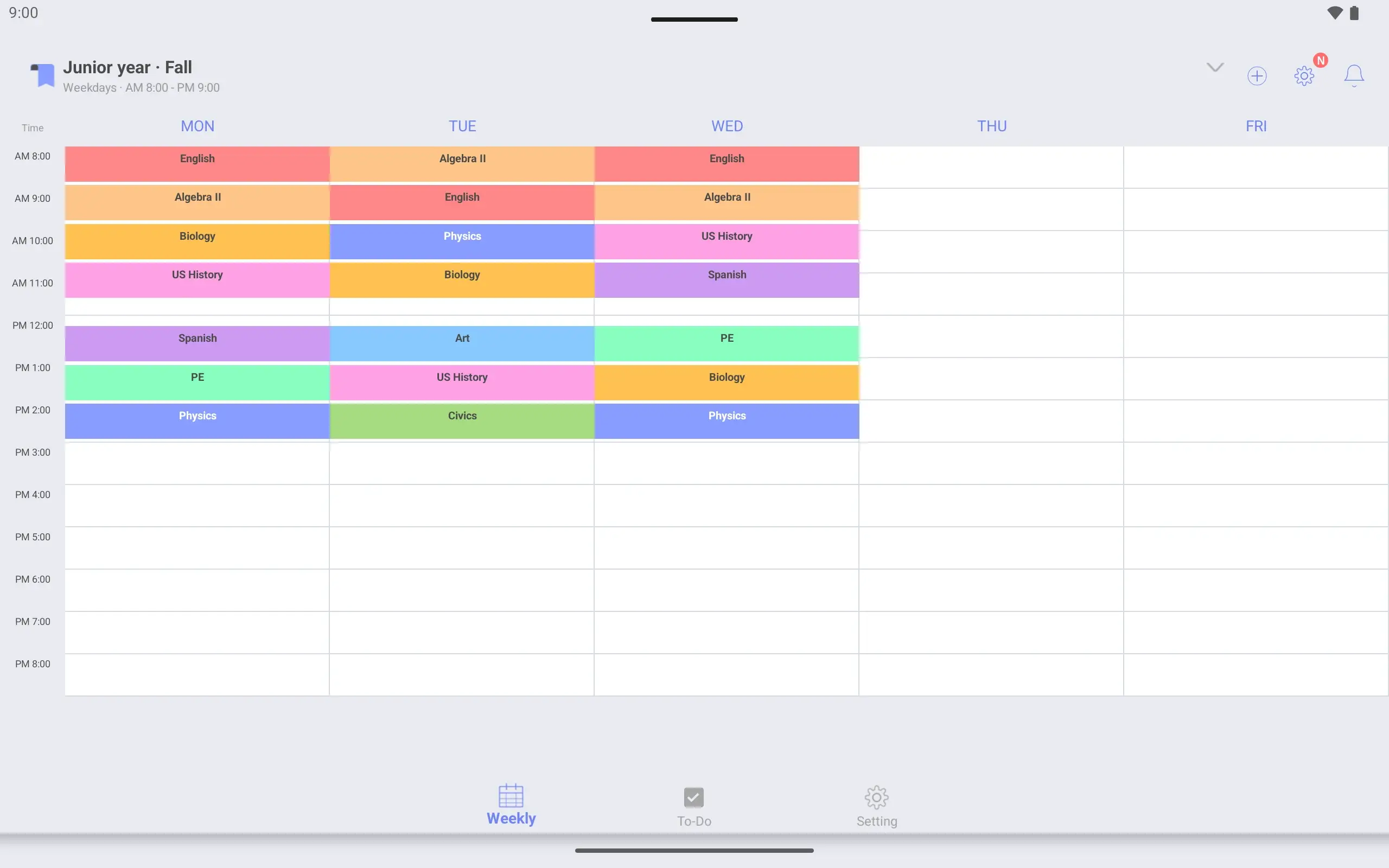
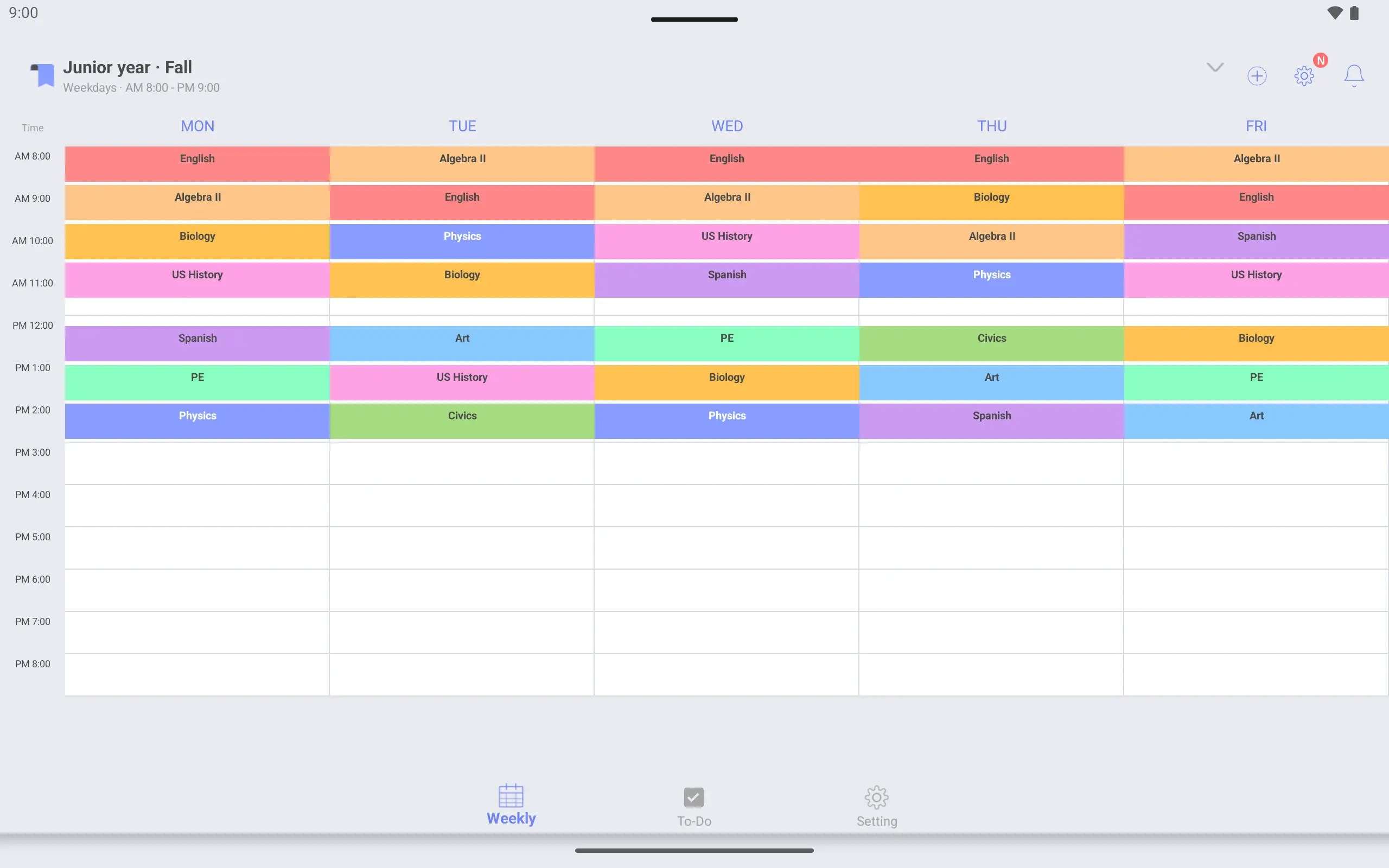
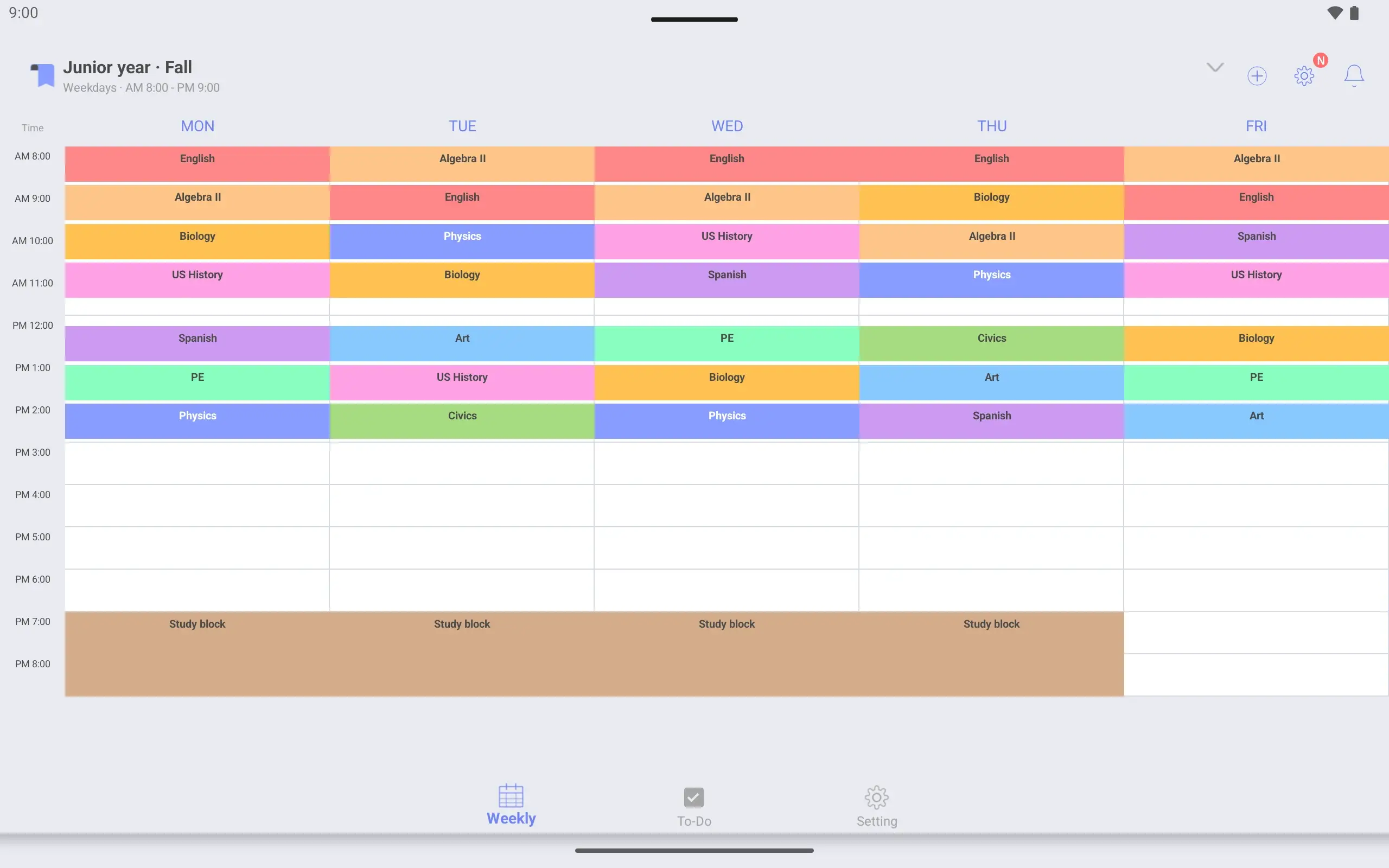
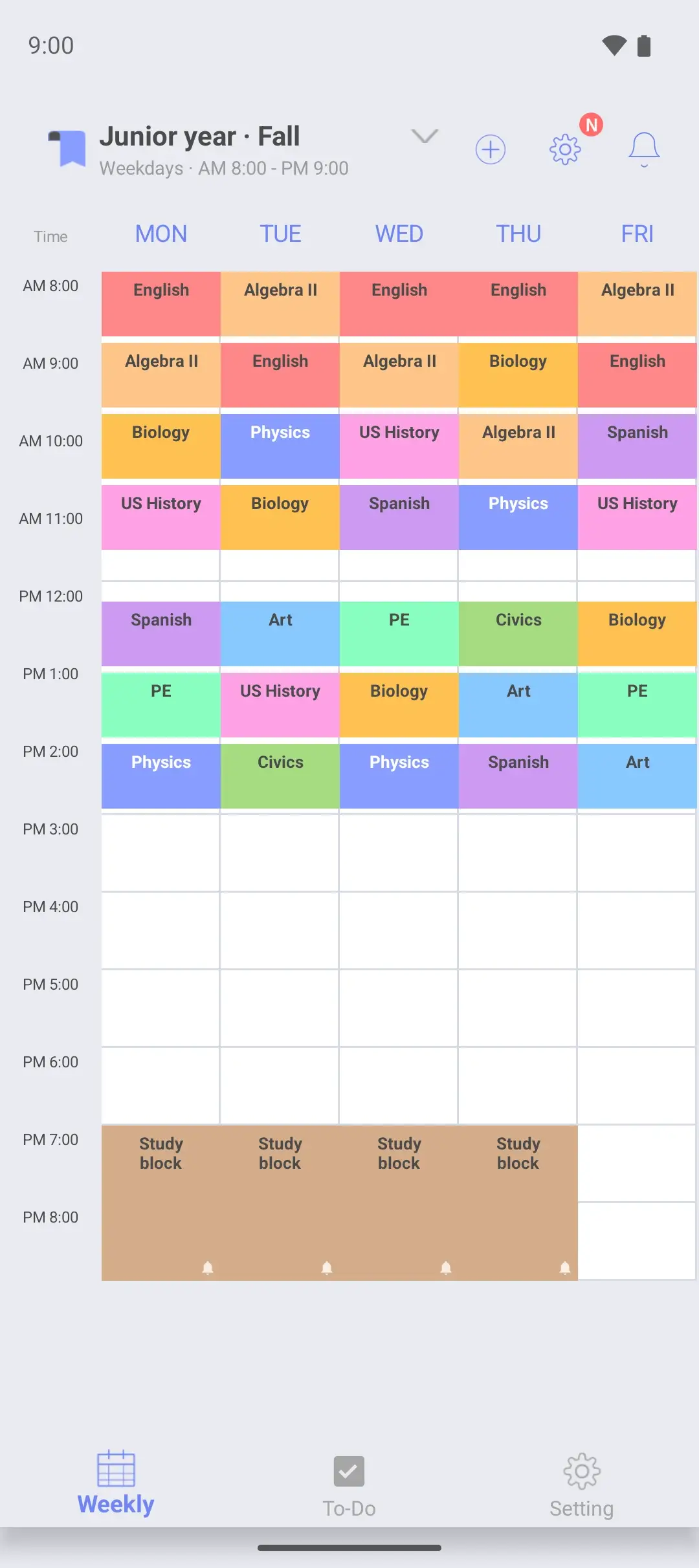
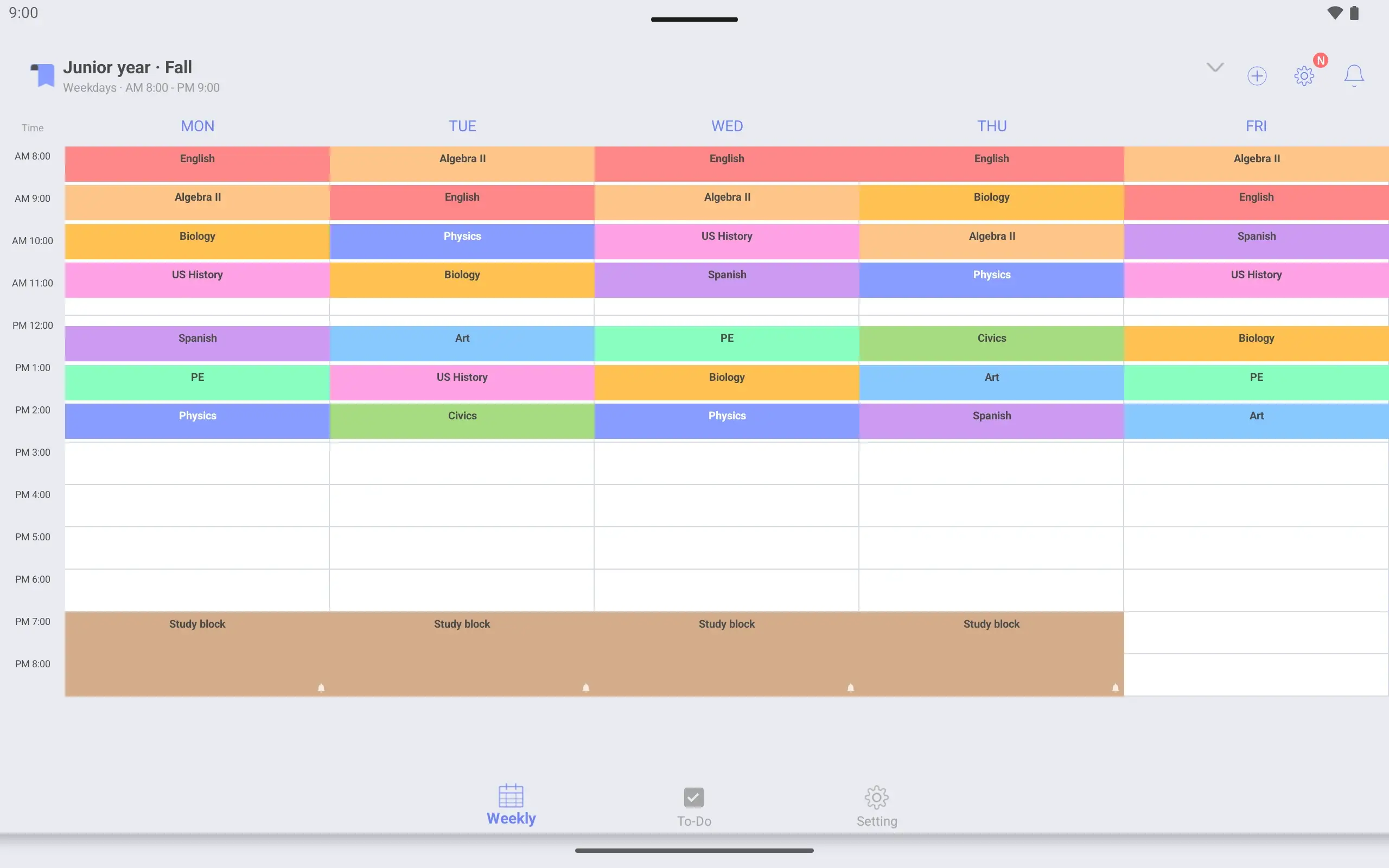
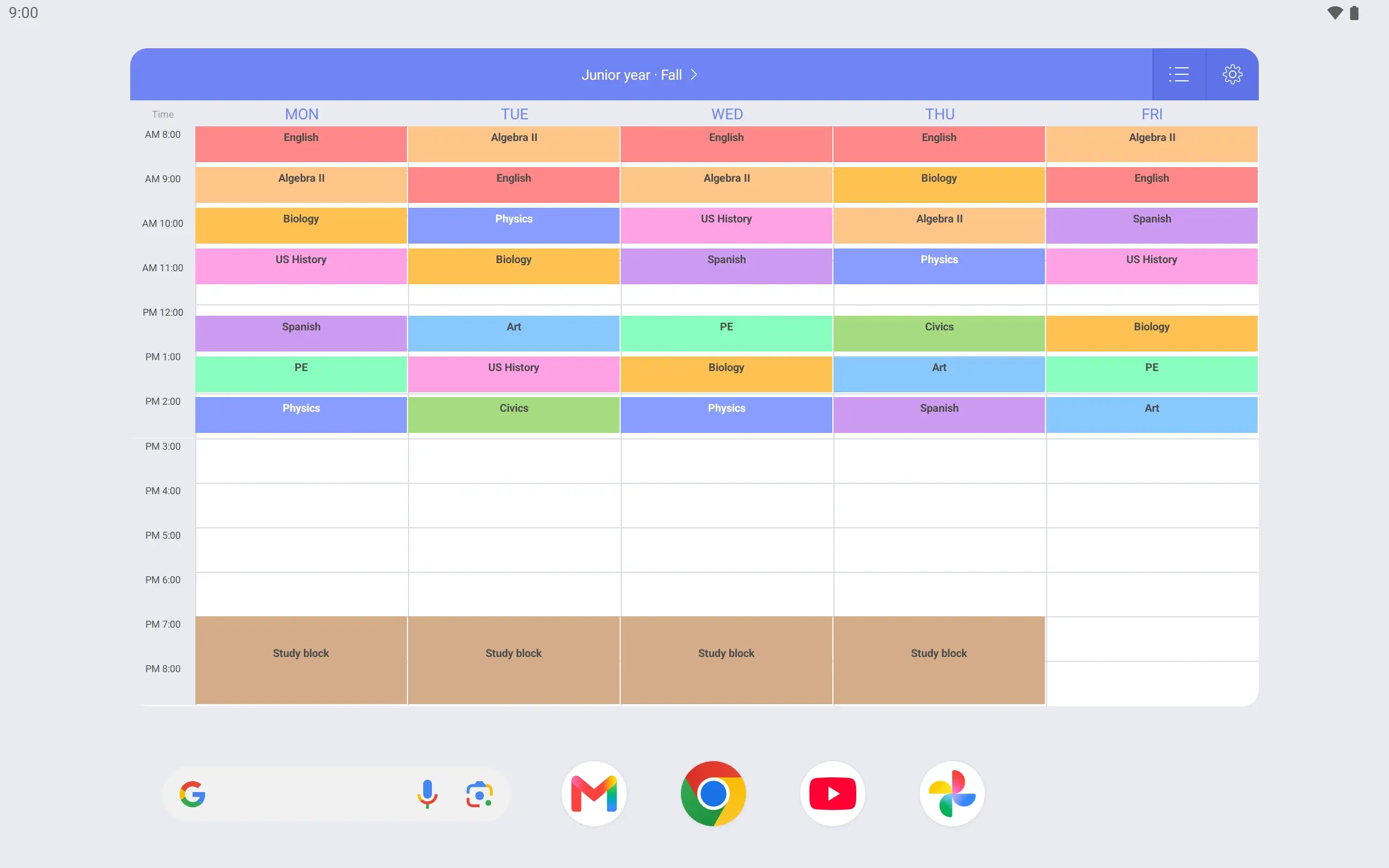
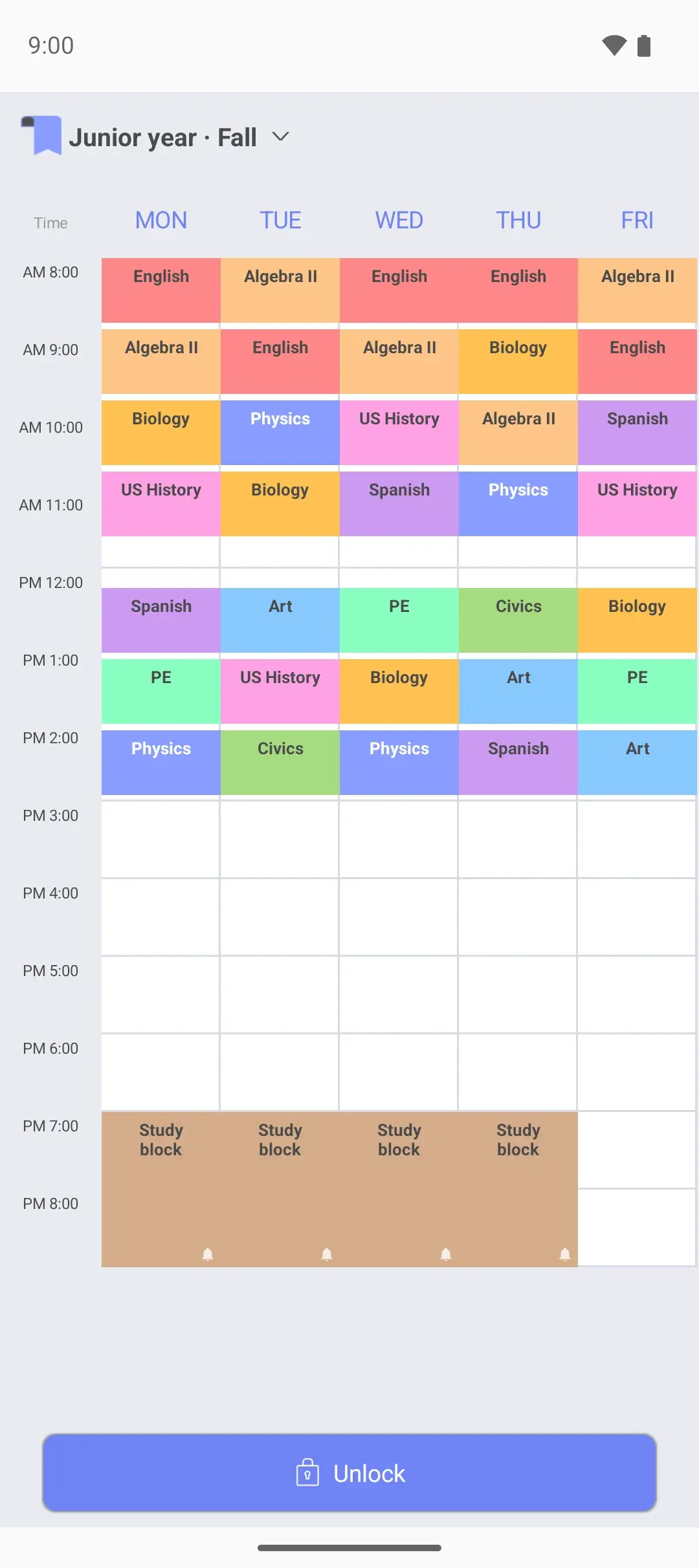
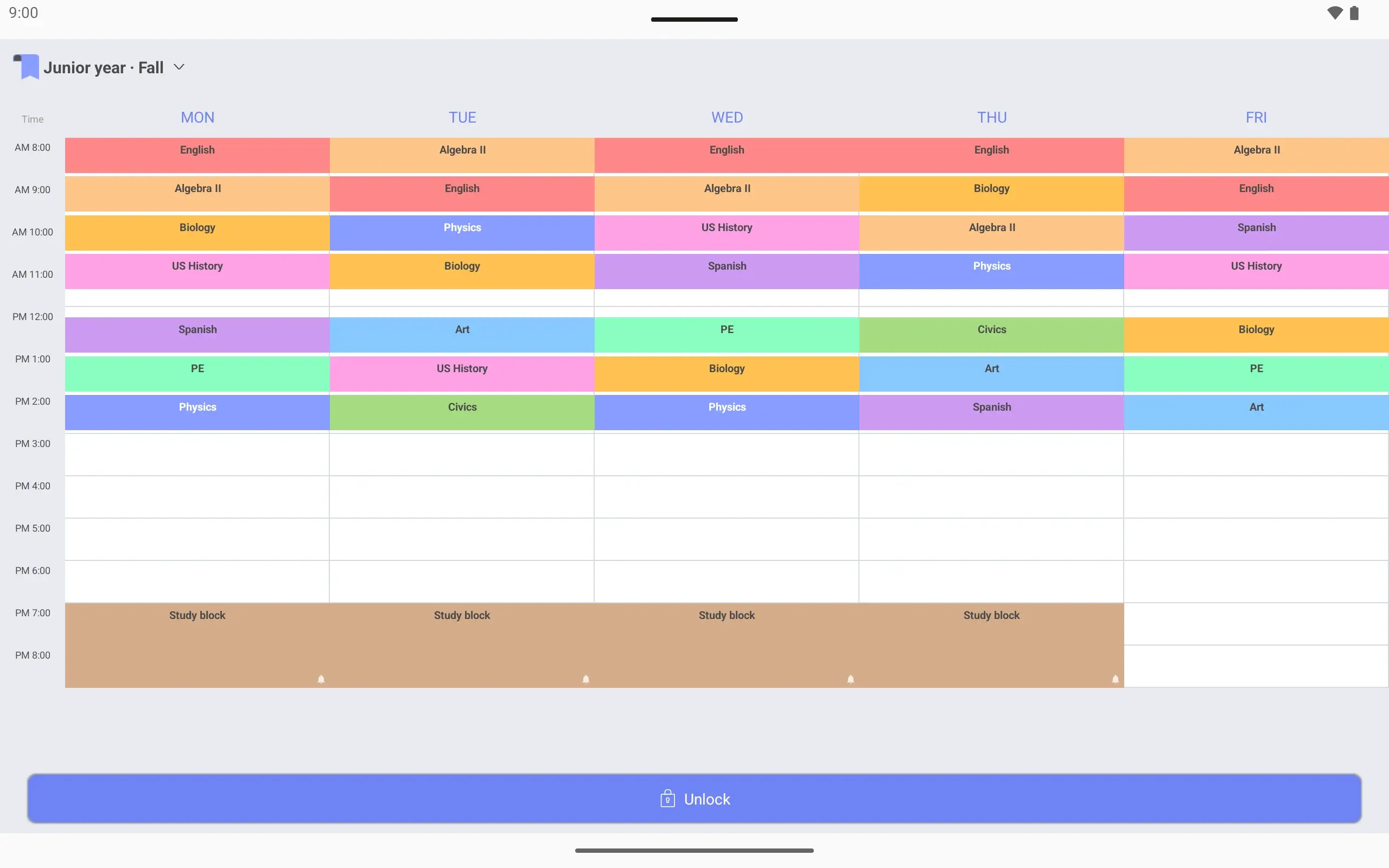
View larger View larger View larger View larger View larger View larger View larger View larger View larger View larger View larger View larger View larger View larger View larger View larger High school timetable Make a timetable for the semester Name it “Junior year · Fall”. Show hours up to 9 pm, when the study block ends.
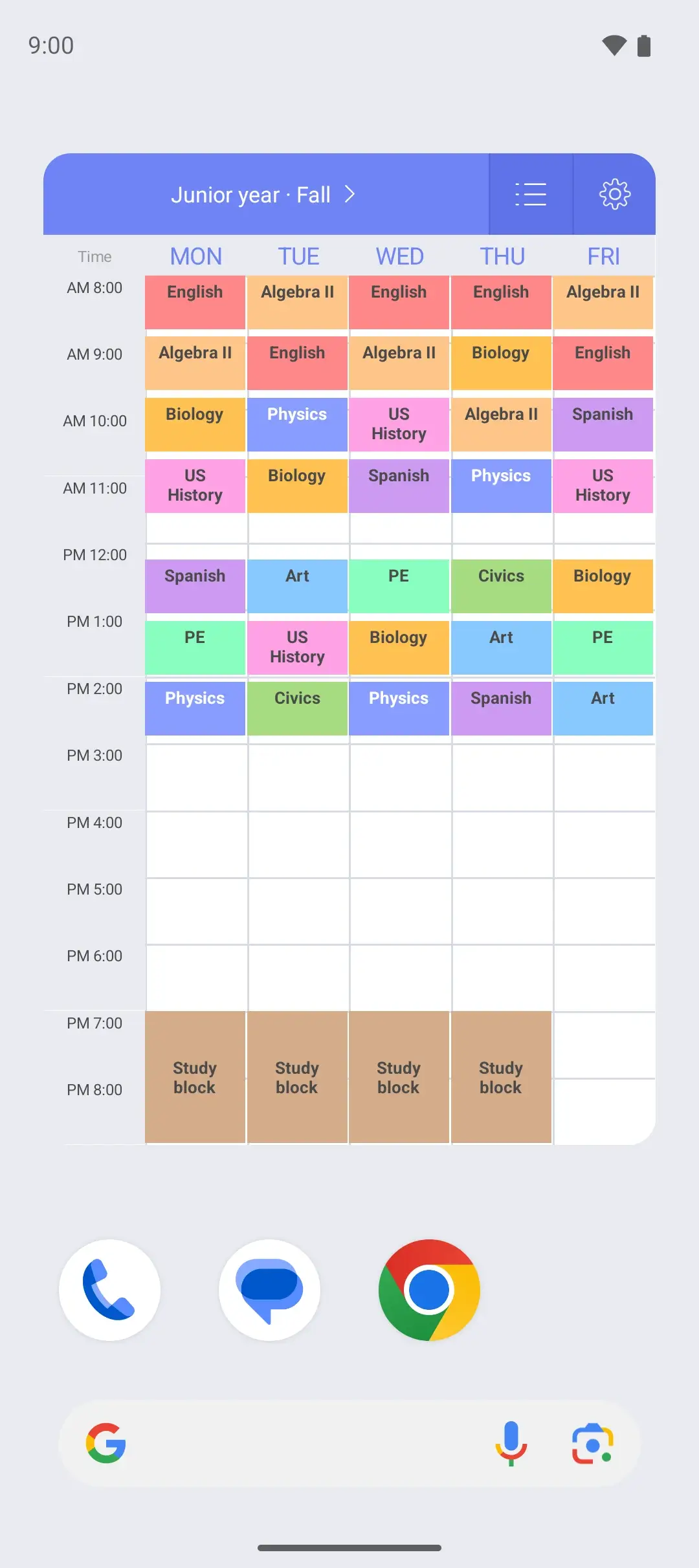
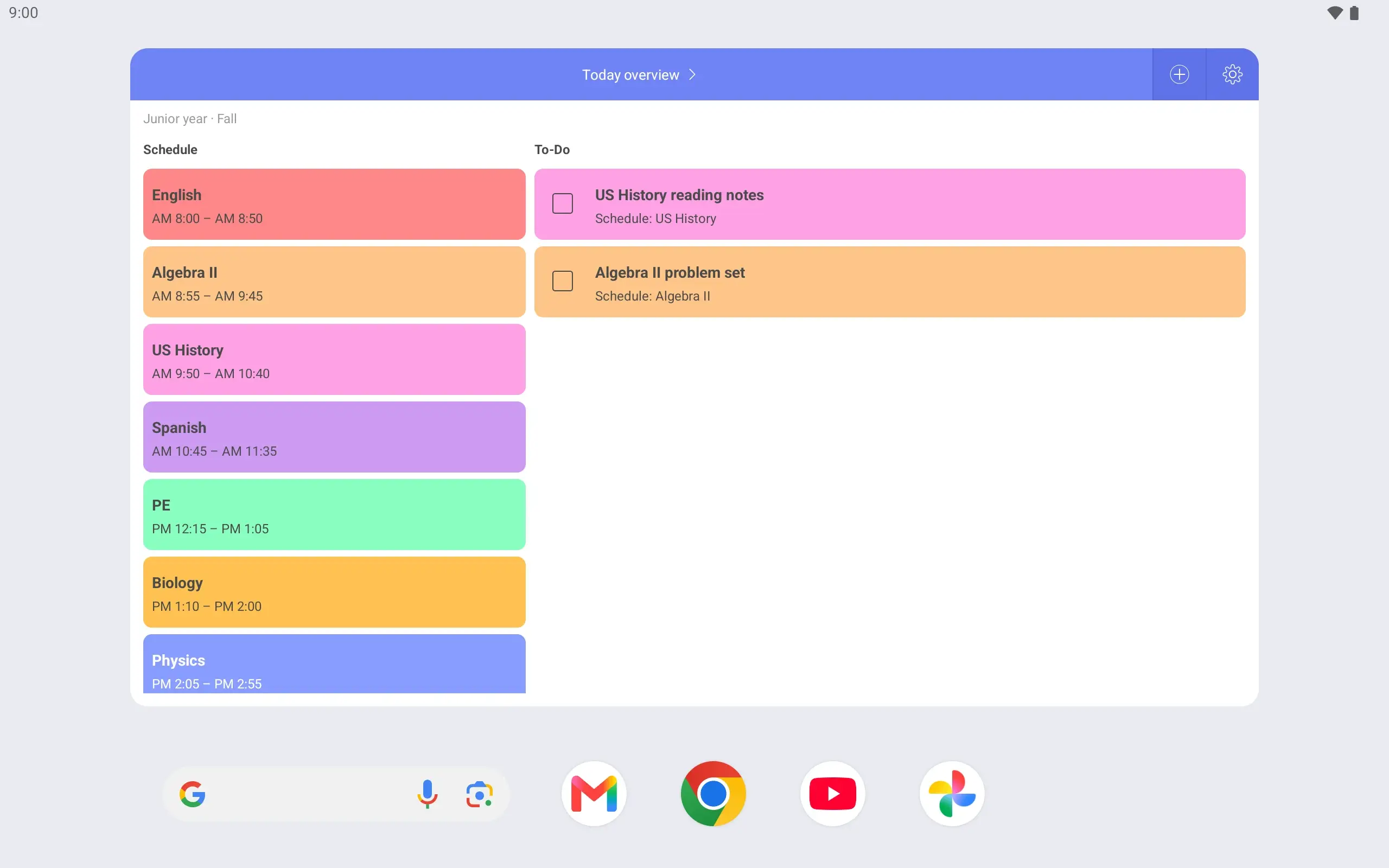
Add seven 50-minute periods Period 1 is 8:00–8:50 and period 7 ends at 2:55. A study block at 7 pm runs Monday to Thursday.
An alarm when it starts Turn on the alarm for the study block and it rings at 7 pm, Monday to Thursday.
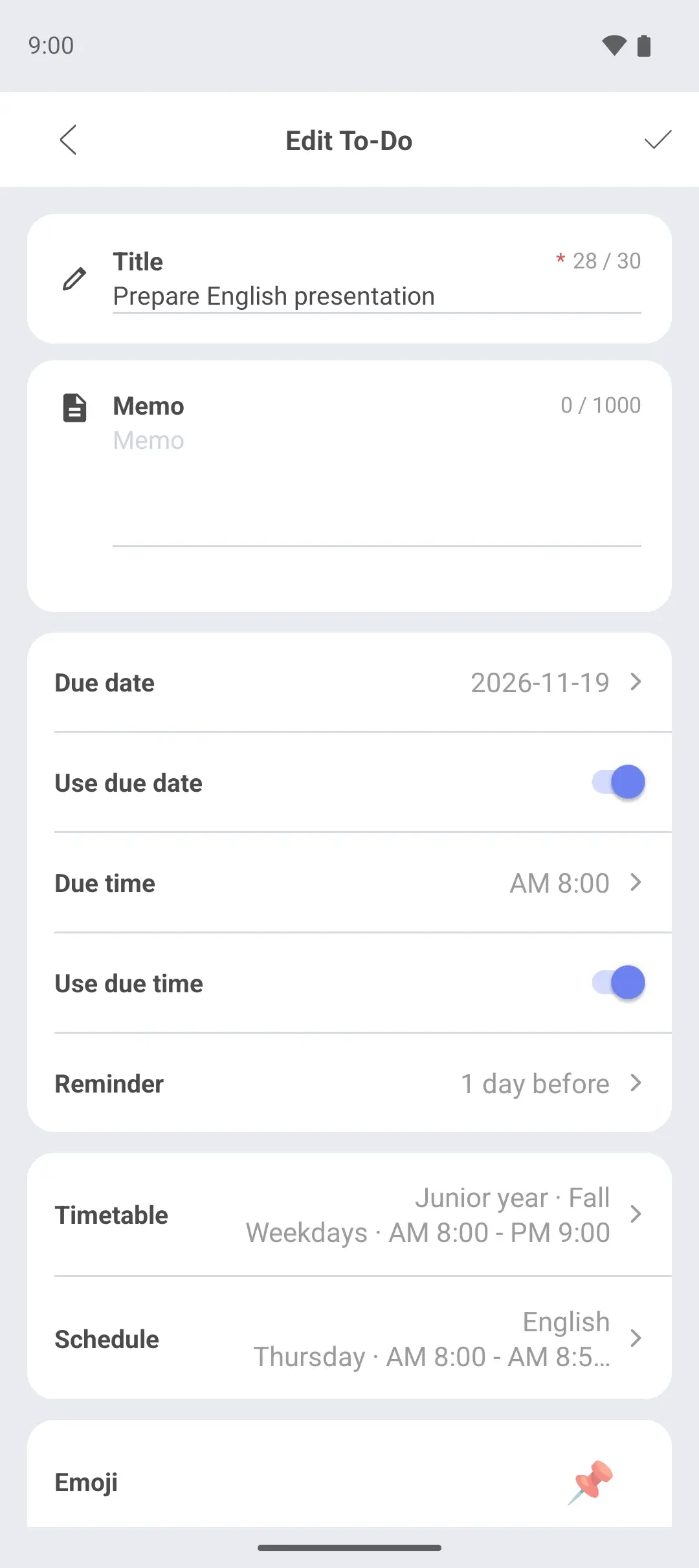
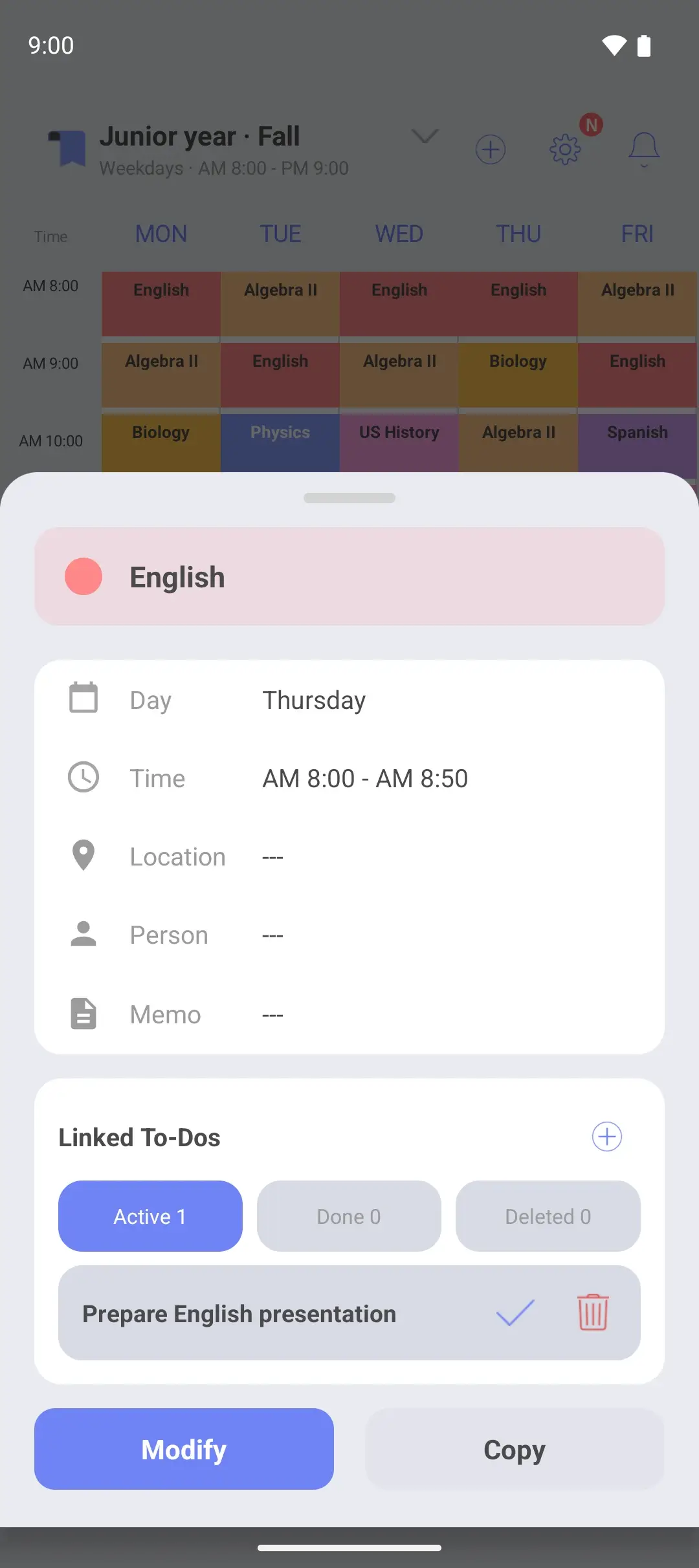
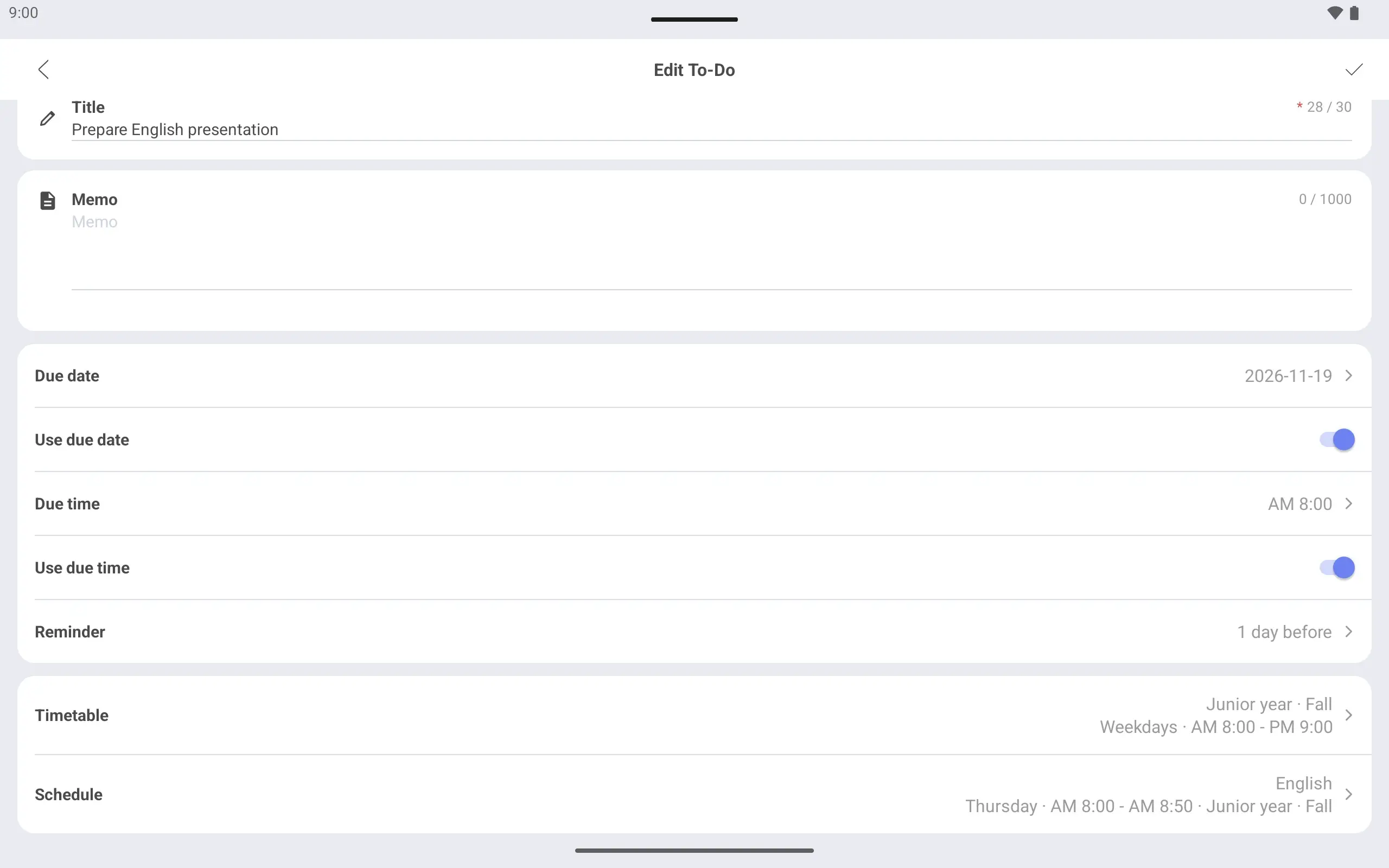
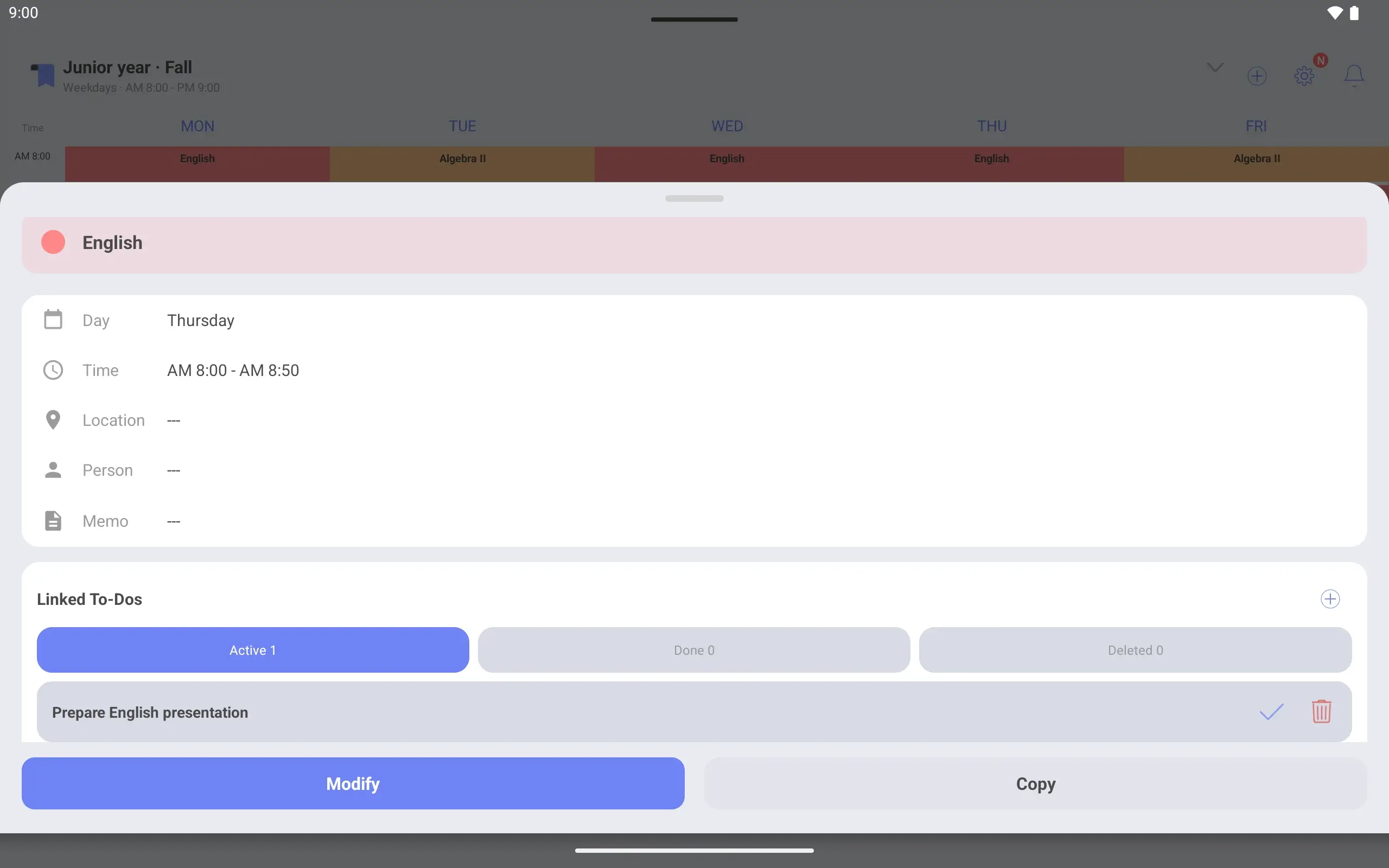
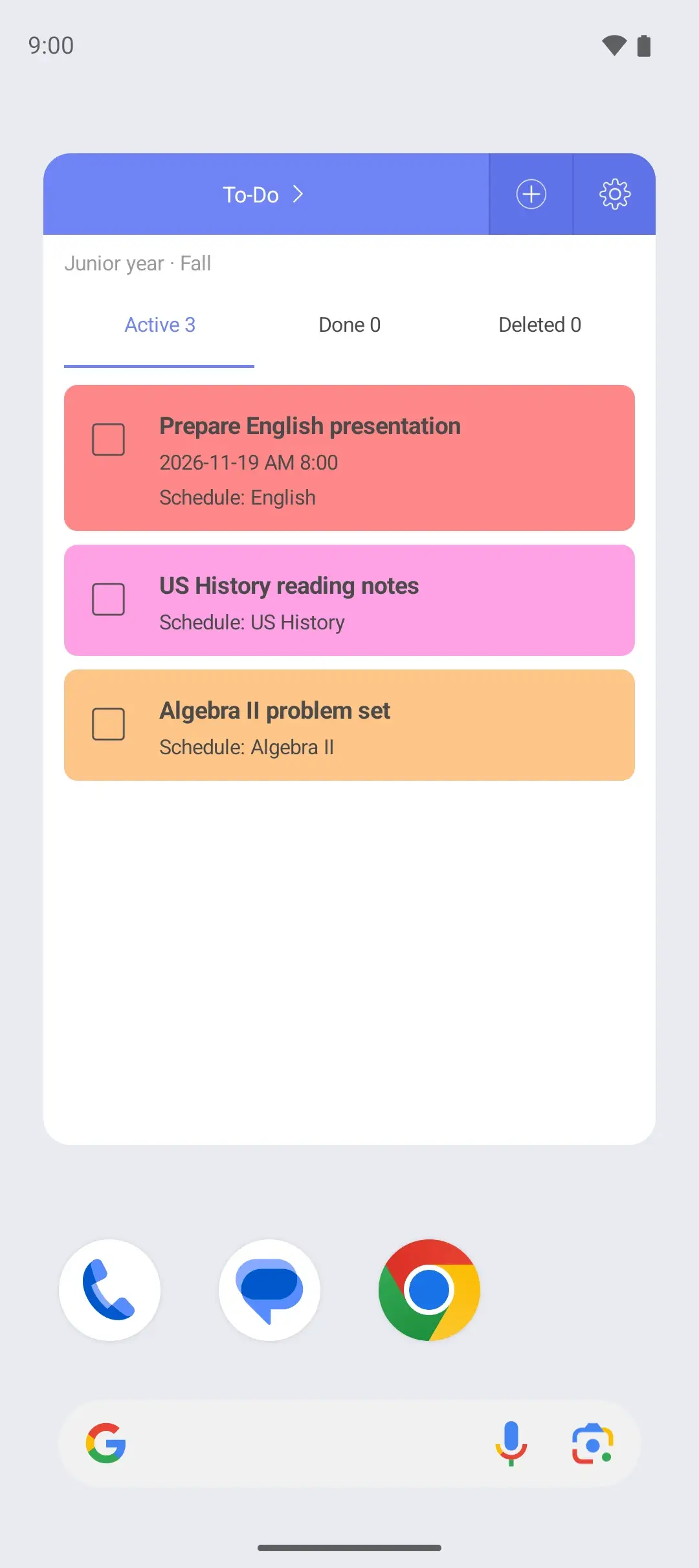
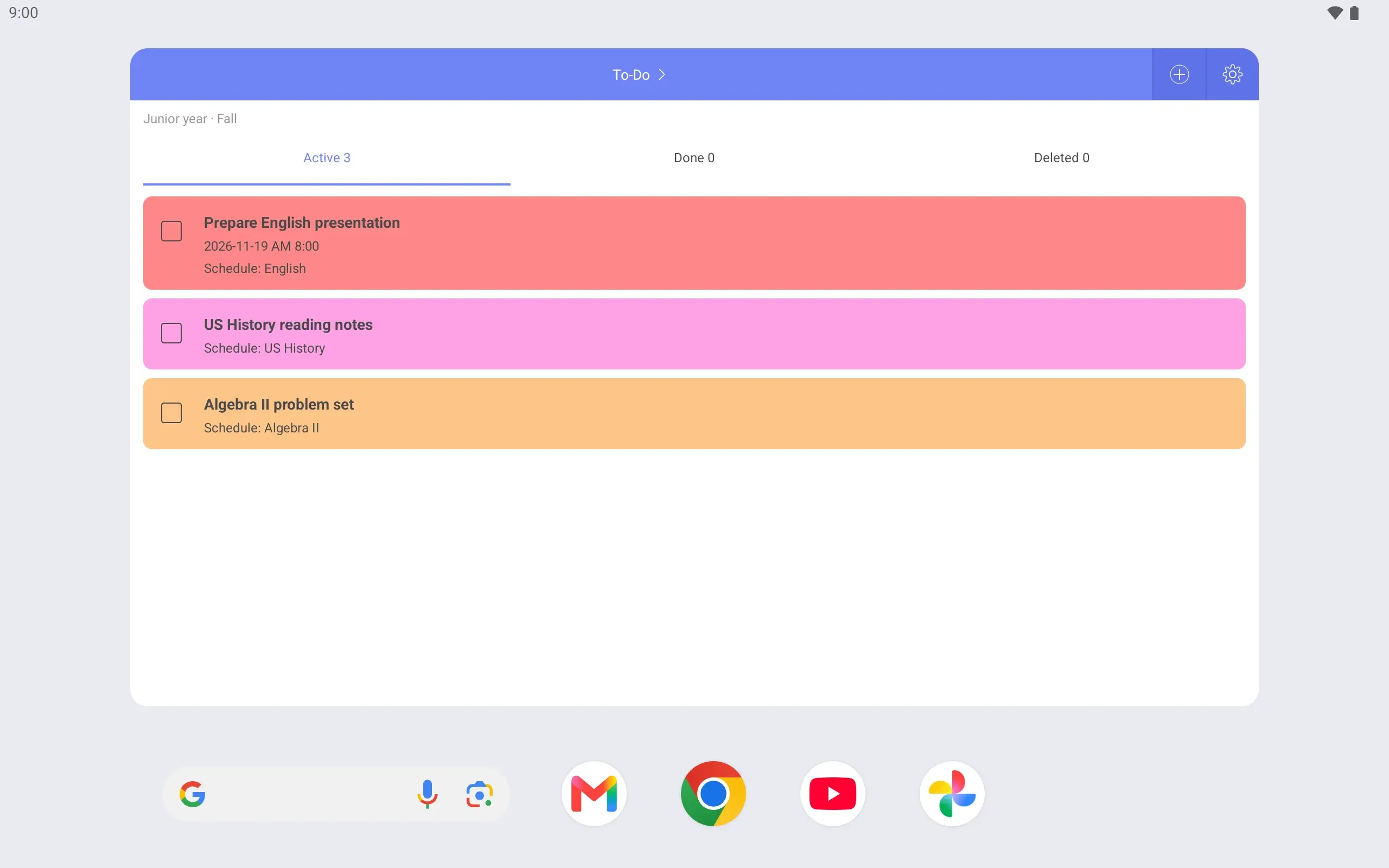
Link presentation prep to English Link “Prepare English presentation” to Thursday’s English class. Tap that class and the task shows with it.
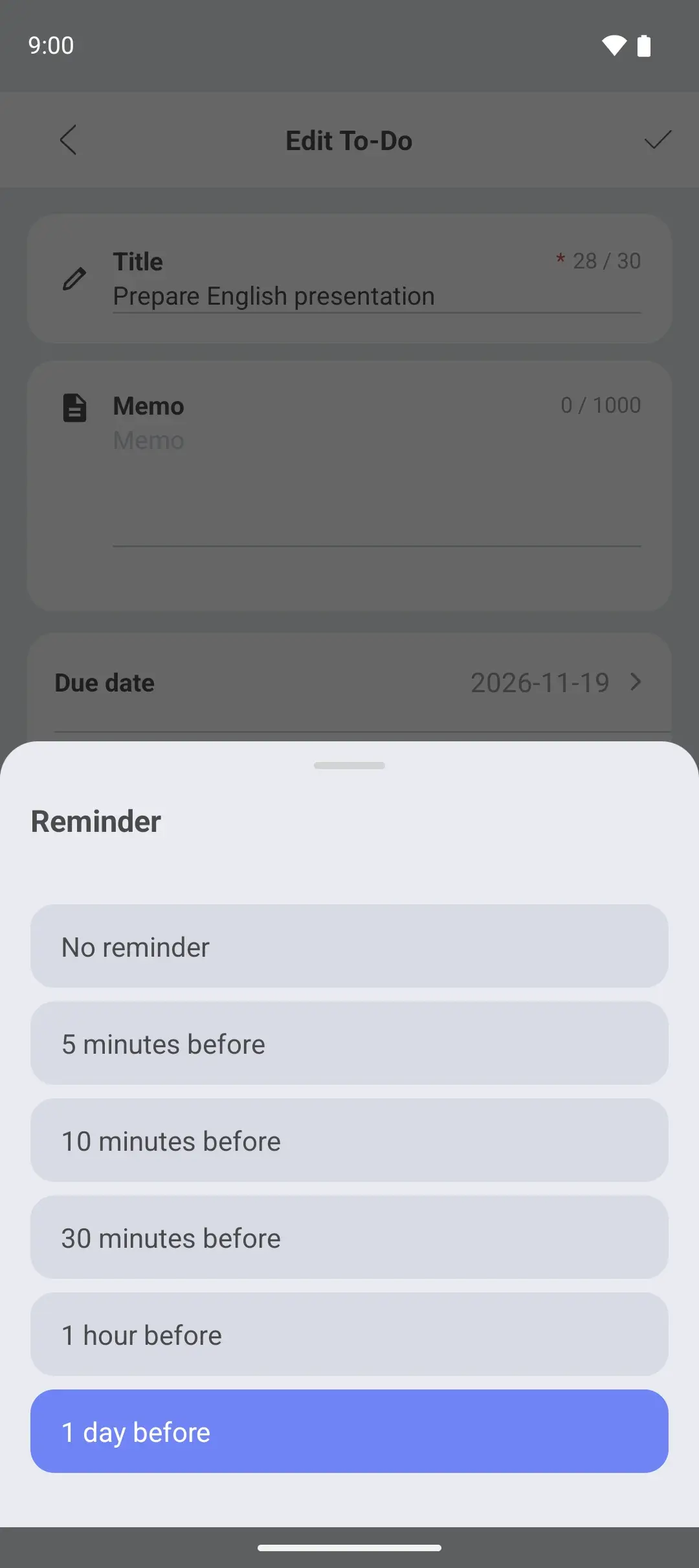
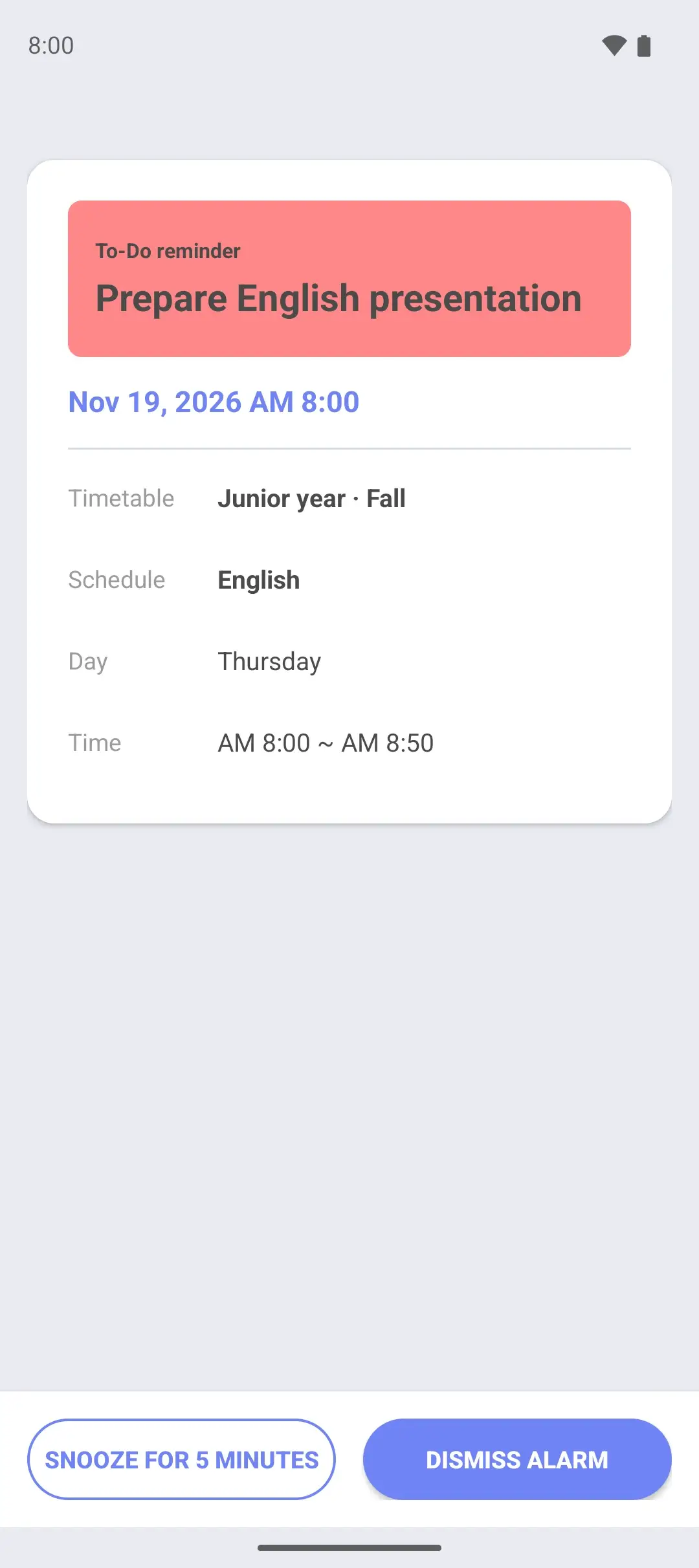
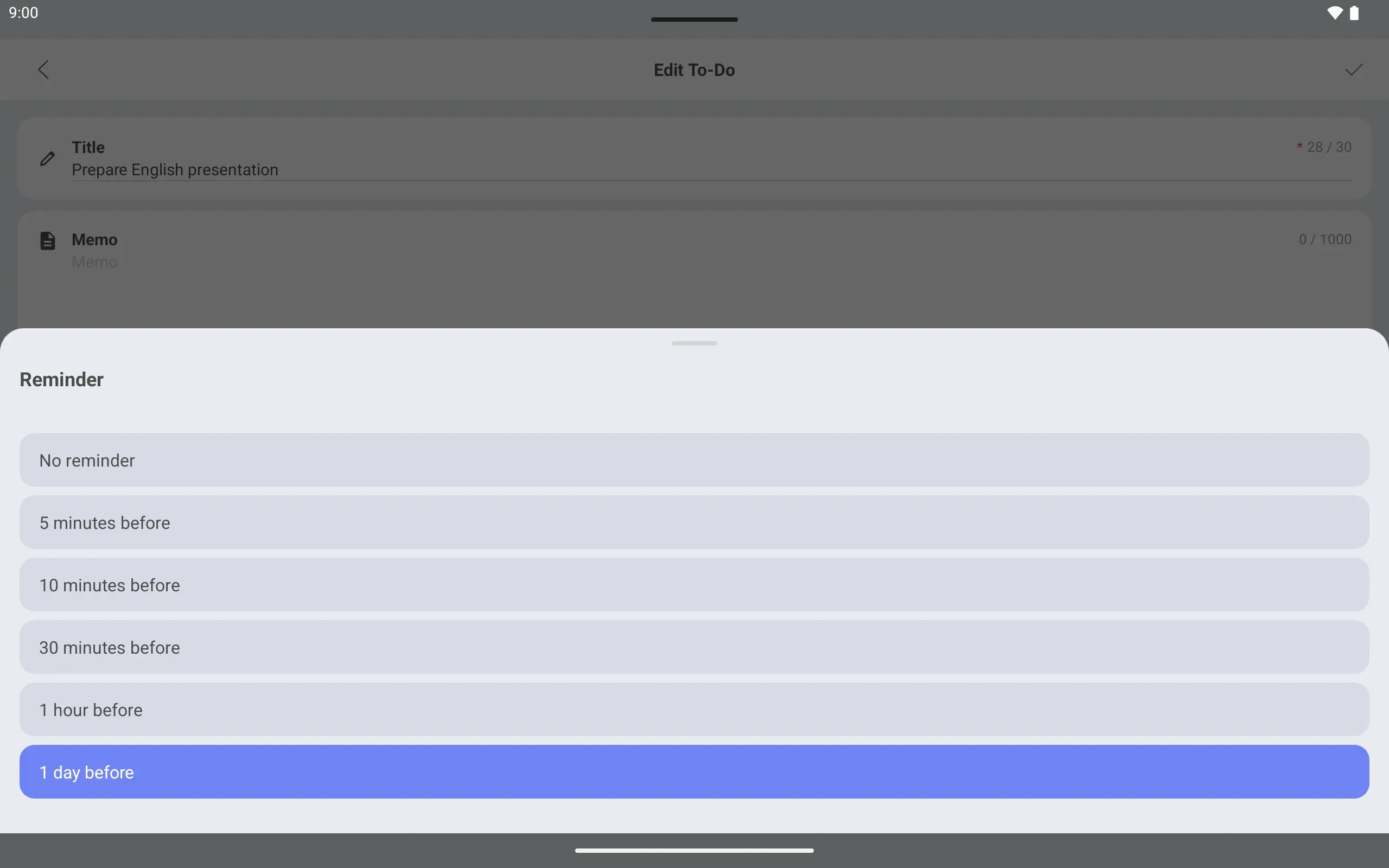
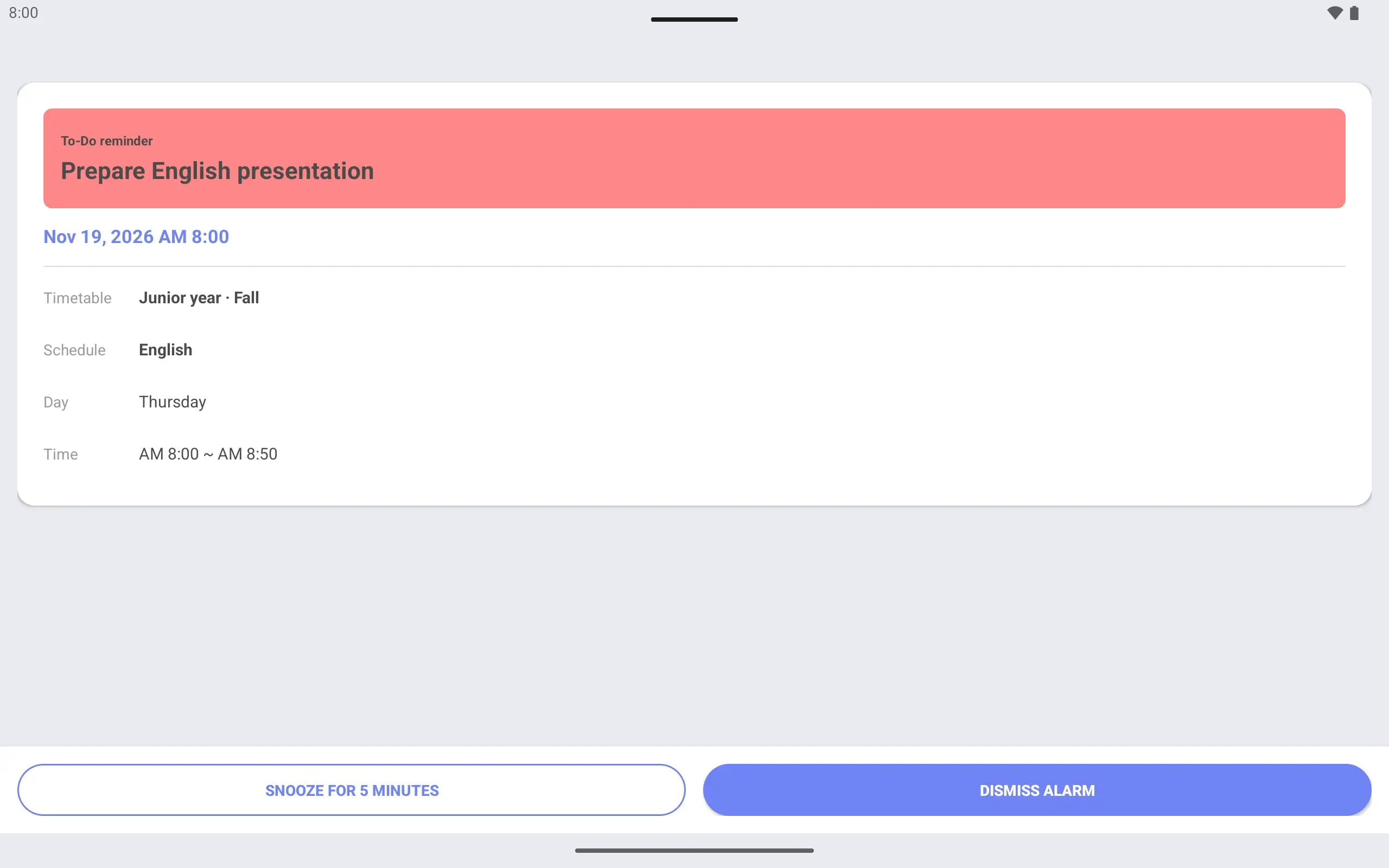
Know the day before it is due Set a due time and a “1 day before” reminder. An alarm screen opens a day ahead.
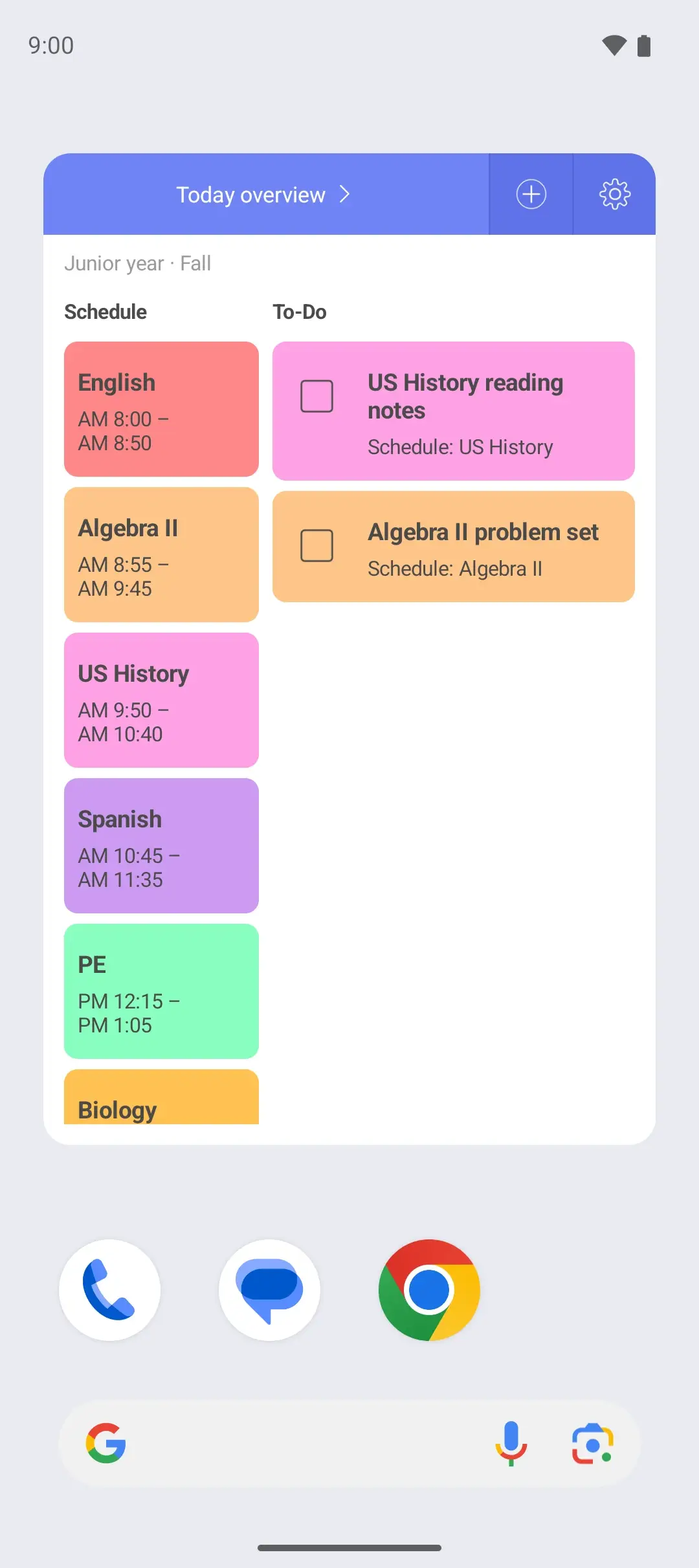
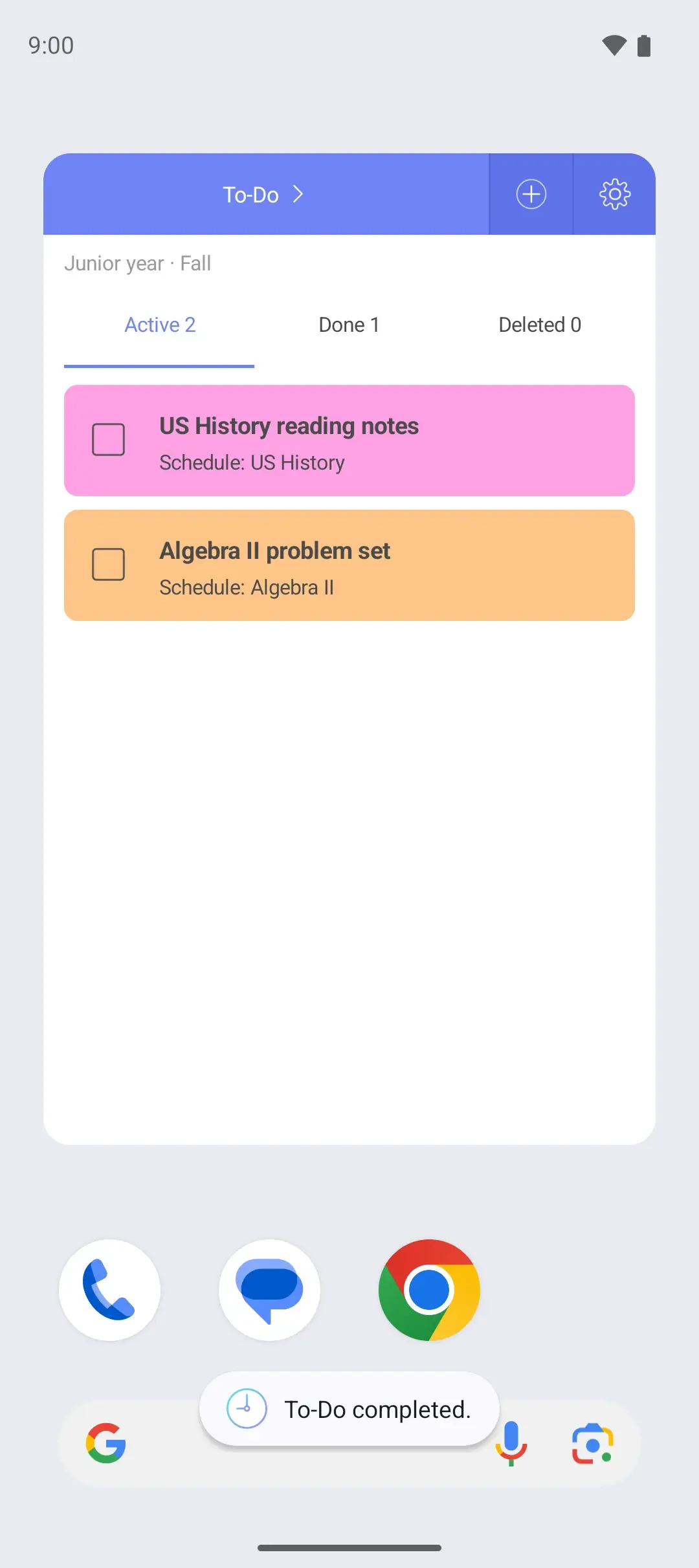
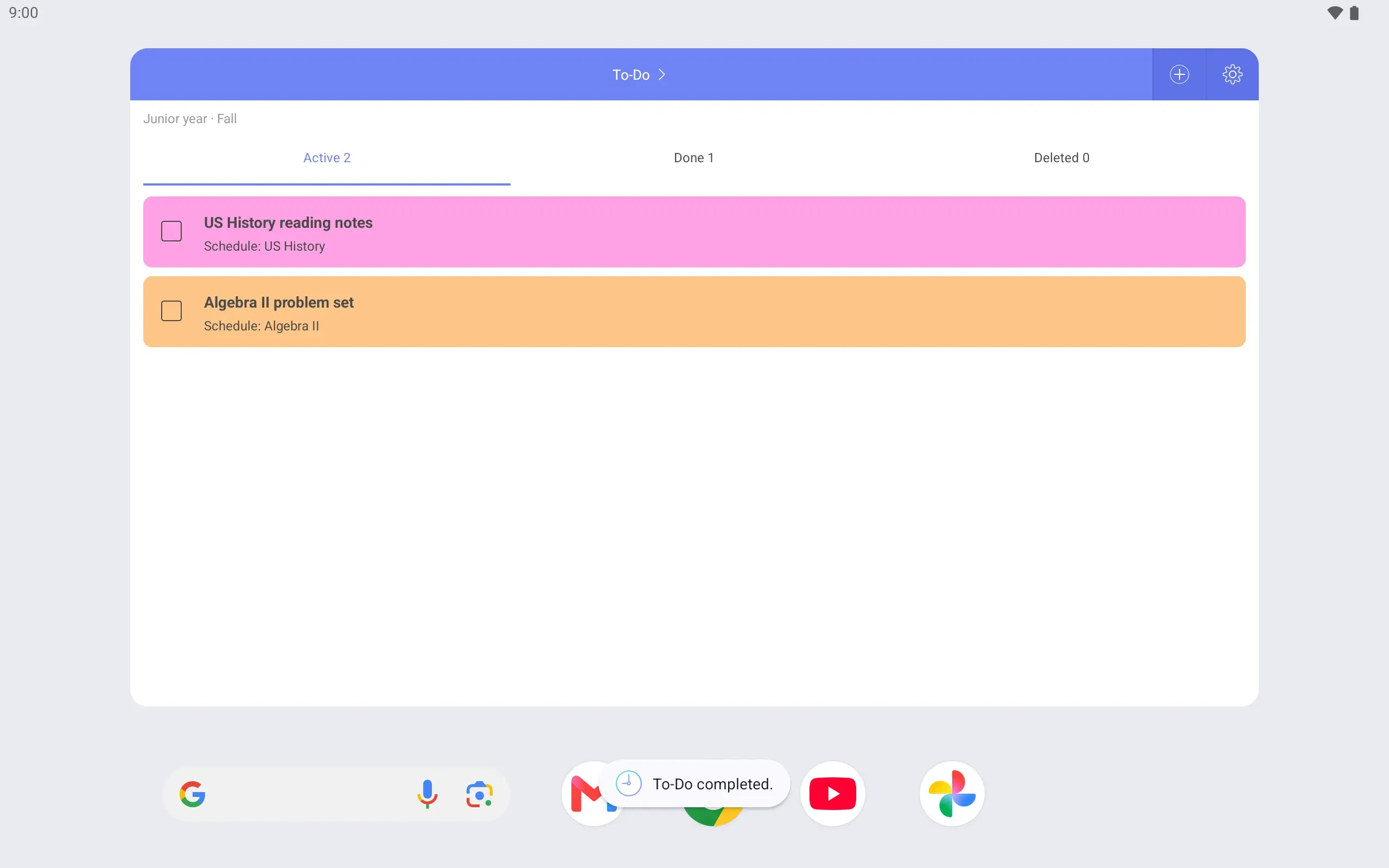
Weekly, Today overview and To-Do widgets. Check today’s classes and what is due from the home screen.
Done preparing? Mark it complete right in the widget.
See it on the lock screen Wake the phone between classes and the timetable is there. See the next period right away.
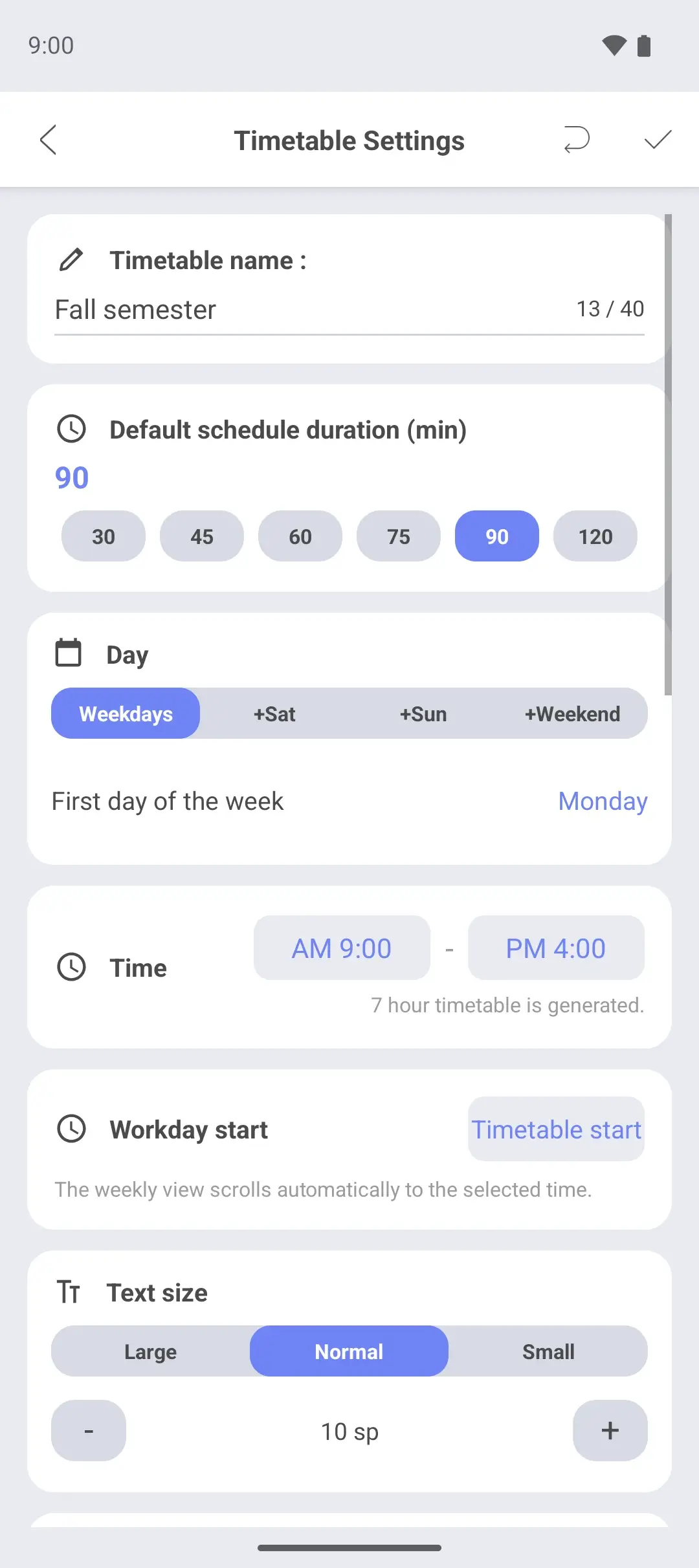
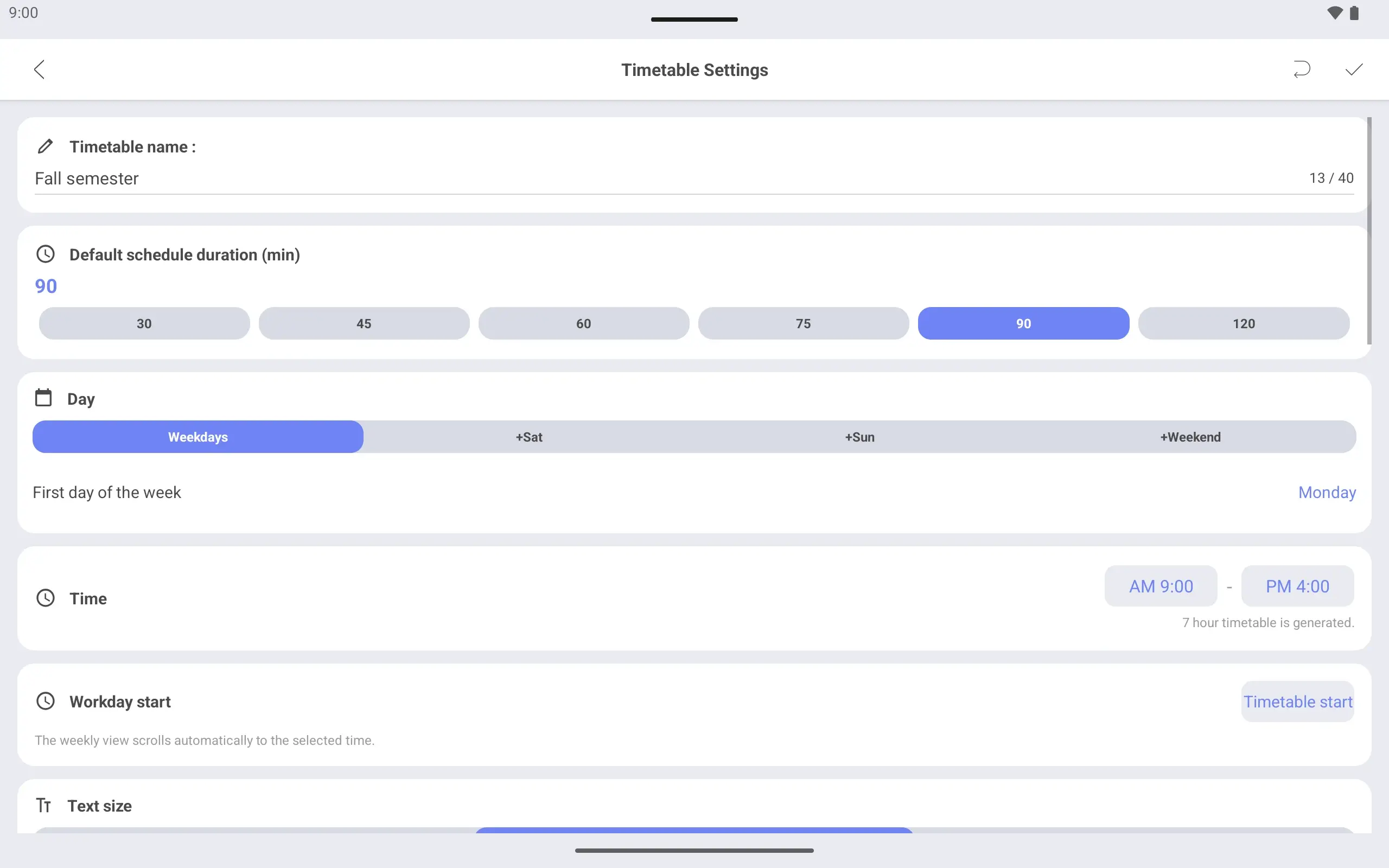
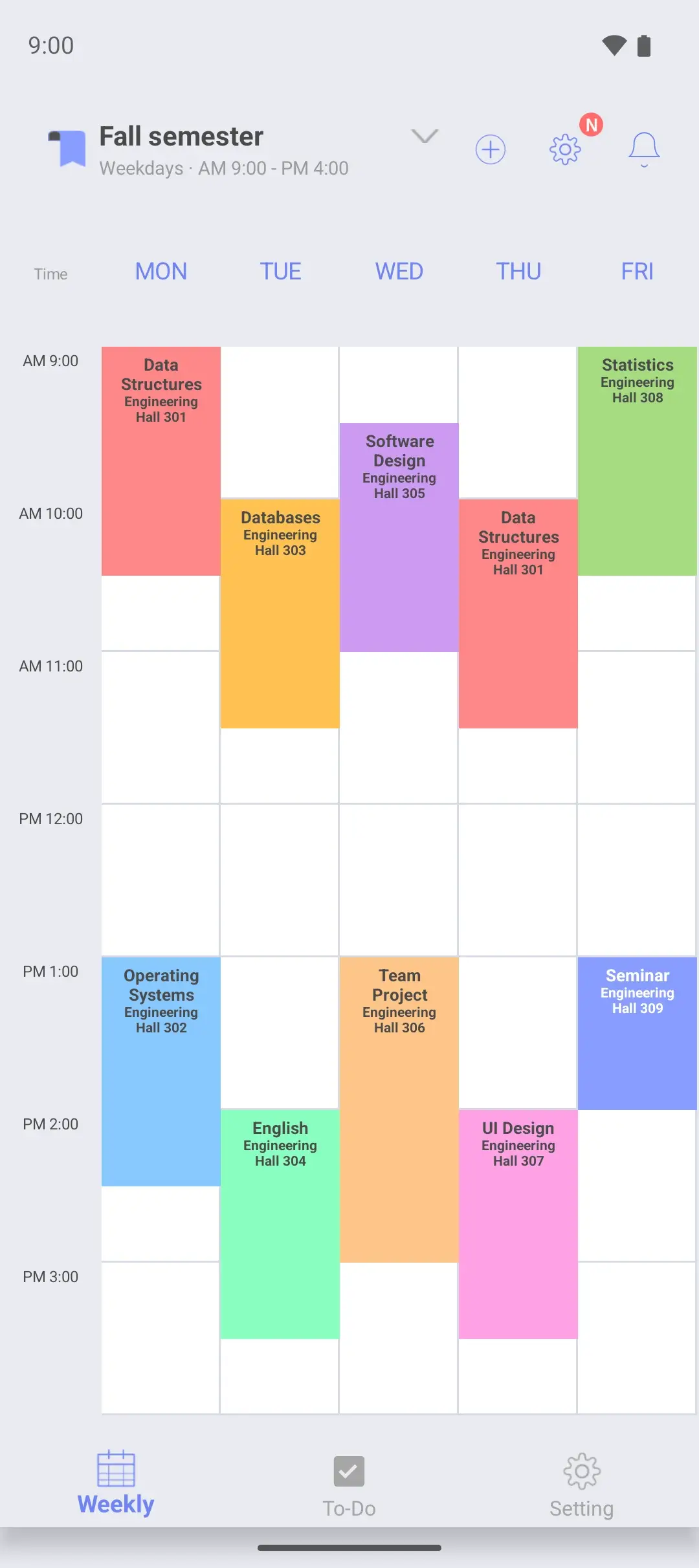
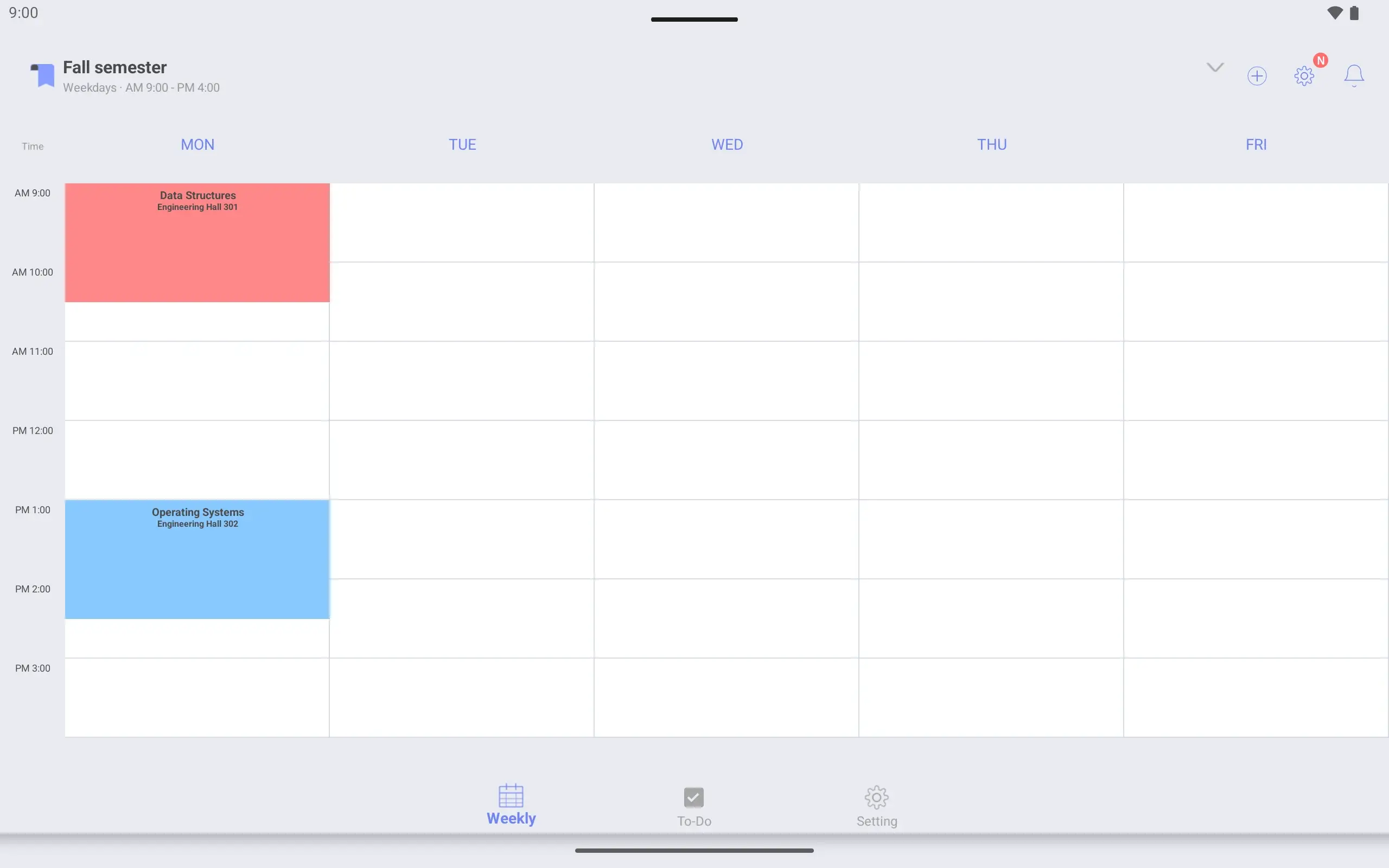
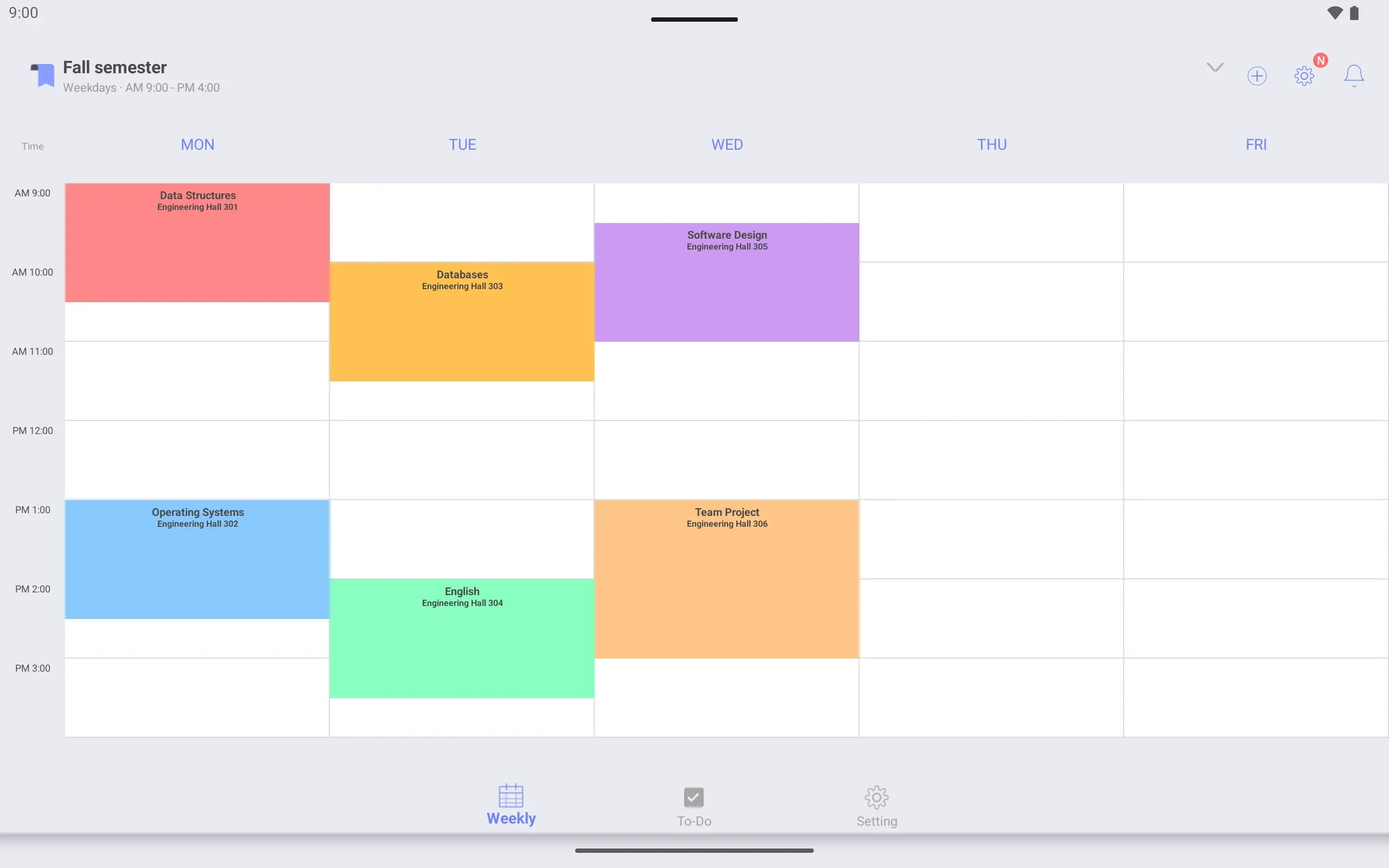
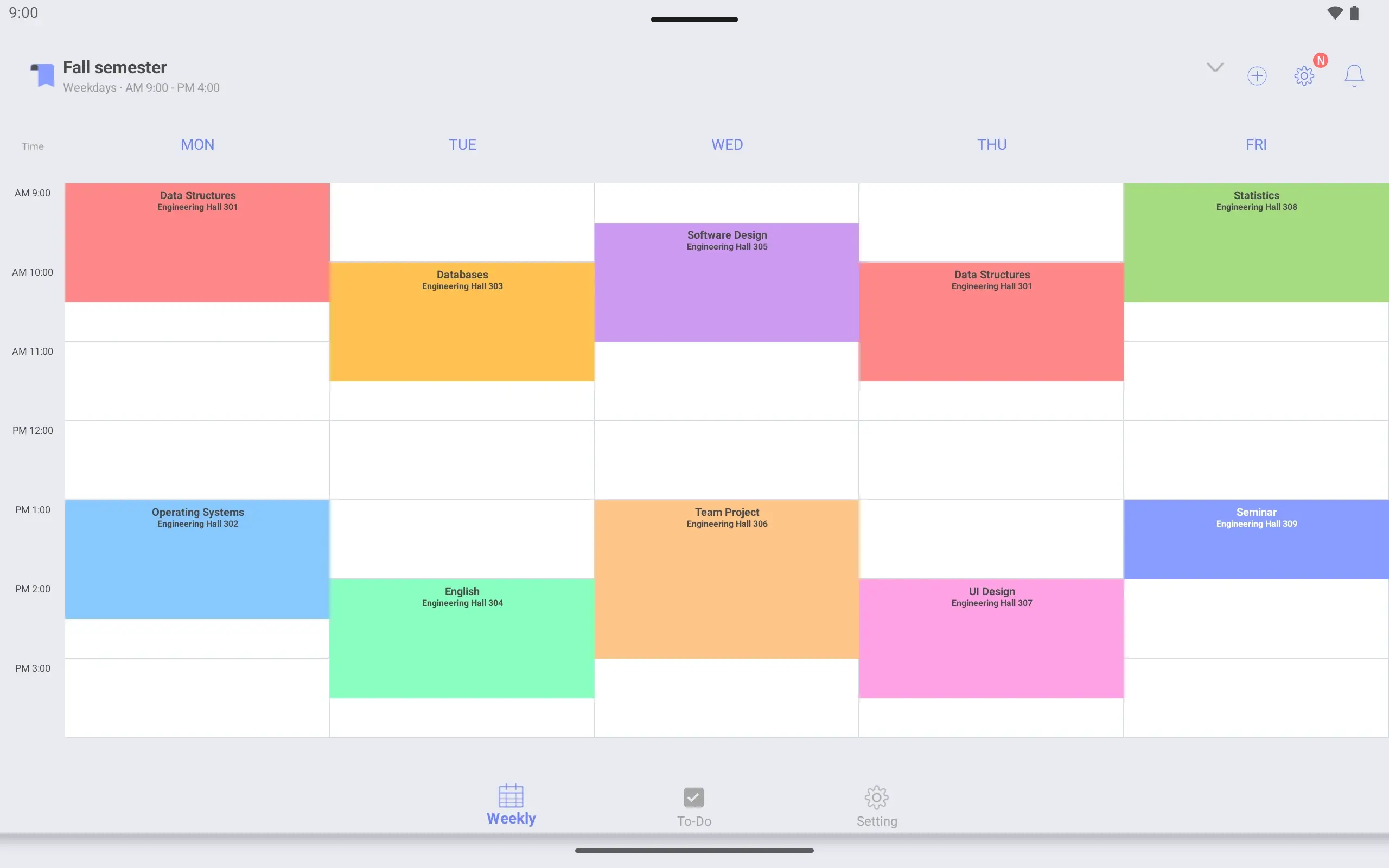
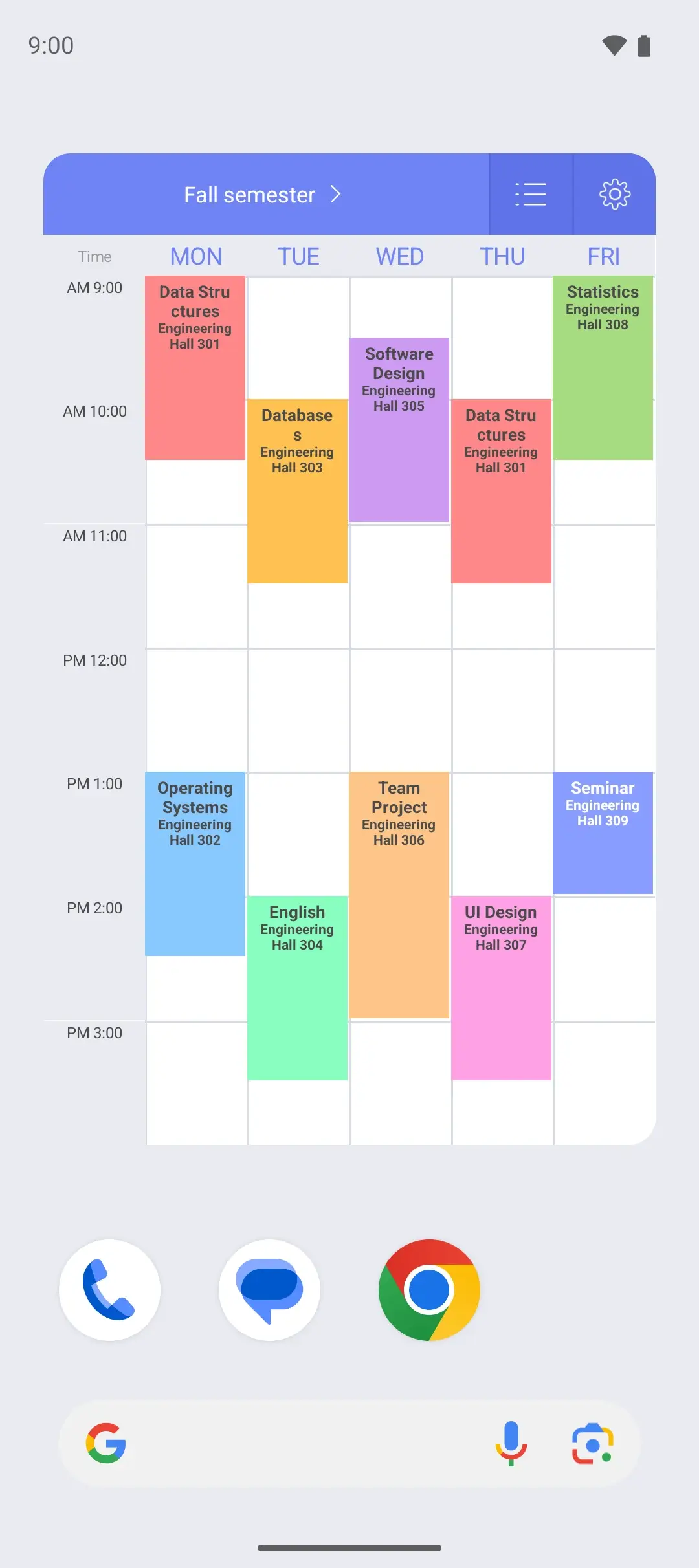
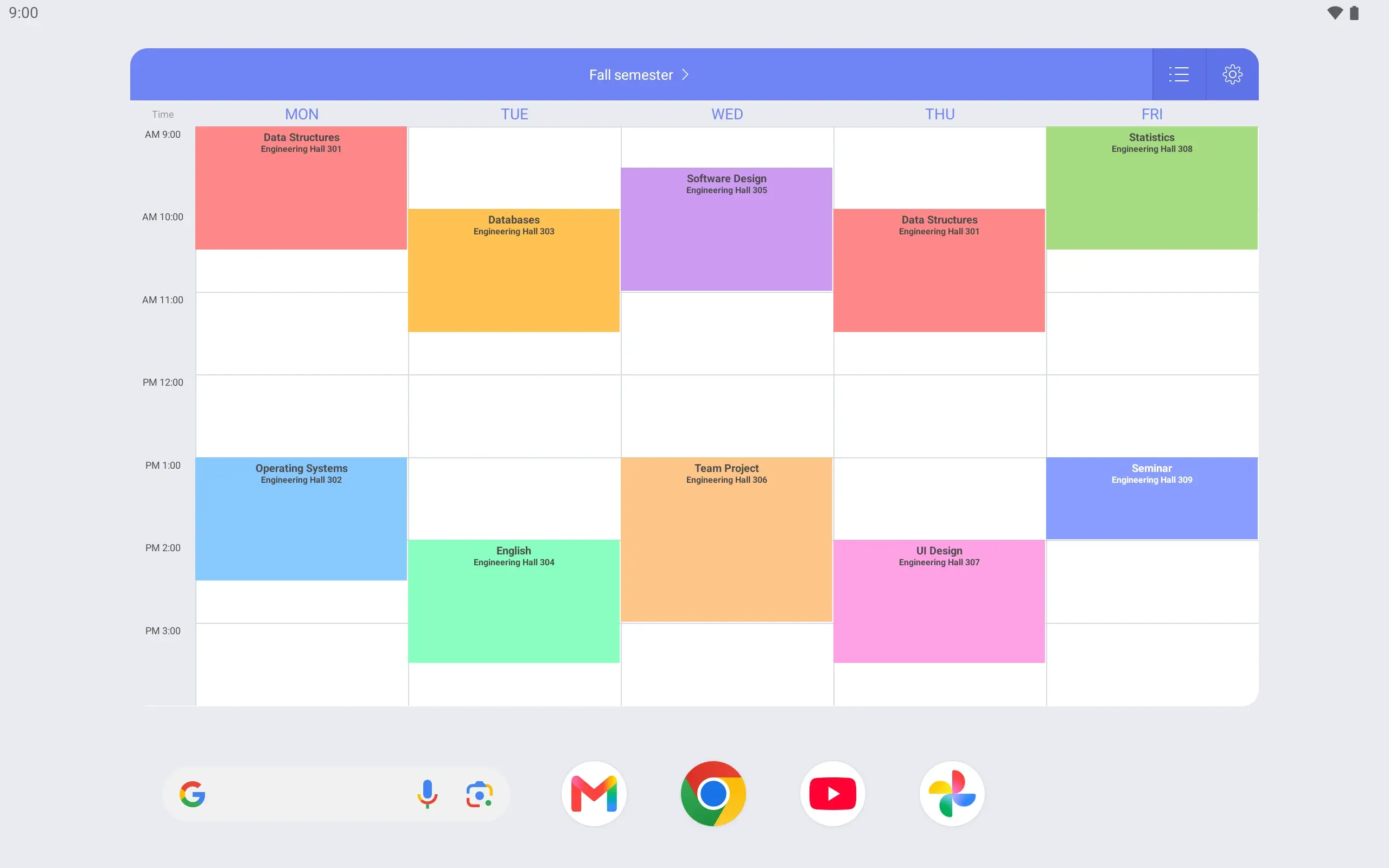
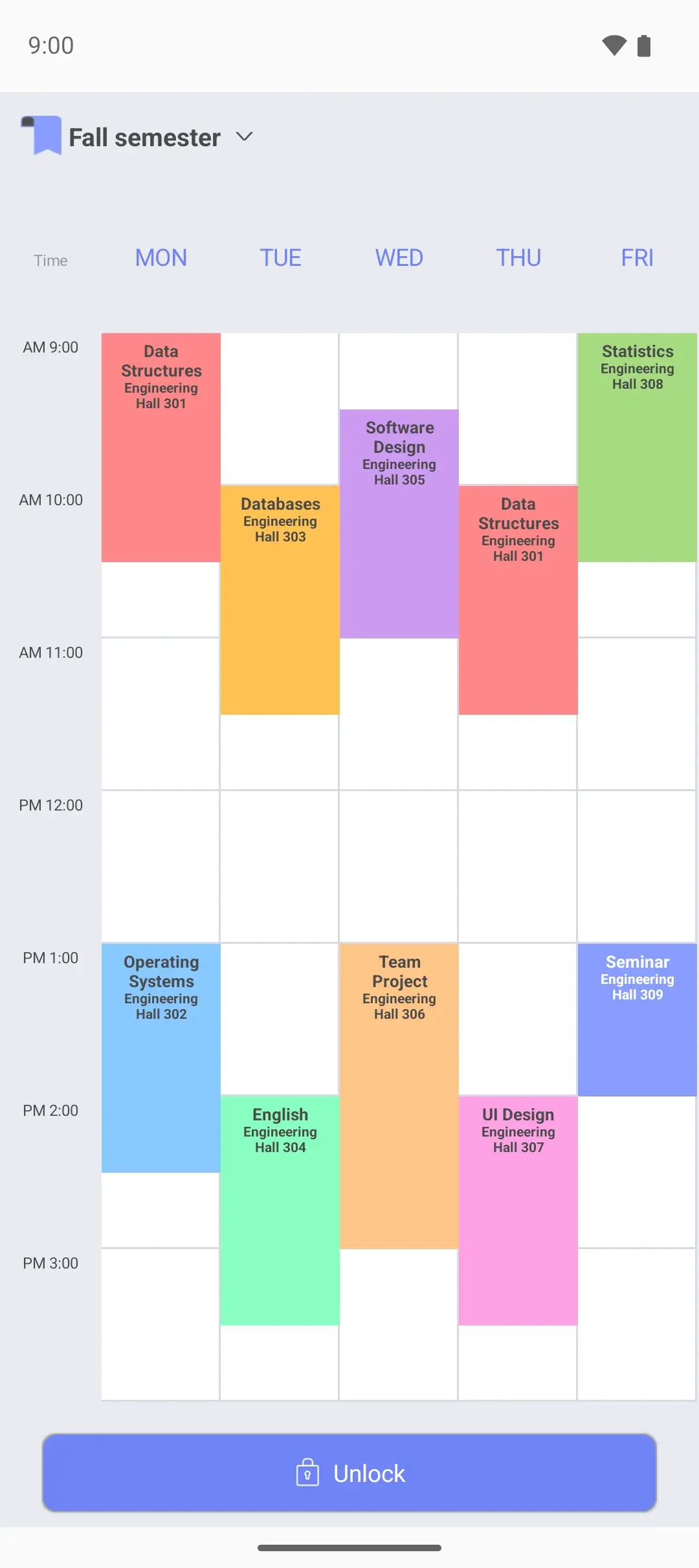
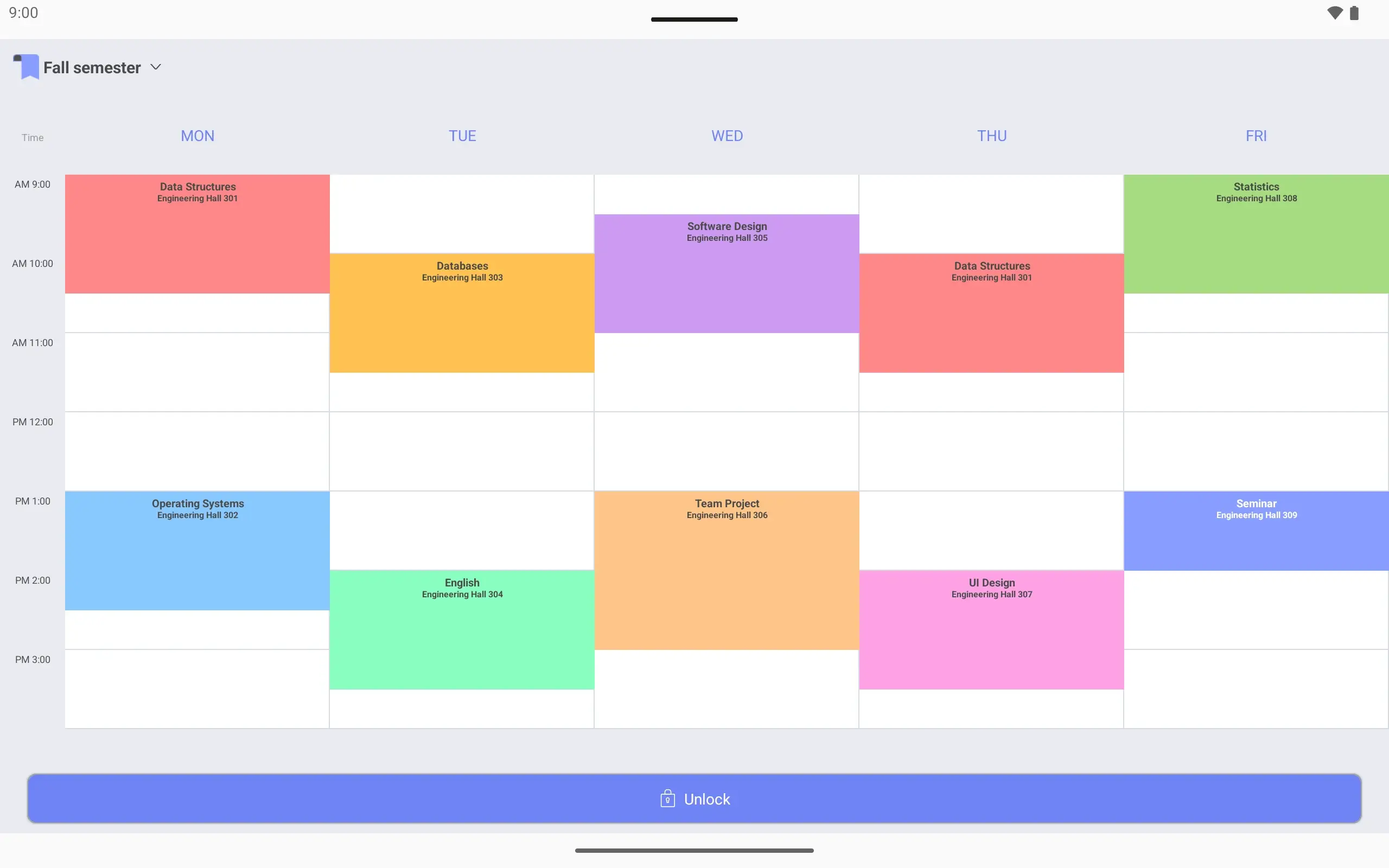
View larger View larger View larger View larger View larger View larger View larger View larger View larger View larger View larger View larger View larger View larger View larger View larger College class schedule Make this semester’s schedule Name it “Fall semester”. Show only the days and hours you have class.
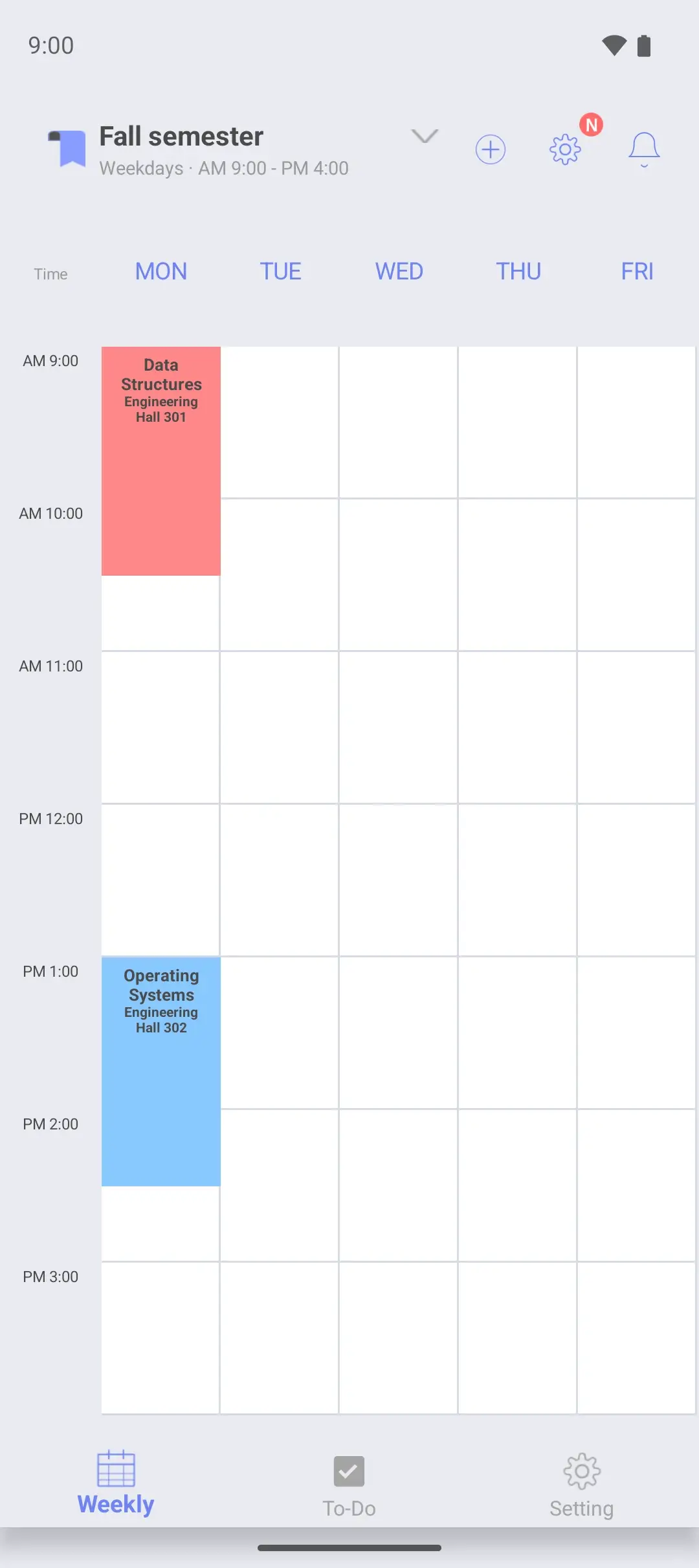
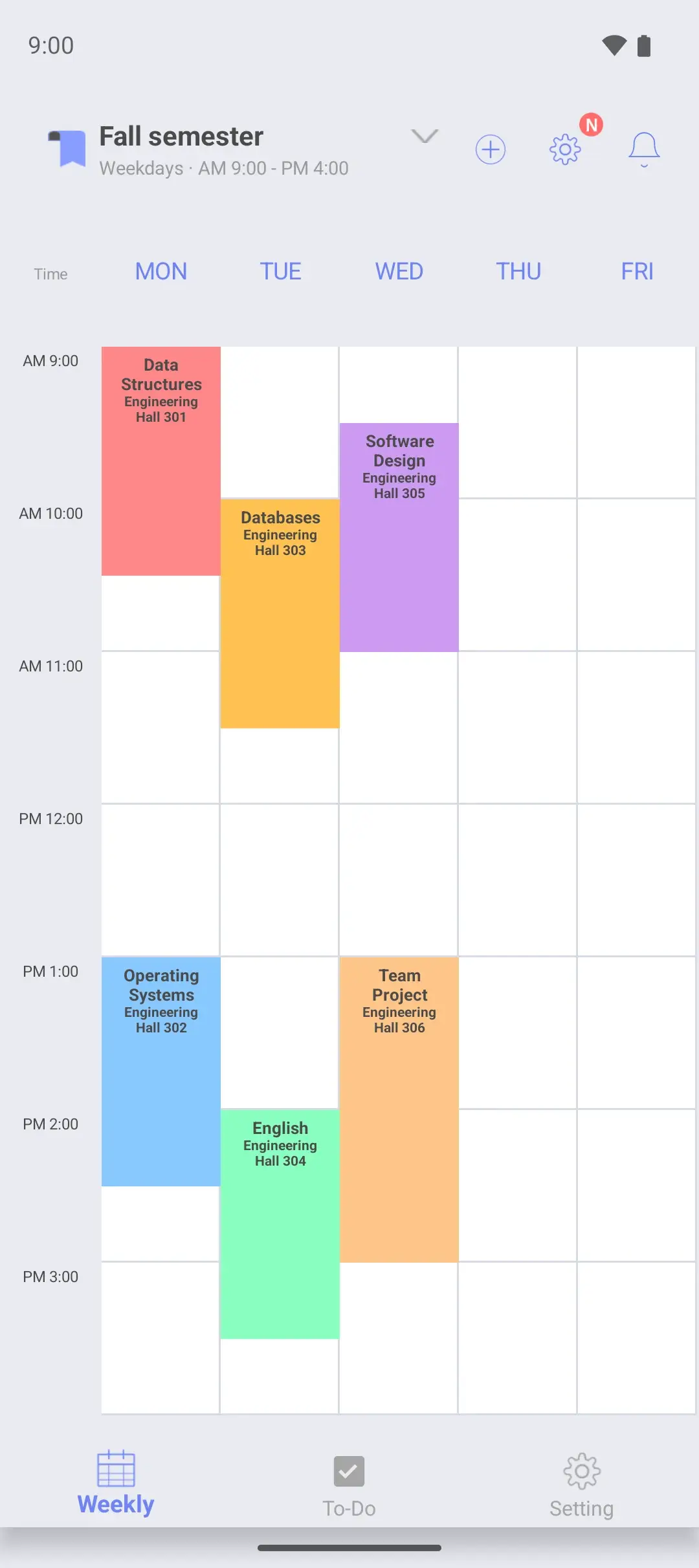
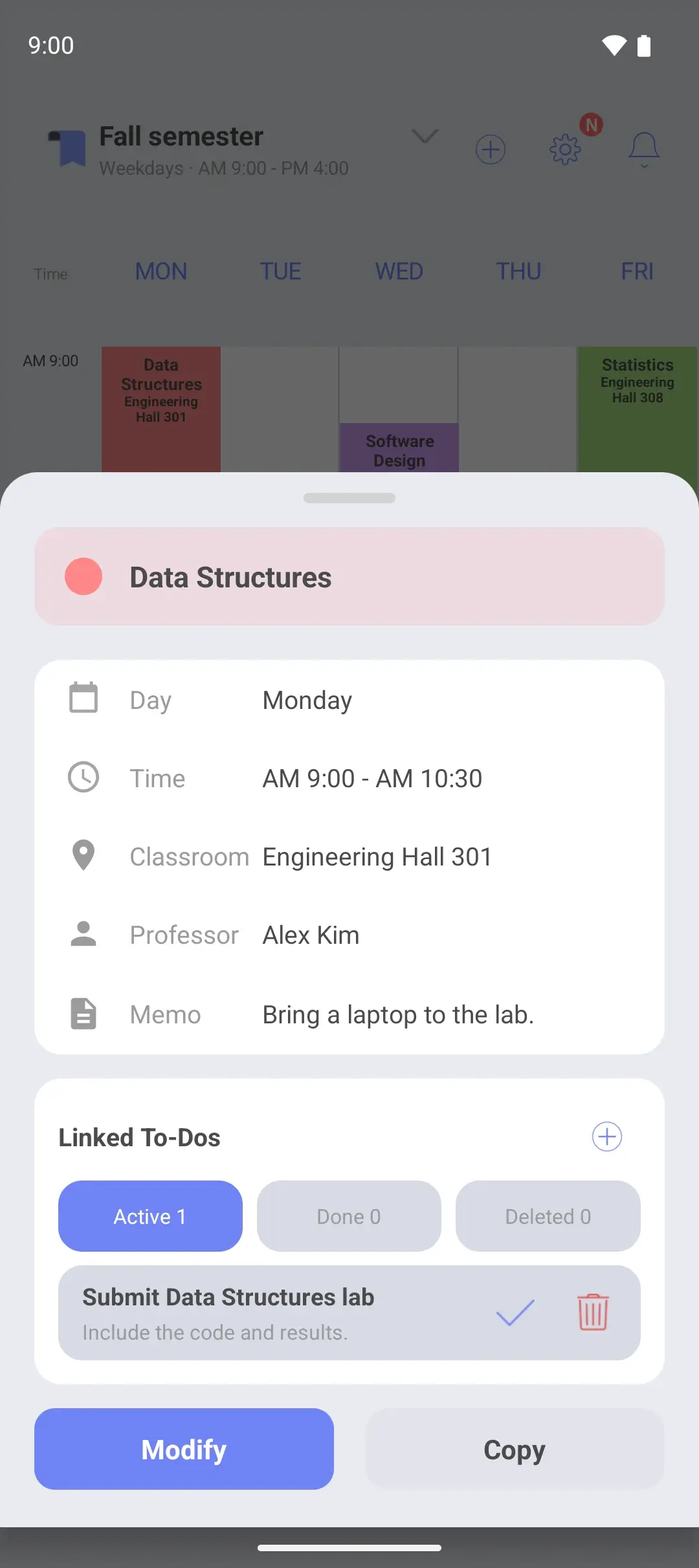
Add classes by day and time Data Structures is Monday 9:00–10:30 in Engineering Hall 301. Each class has a color.
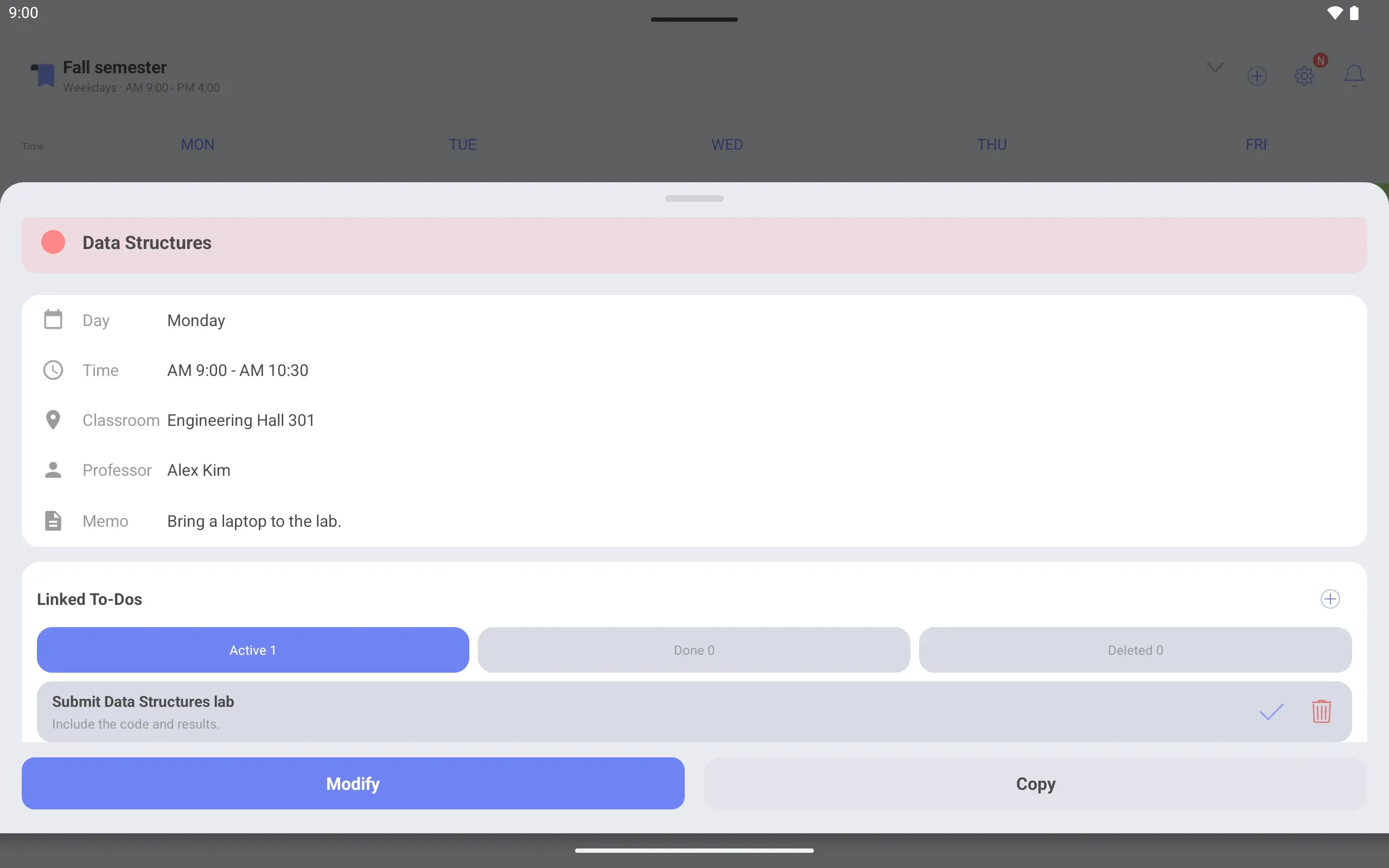
Tap a class to see it all Tap Monday’s Data Structures to see its room, professor and linked assignments on one screen.
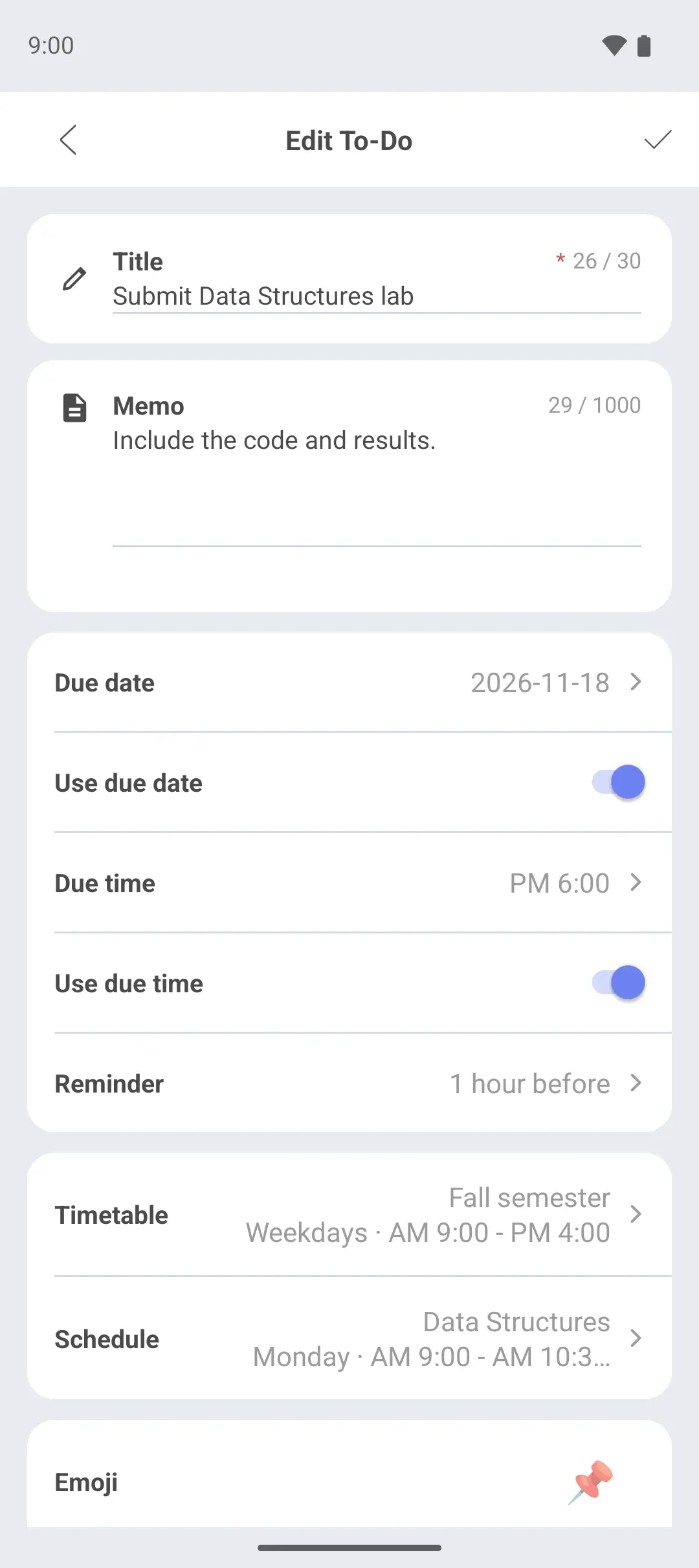
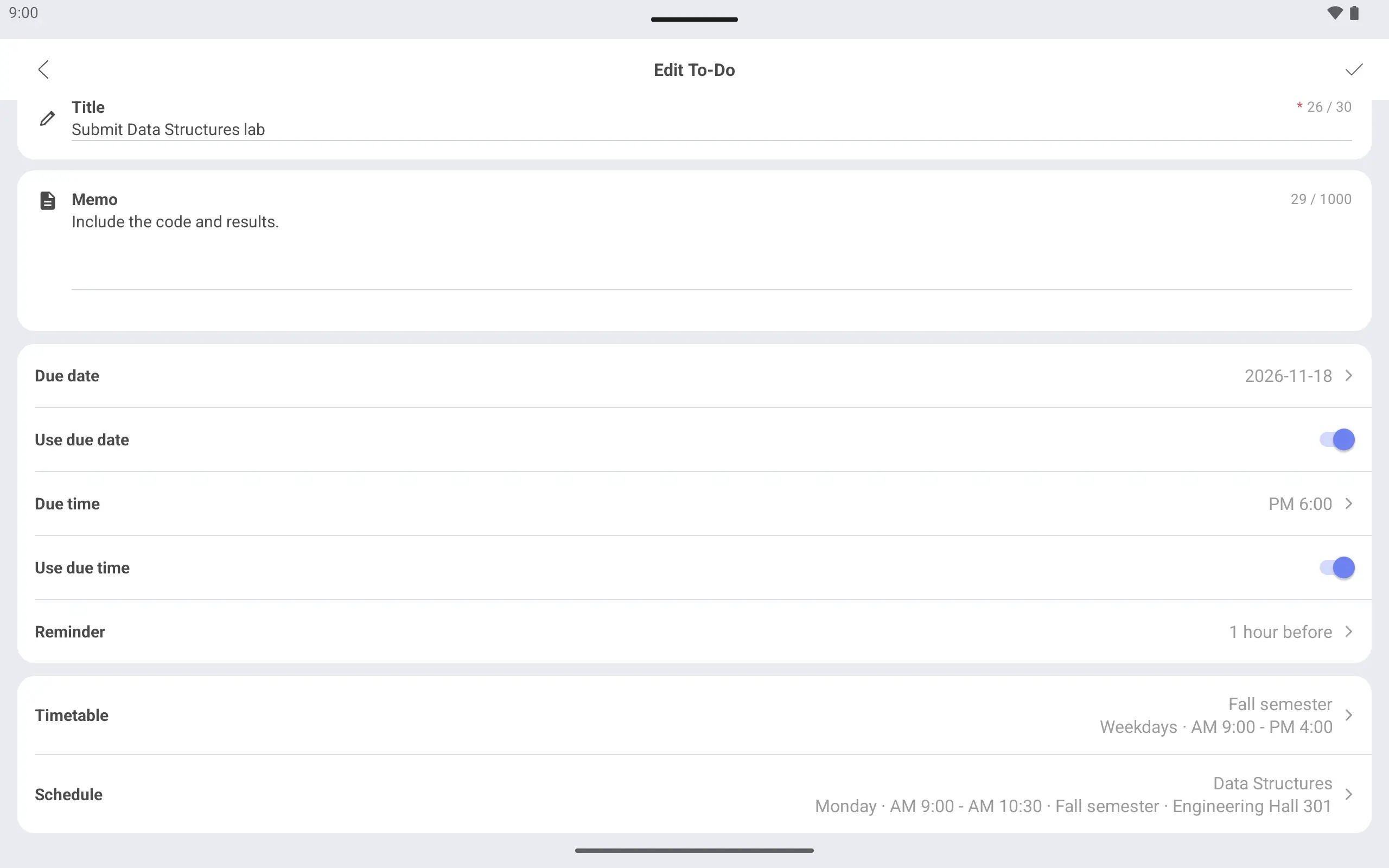
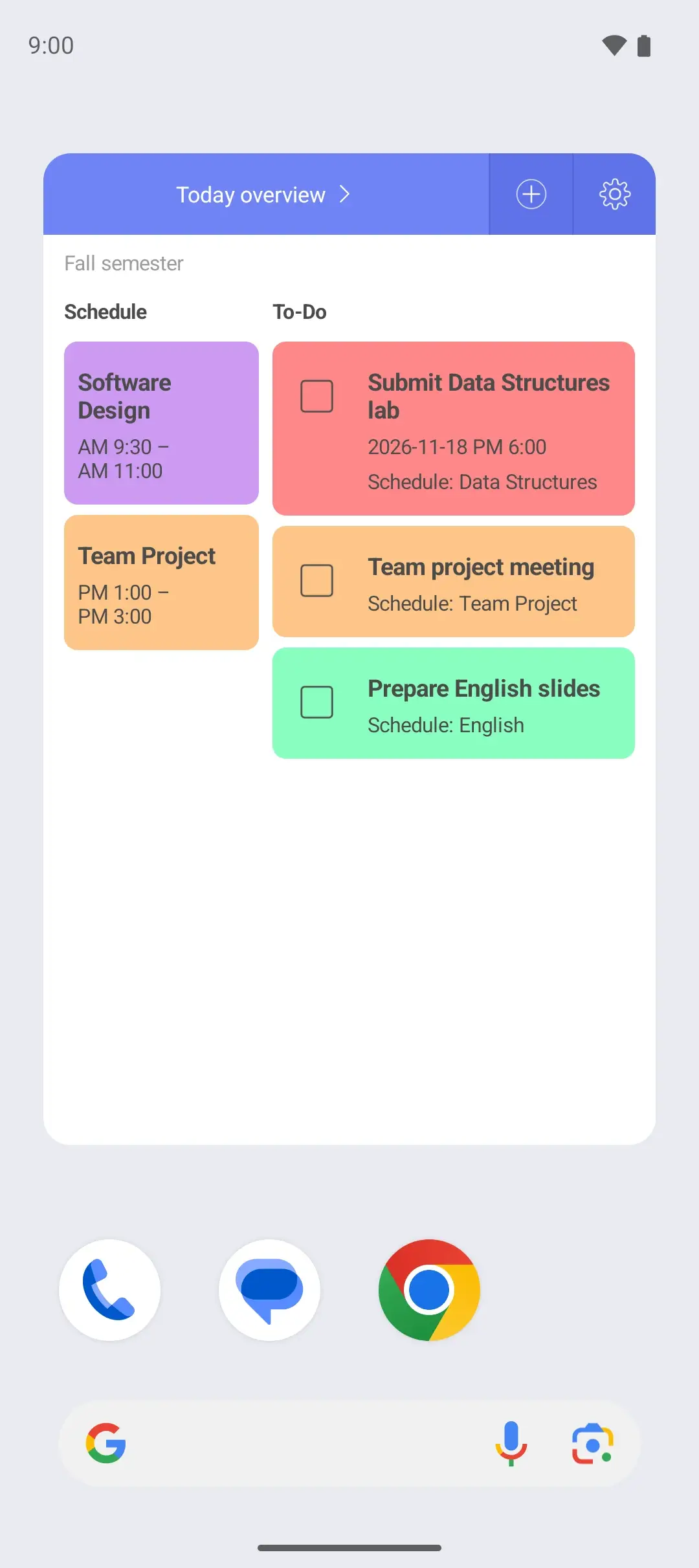
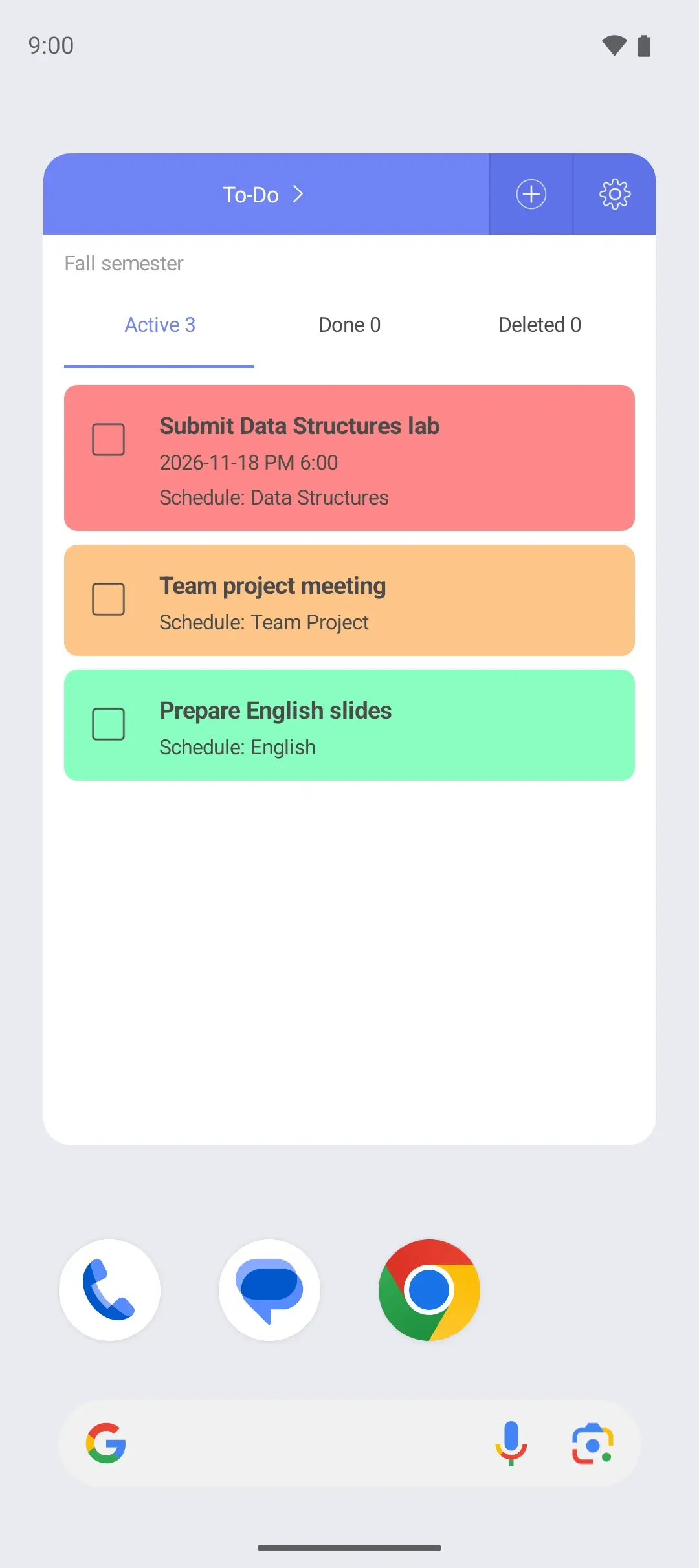
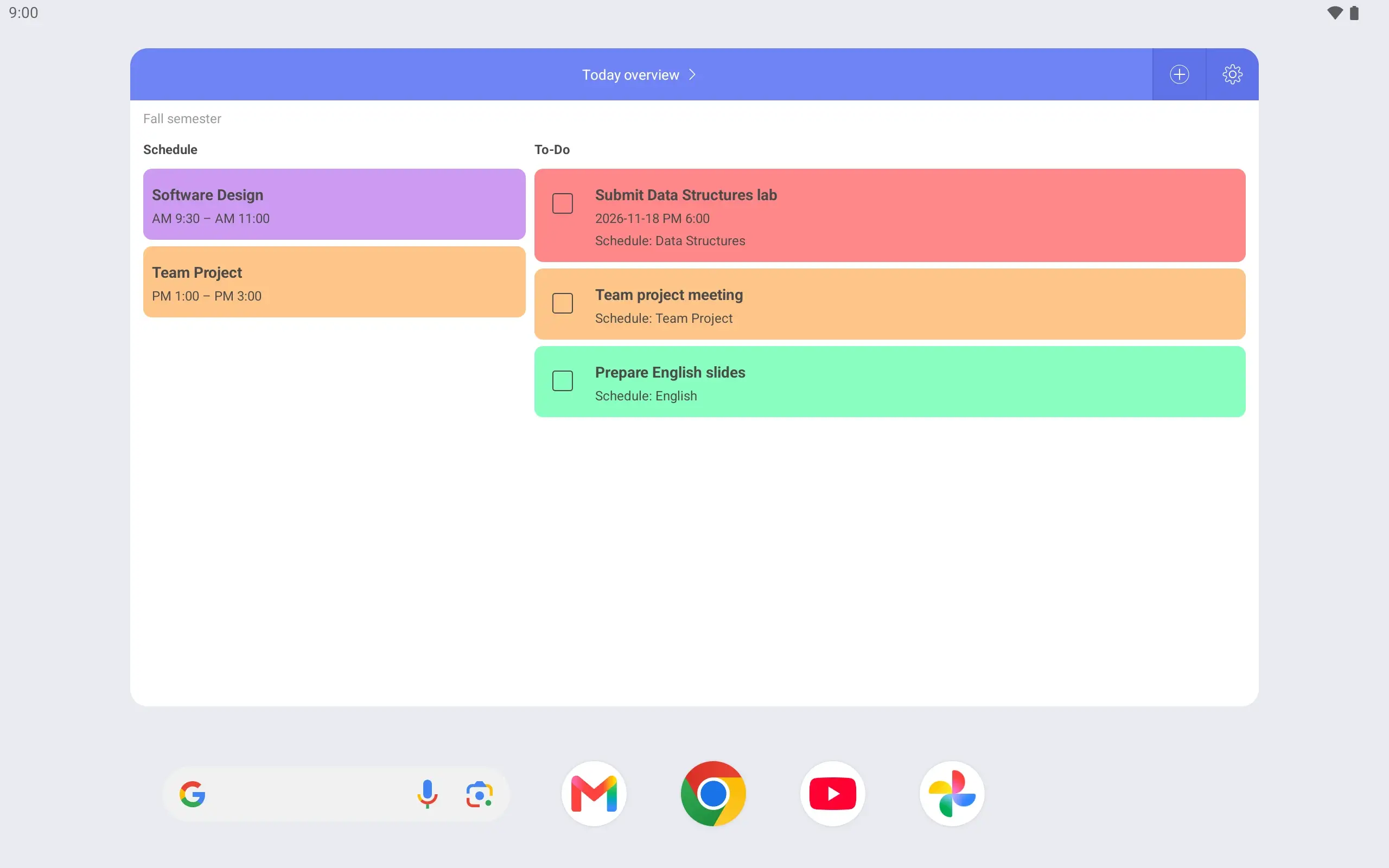
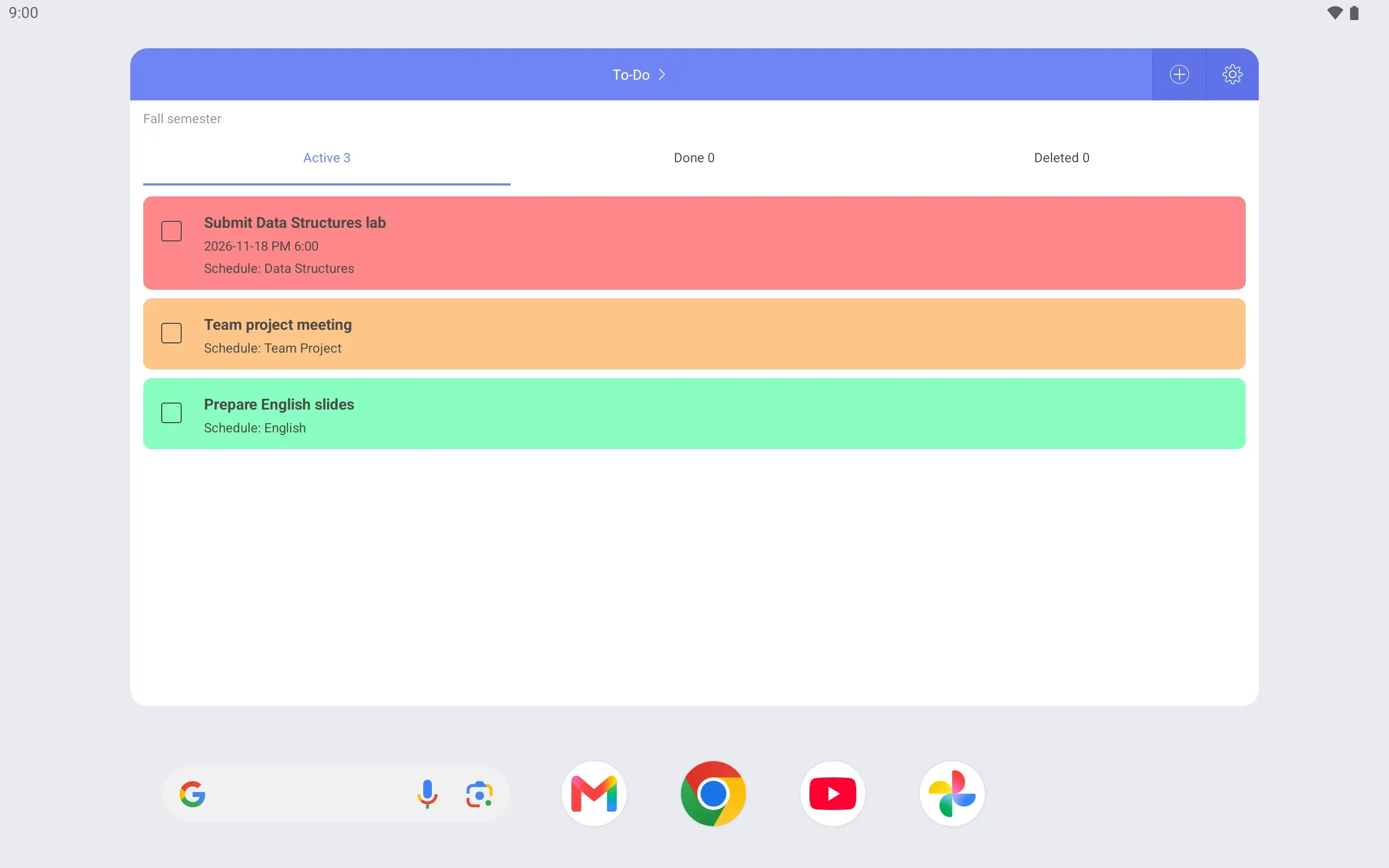
Link an assignment to its class Link “Submit Data Structures lab” to Monday’s Data Structures and set it due at 6:00 pm.
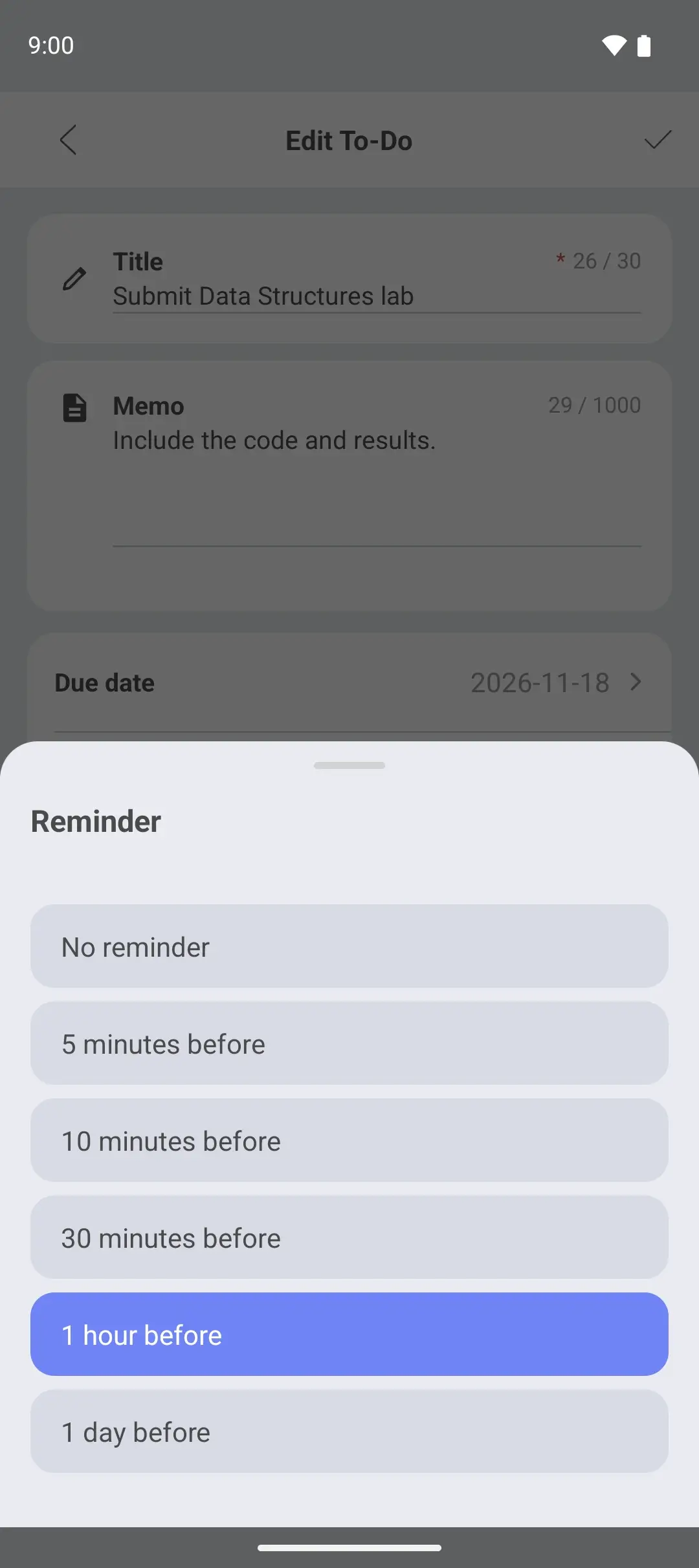
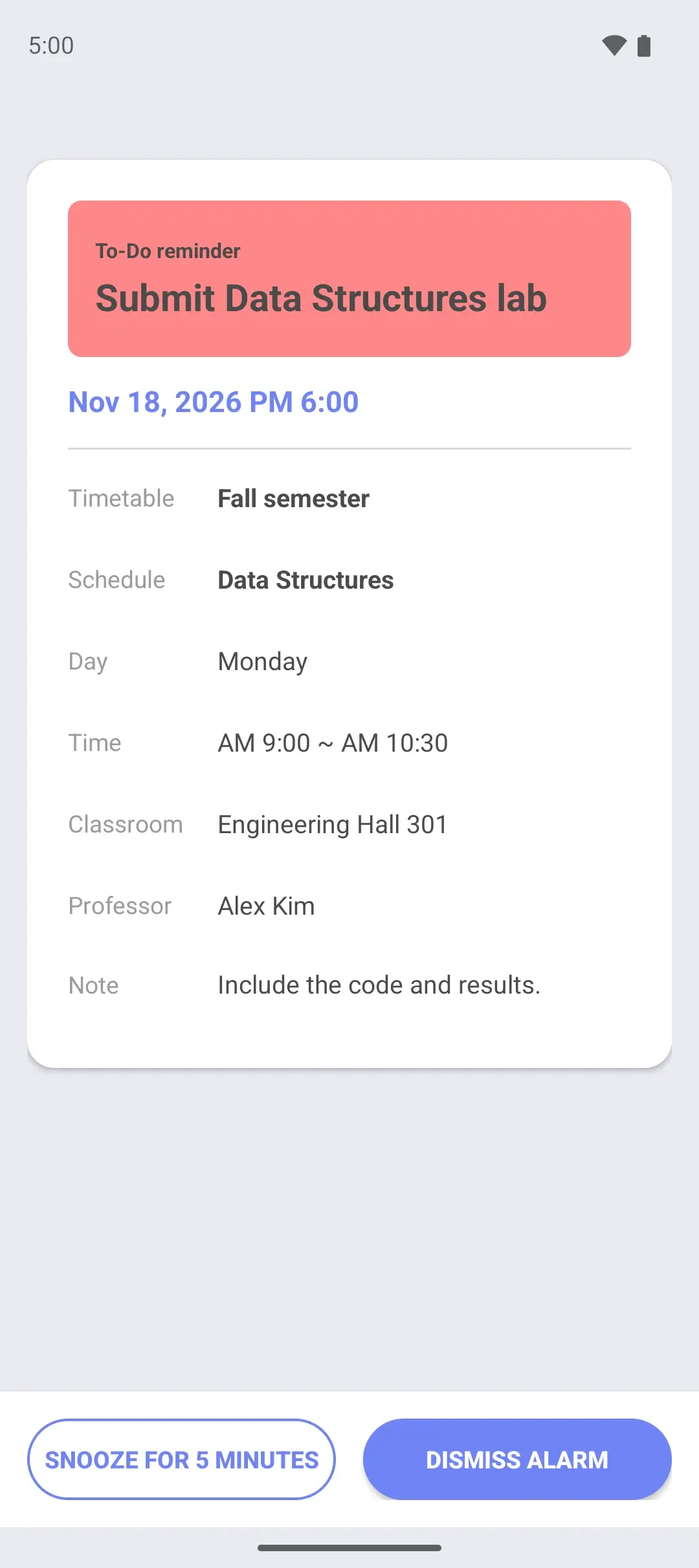
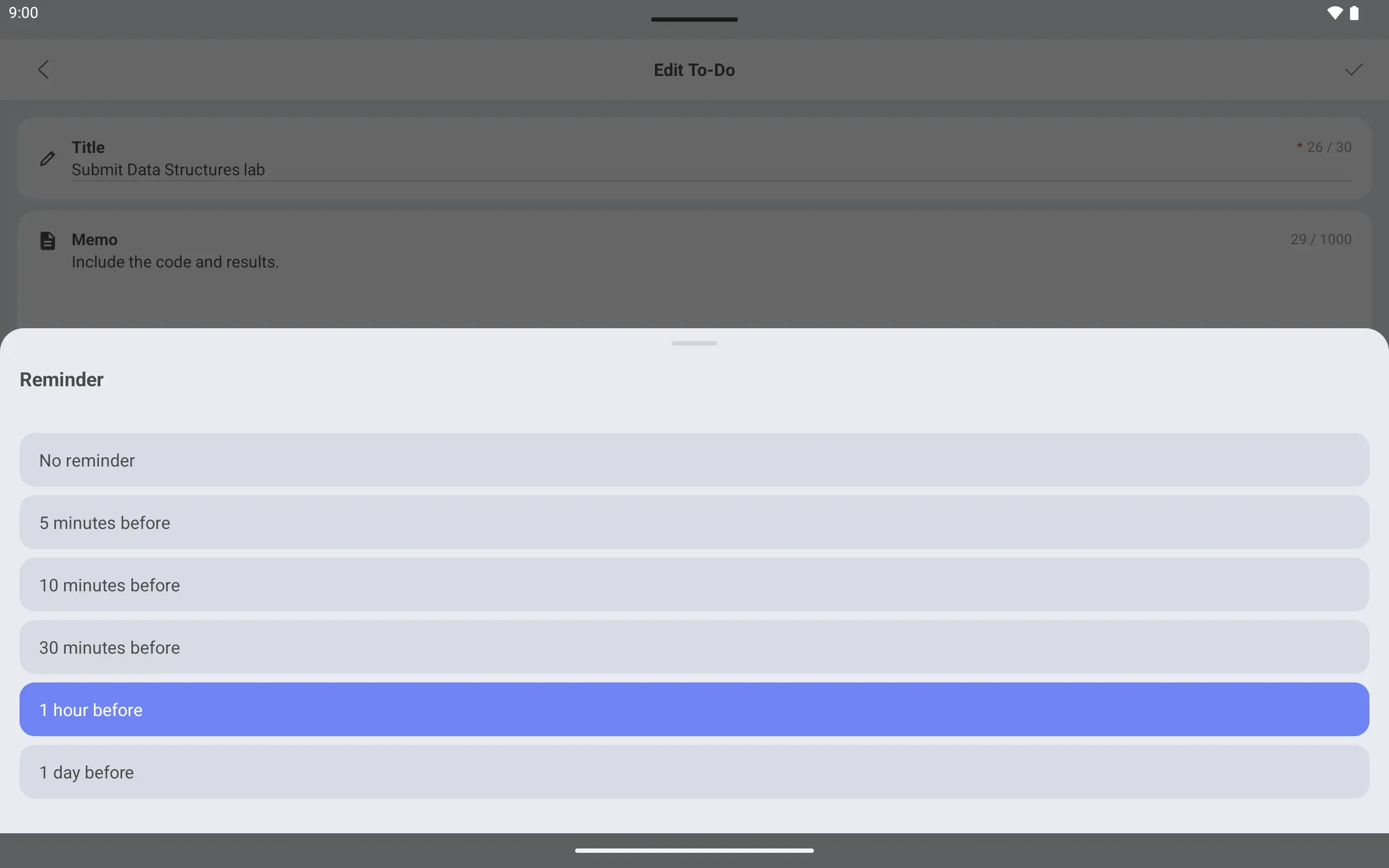
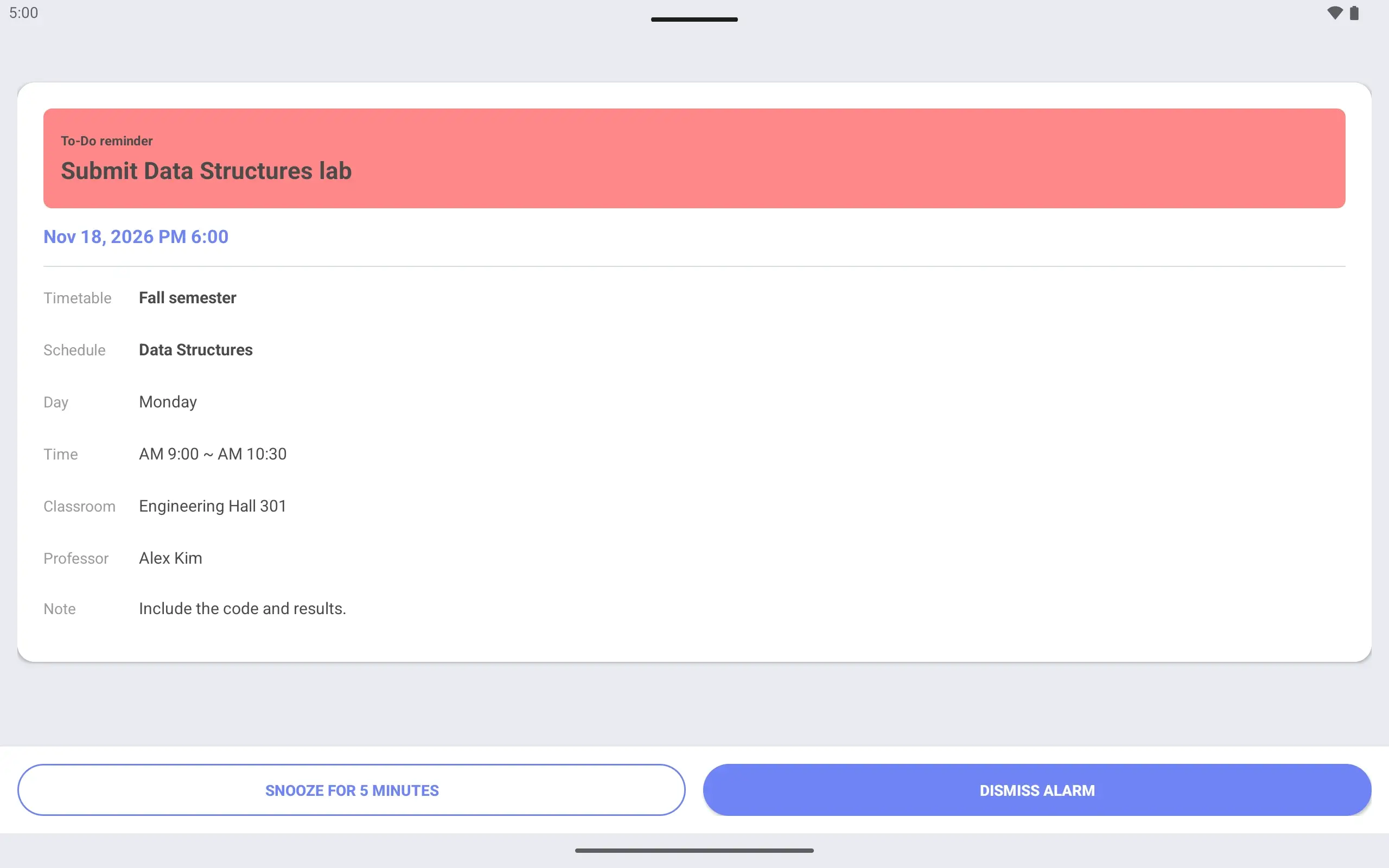
A reminder before the deadline Set the reminder to “1 hour before” and an alarm screen opens at 5:00 pm.
Weekly, Today overview and To-Do widgets. Check today’s classes and assignments from the home screen.
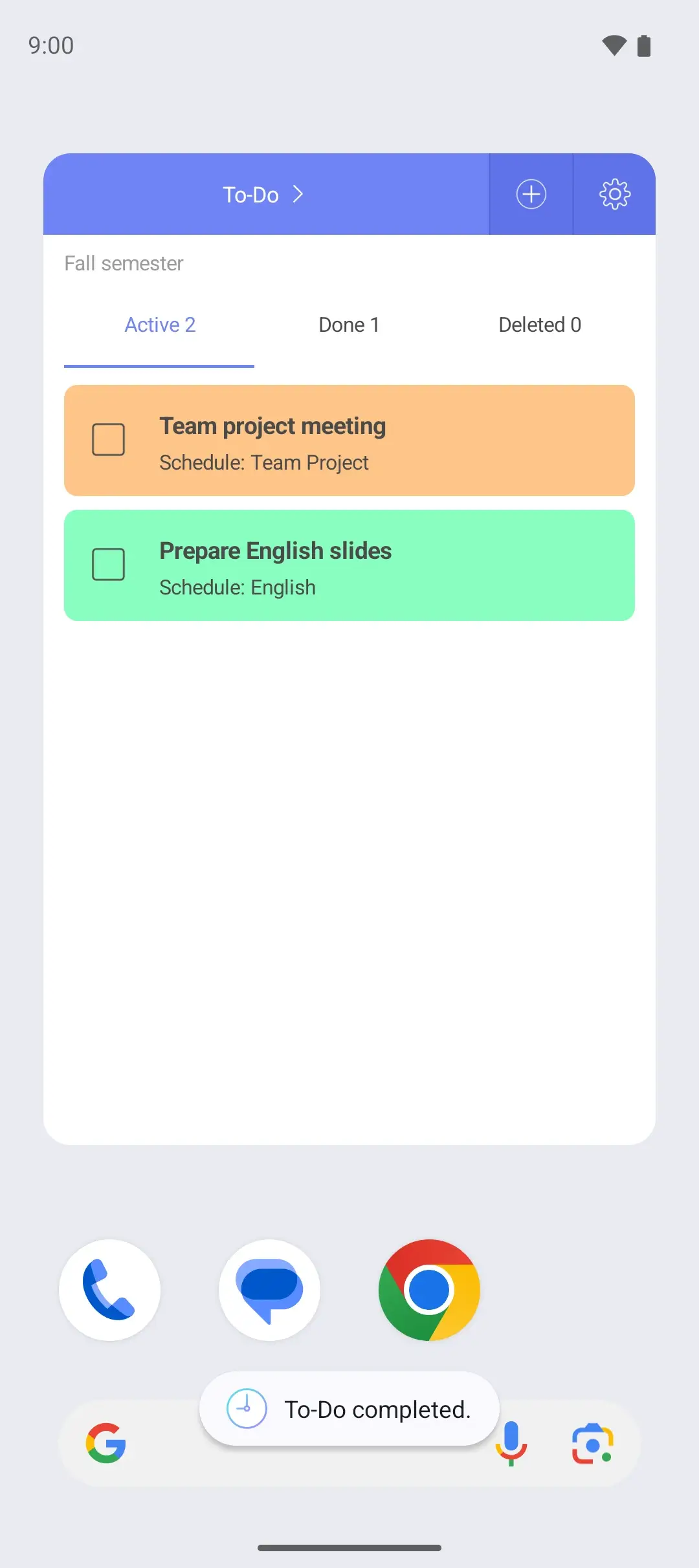
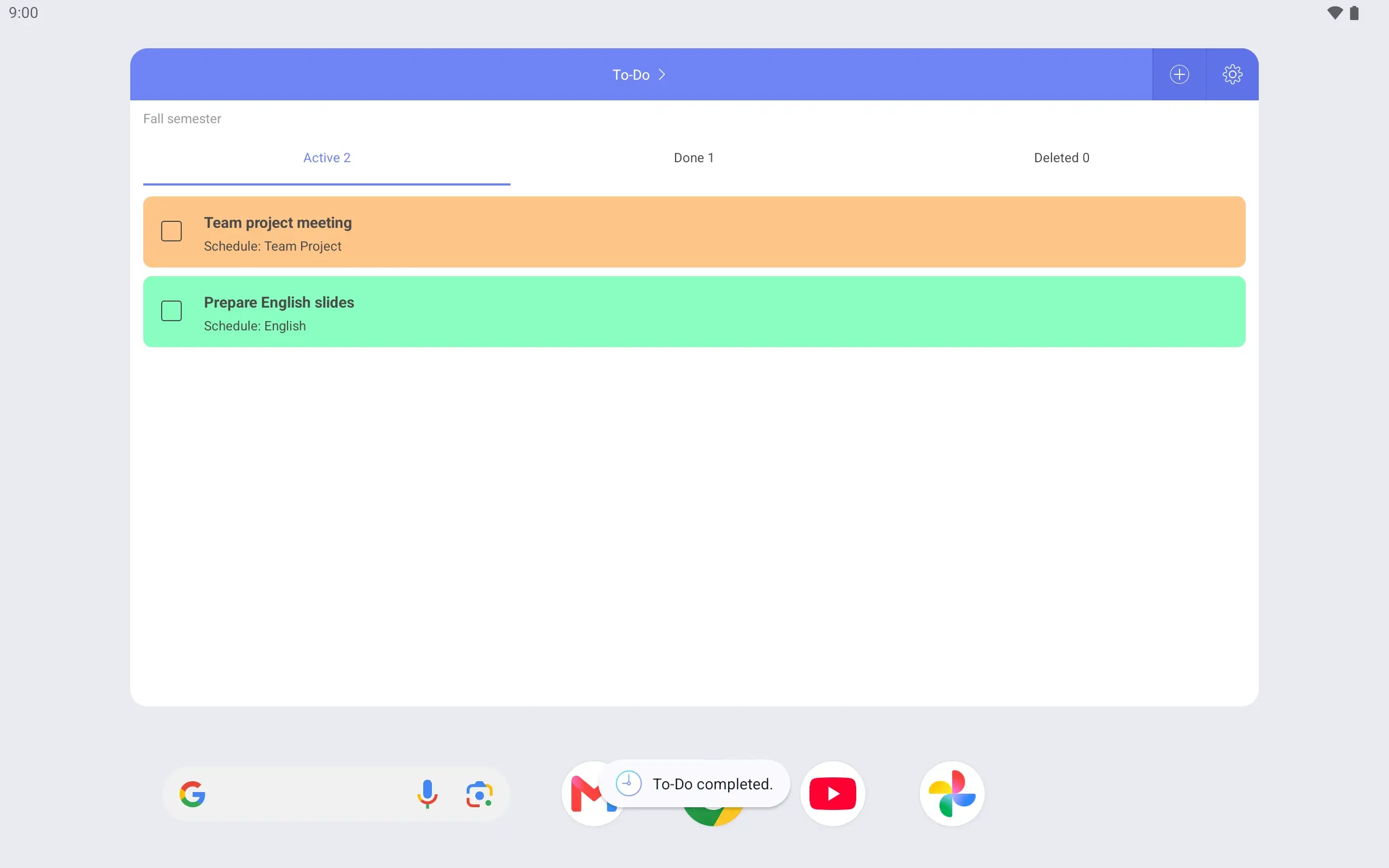
Lab submitted? Mark it complete right in the widget.
See it on the lock screen Wake the phone on the way to class and the timetable is there. See your next class right away.
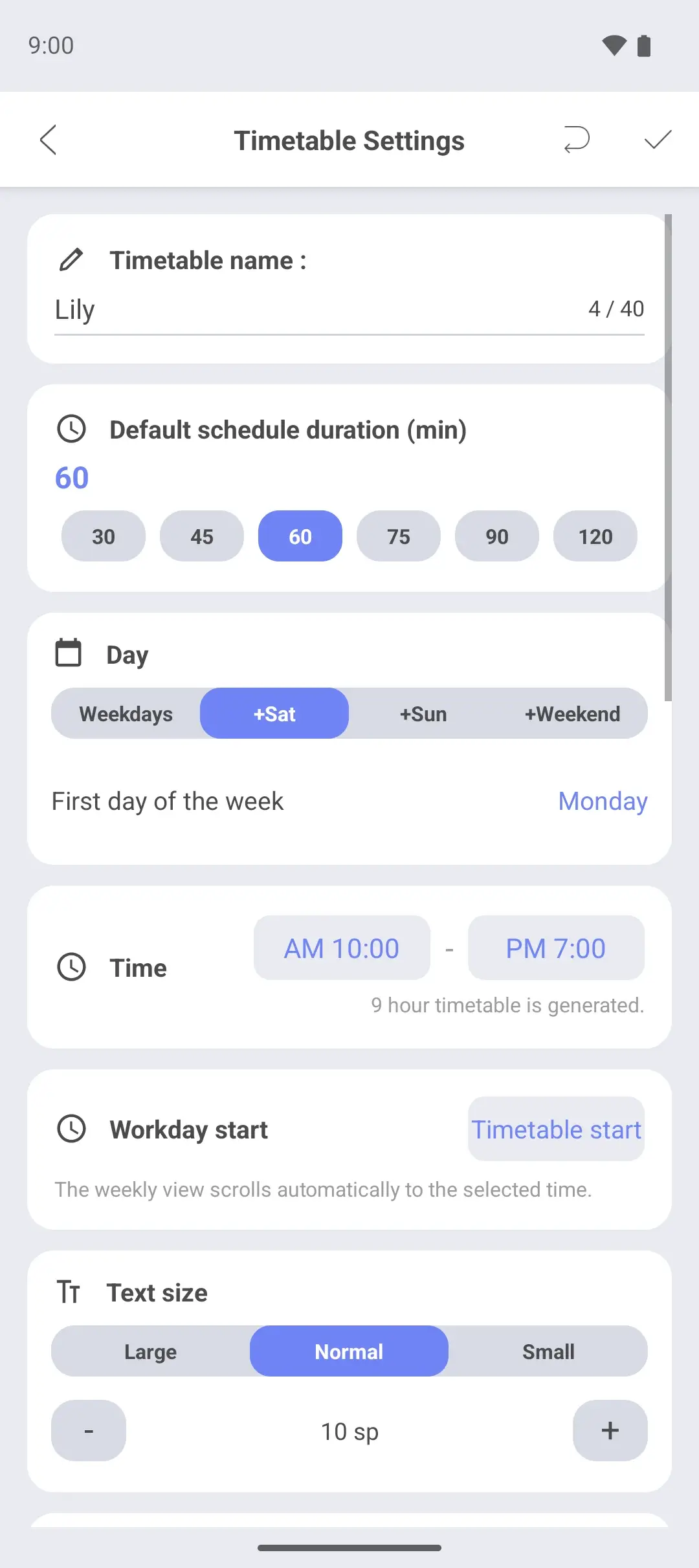
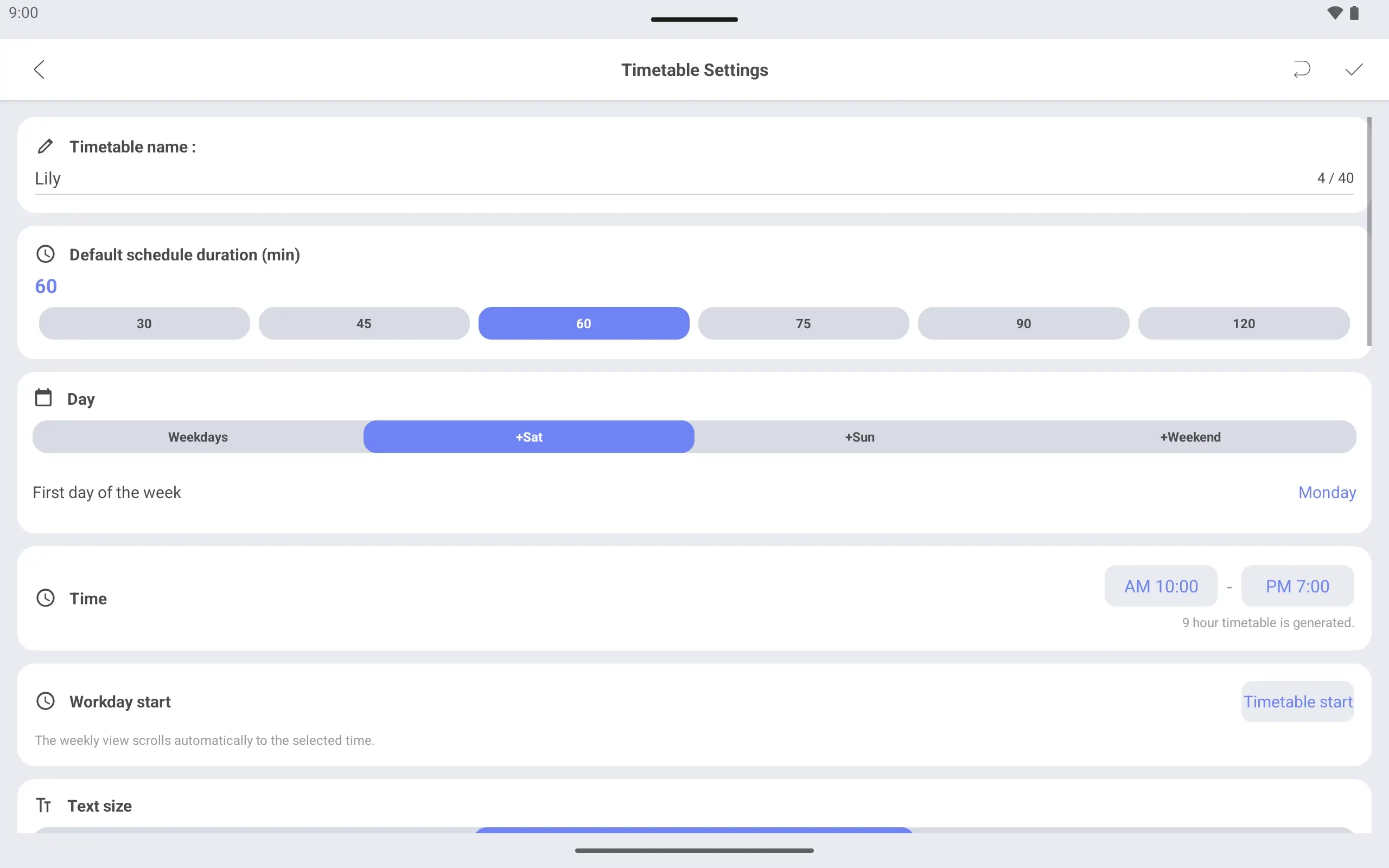
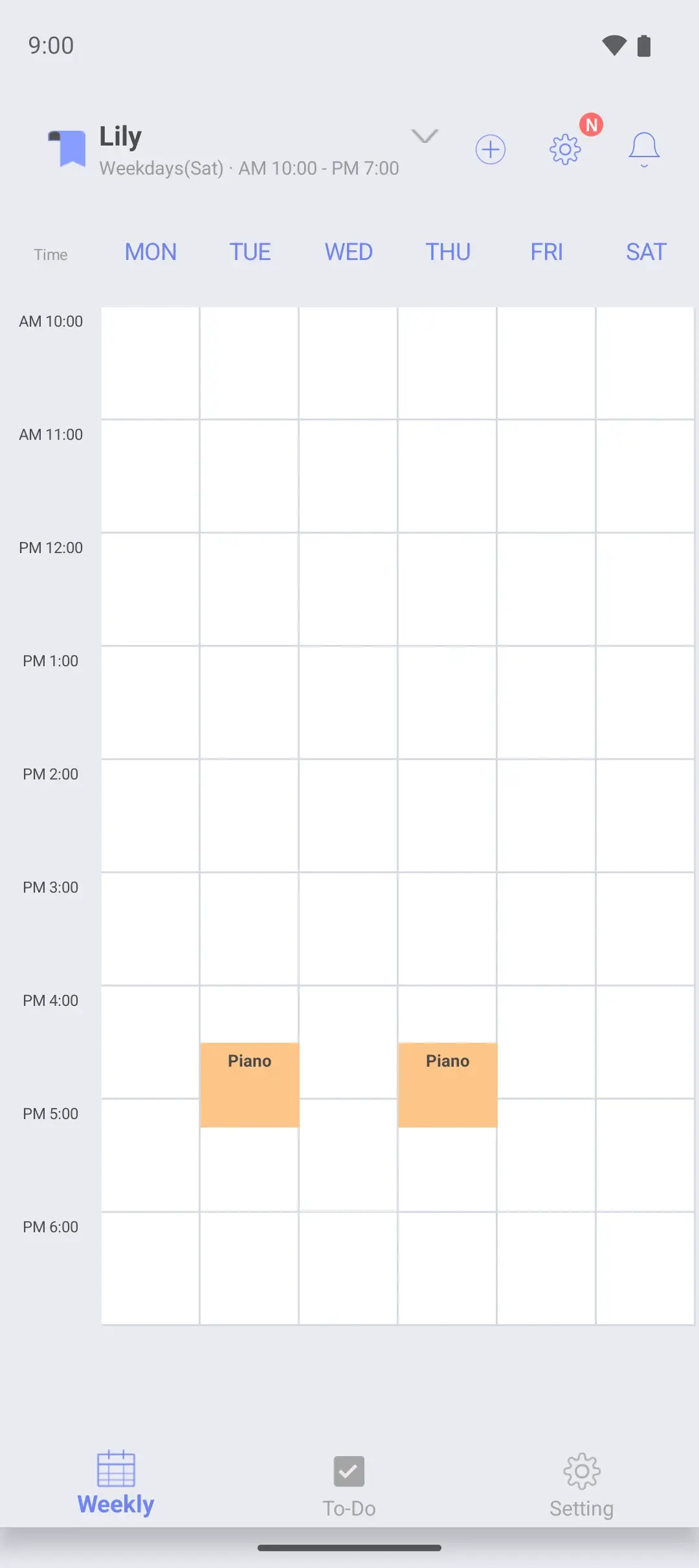
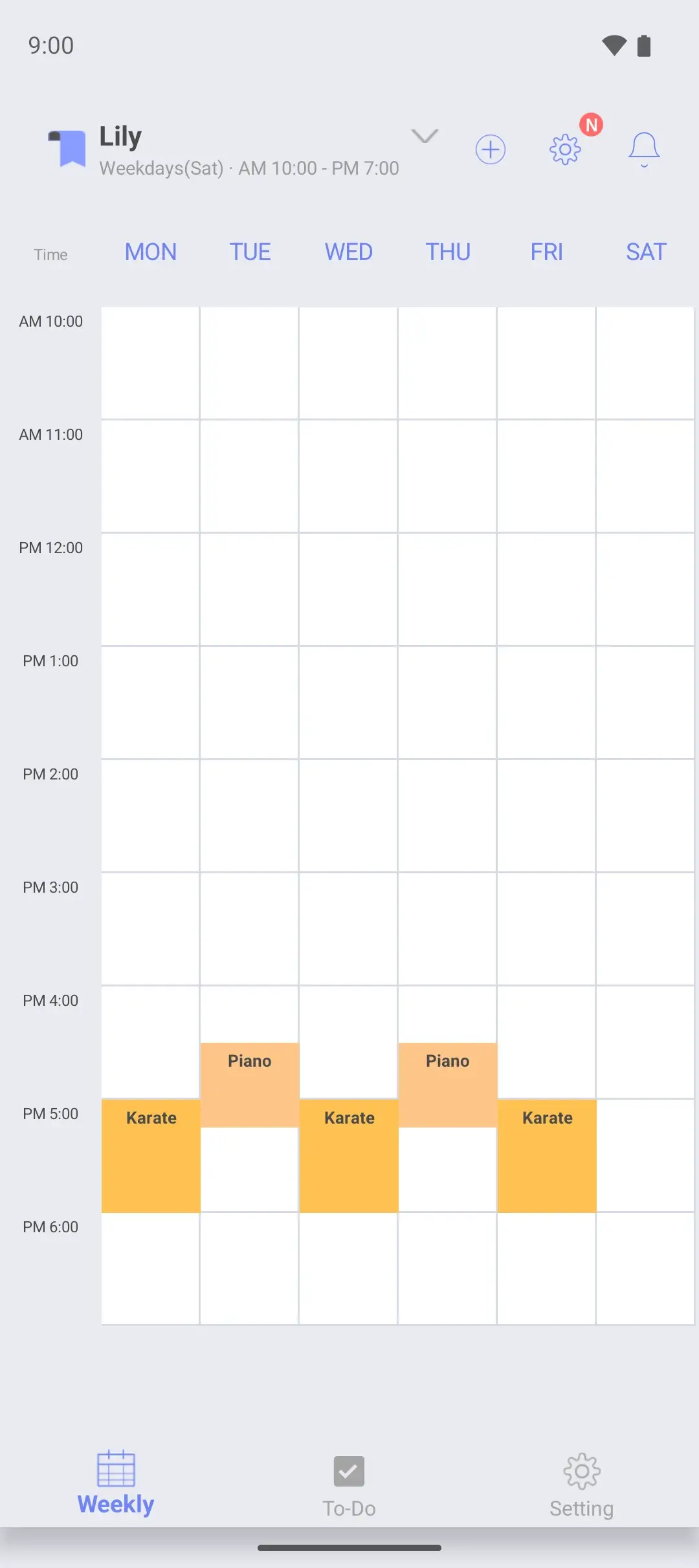
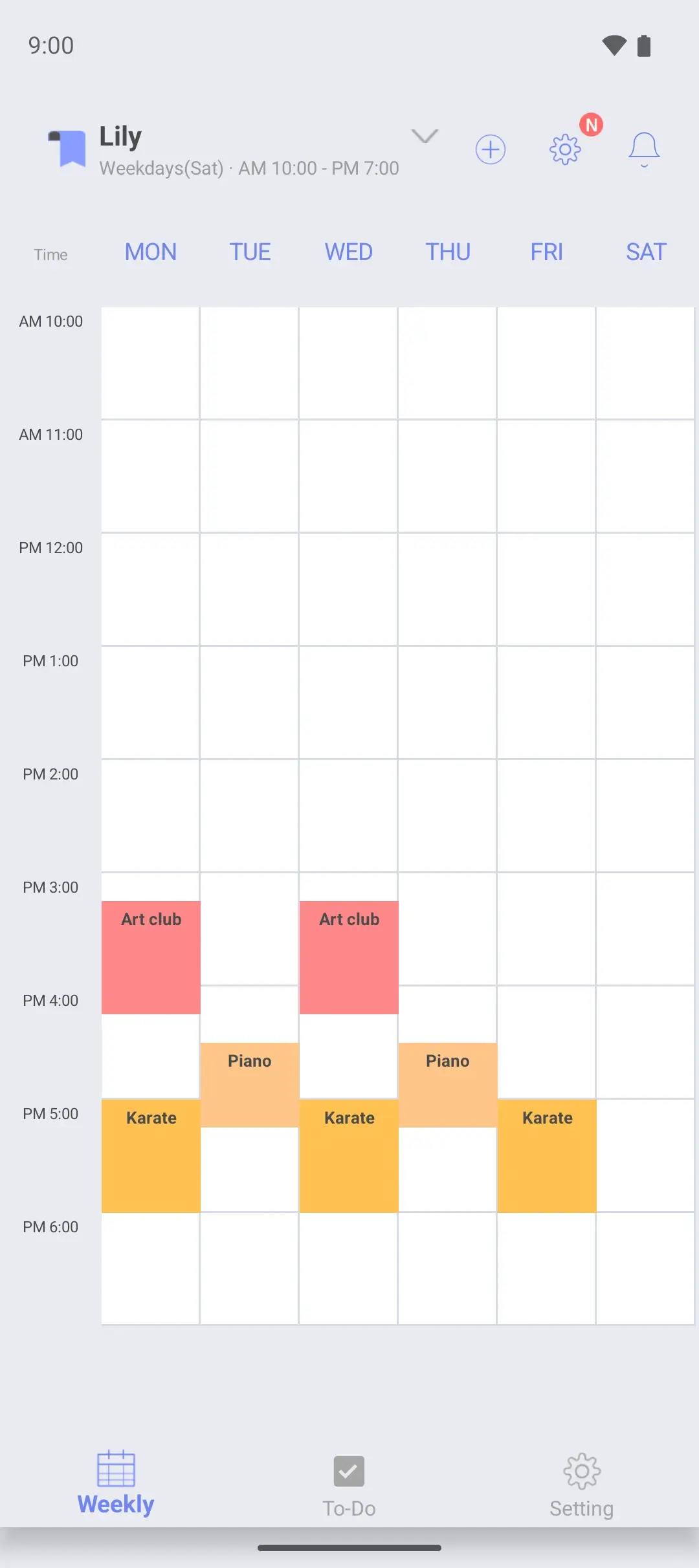
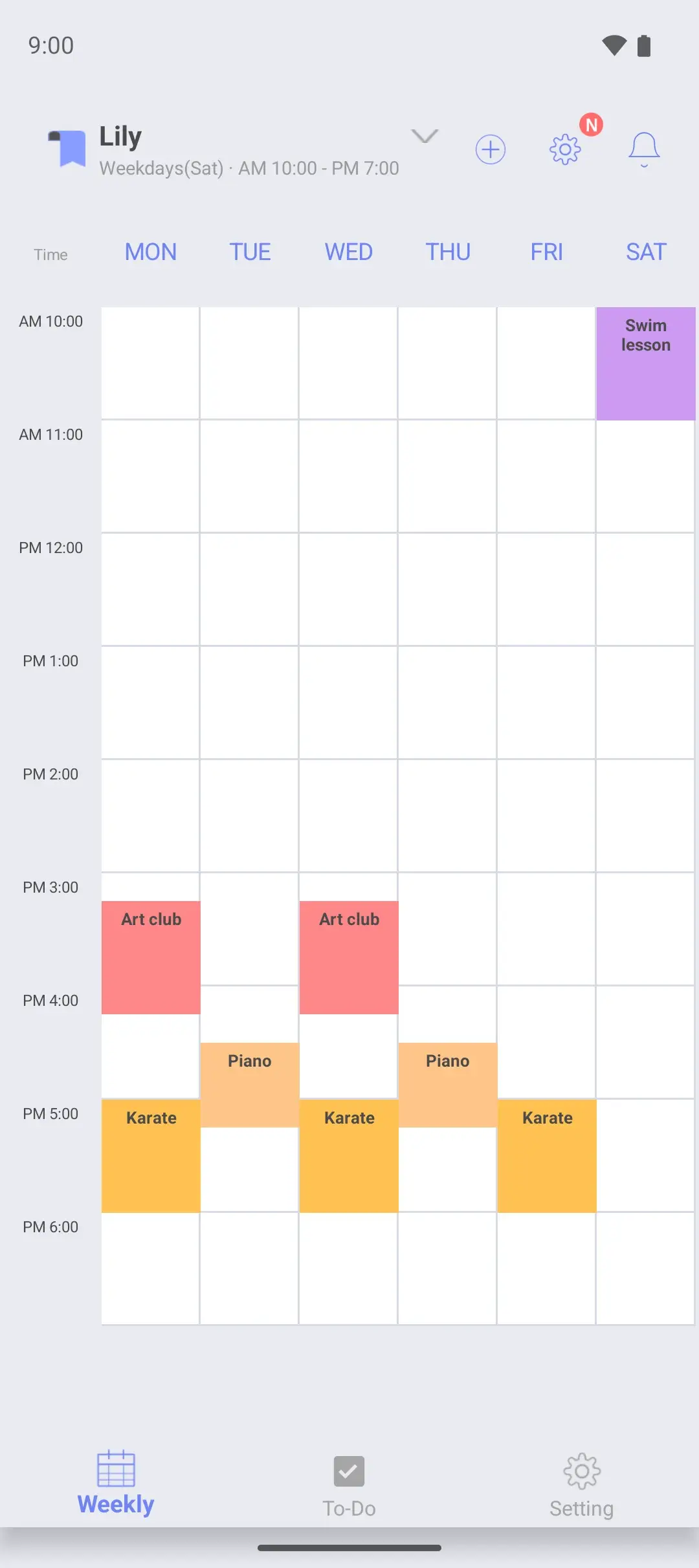
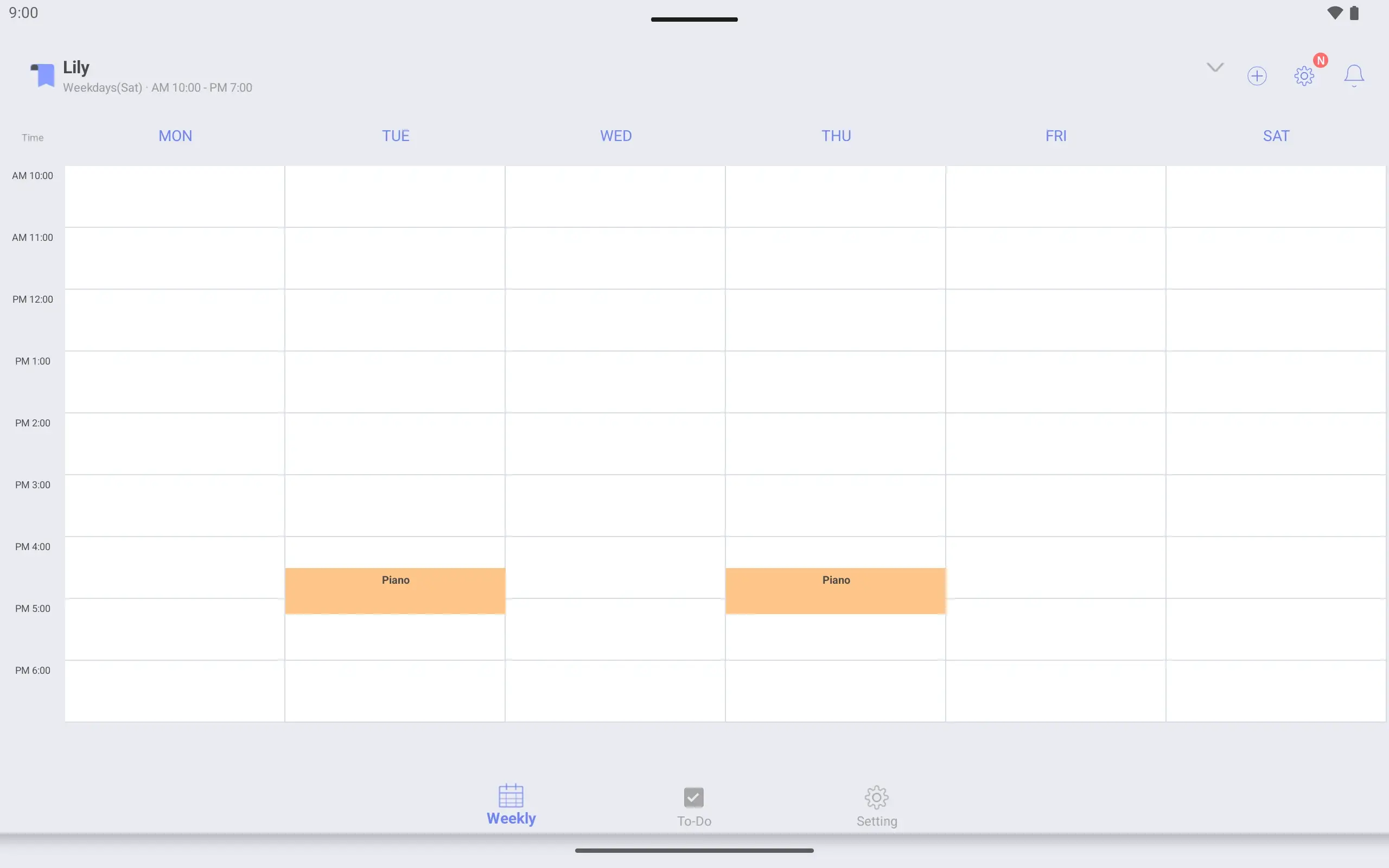
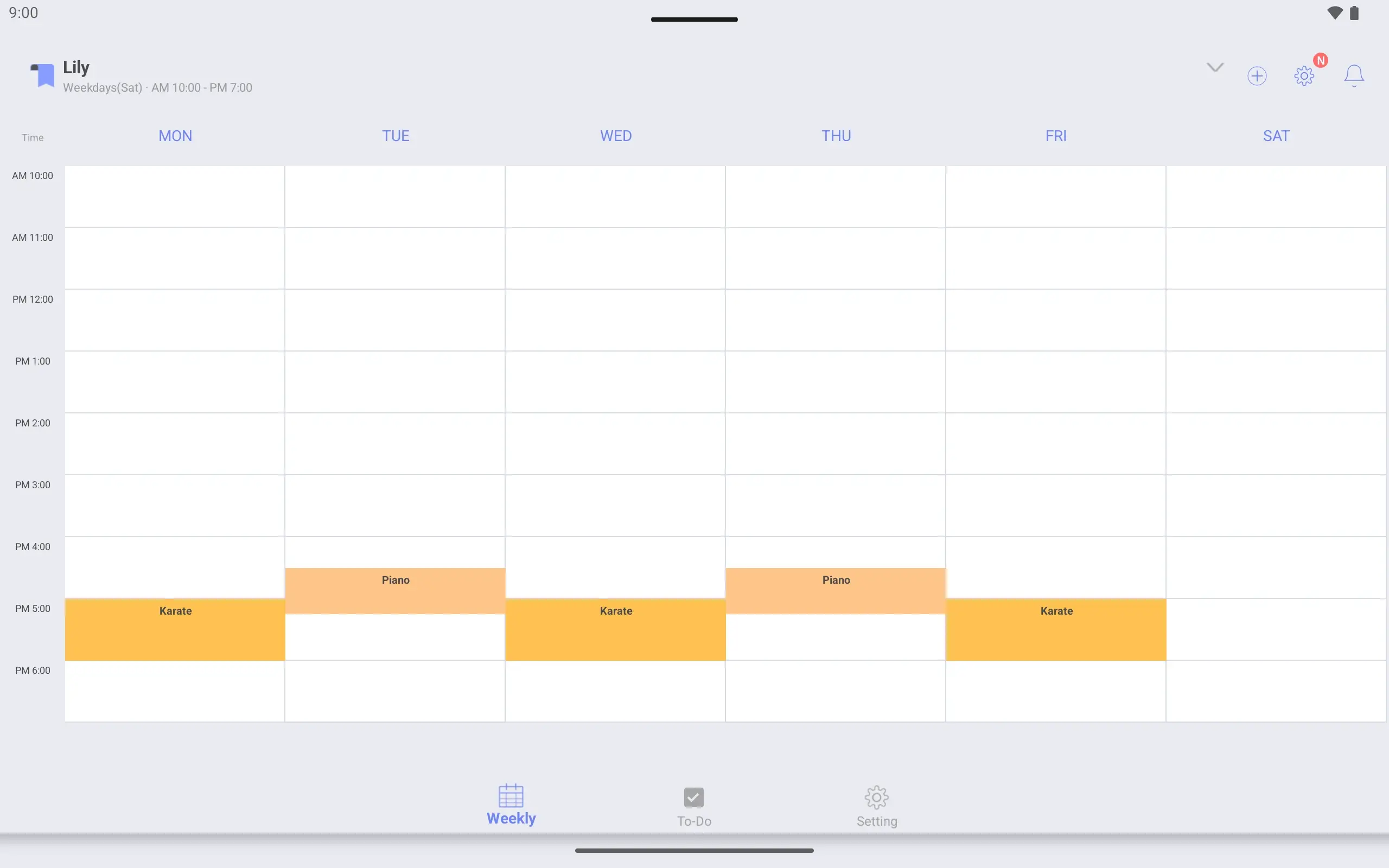
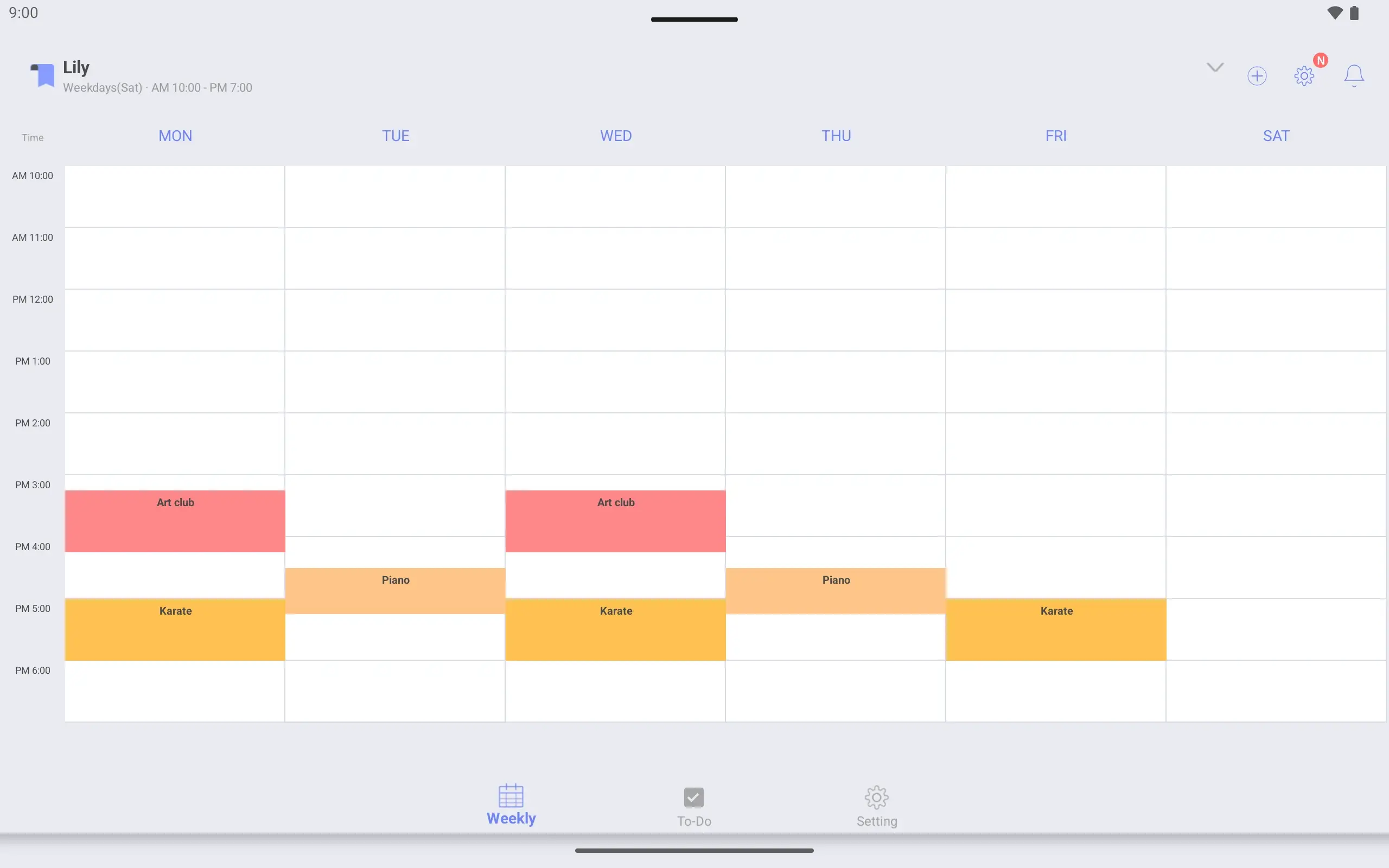
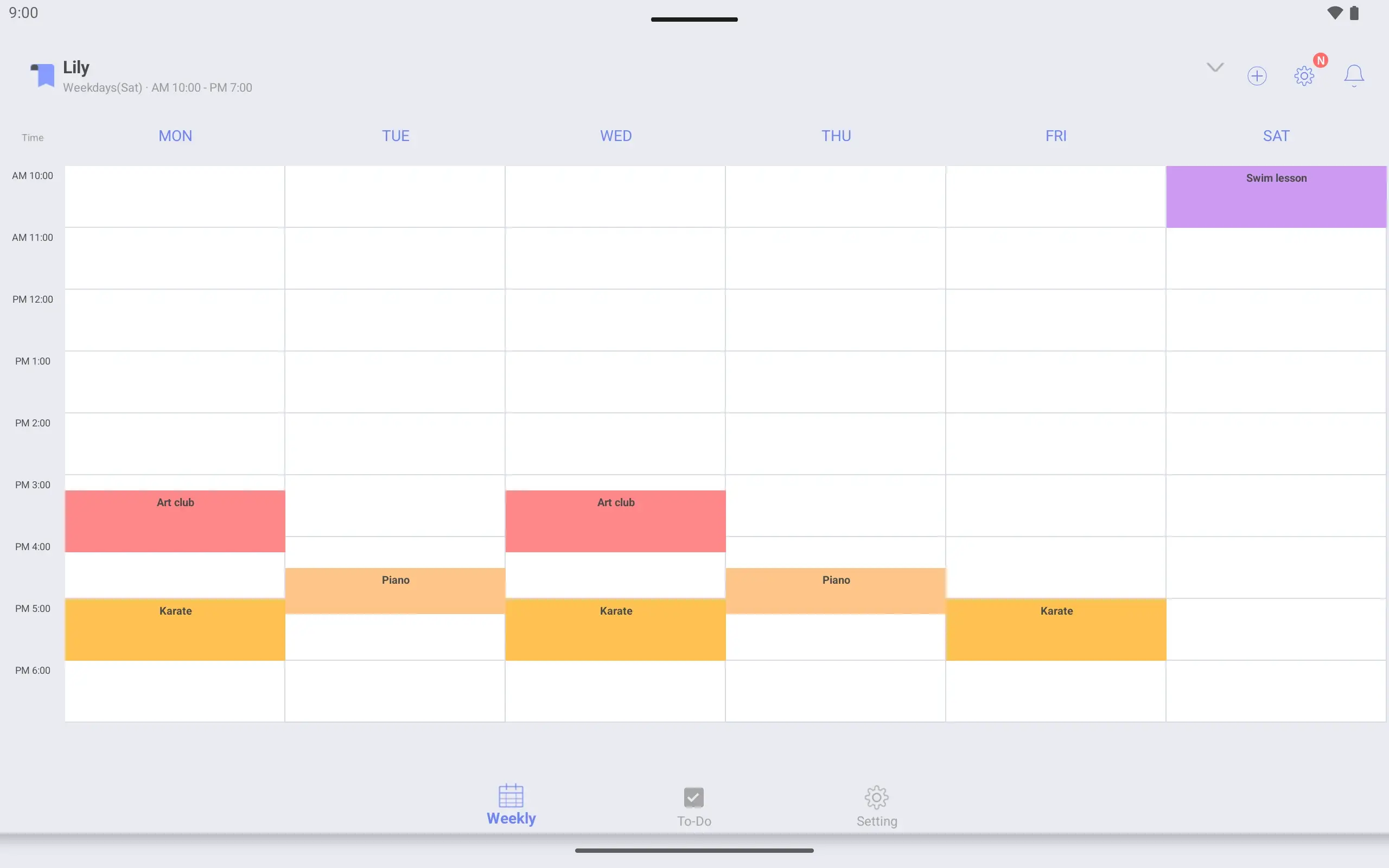
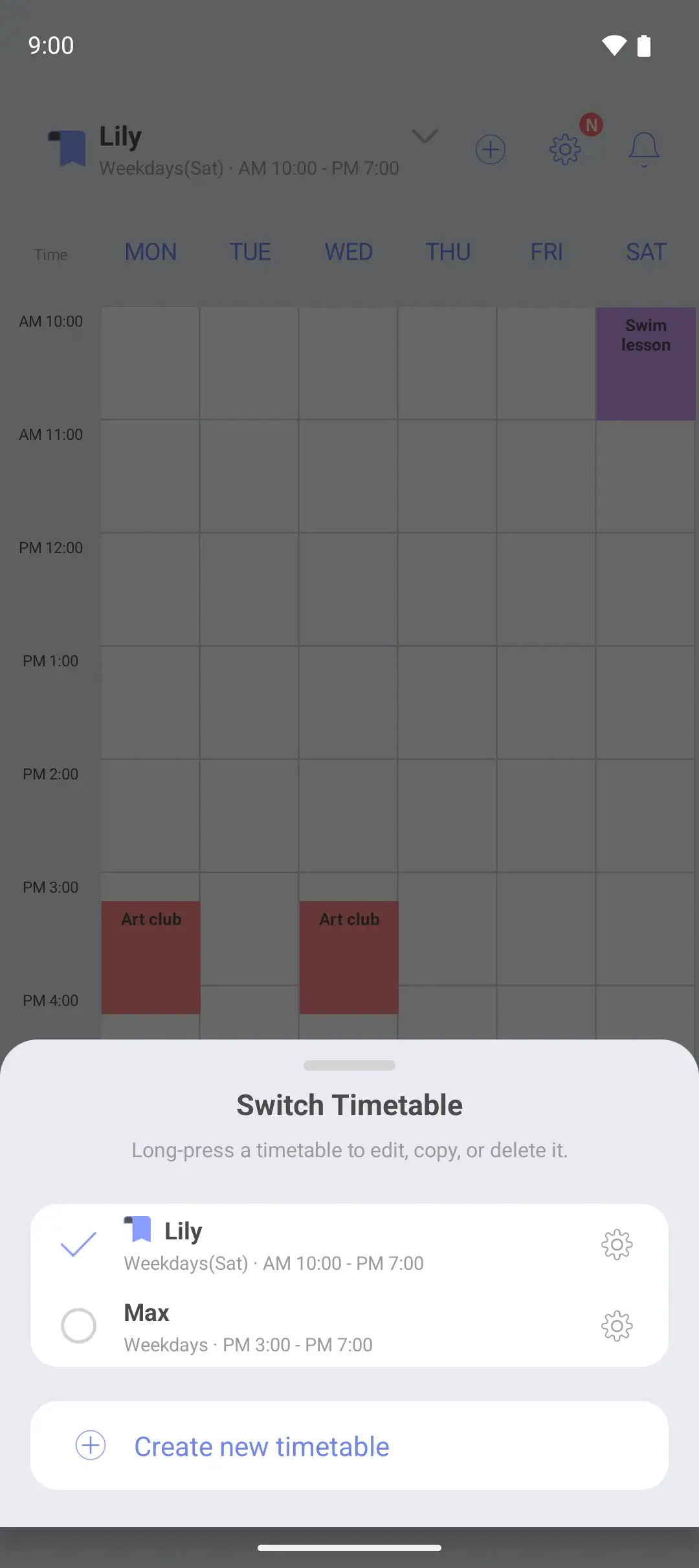
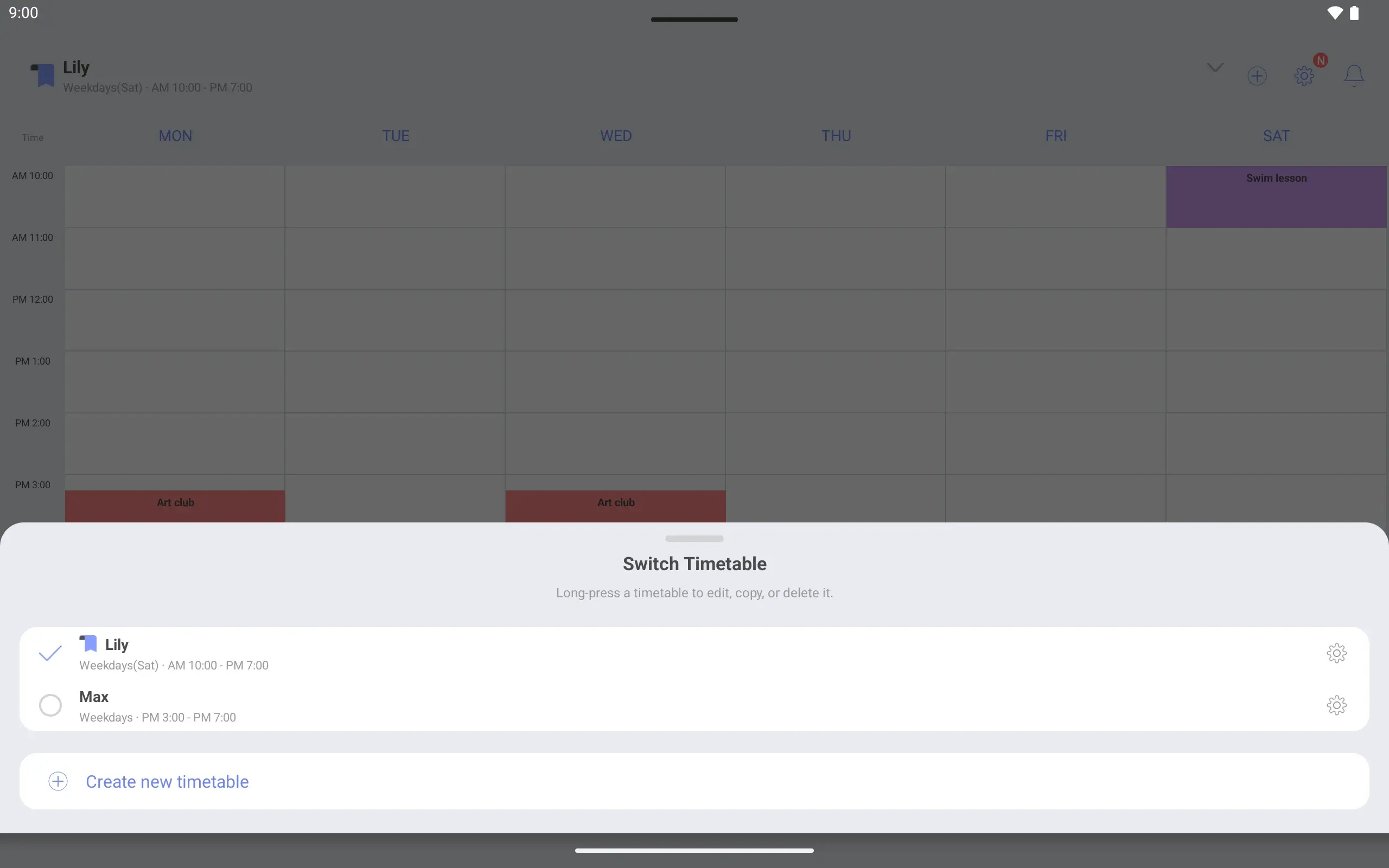
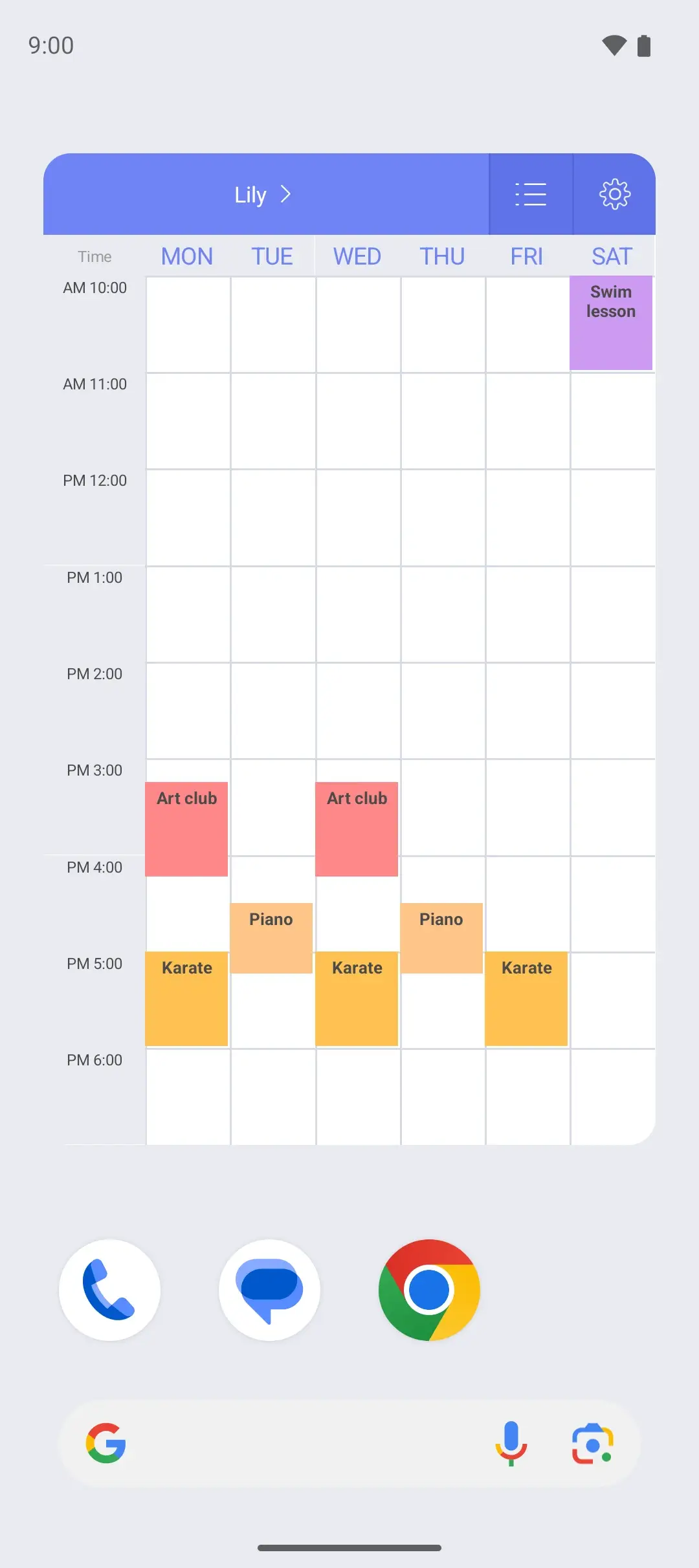
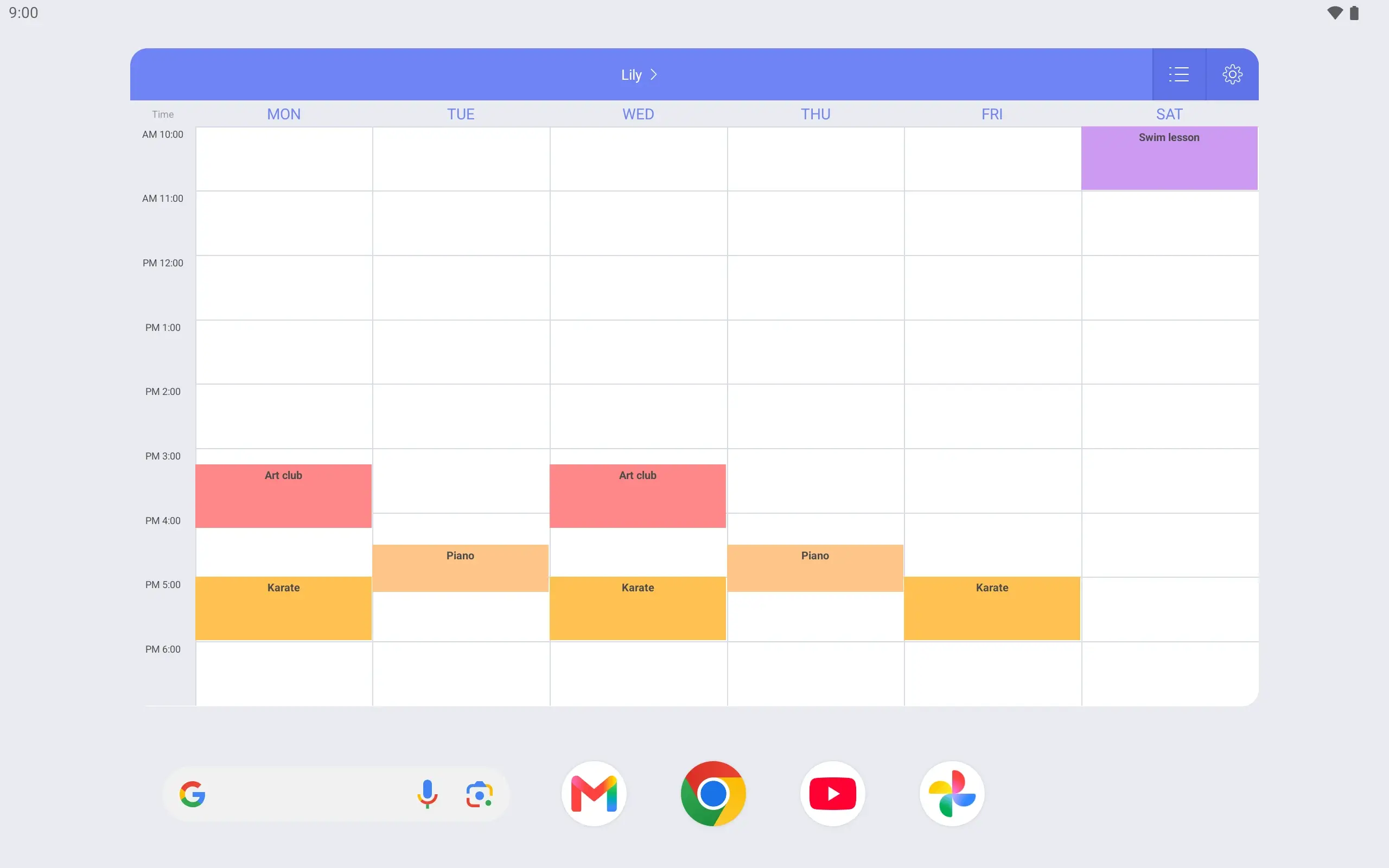
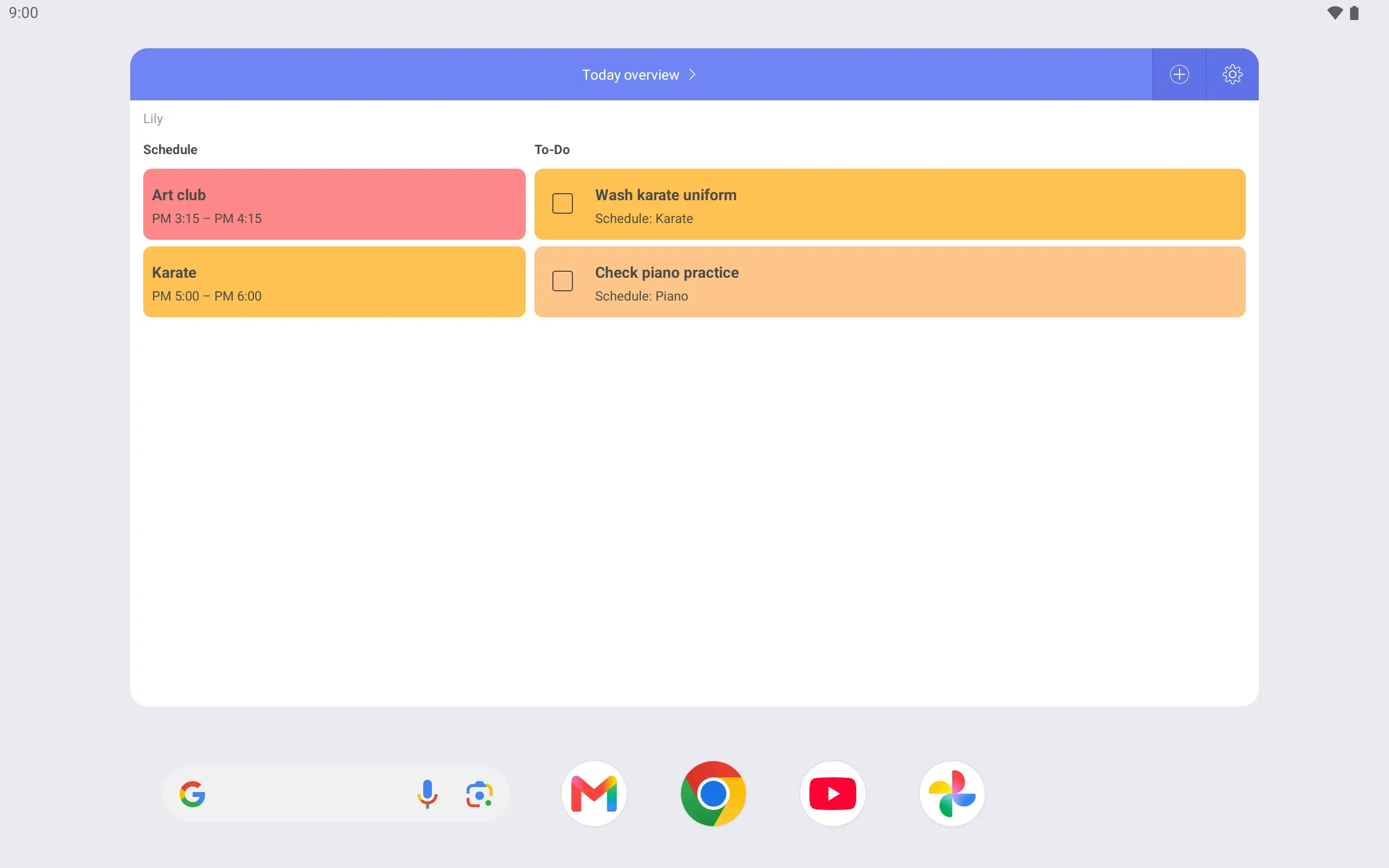
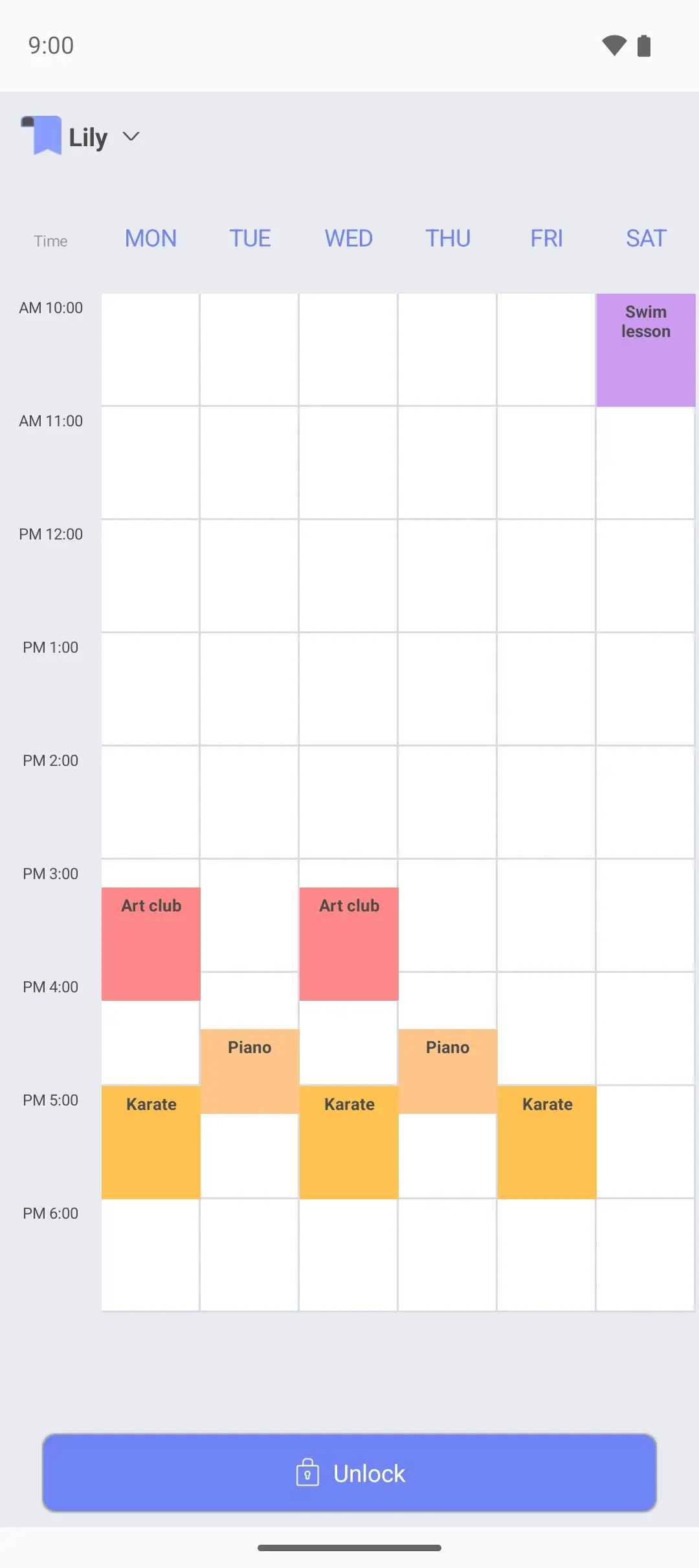
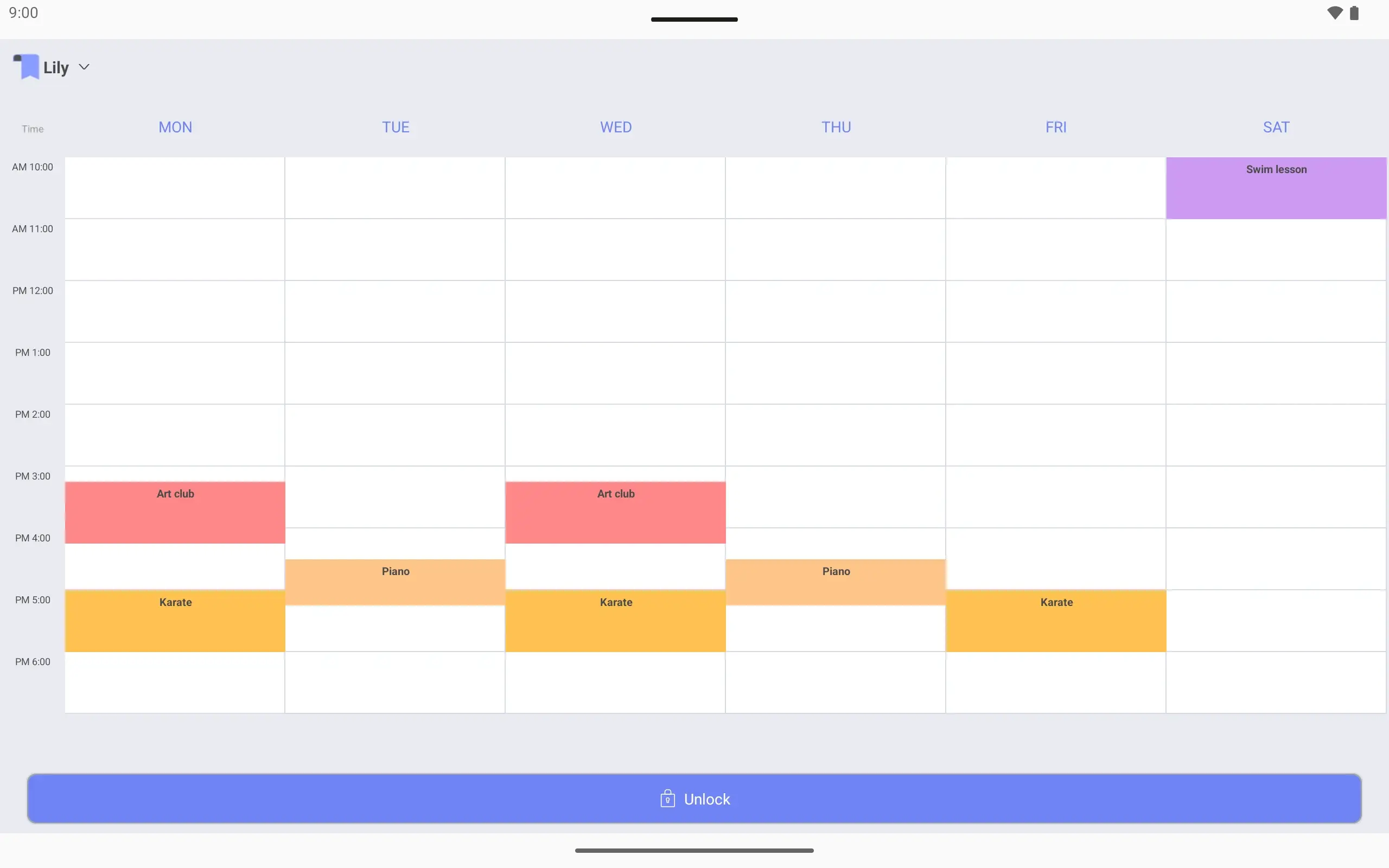
View larger View larger View larger View larger View larger View larger View larger View larger View larger View larger View larger View larger View larger View larger View larger View larger Kids’ activities schedule Make a timetable for Lily Name it “Lily”. Show Monday to Saturday so the Saturday swim lesson fits.
Add after-school activities Piano on Tuesday and Thursday 4:30–5:15, karate on Monday, Wednesday and Friday 5:00–6:00.
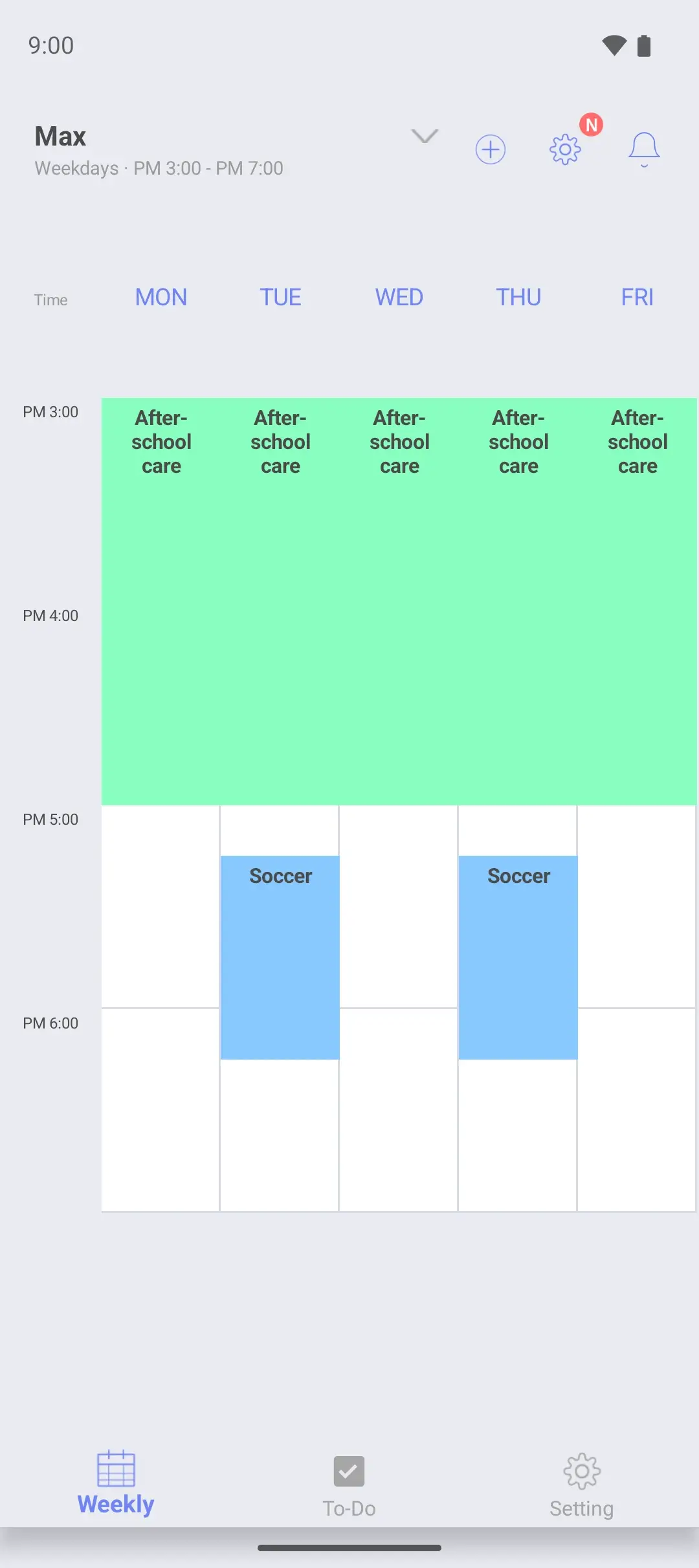
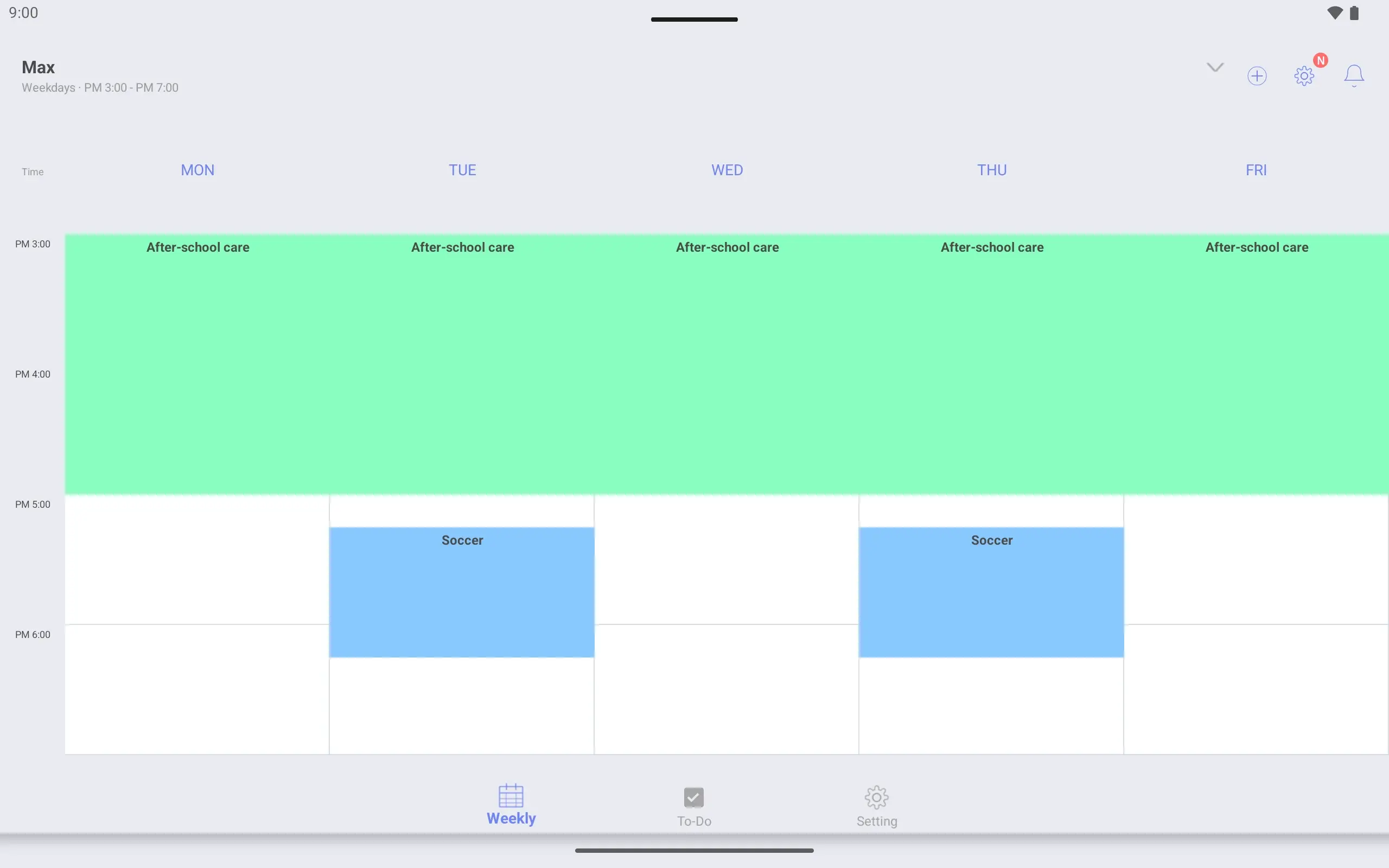
A second timetable for Max Make a separate timetable named “Max” for after-school care and soccer, and switch between the two.
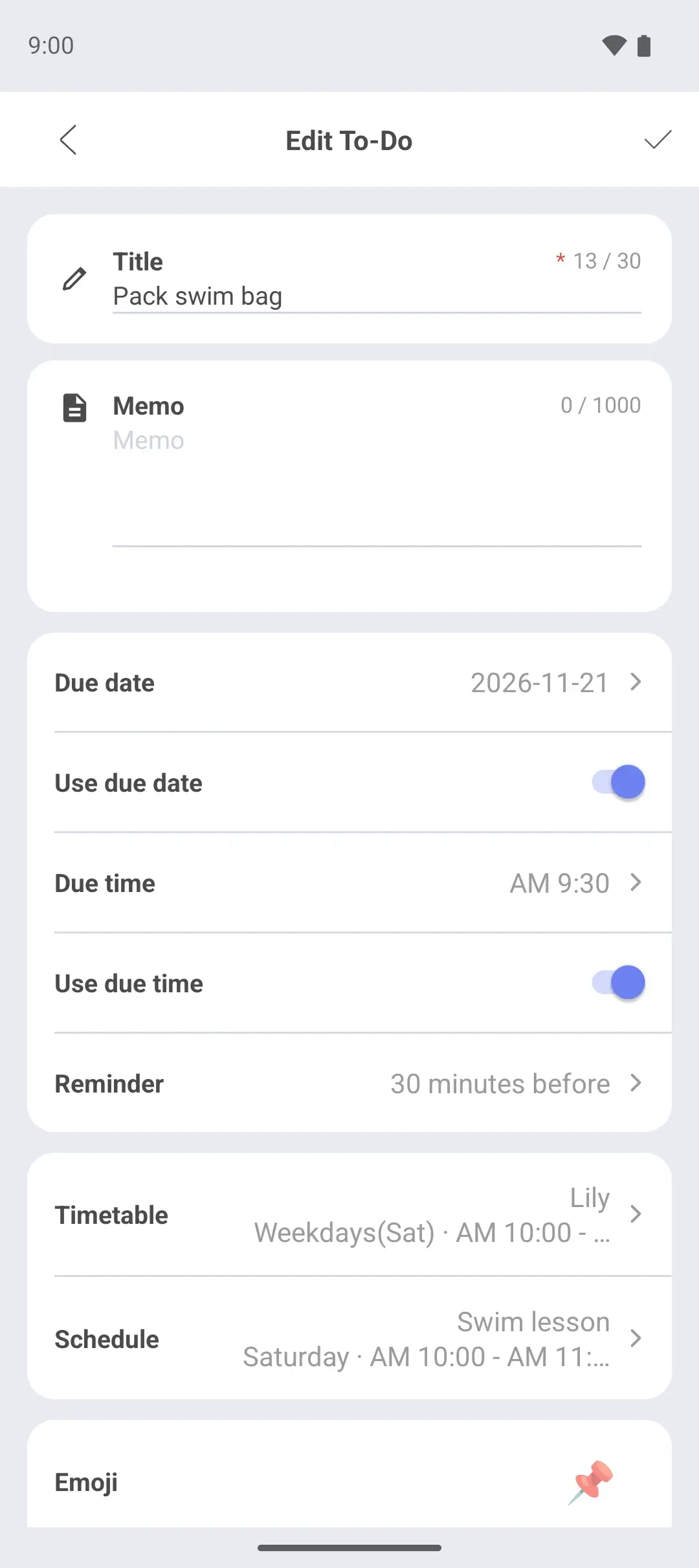
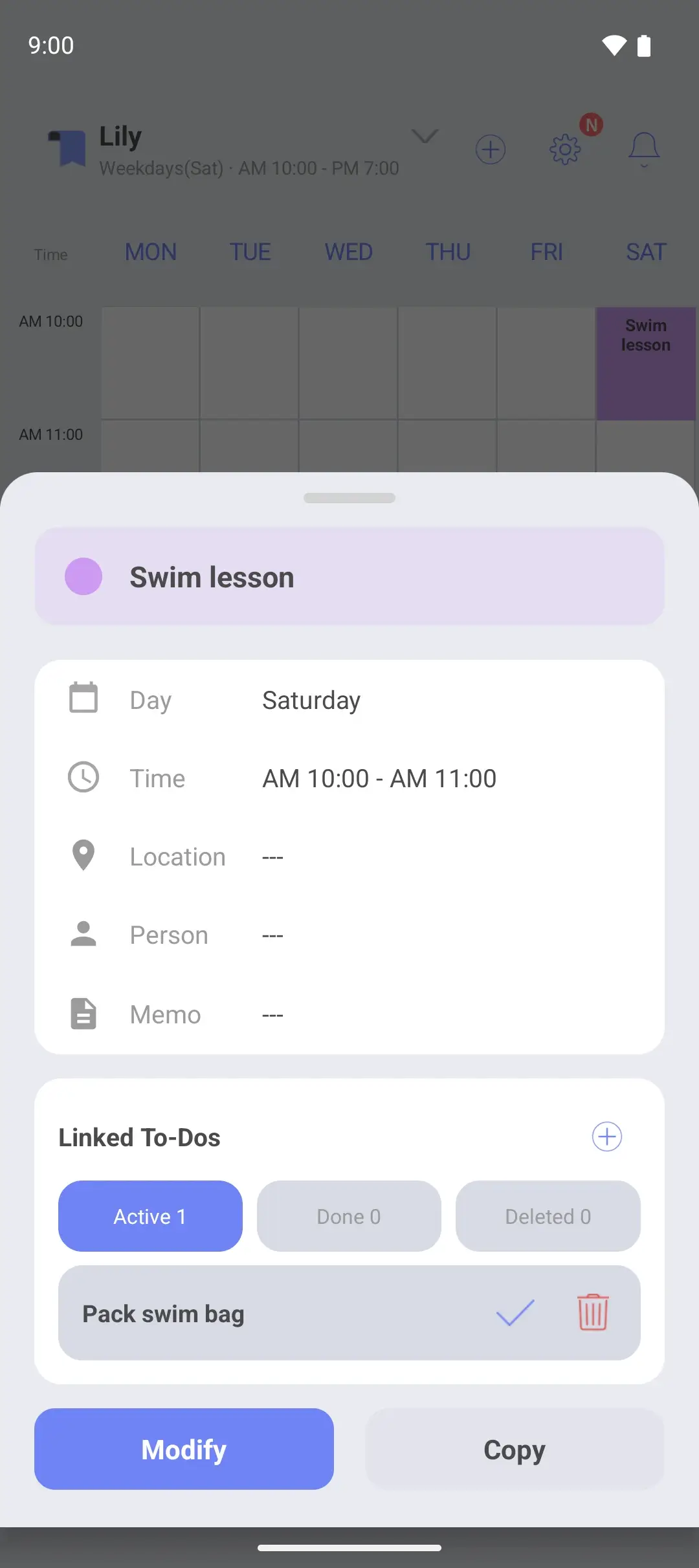
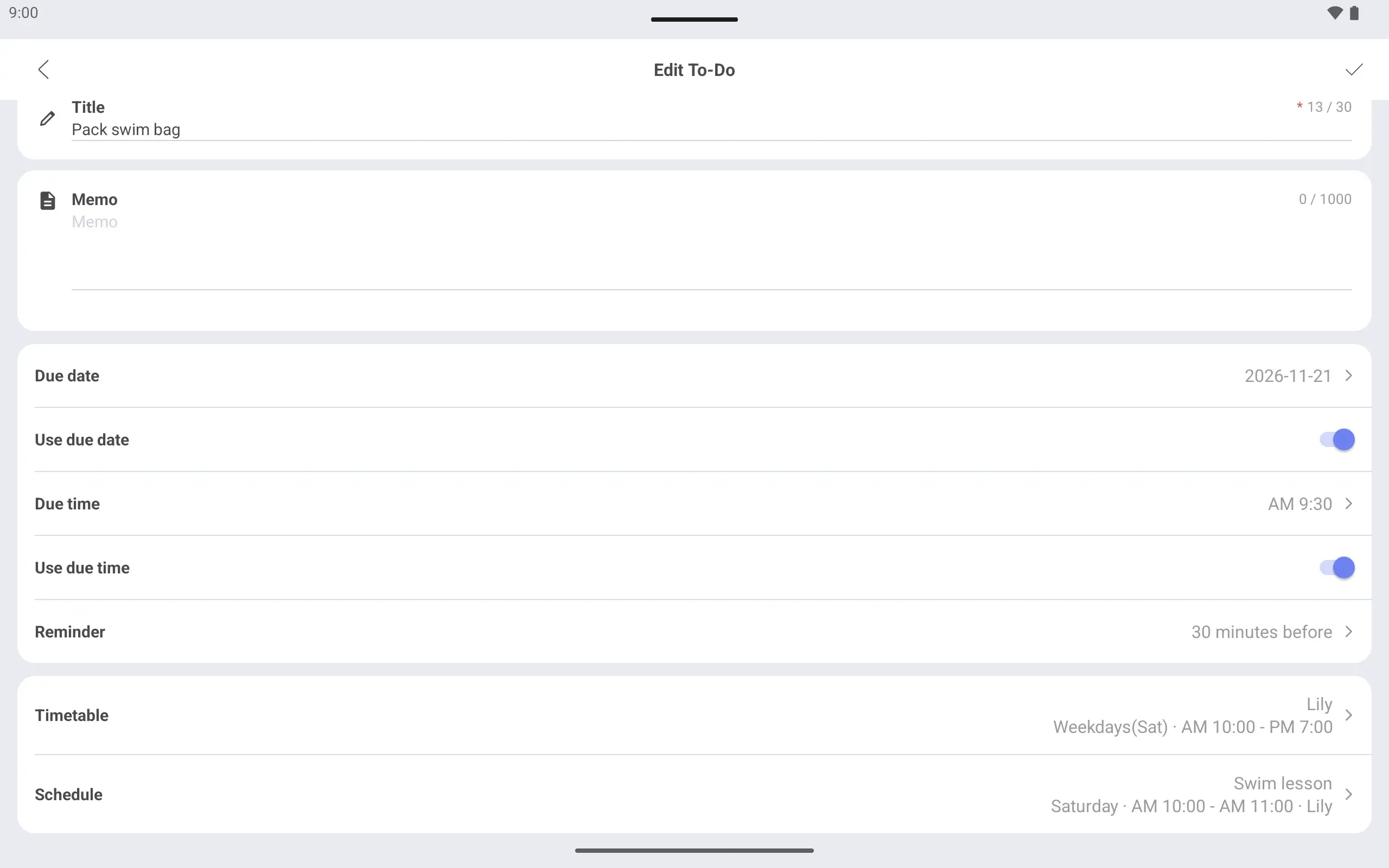
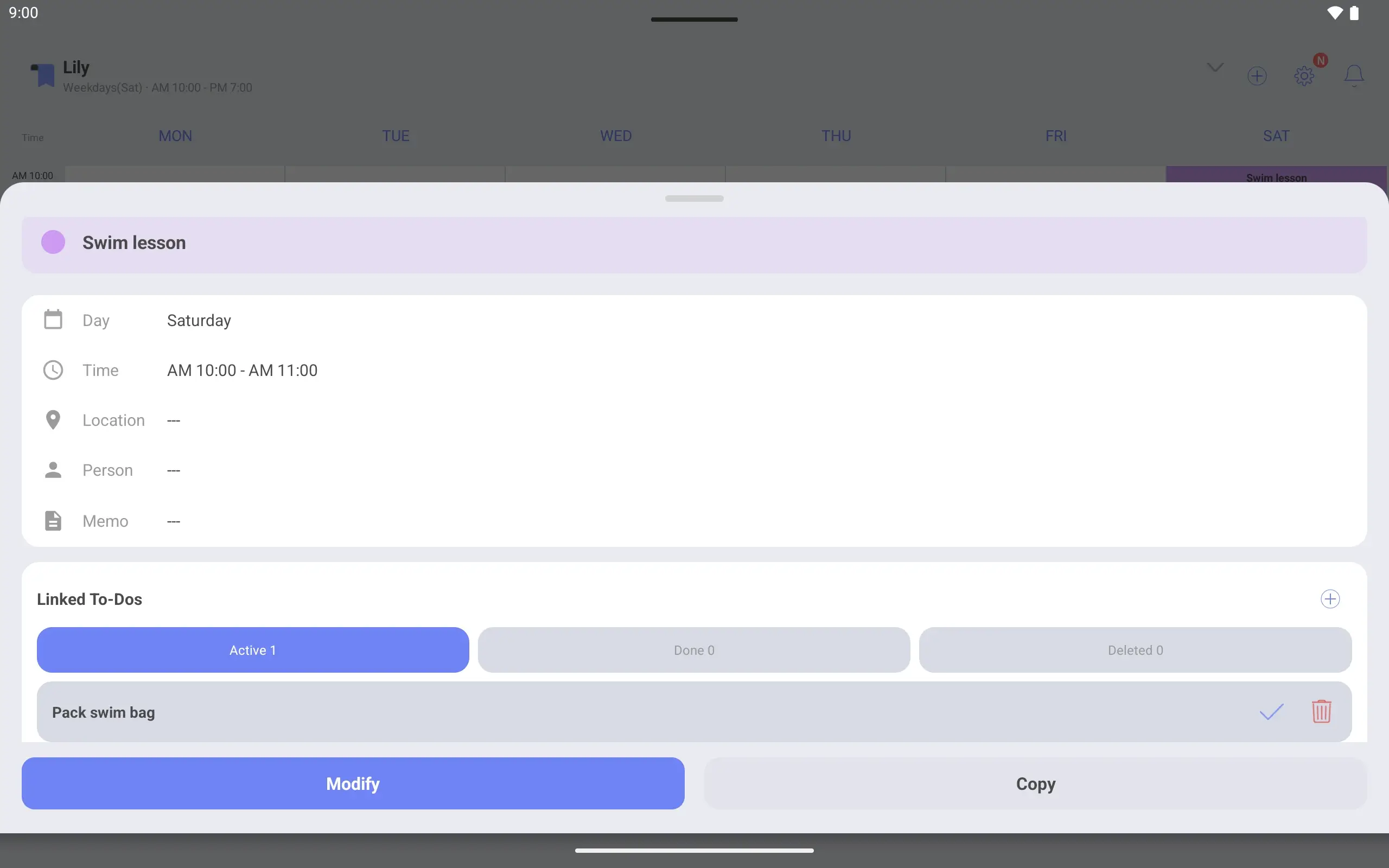
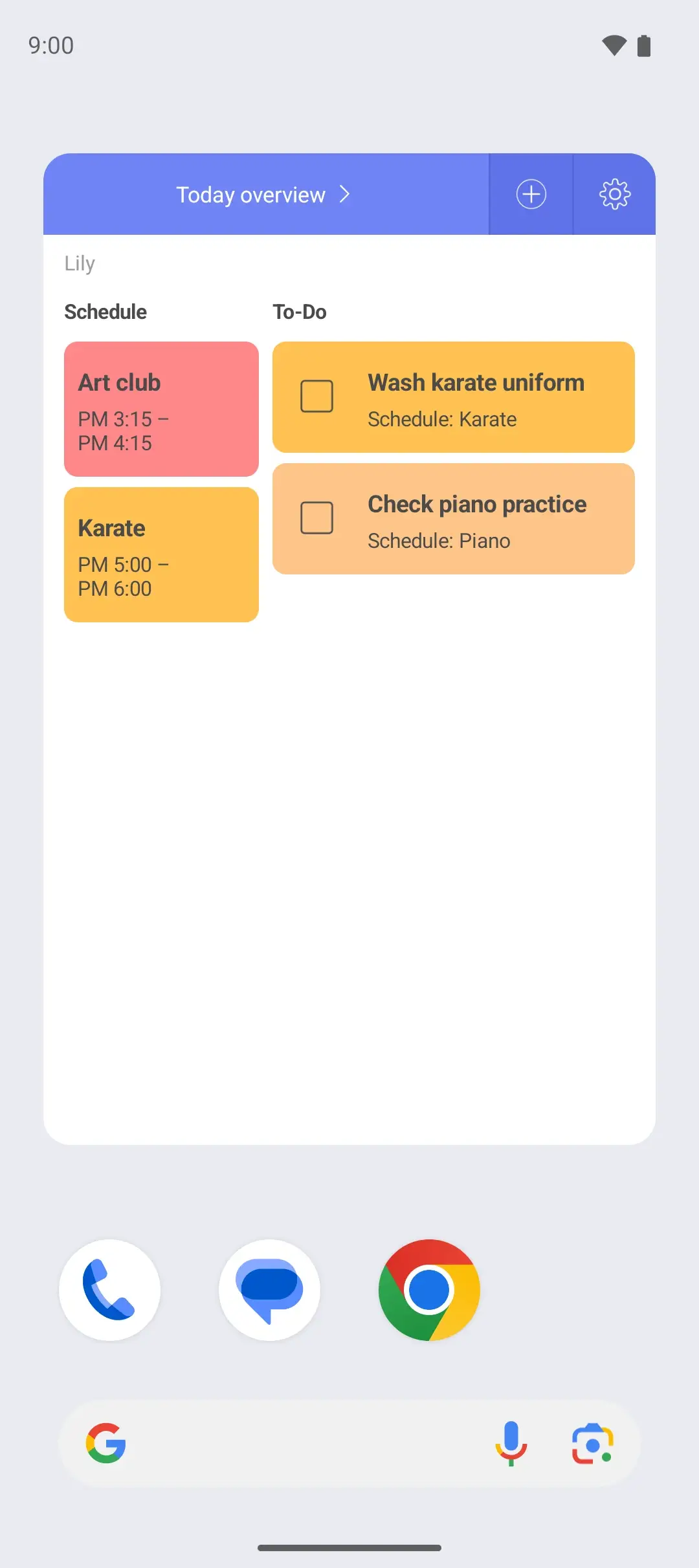
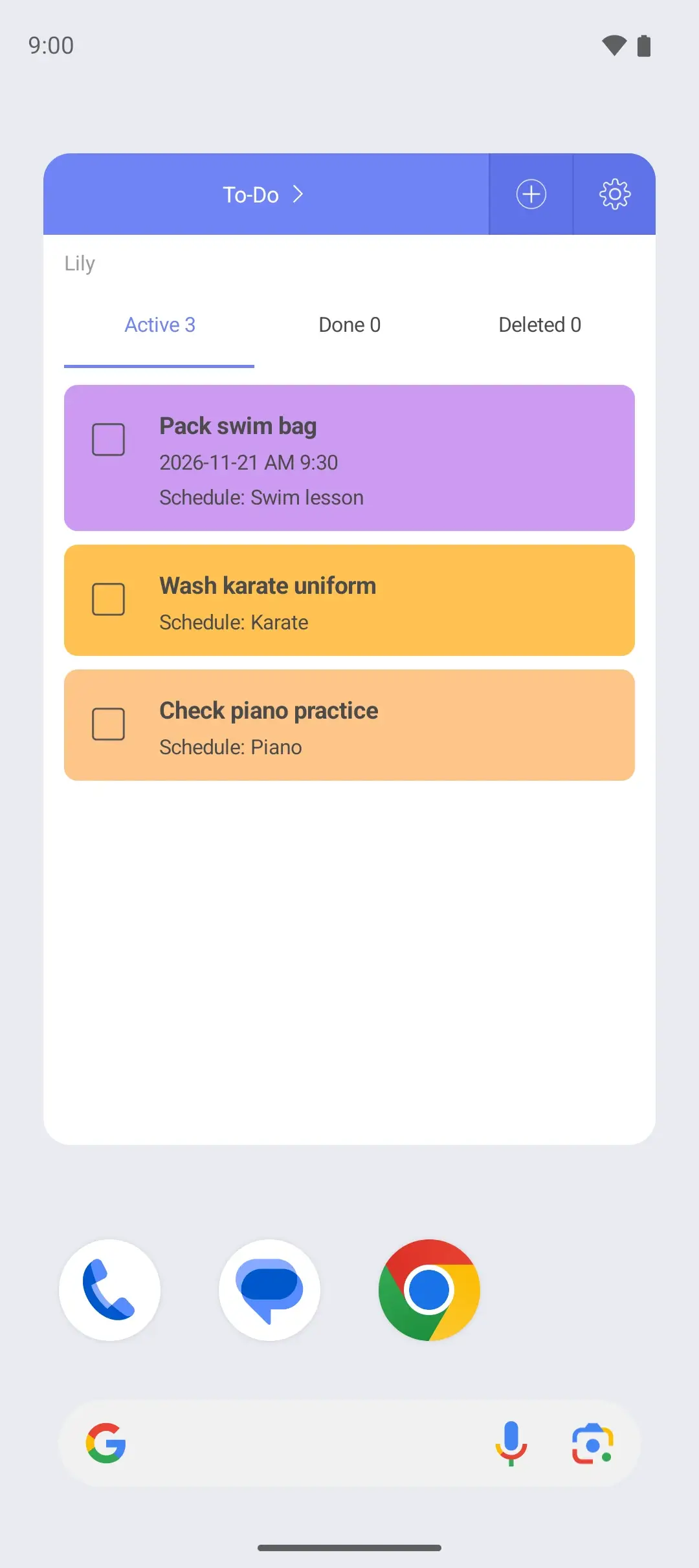
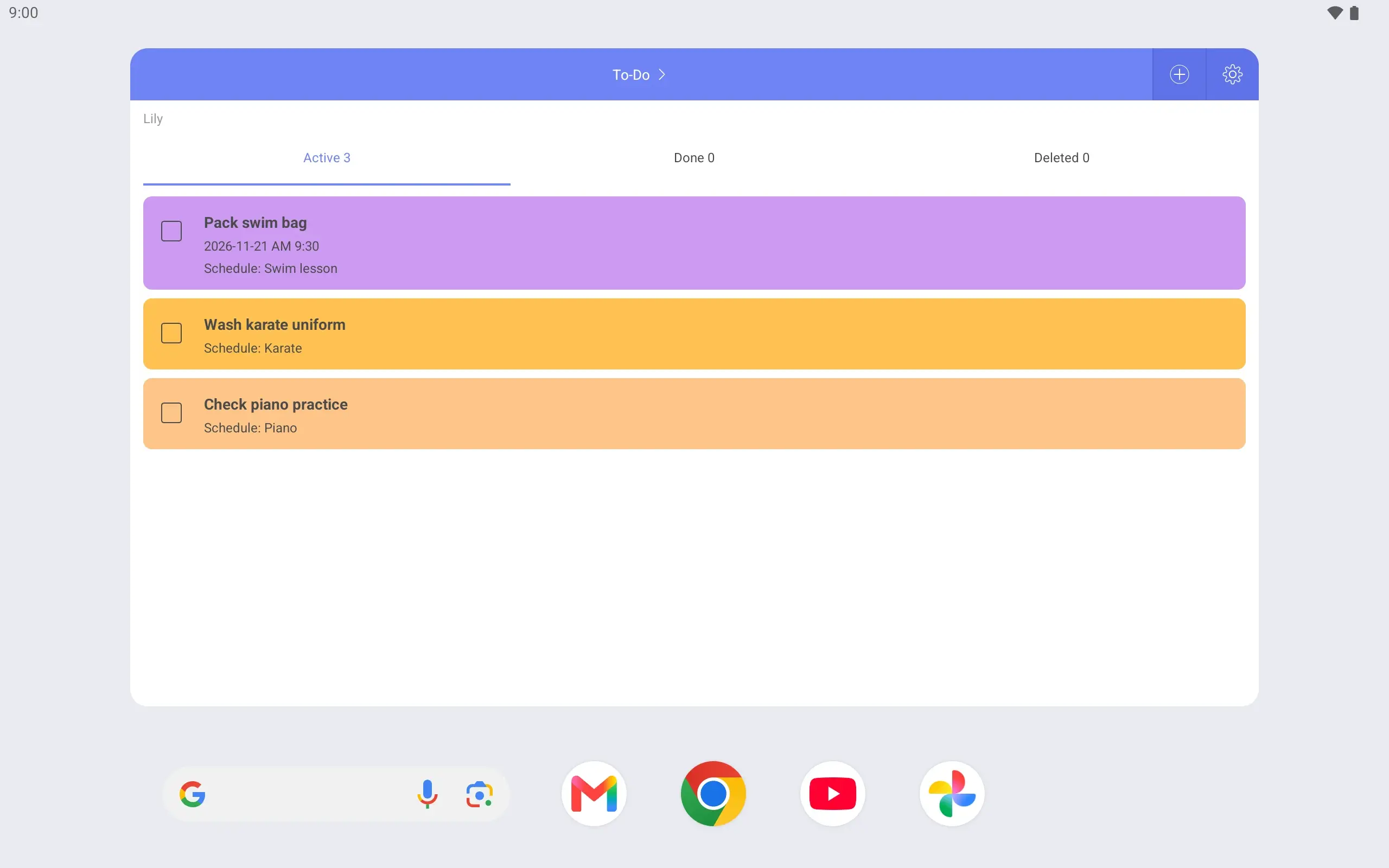
Link things to pack to an activity Link “Pack swim bag” to the swim lesson and “Check piano practice” to piano.
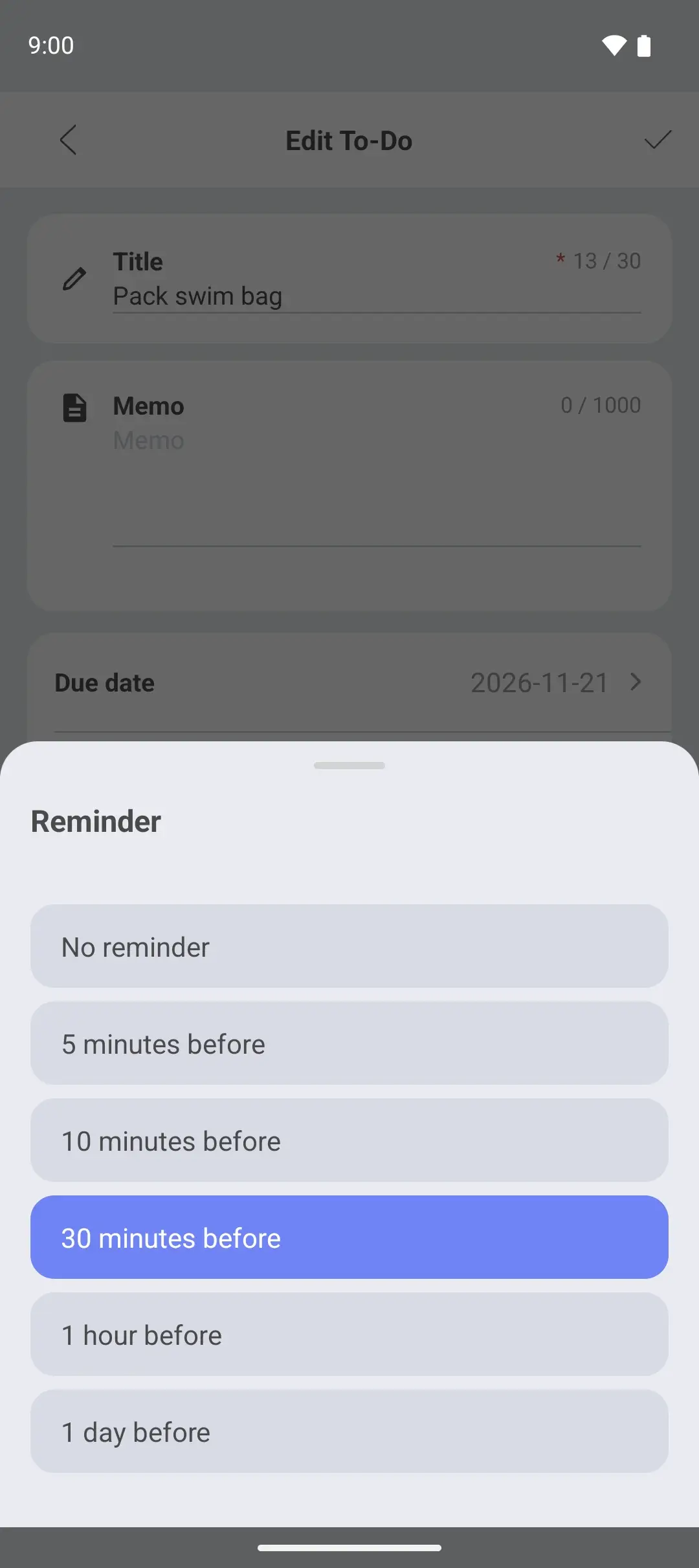
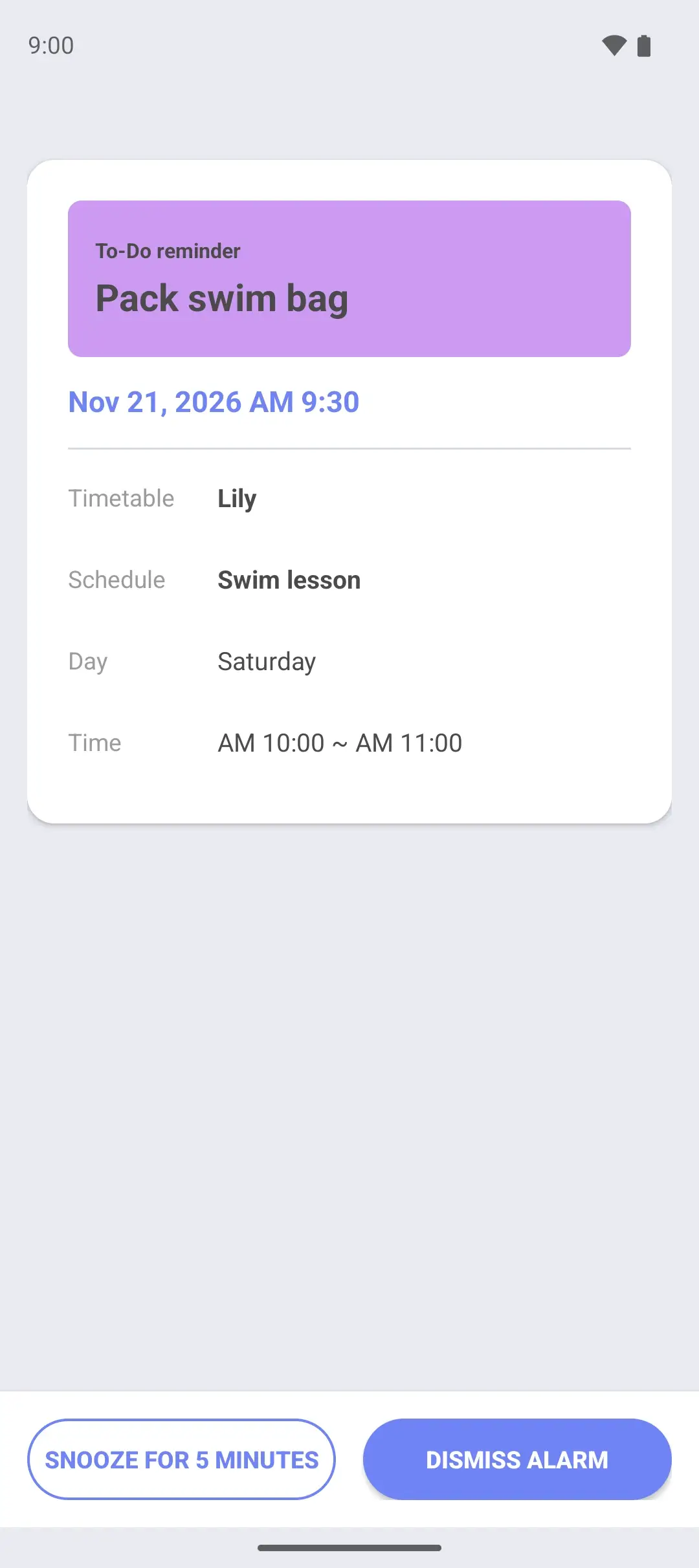
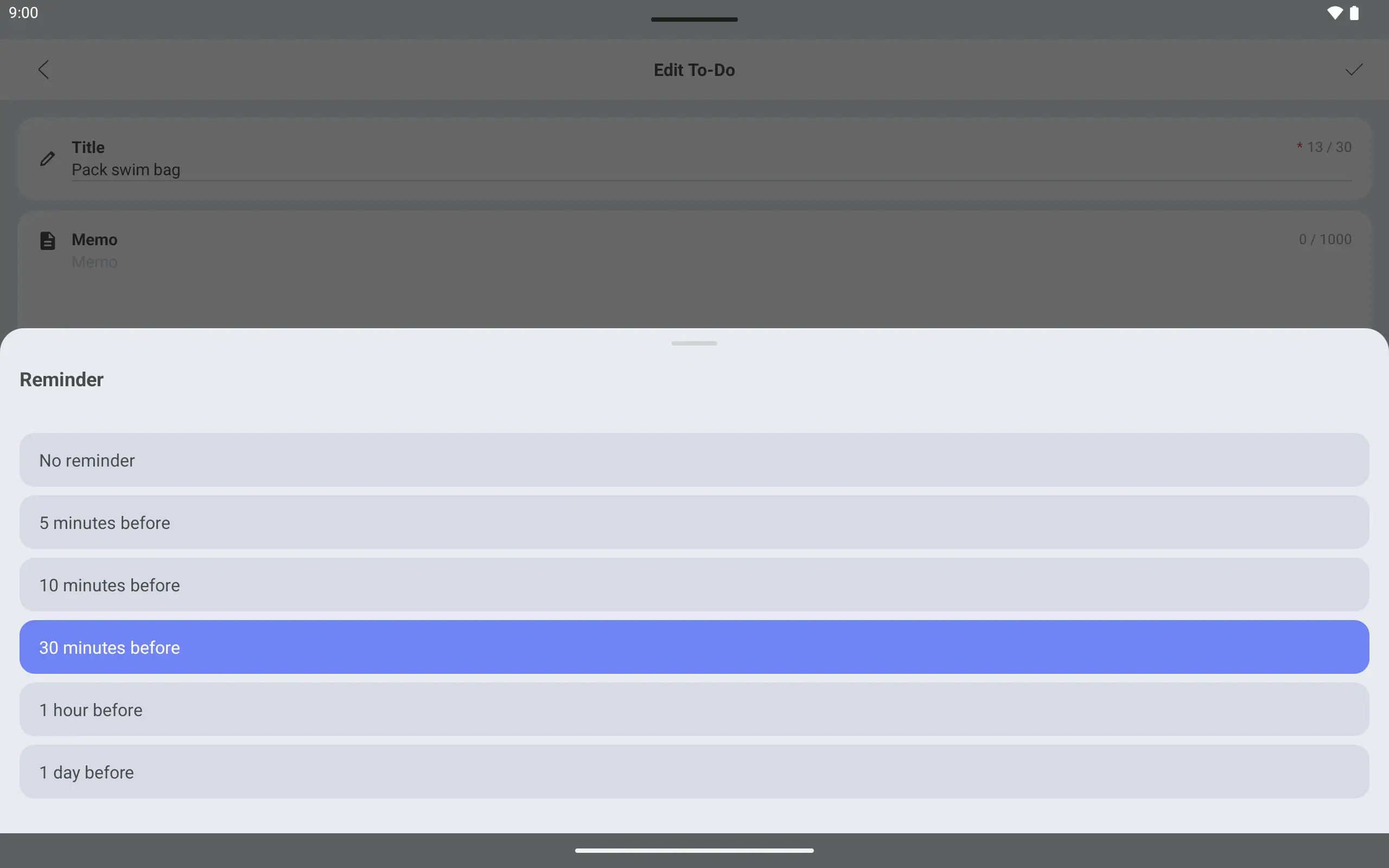
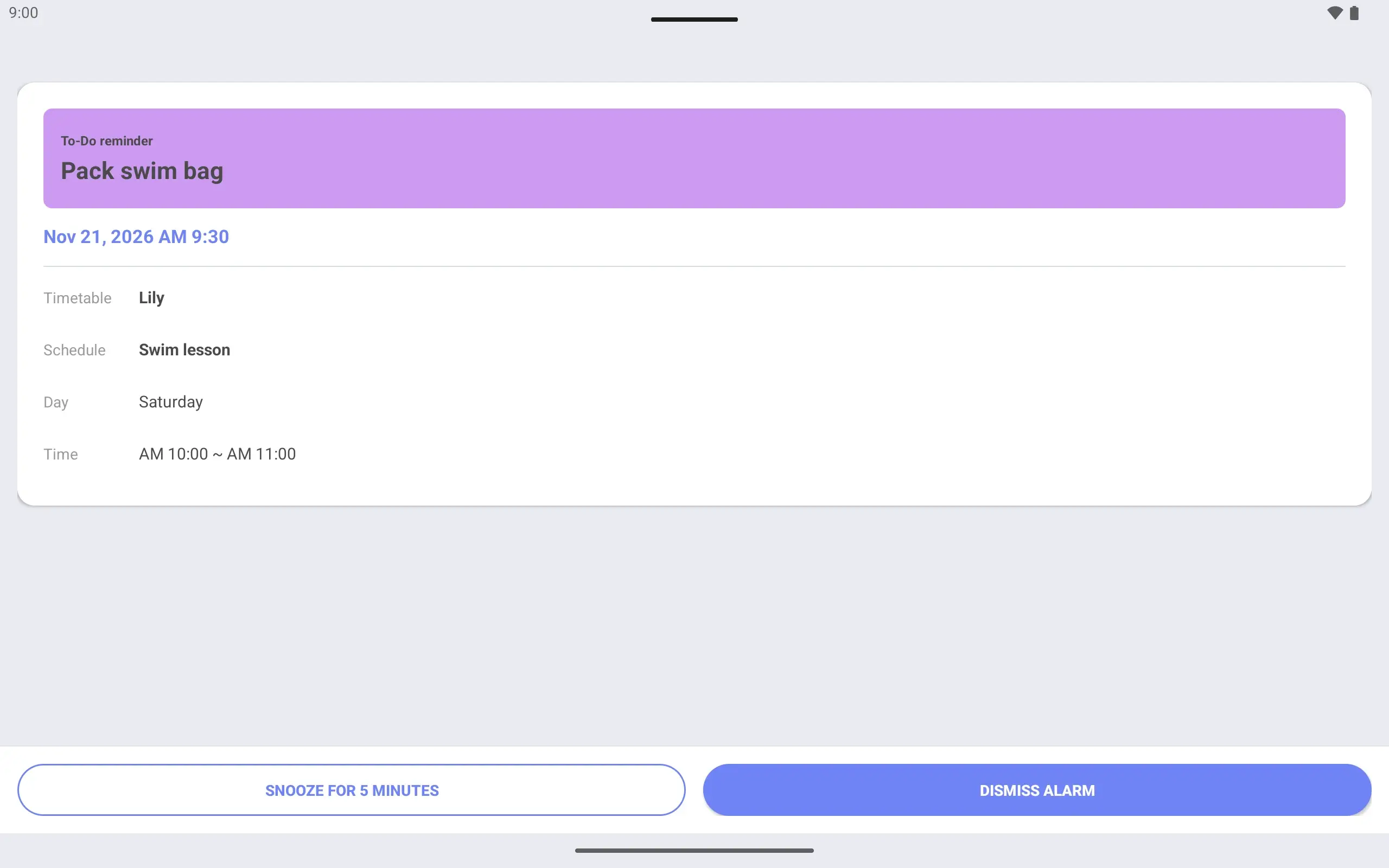
A reminder before you leave Set a due time and a “30 minutes before” reminder. An alarm screen tells you in time.
Weekly, Today overview and To-Do widgets. See where Lily goes today from the home screen.
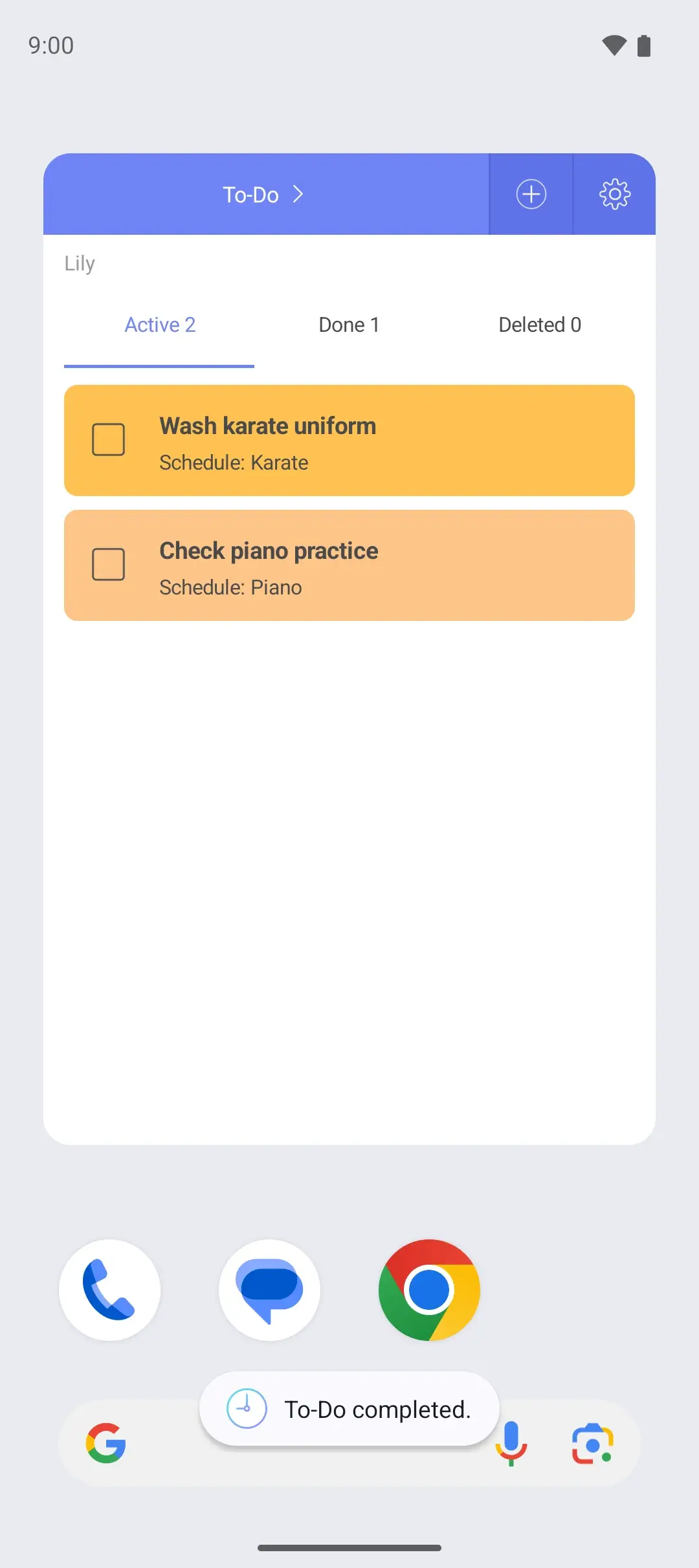
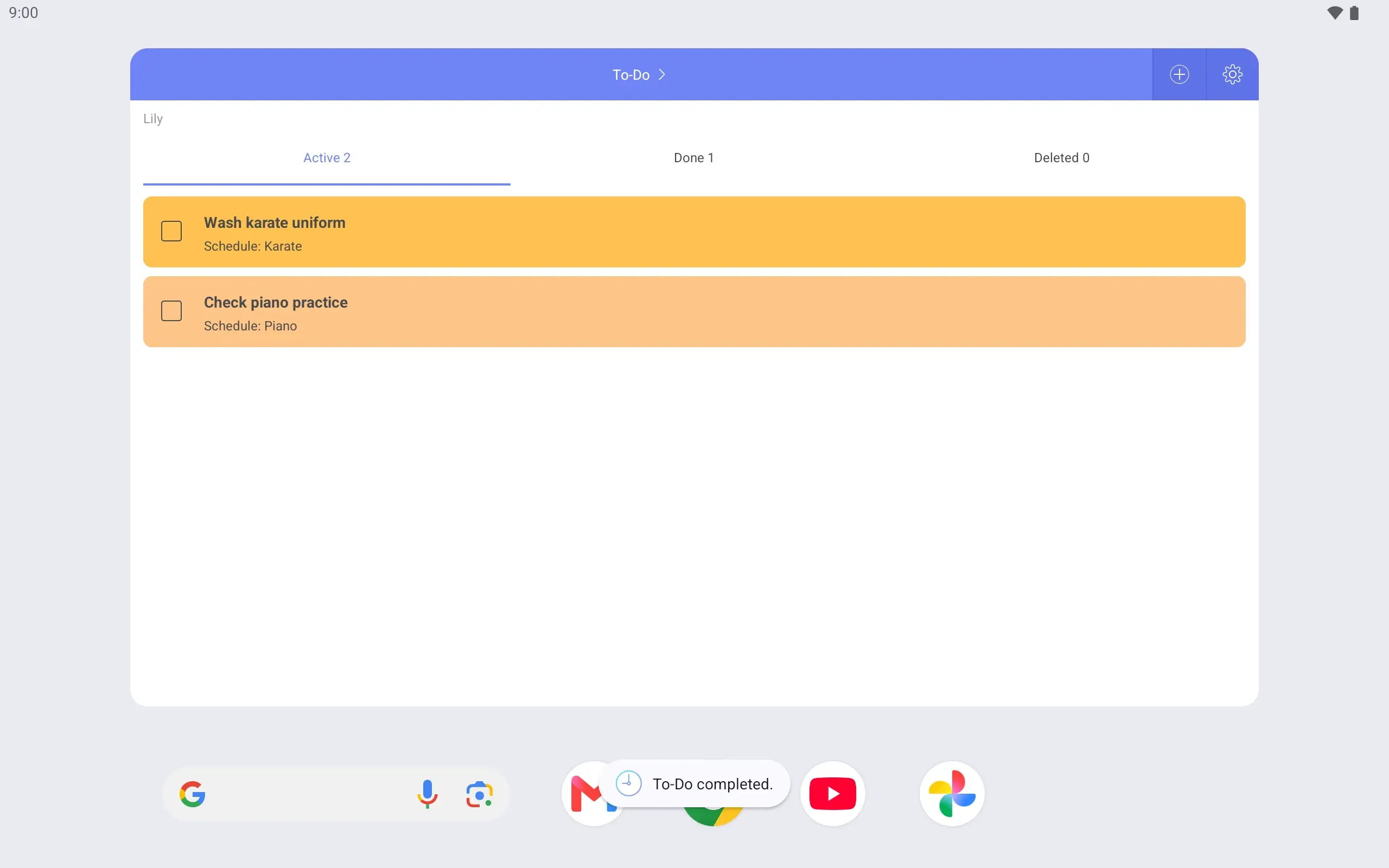
Swim bag packed? Mark it complete right in the widget.
See it on the lock screen Wake the phone and the timetable is there. Check pick-up time without opening the app.
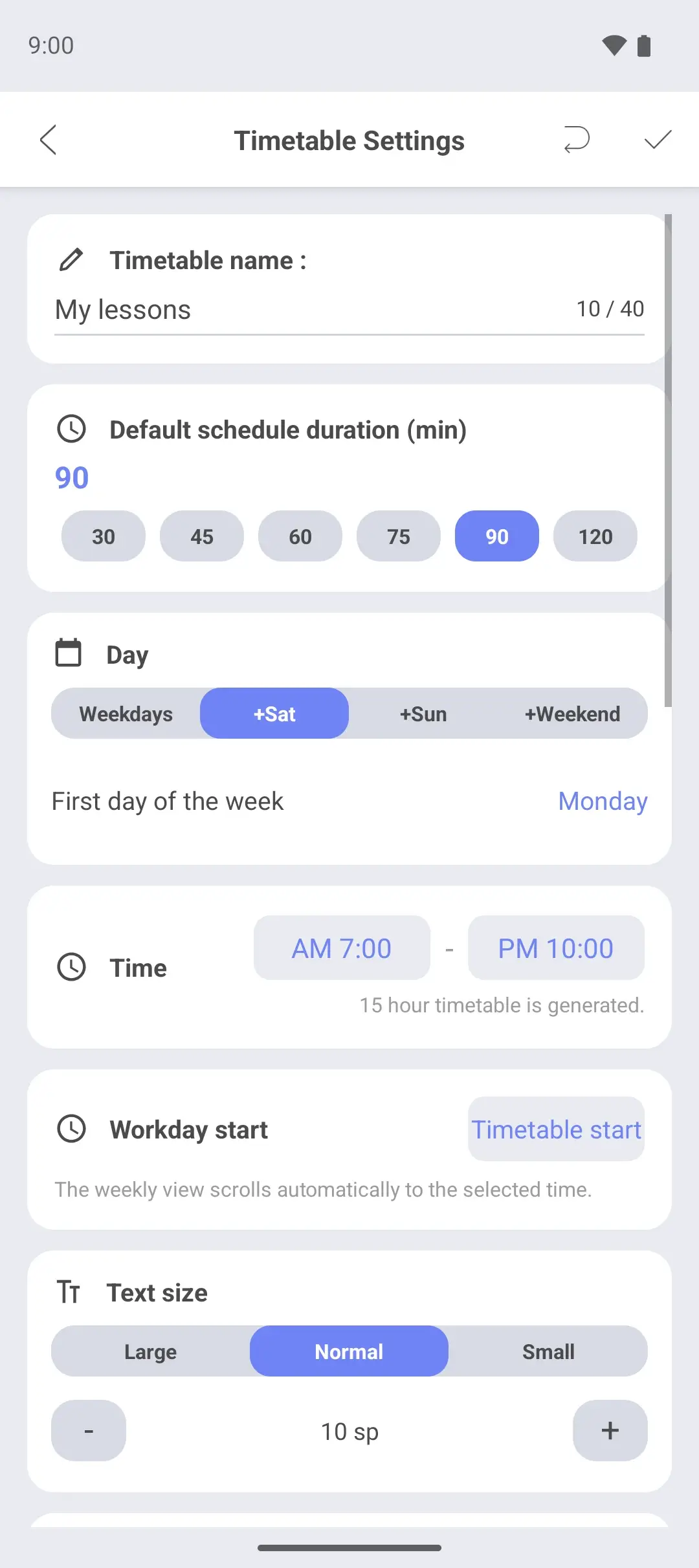
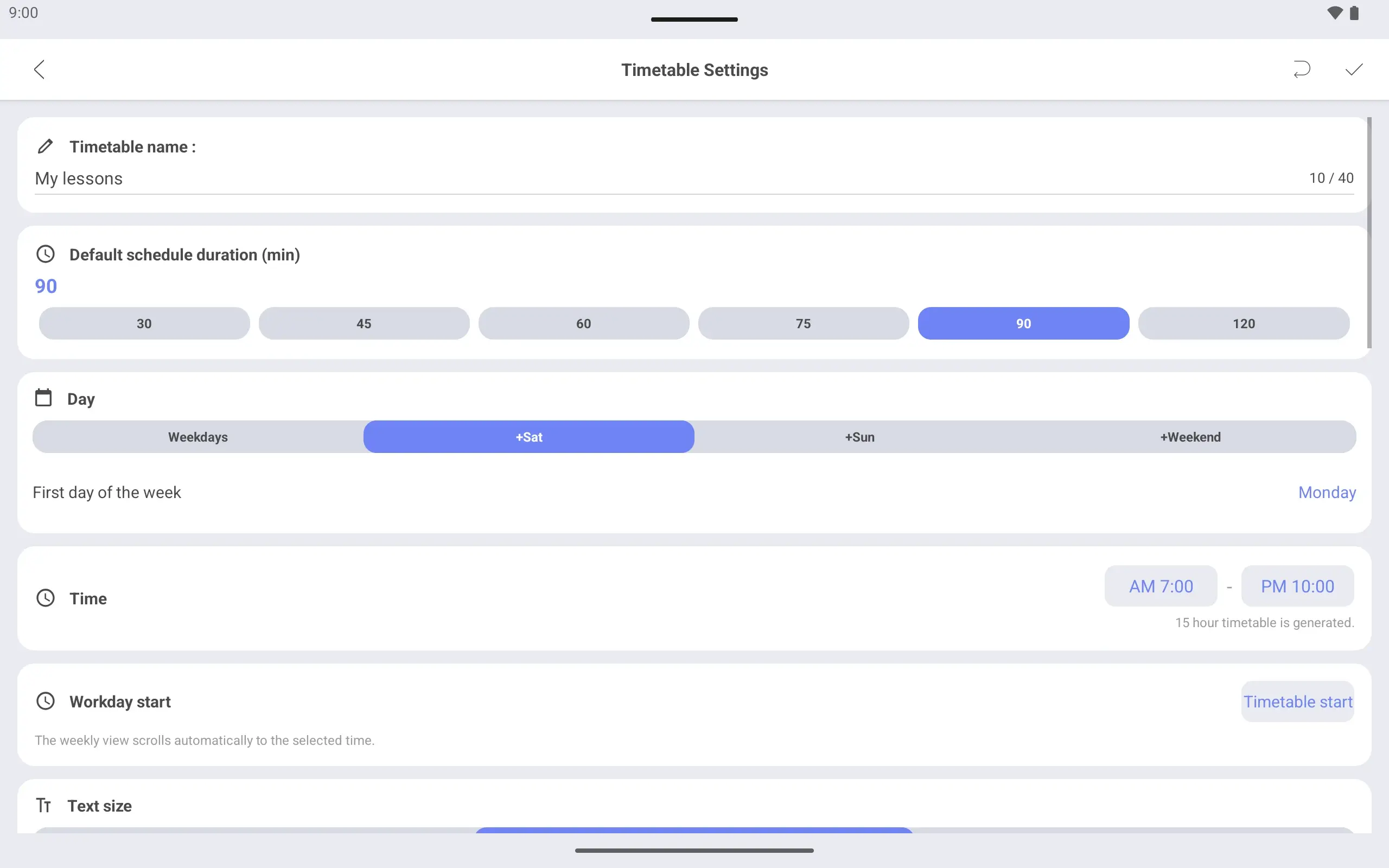
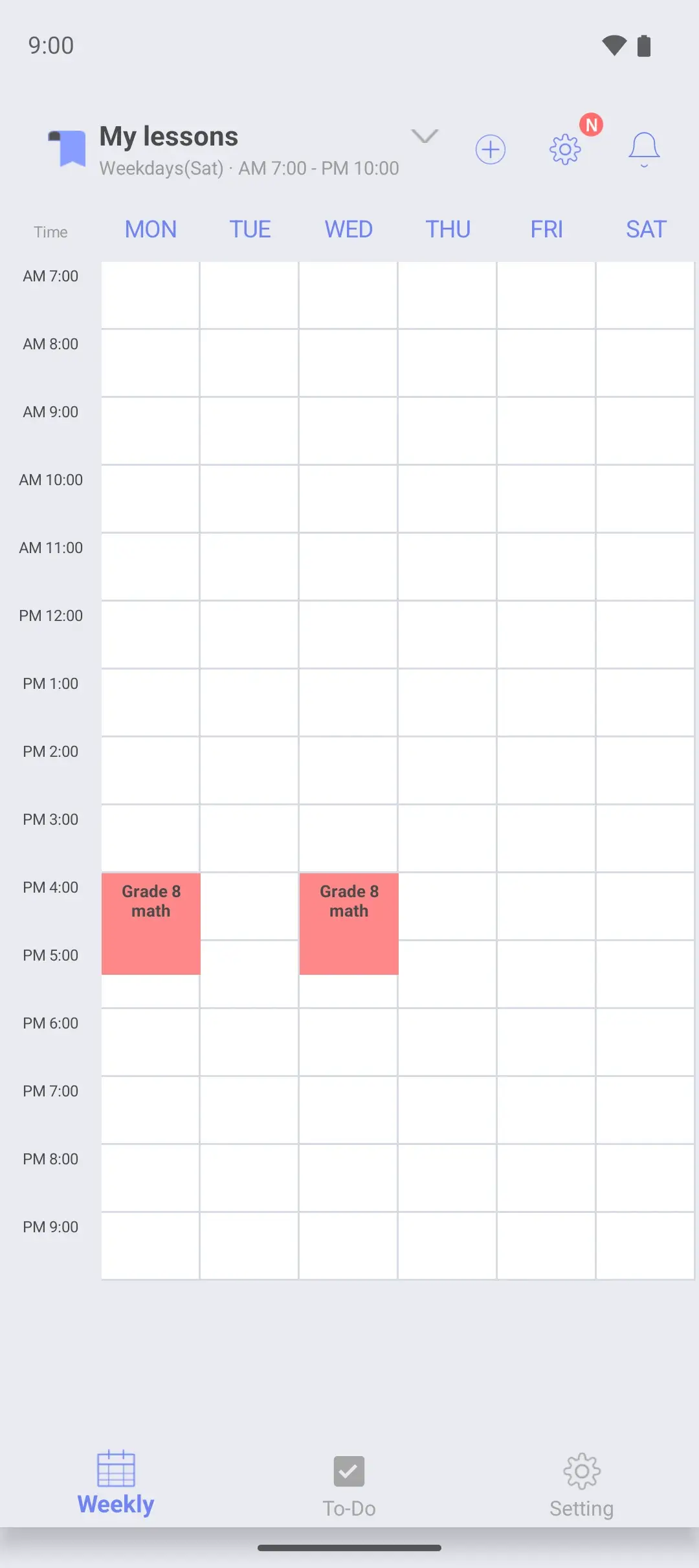
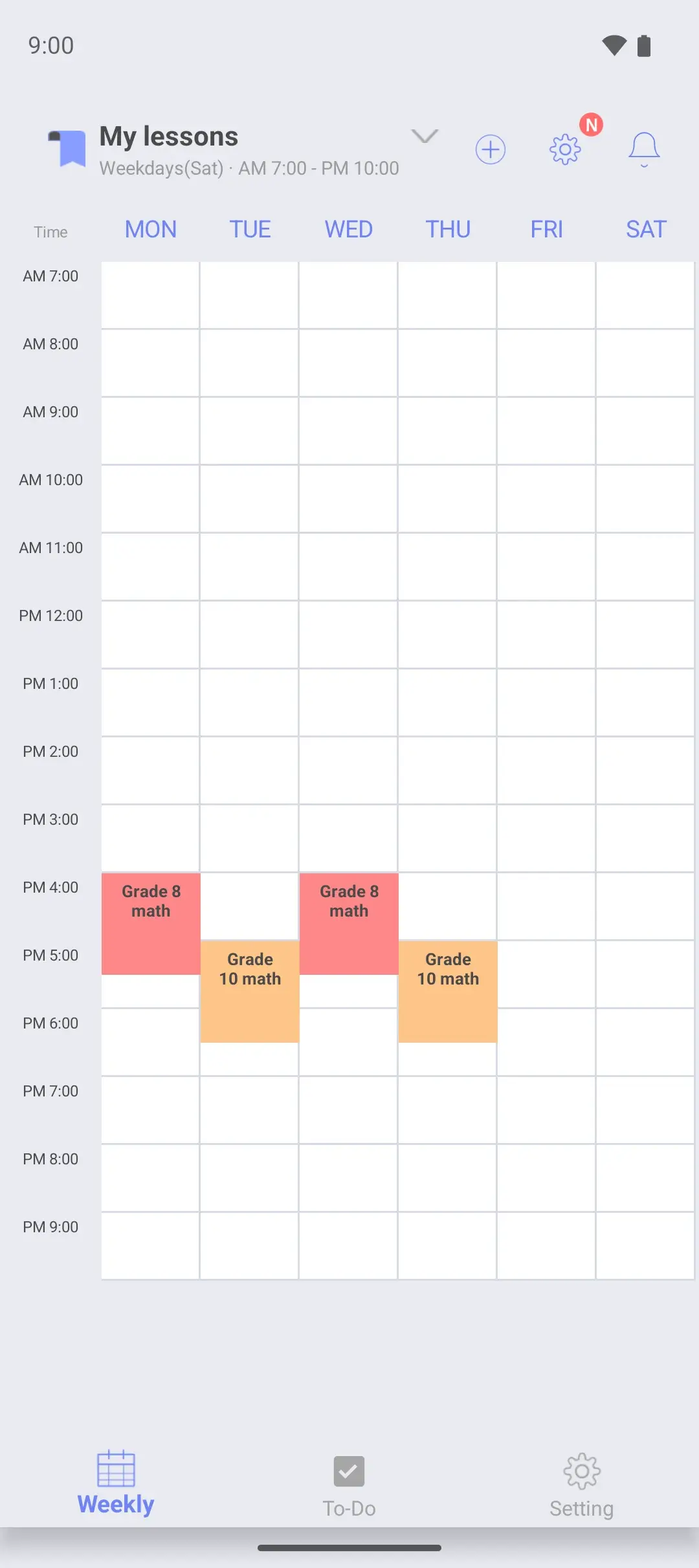
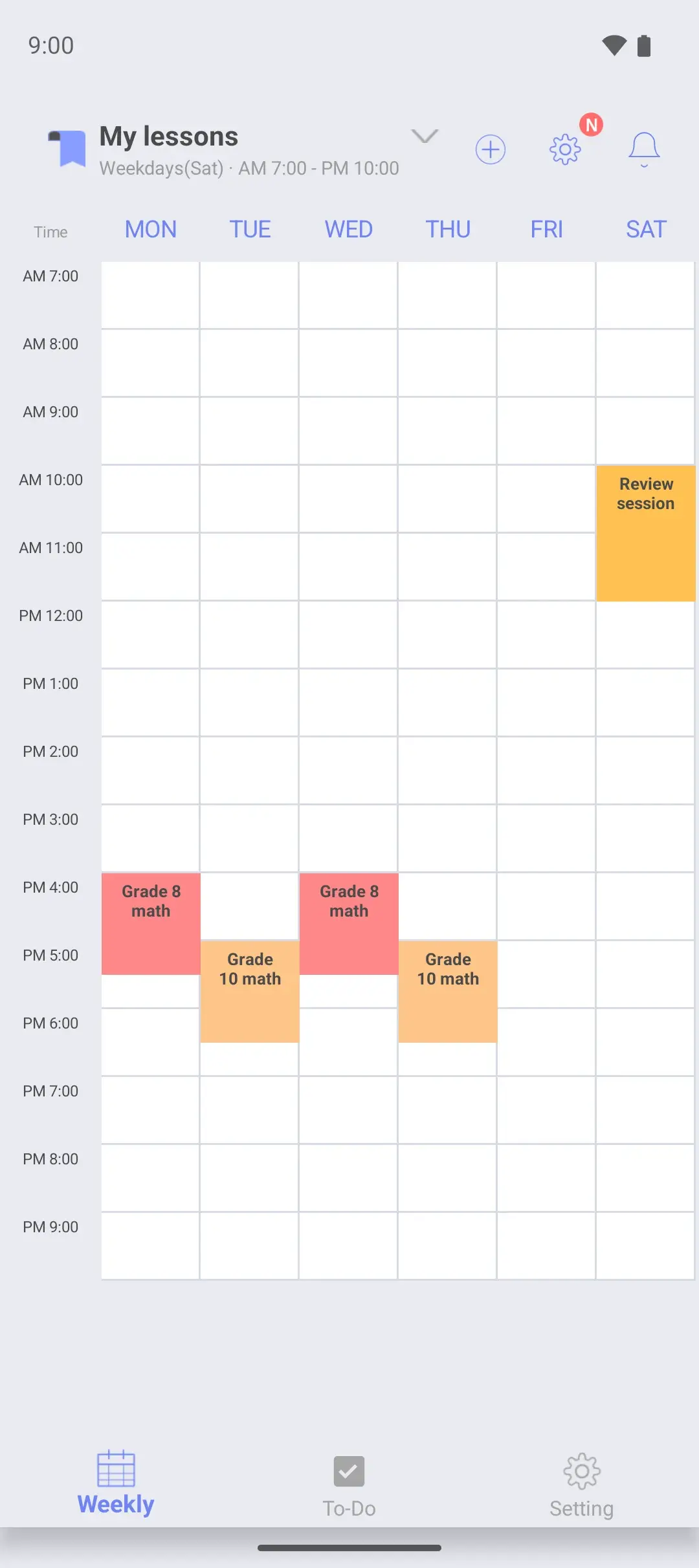
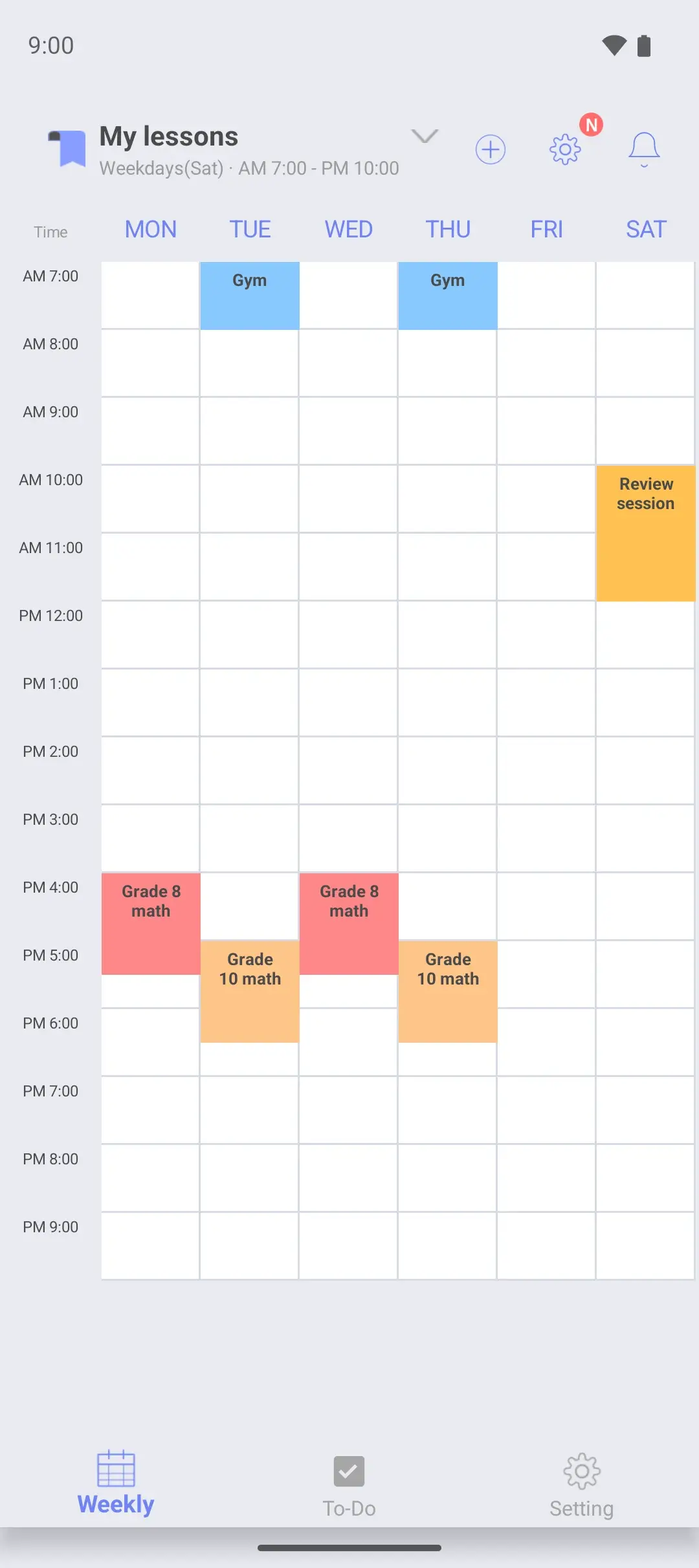
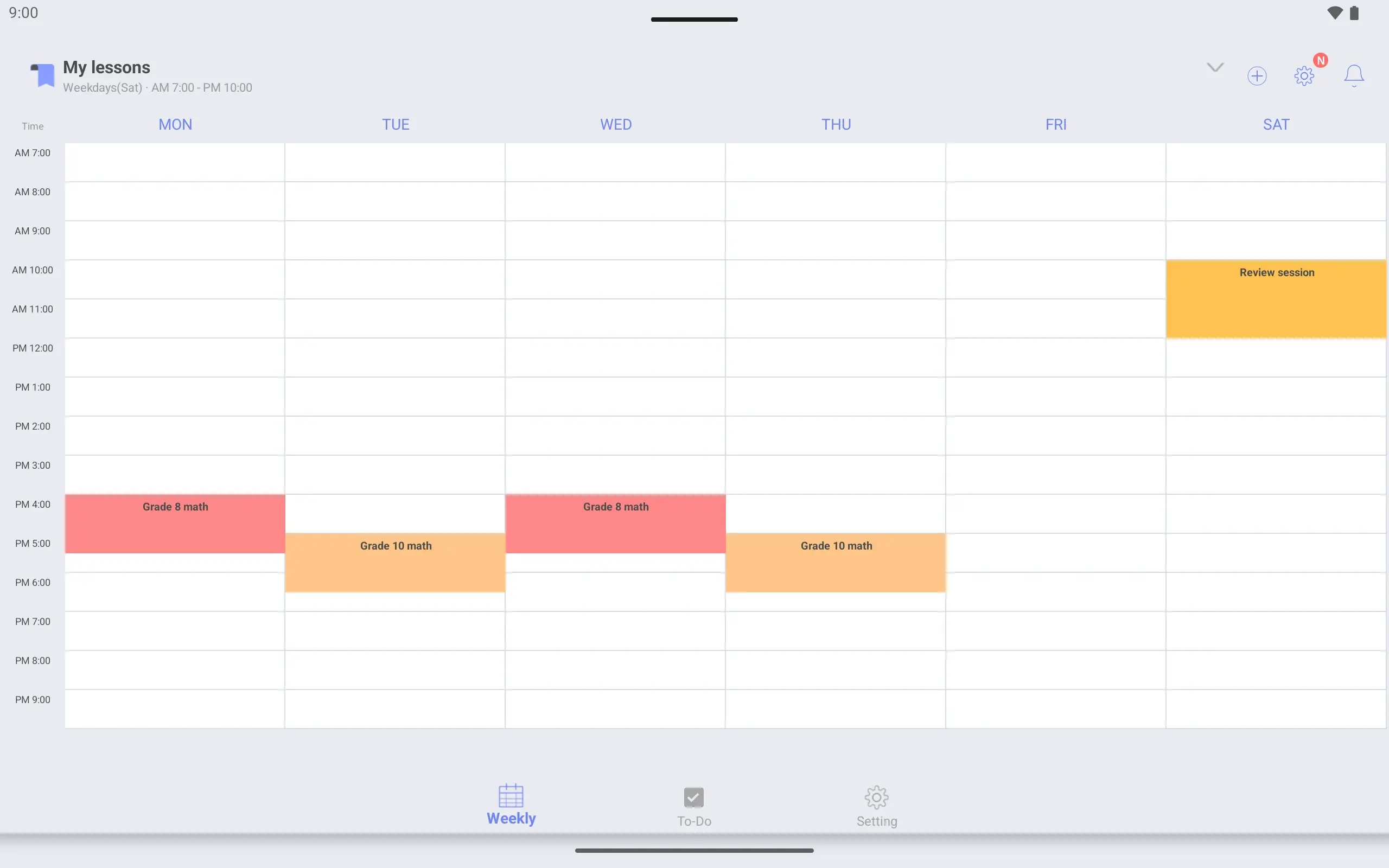
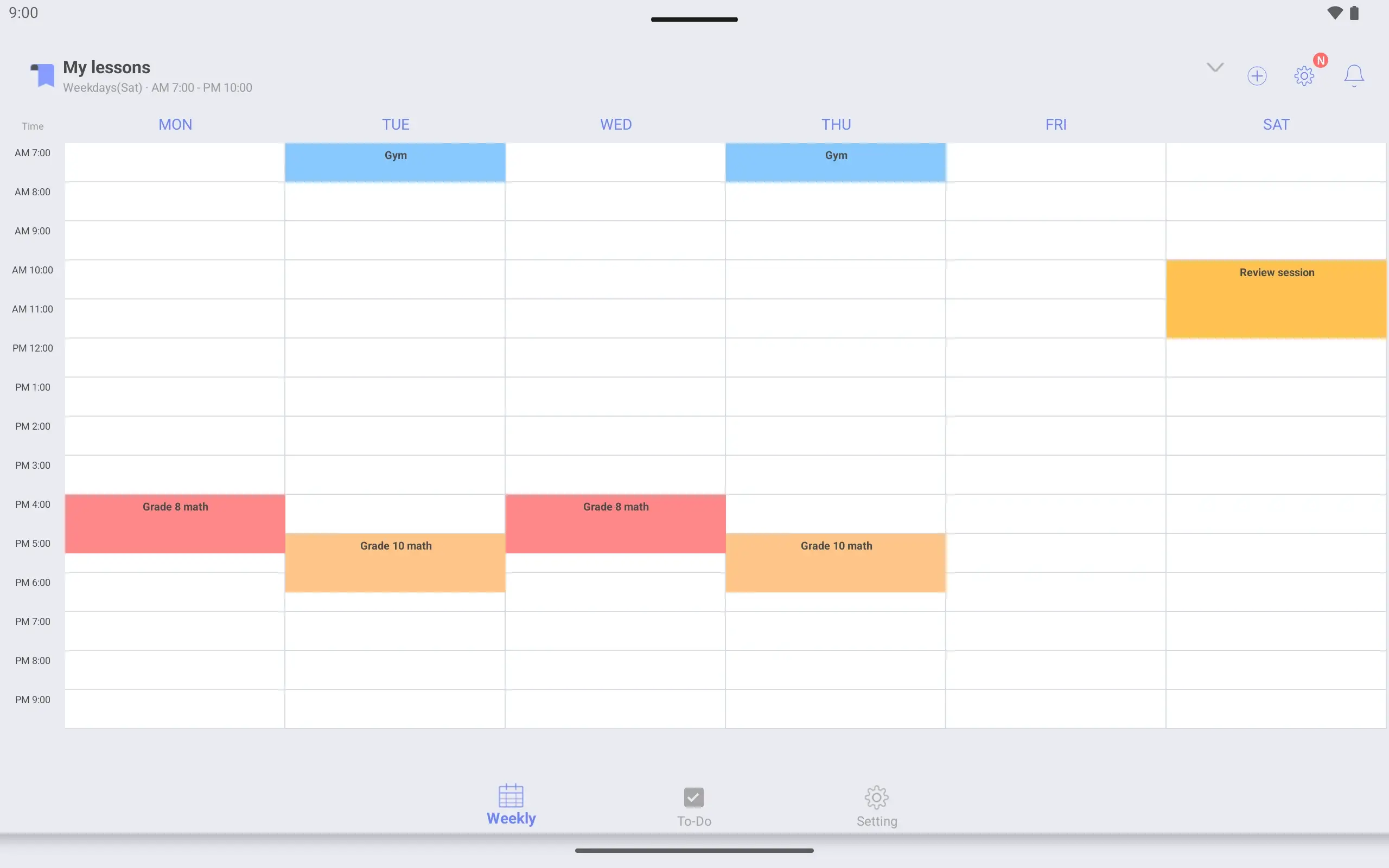
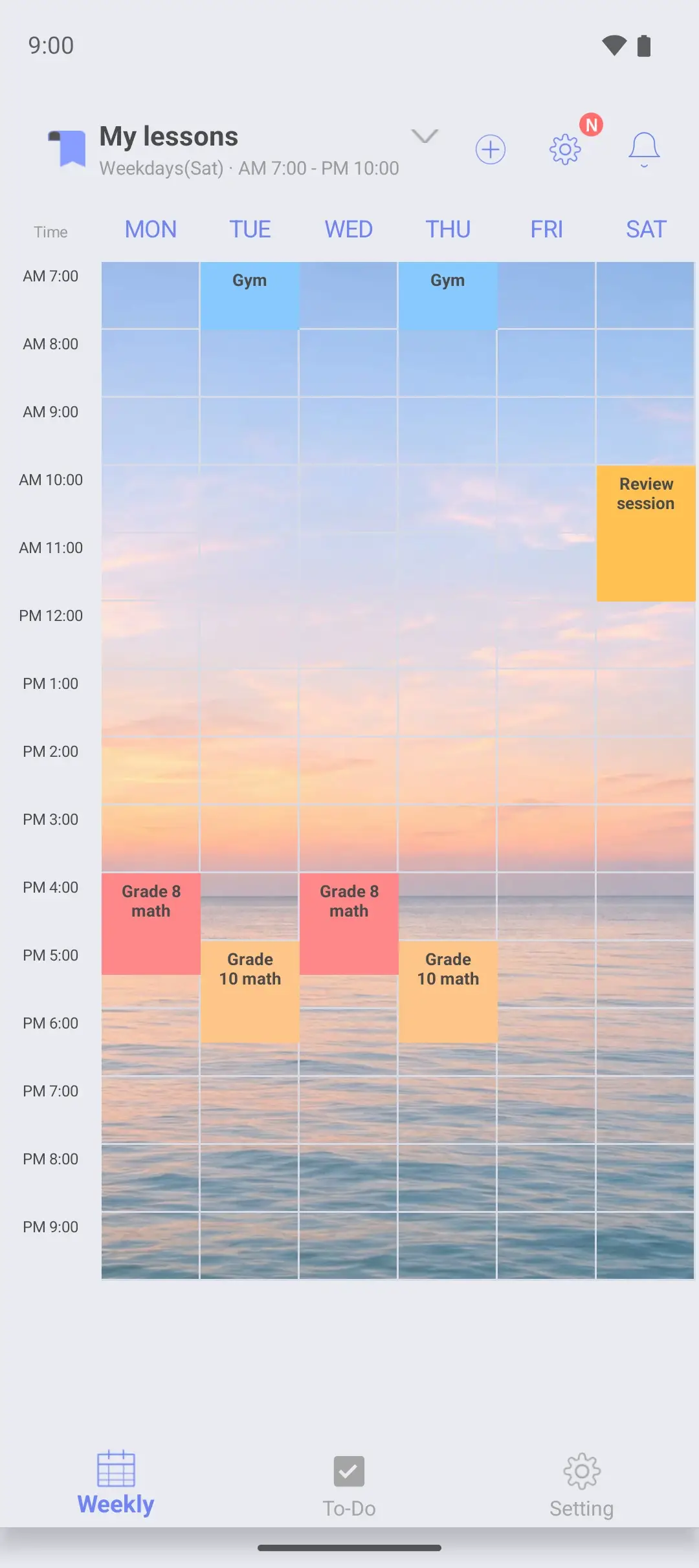
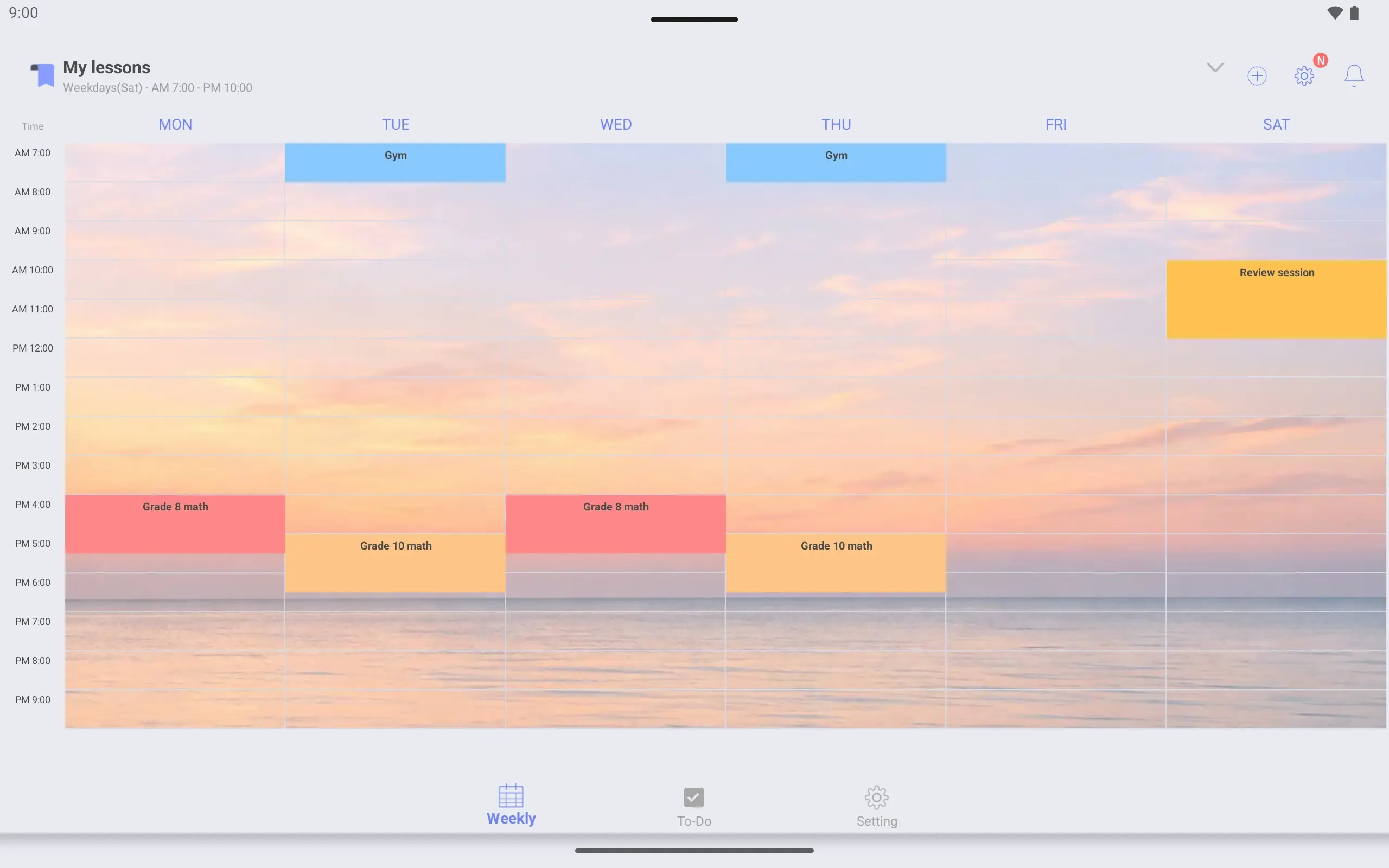
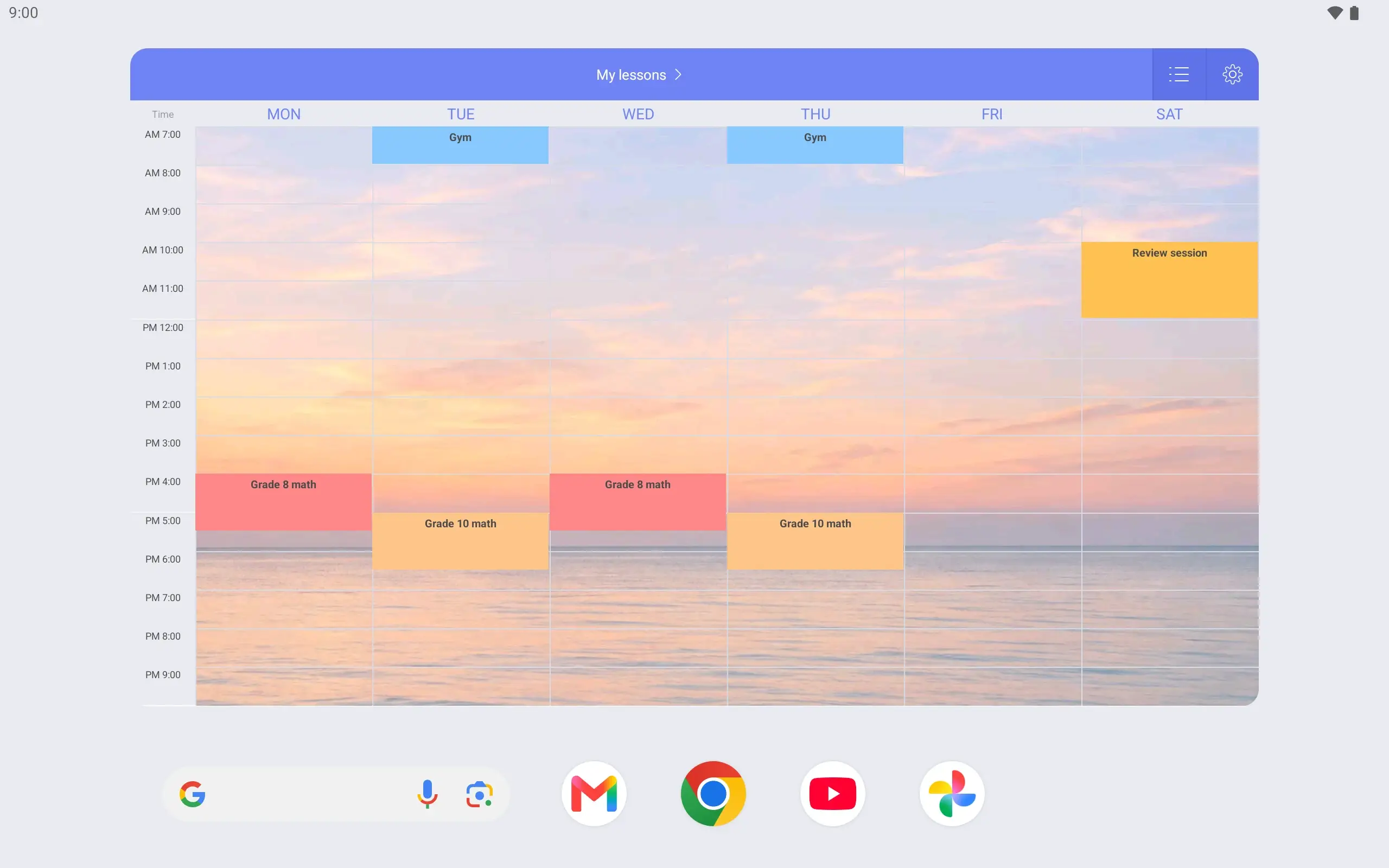
View larger View larger View larger View larger View larger View larger View larger View larger View larger View larger View larger View larger View larger View larger View larger View larger Lessons & personal schedule Make your lesson timetable Name it “My lessons”. Show Monday to Saturday, from 7 am to 10 pm.
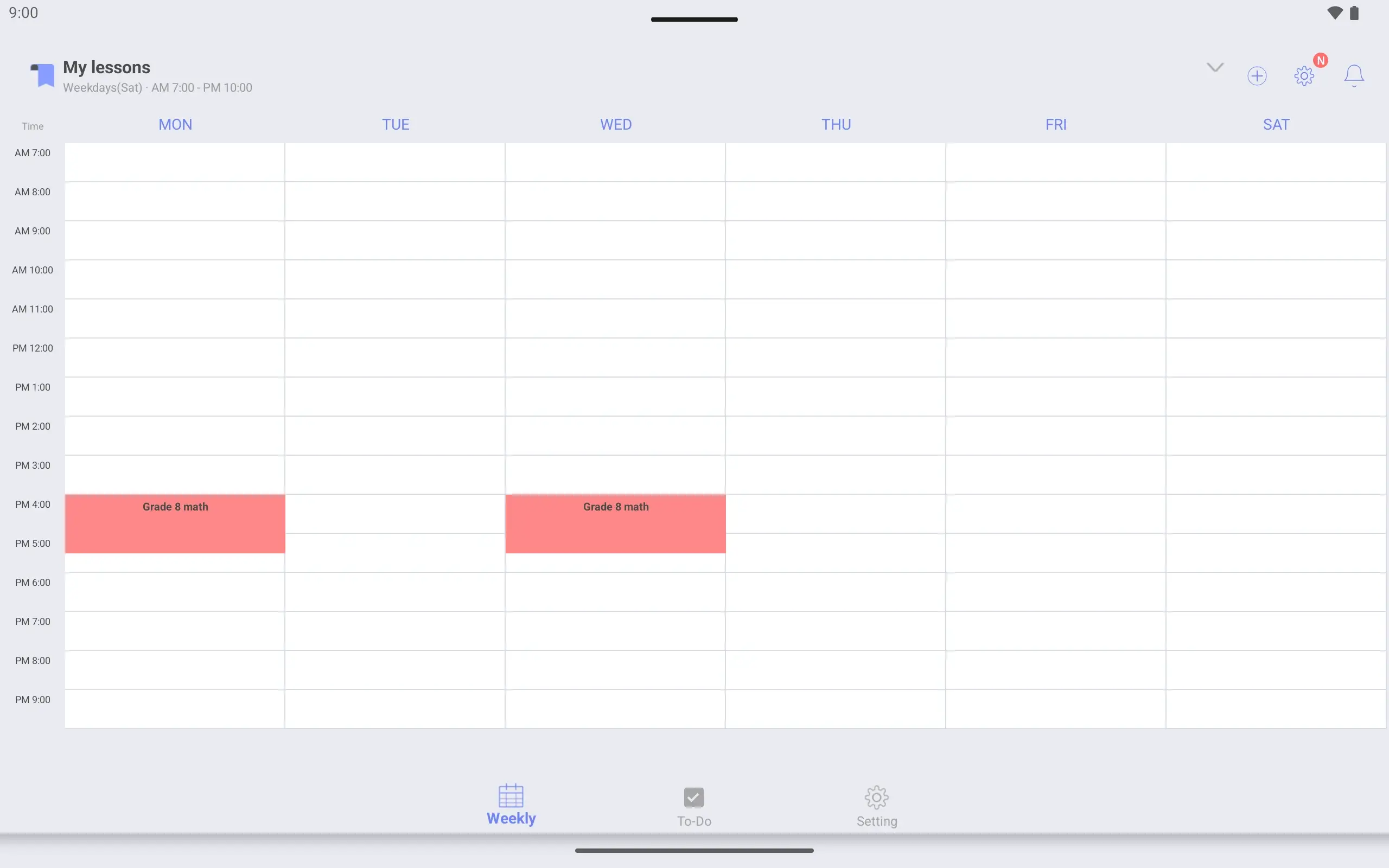
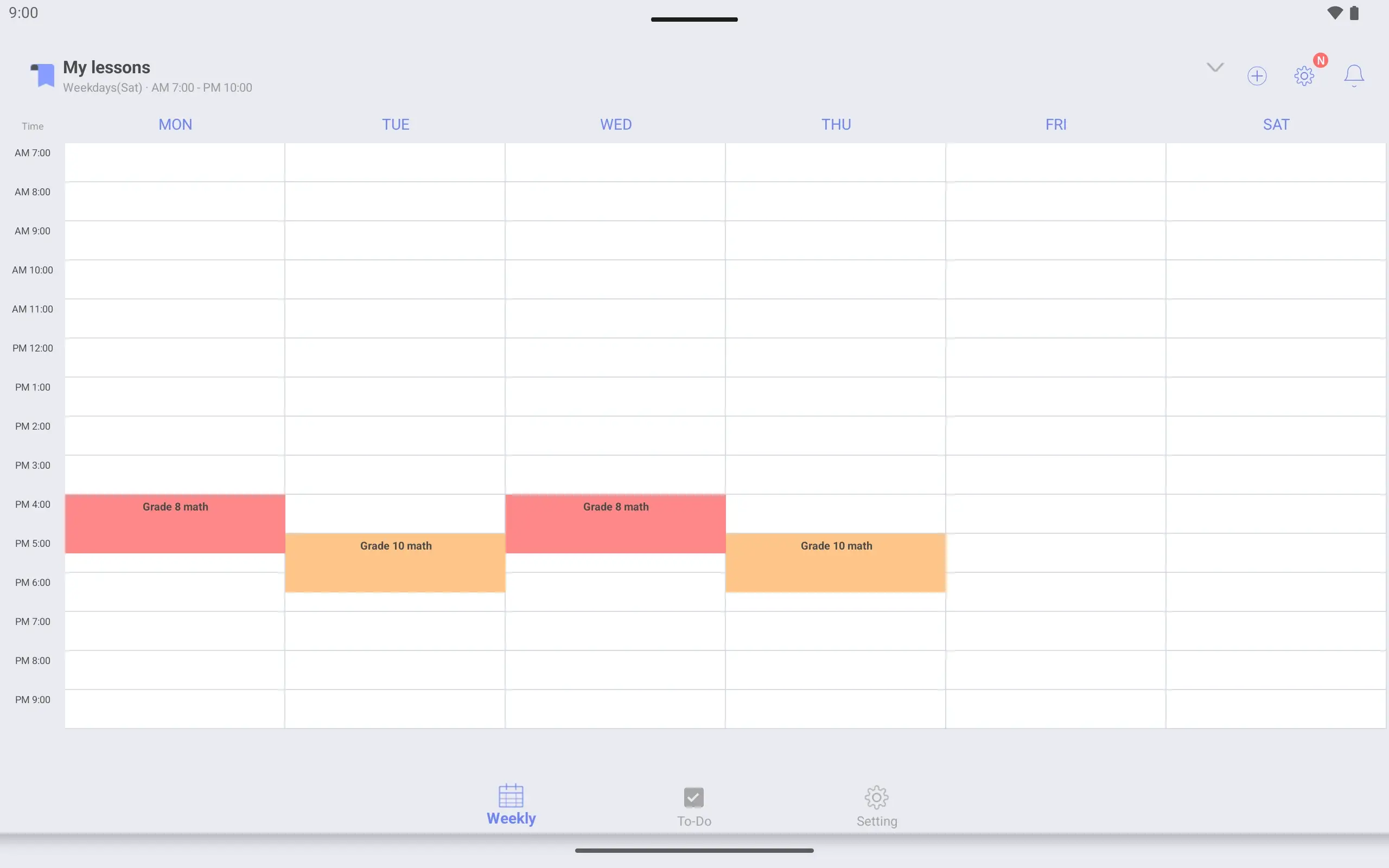
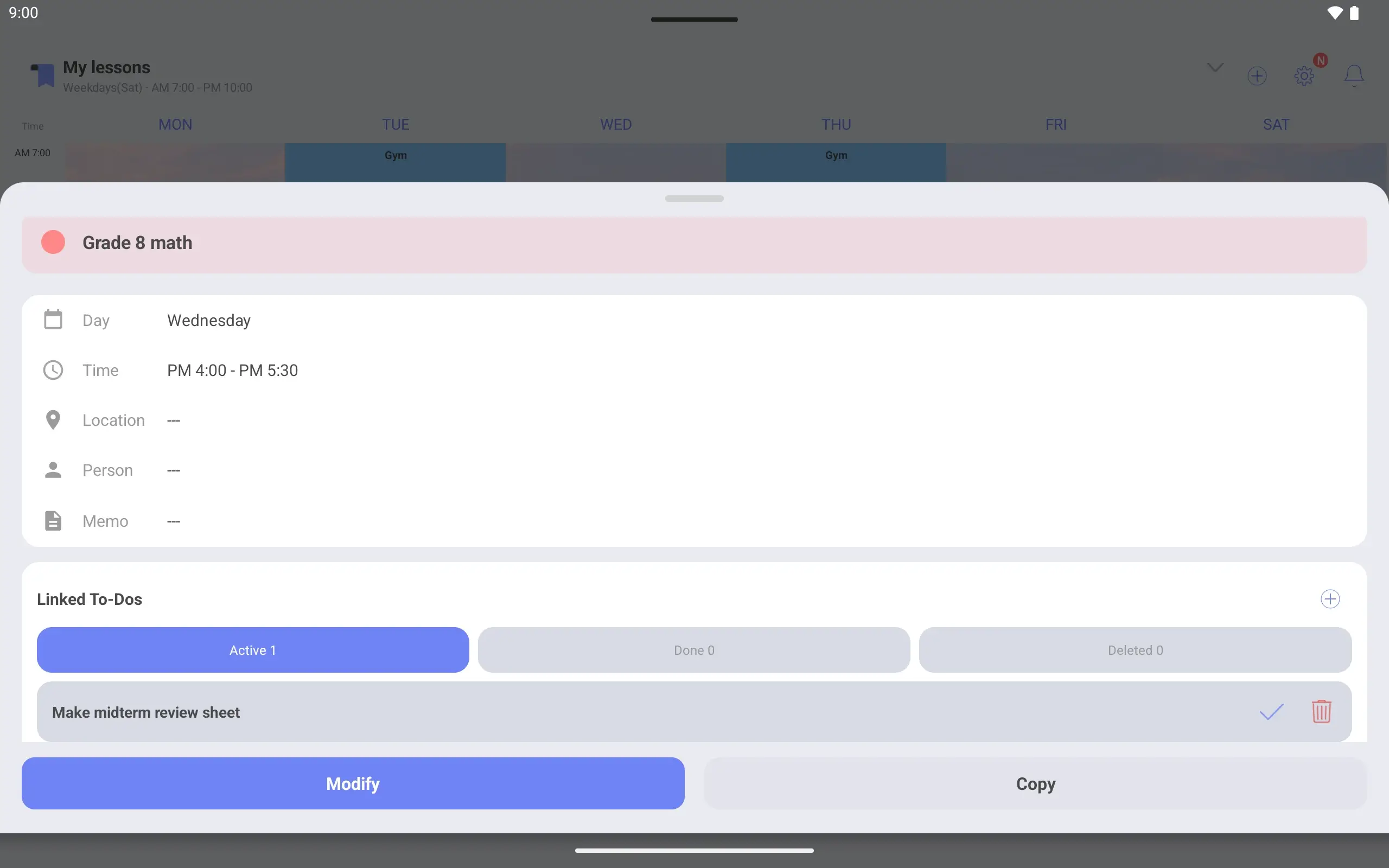
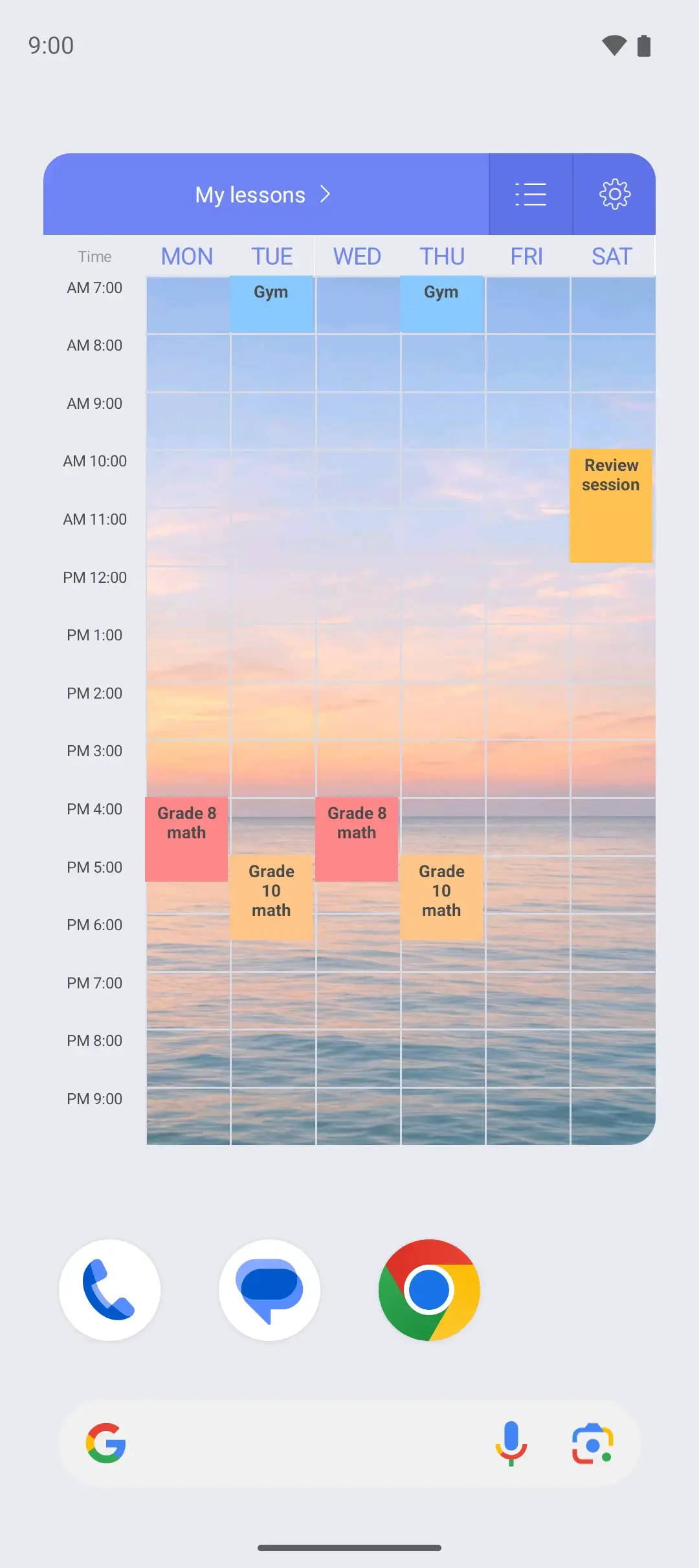
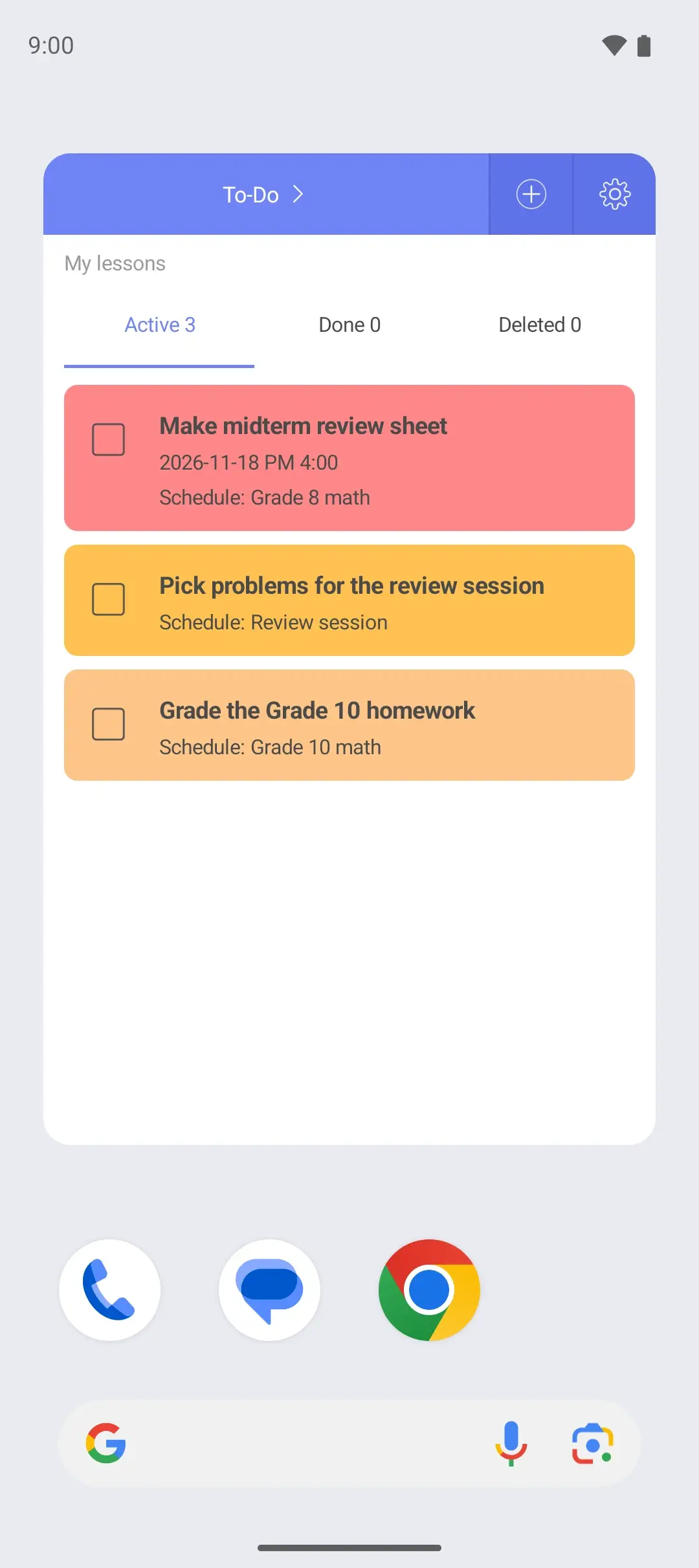
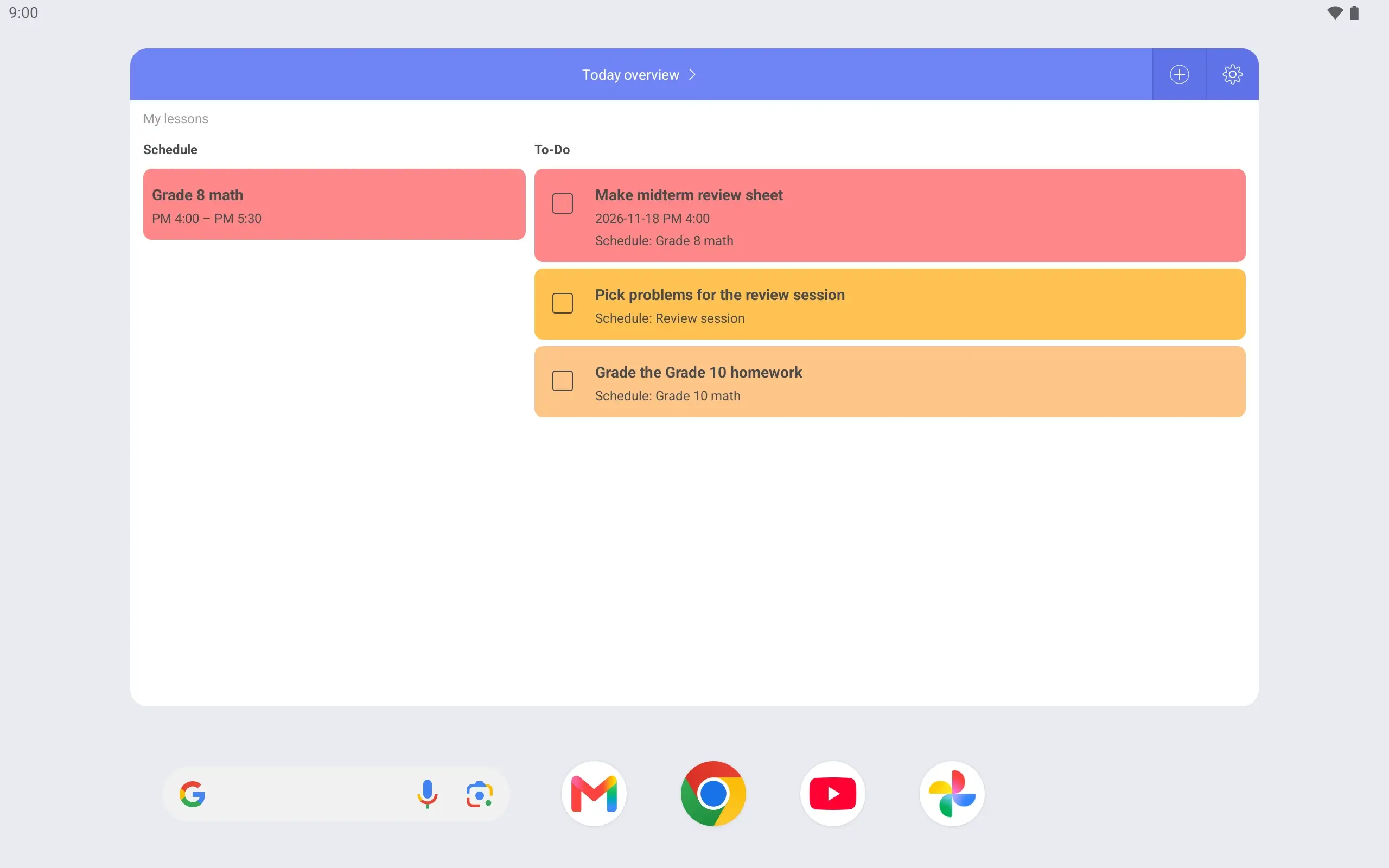
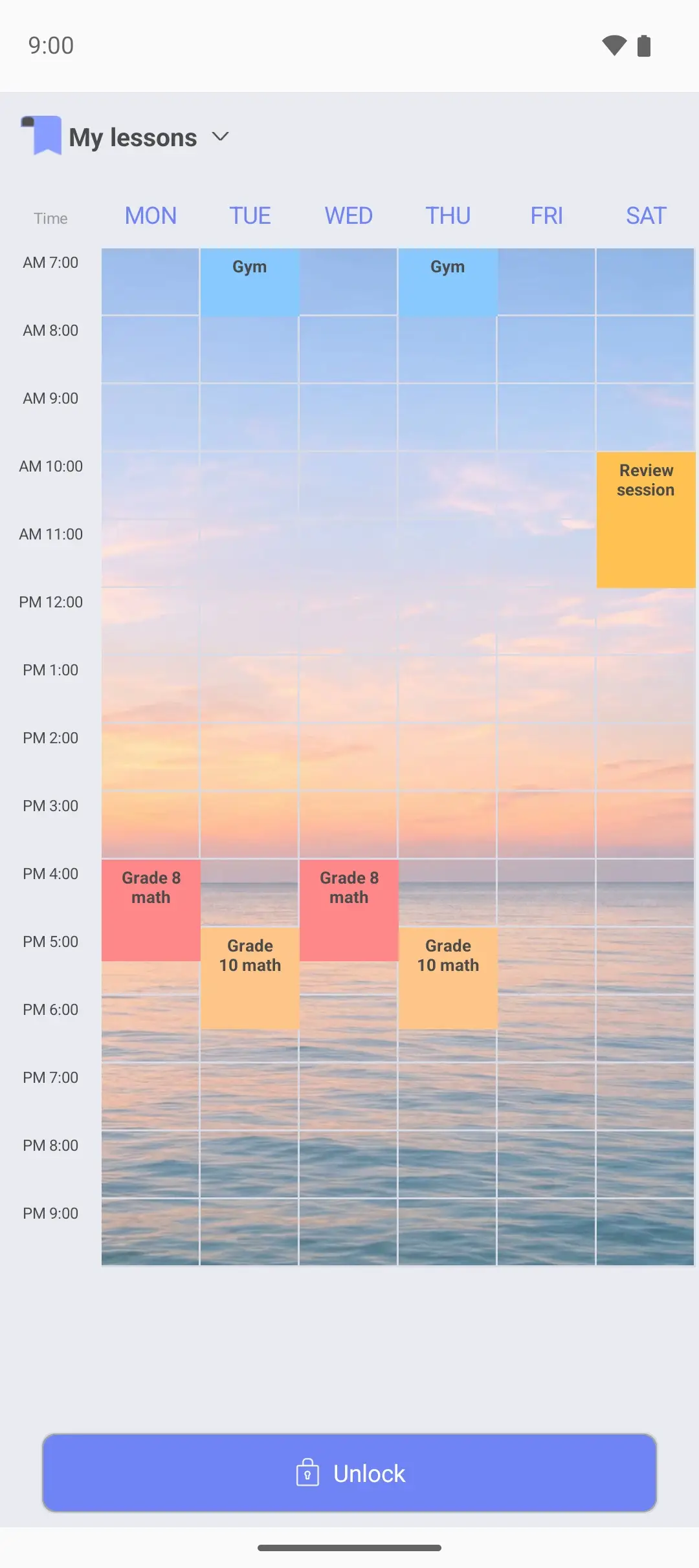
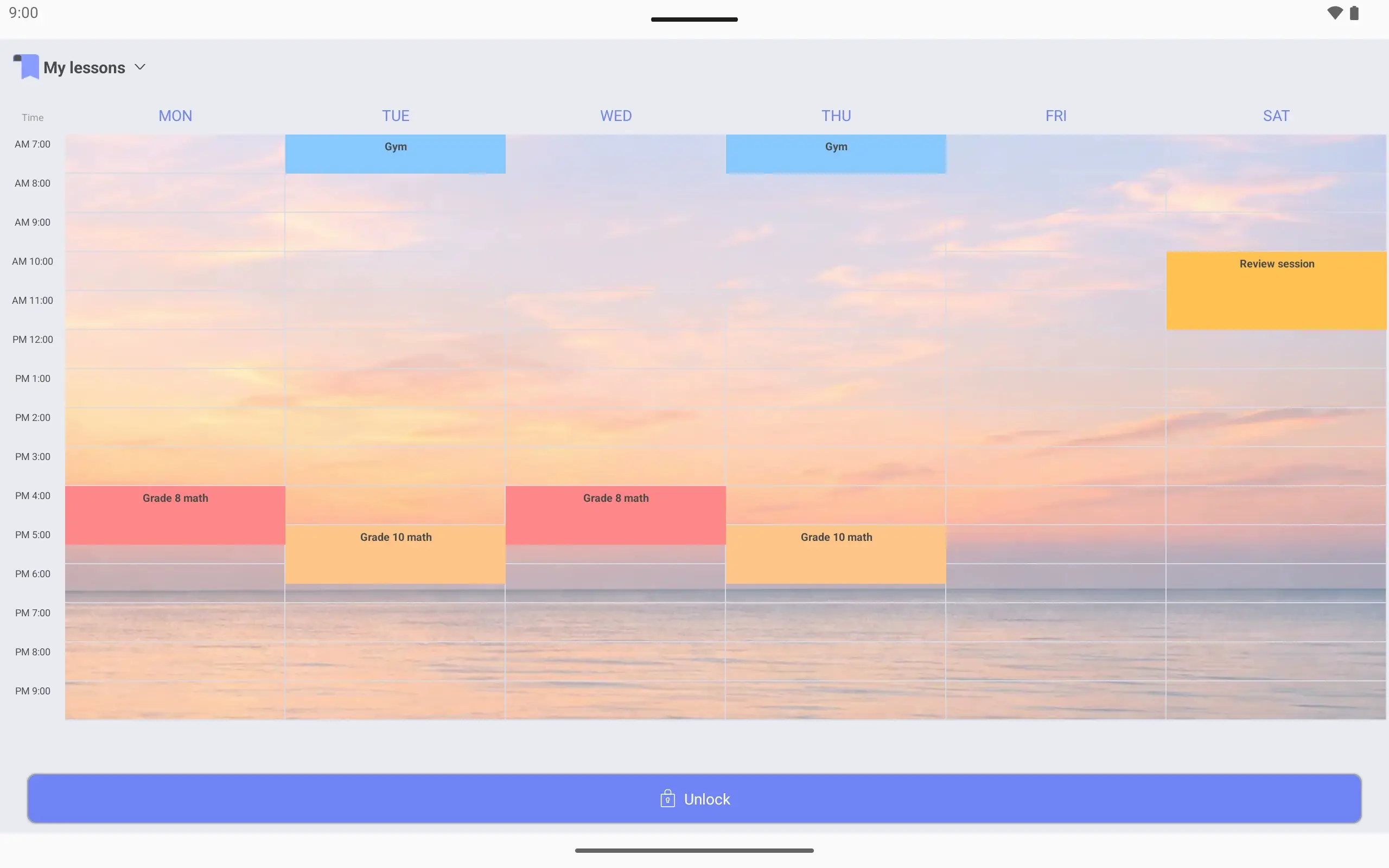
Add lessons and your own plans Grade 8 math Monday and Wednesday 4:00–5:30, Grade 10 math Tuesday and Thursday 5:00–6:30, plus the gym.
Your own photo behind it Pick a background photo in the timetable settings and crop it. Lessons show on top in color.
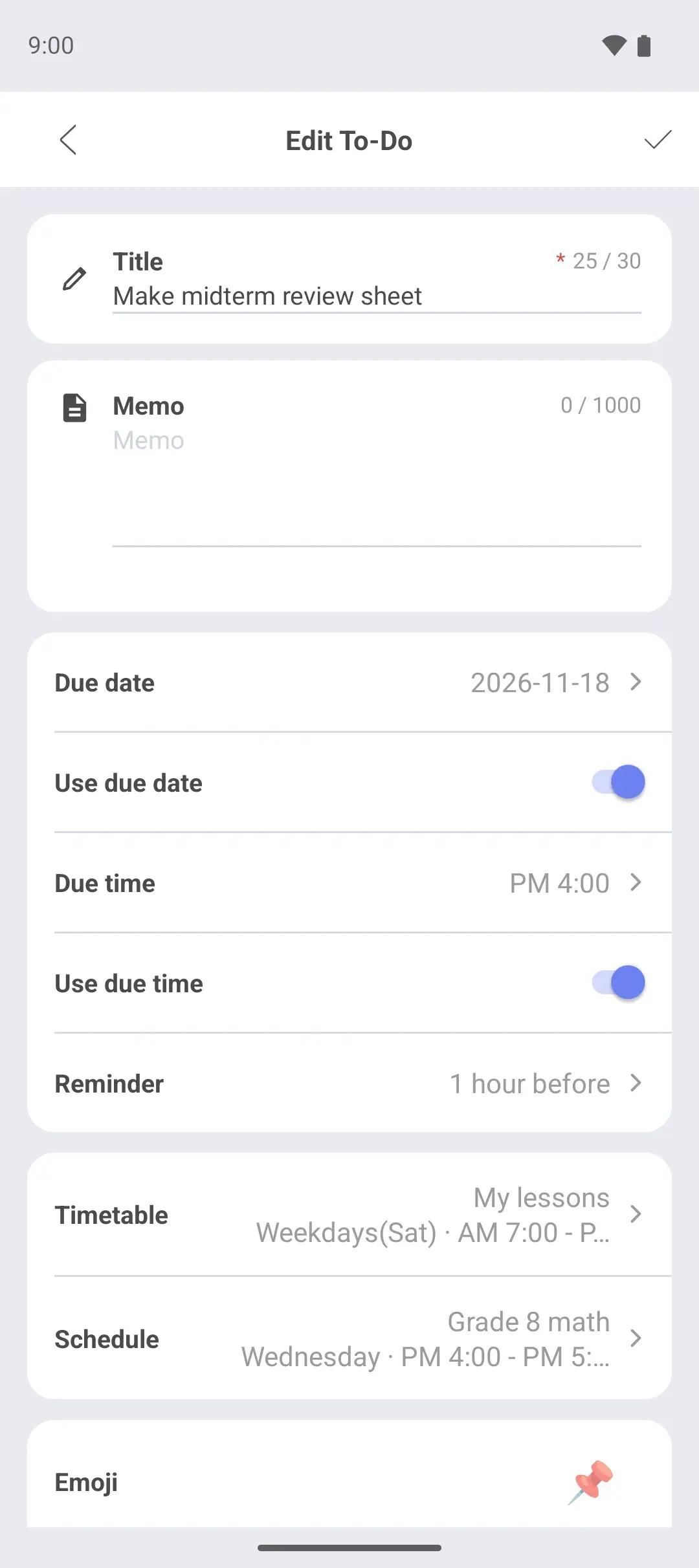
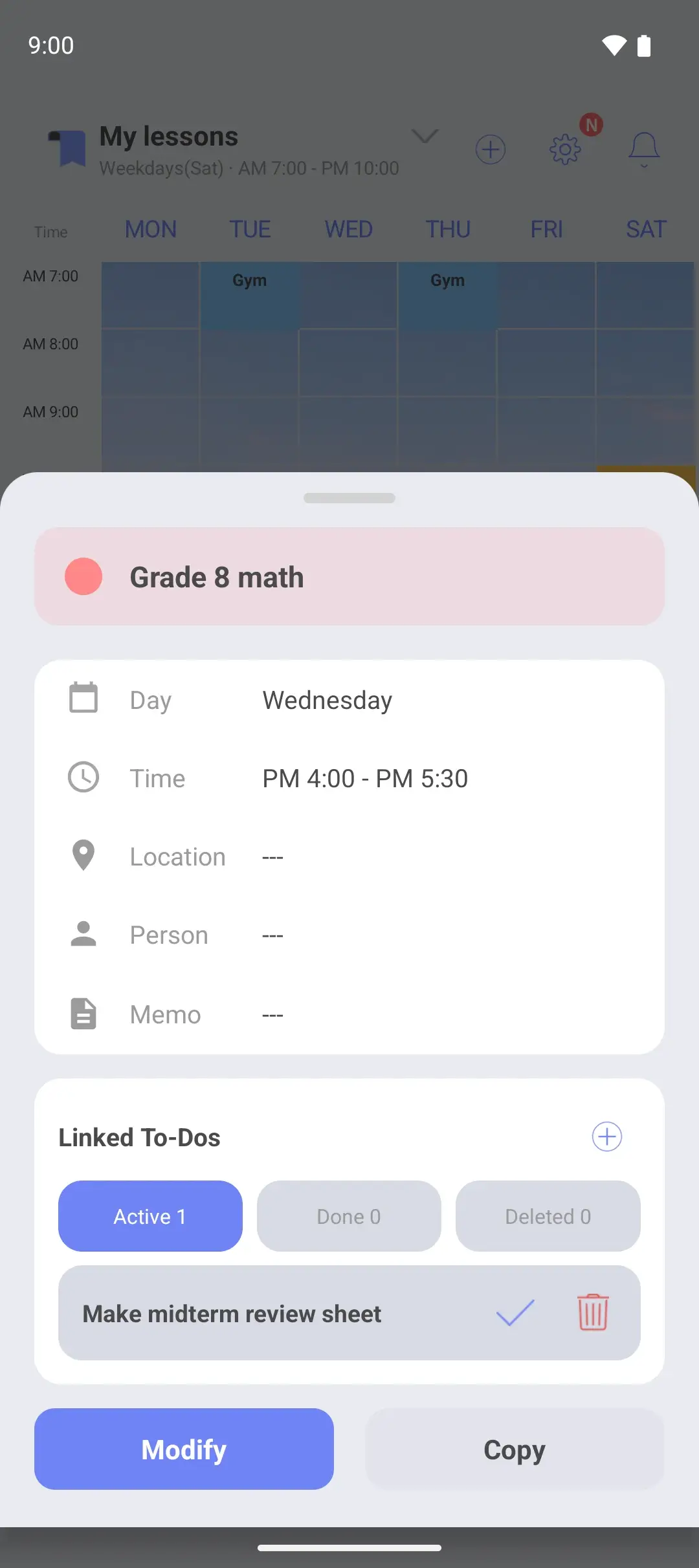
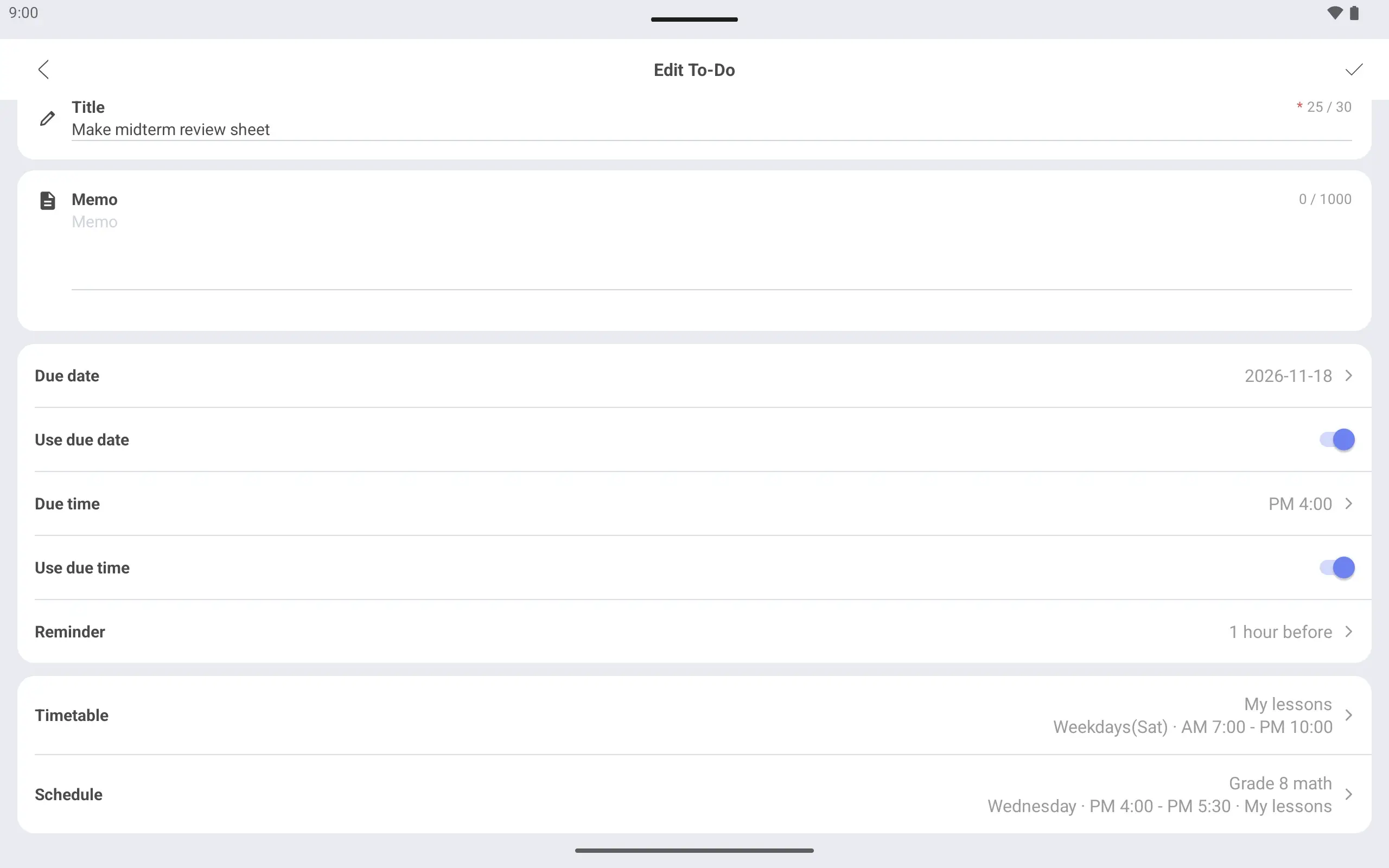
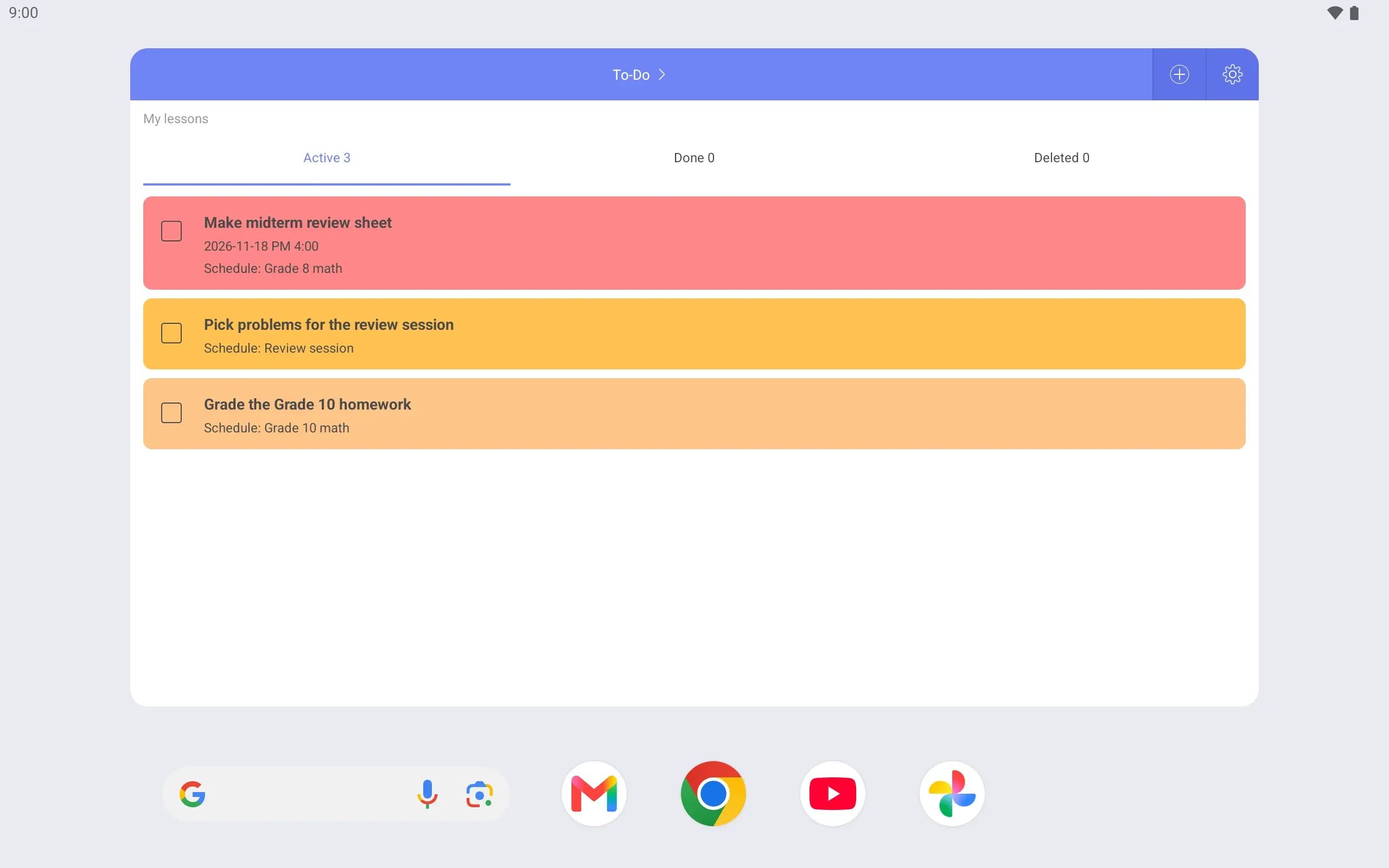
Link prep work to a lesson Link “Make midterm review sheet” to Wednesday’s Grade 8 math. Tap that lesson to see what to prepare.
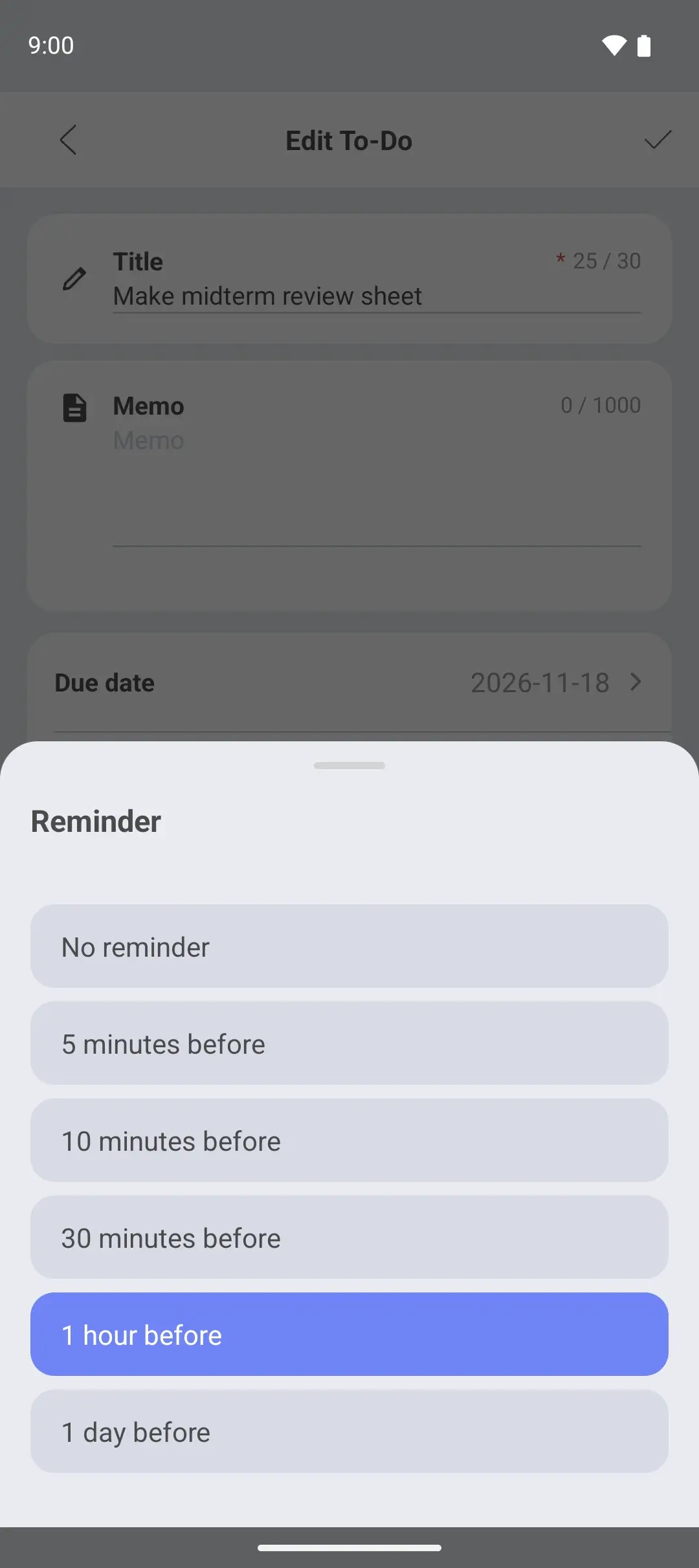
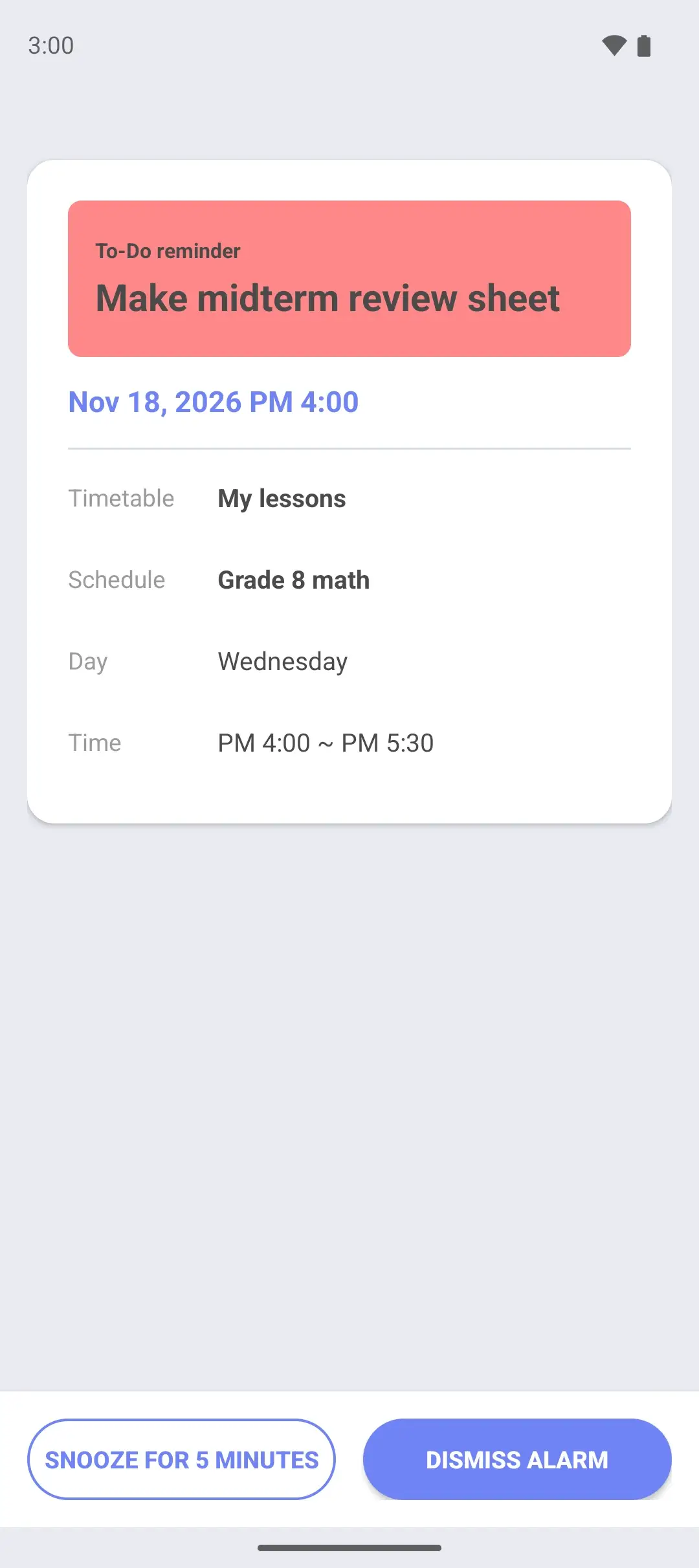
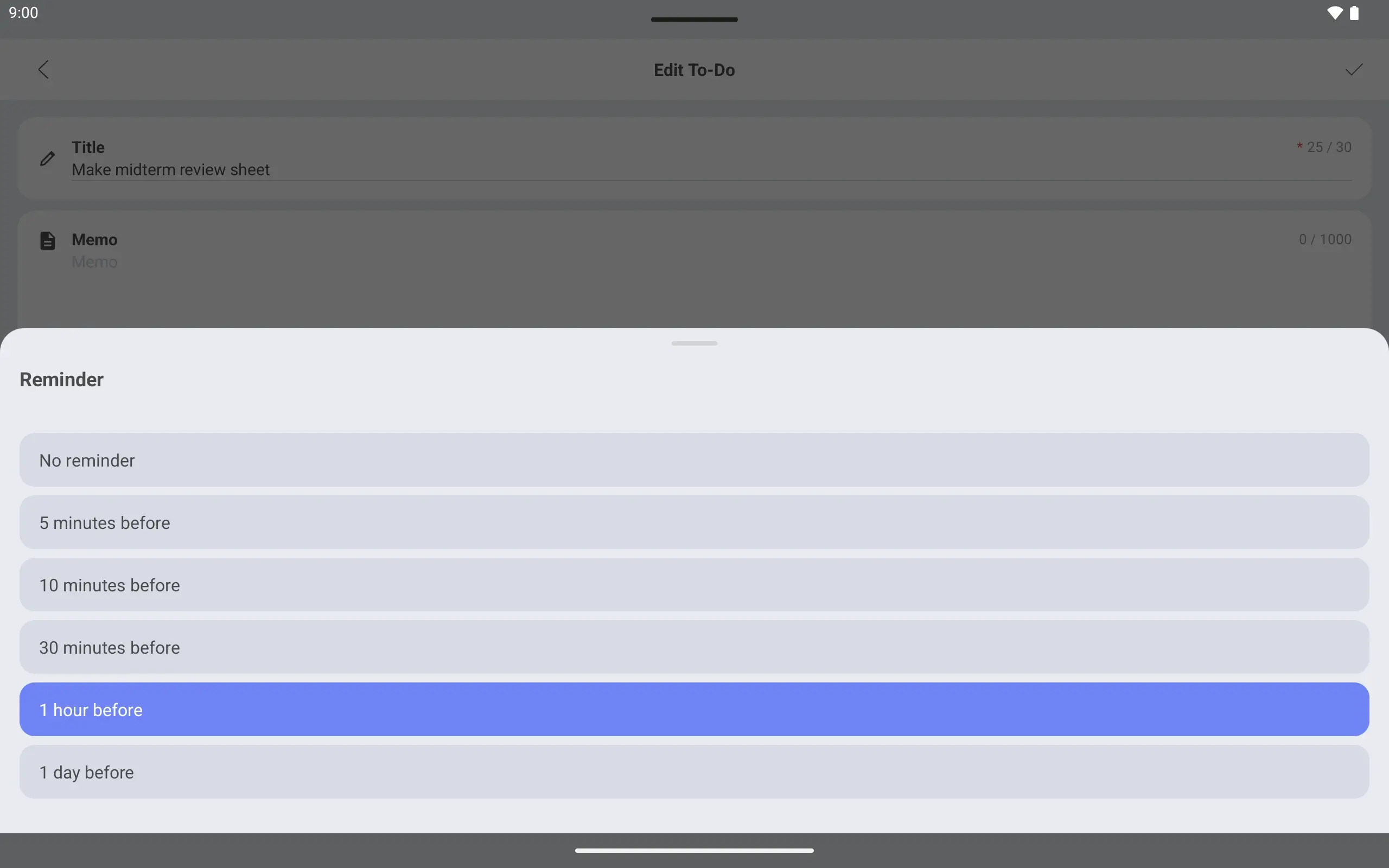
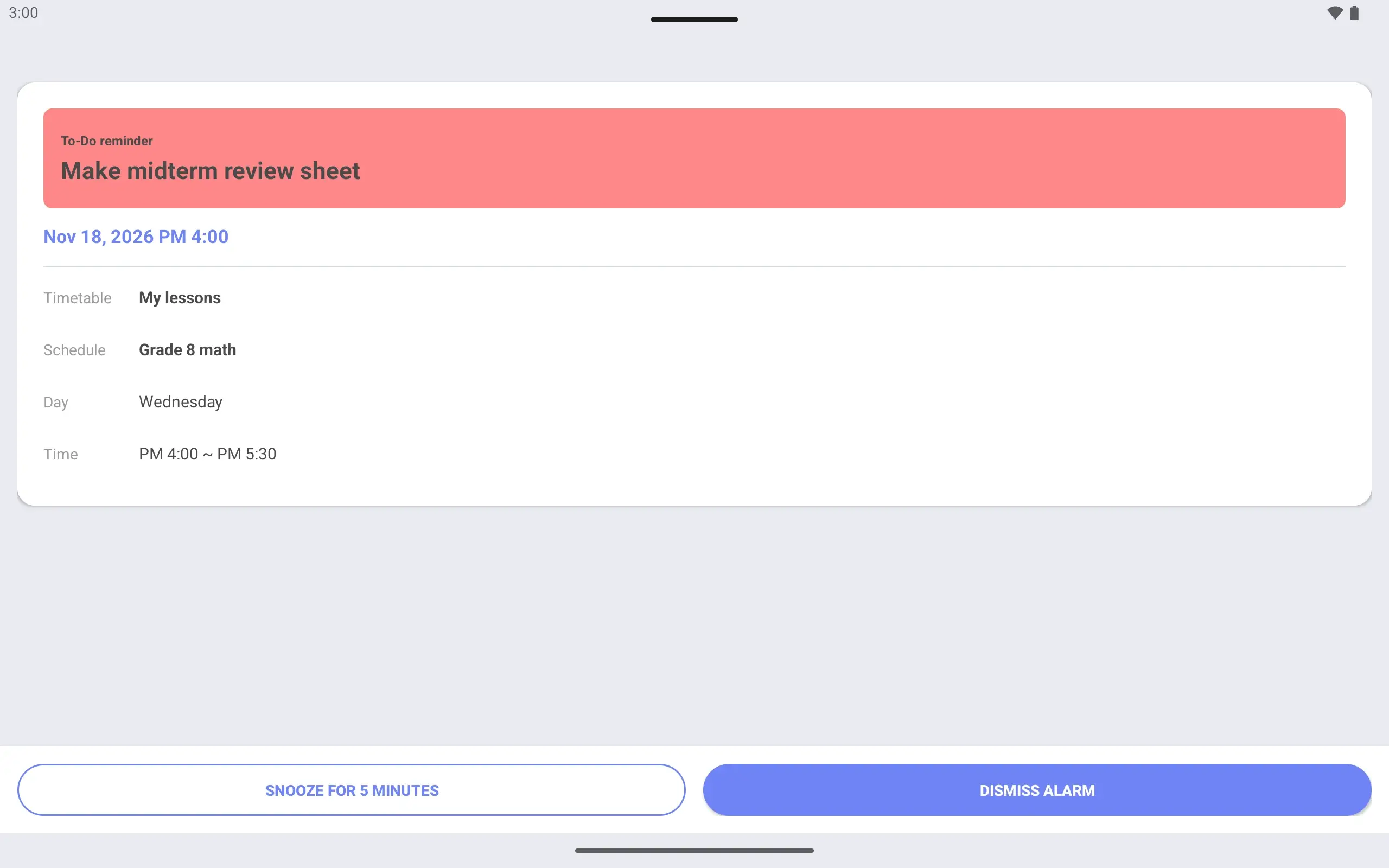
A reminder before the lesson Set a due time and a “1 hour before” reminder. An alarm screen tells you in time.
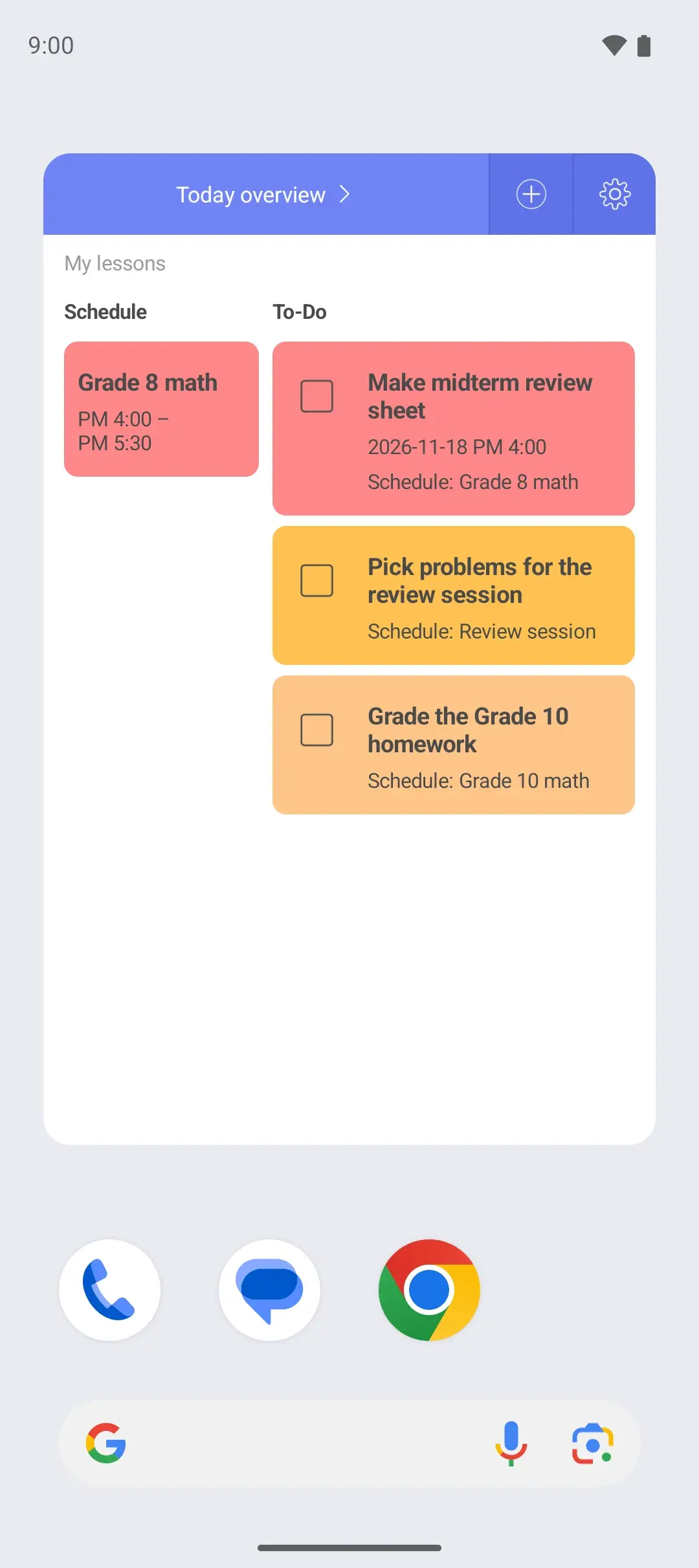
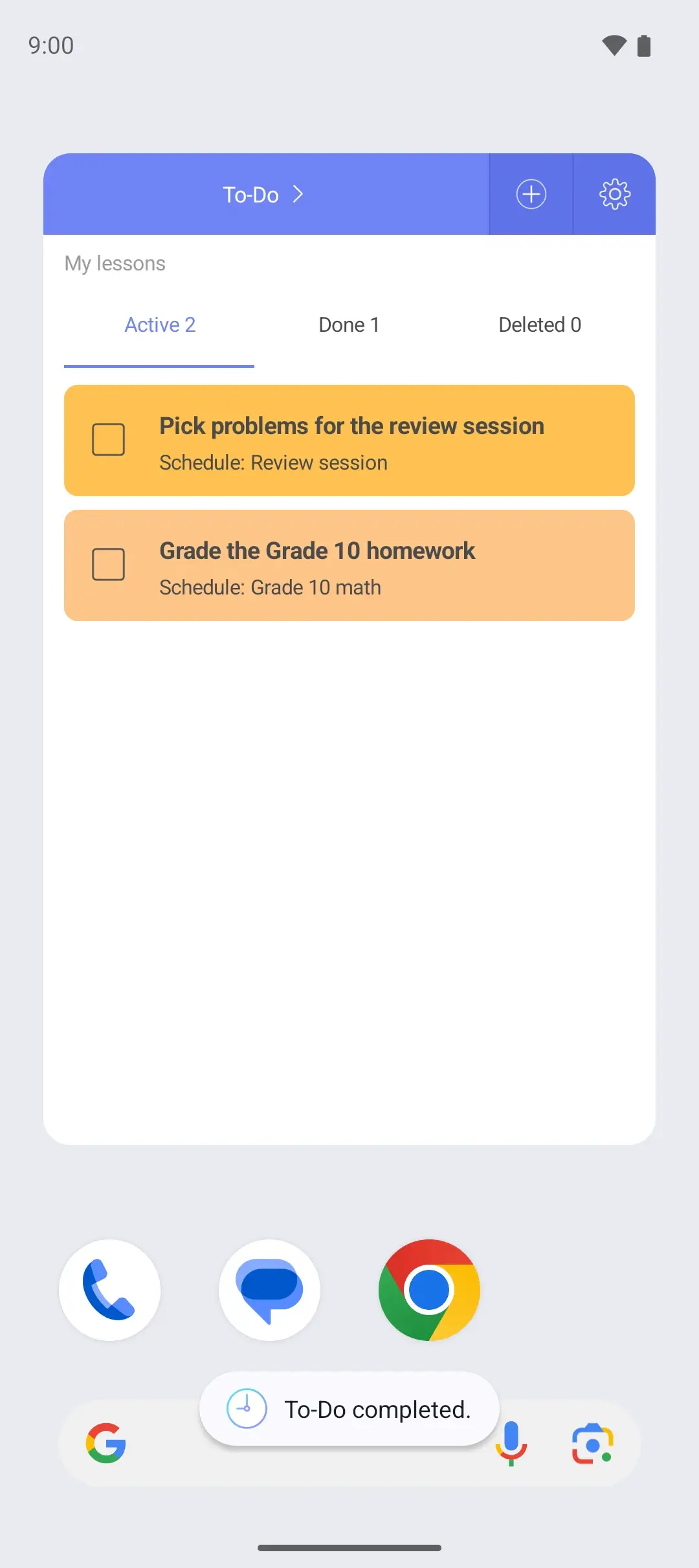
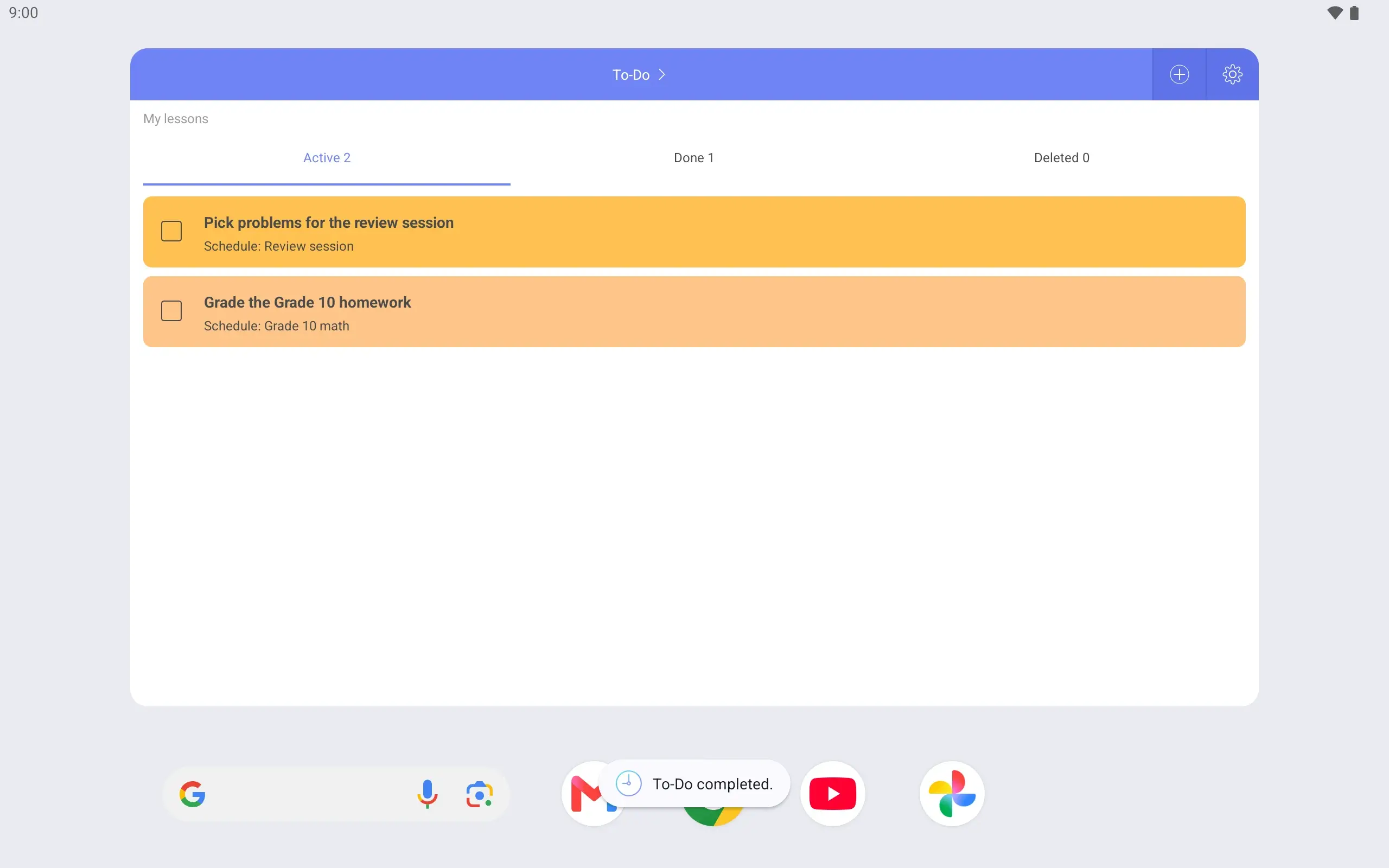
Weekly, Today overview and To-Do widgets. Check today’s lessons and prep from the home screen.
Review sheet done? Mark it complete right in the widget.
See it on the lock screen Wake the phone and your lessons are there. See when the next one starts right away.
Screens are from the Android app
Pause auto-advance
A fuller version of the iPhone app is on the way.
What is SimpleScheduler? SimpleScheduler (Simganpyo, 심간표) is an Android timetable app for classes and activities that repeat every week. You build a weekly timetable, link homework and tasks to each class, and check them in home screen widgets and on the lock screen without opening the app. It has been running since 2017 and is free to use with no sign-up.
At a glance
Names SimpleScheduler, Simganpyo (심간표)
Devices Android 7.0 and later phones and tablets, iPhone
Price Free with ads. Premium removes ads for $0.99 a month or $9.99 a year, with a 7-day free trial (as of November 2026; the price shown on Google Play applies).
Sign-up None
Your data Stored on your device; moved with a password-protected backup file
Widgets Weekly, Today overview, To-Do
Languages Korean, English, Japanese, Simplified Chinese
Running since 2017
Page last updated November 14, 2026 Google Play reviews Easy to use & simple
Google Play review · September 2018 Updates that started with a review Reviews shape what gets built next. What these two asked for is now in the app.
it's easy and nice to use. would like to suggest though to have an option if the first day of the week would be sunday or monday. :))
Google Play review · August 2026 Lovee the app, it's exactly how I want, but just a small issue that I've personally come across is that I can't choose to make the week start on Sunday (the convention in my country). I hope it's added, but other than that it's a lovely app.
Google Play review · September 2026 Frequently asked questions
Can it match classes that are 40, 45 or 50 minutes long? Yes. Start and end times are set to the minute. Enter 8:15–9:00 just as it is printed on the school schedule.
Is SimpleScheduler free? Yes. It is a free app with ads. Premium removes ads for $0.99 a month or $9.99 a year, with a 7-day free trial (as of November 2026; the price shown on Google Play applies).
Do I need to sign up? No. There is no sign-up and no login. Timetables and tasks are stored on your phone.
Can I use it on an iPhone? SimpleScheduler is on the App Store. A new version of the iPhone app is on the way, and the current iPhone version has fewer features than the Android app.
How do I move my timetables to a new phone? Make a password-protected backup file in the app, then restore from that file in SimpleScheduler on the new phone. Nothing moves by itself, so make the backup file before you switch phones. See all questions Get SimpleScheduler A fuller version of the iPhone app is on the way.