
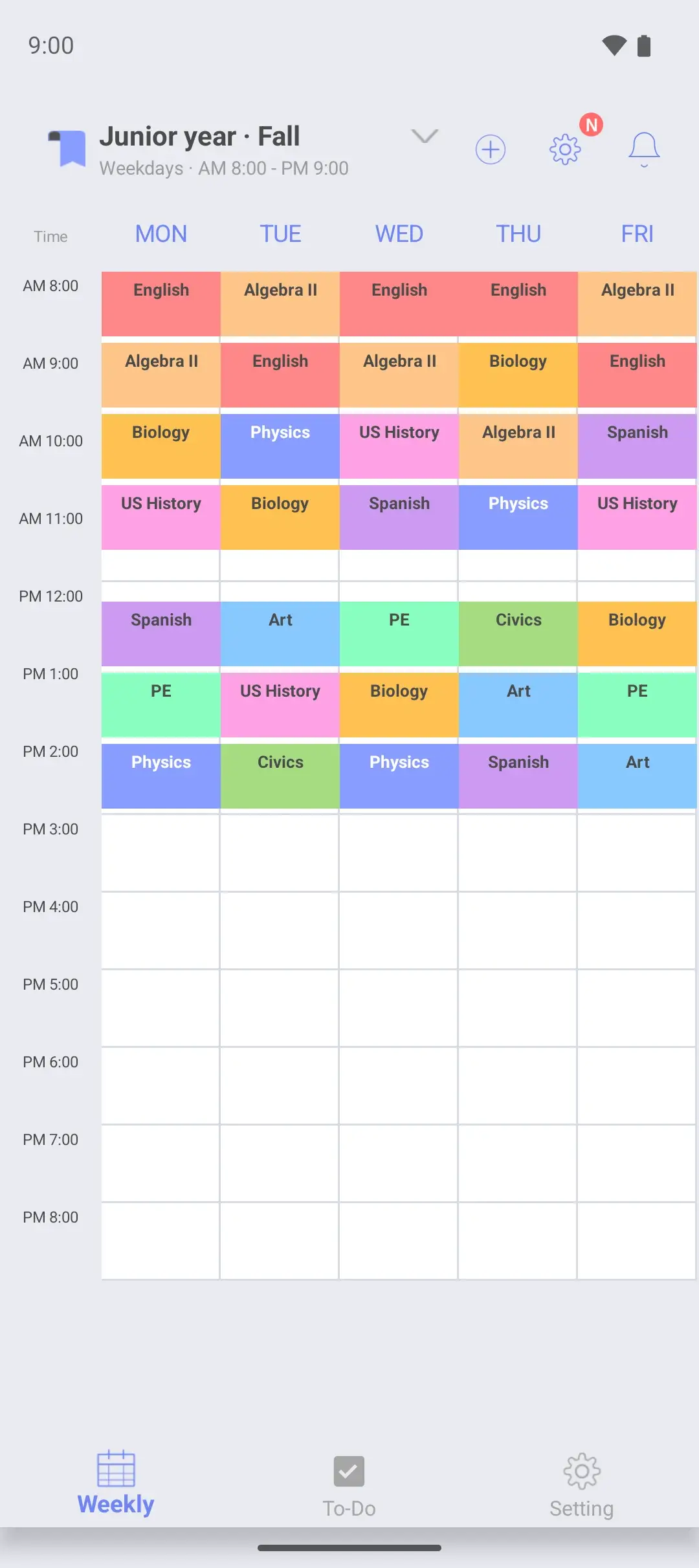
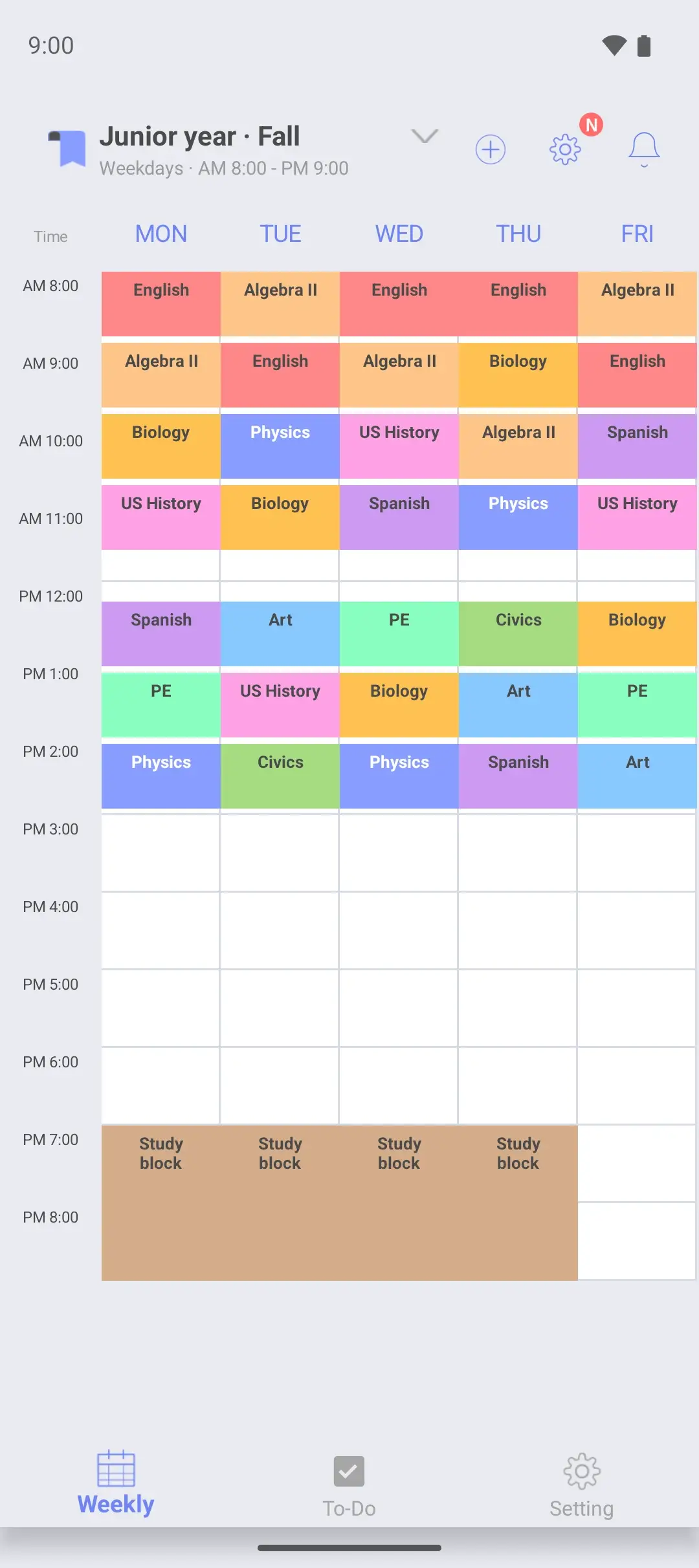
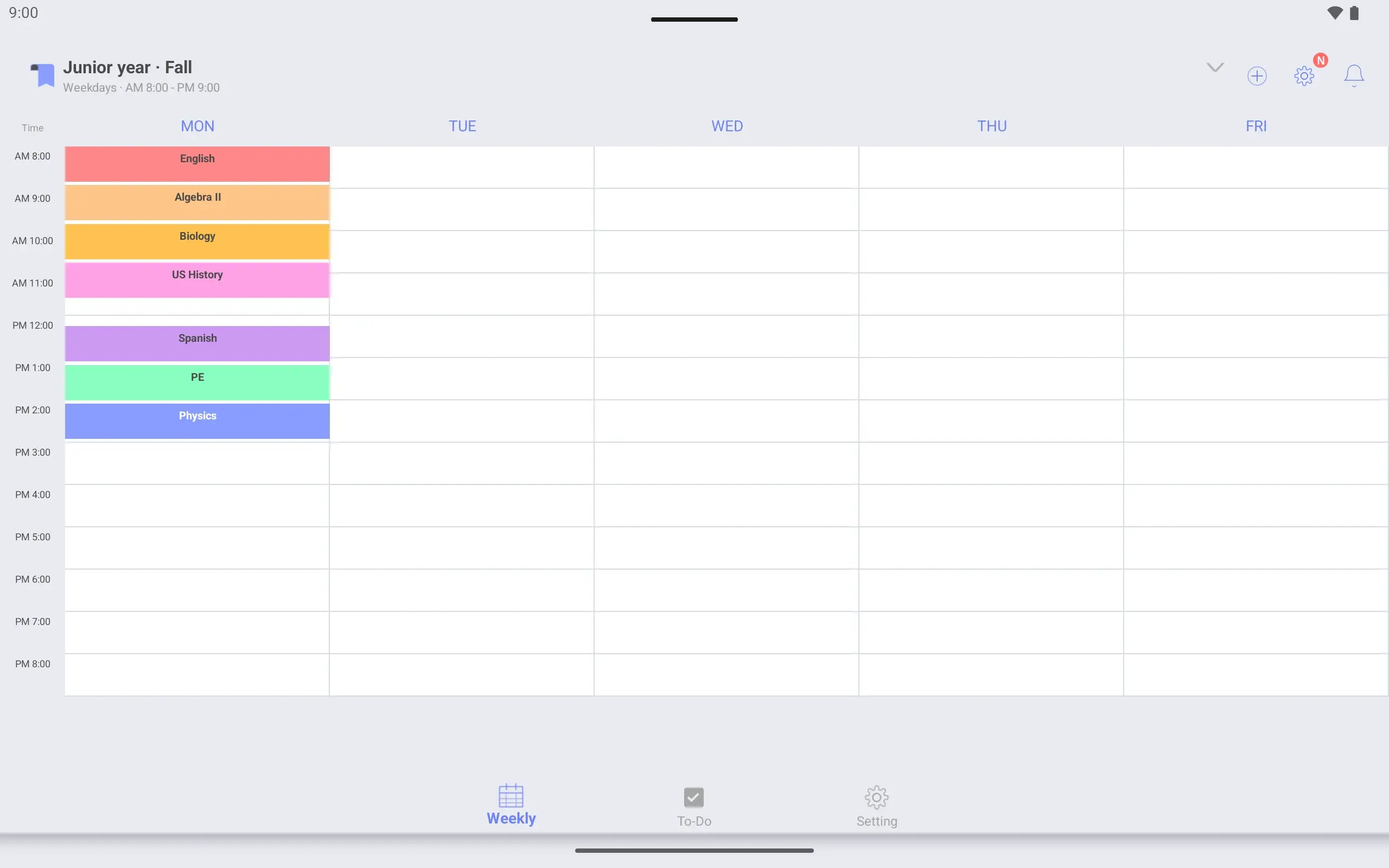
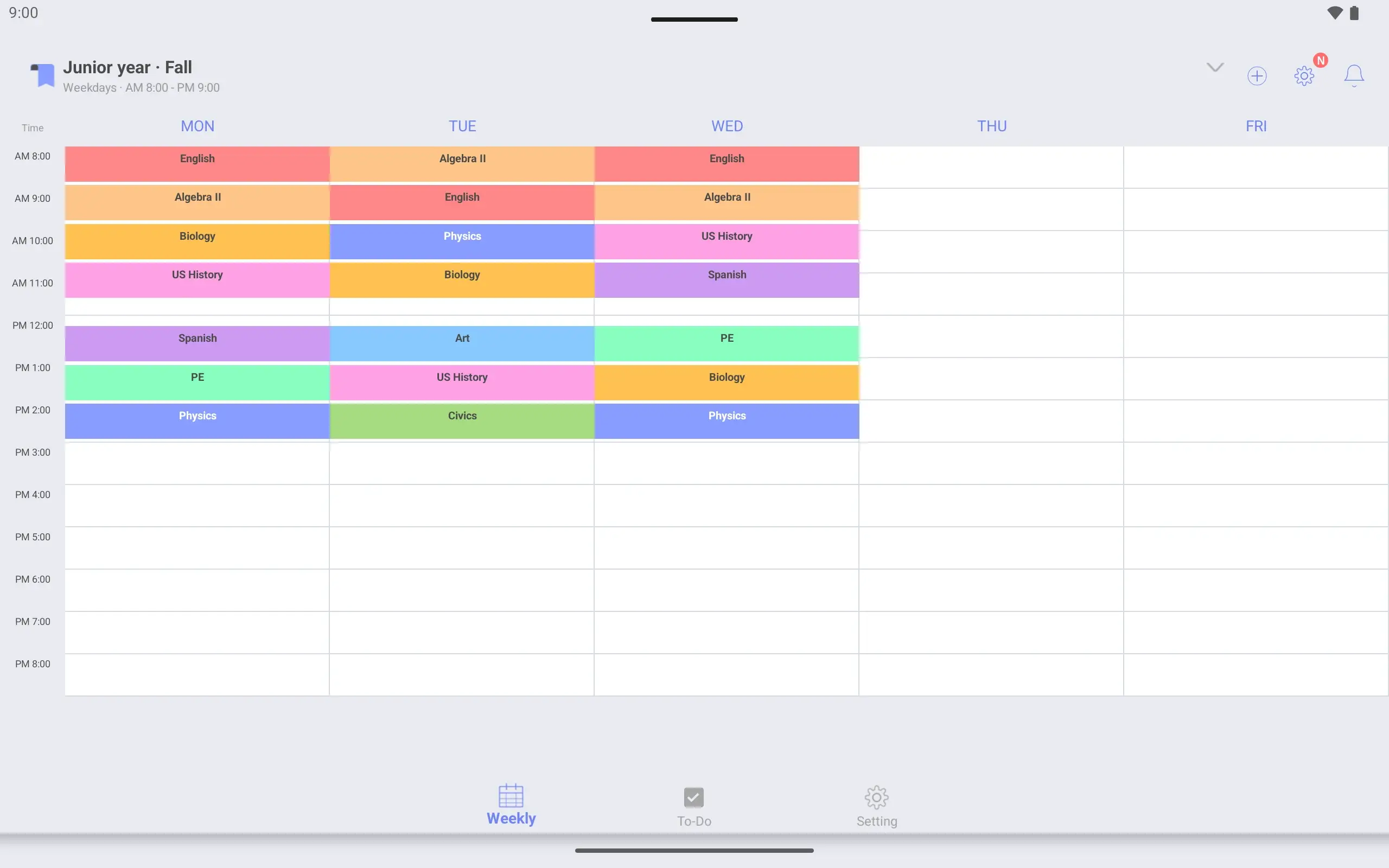
In eight steps
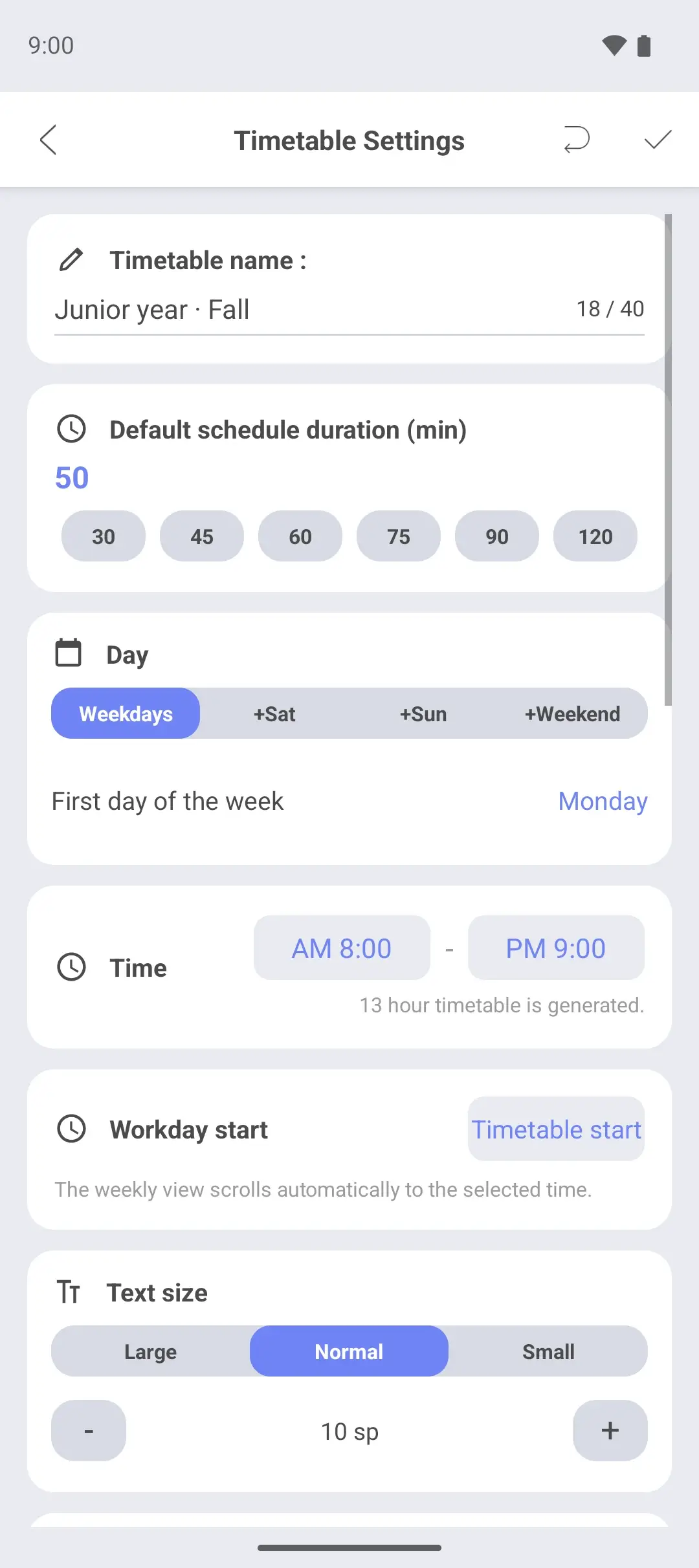
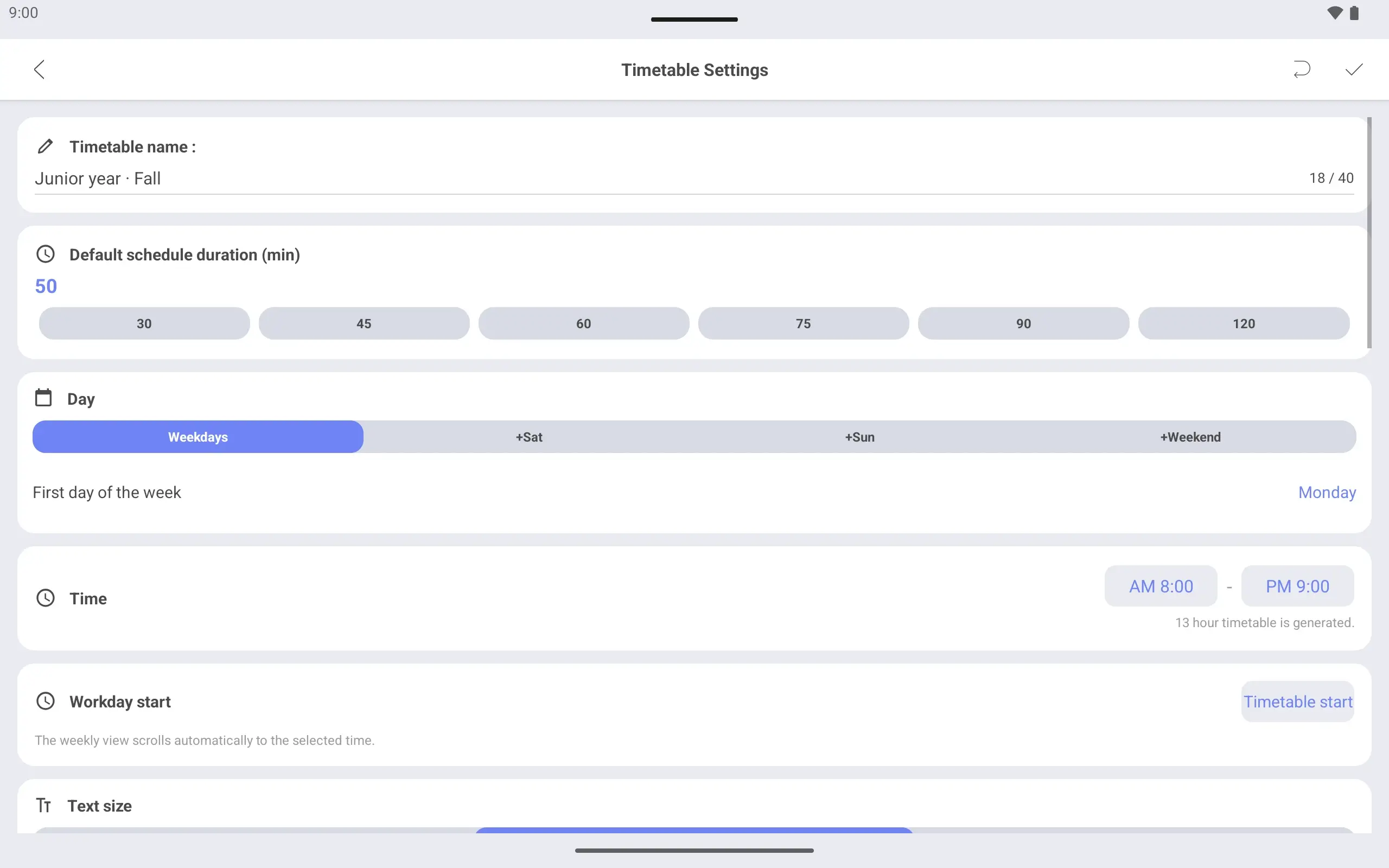
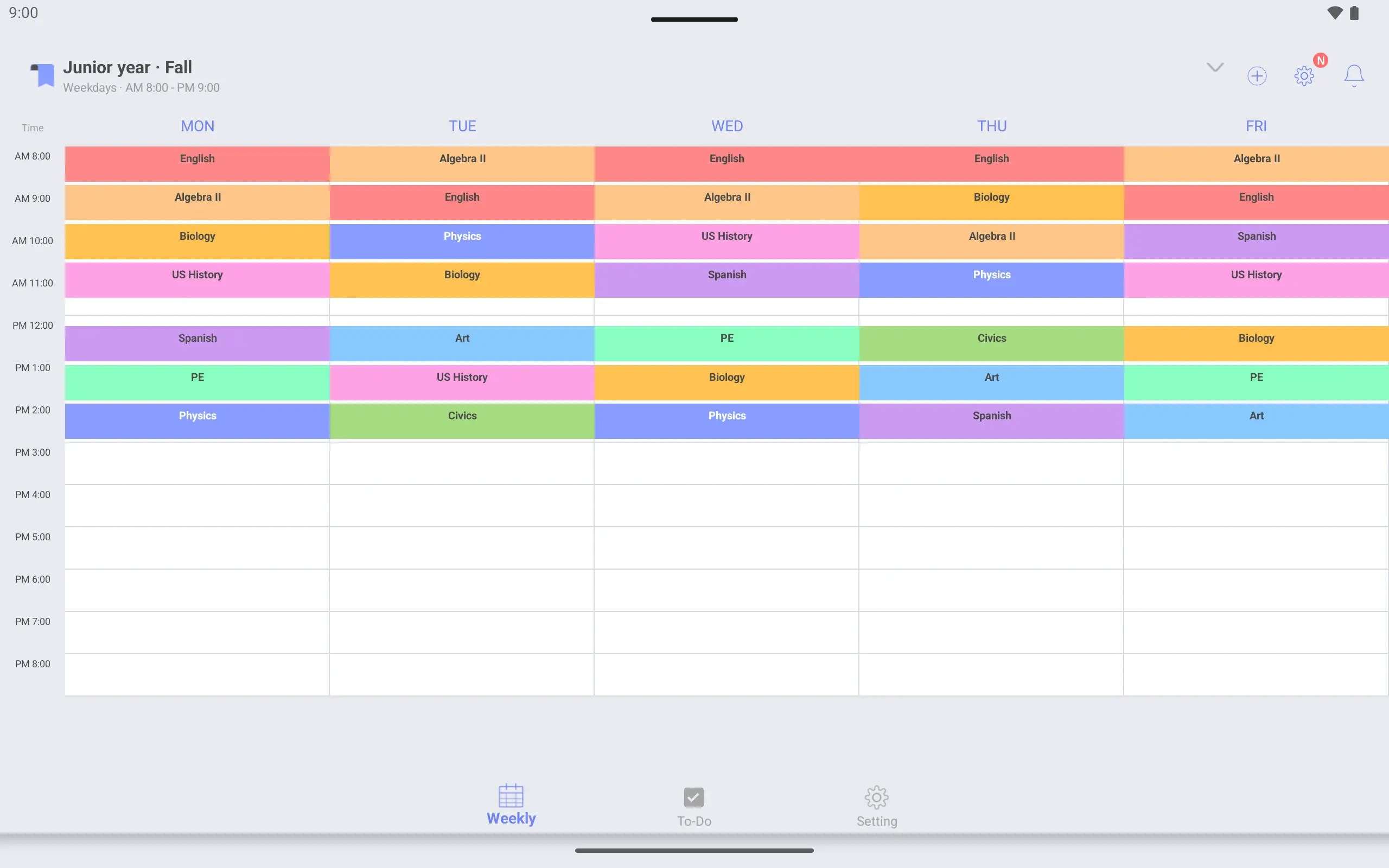
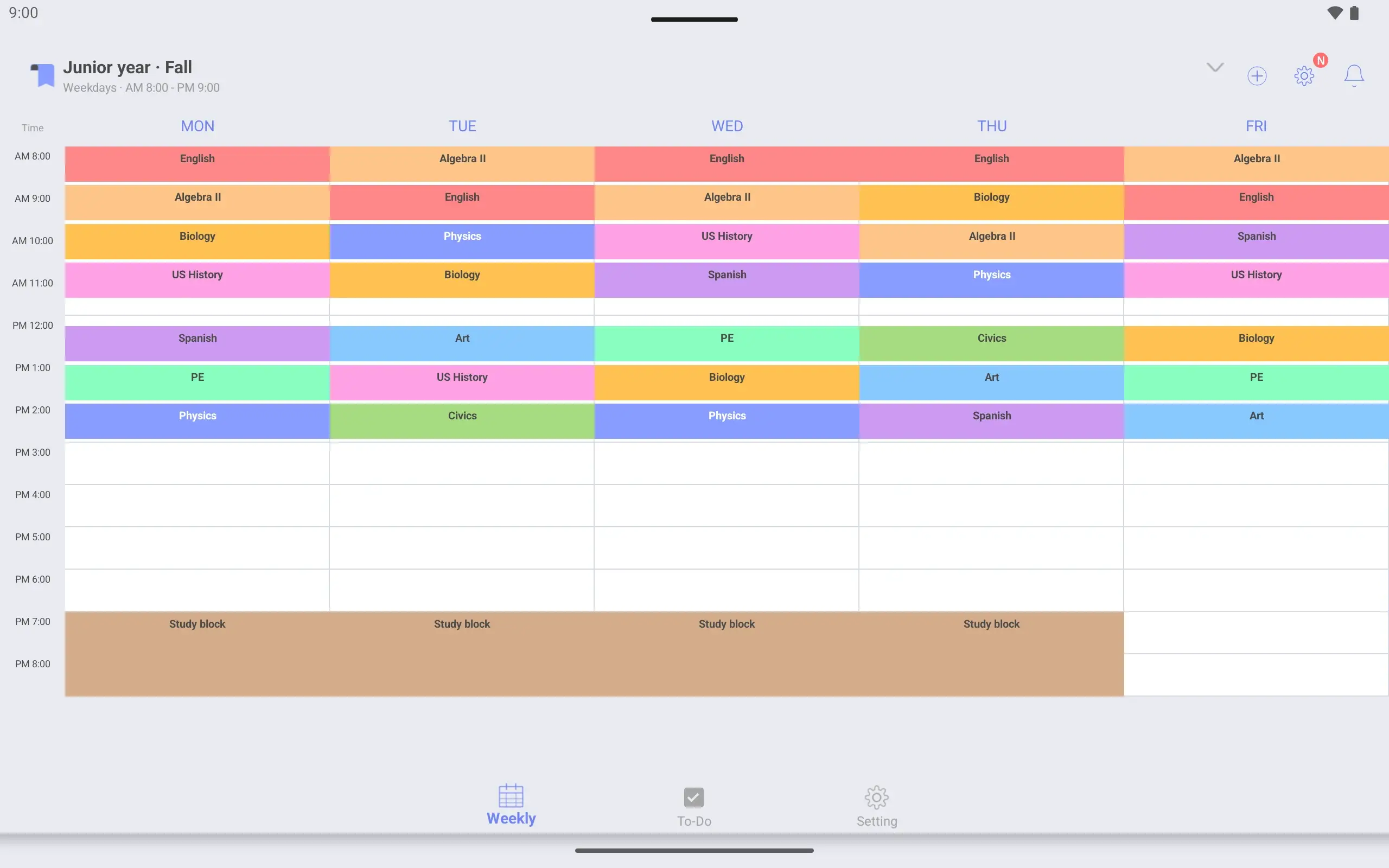
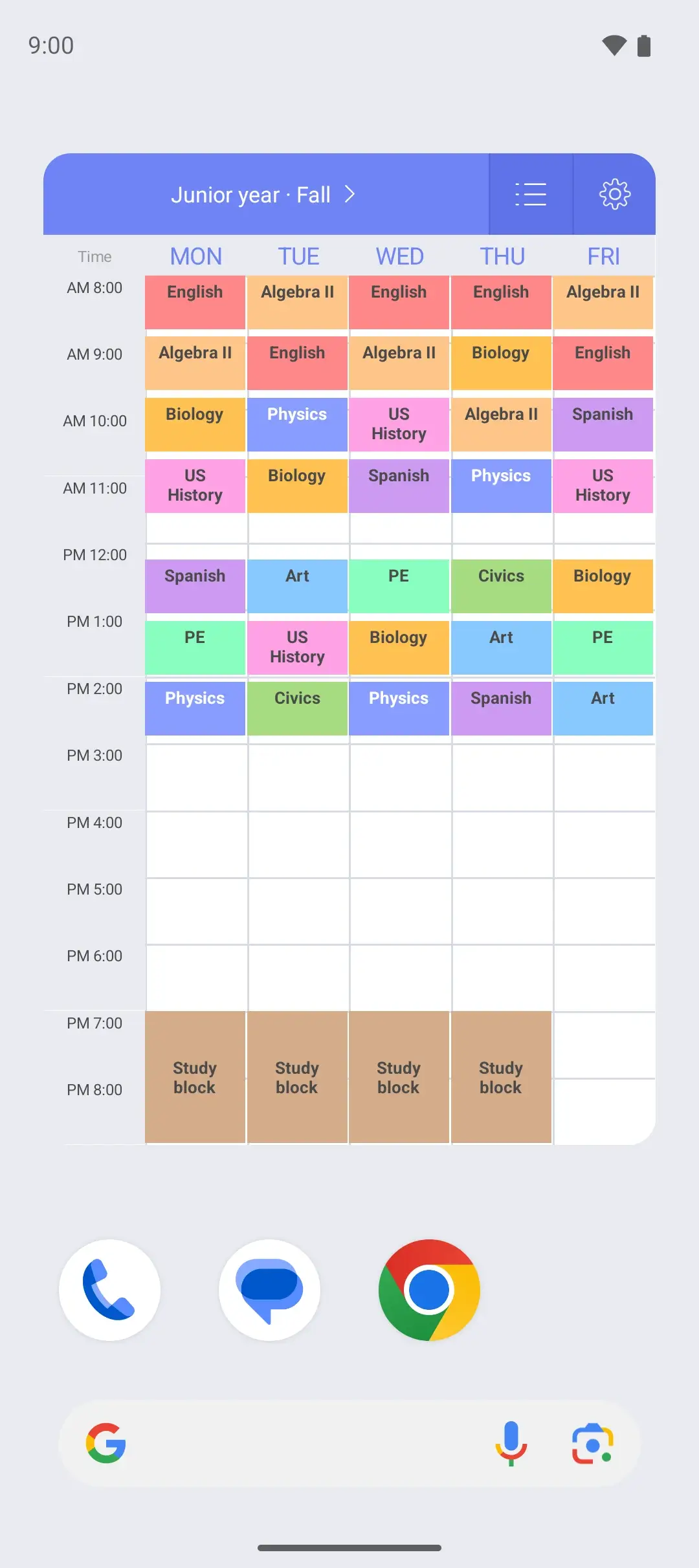
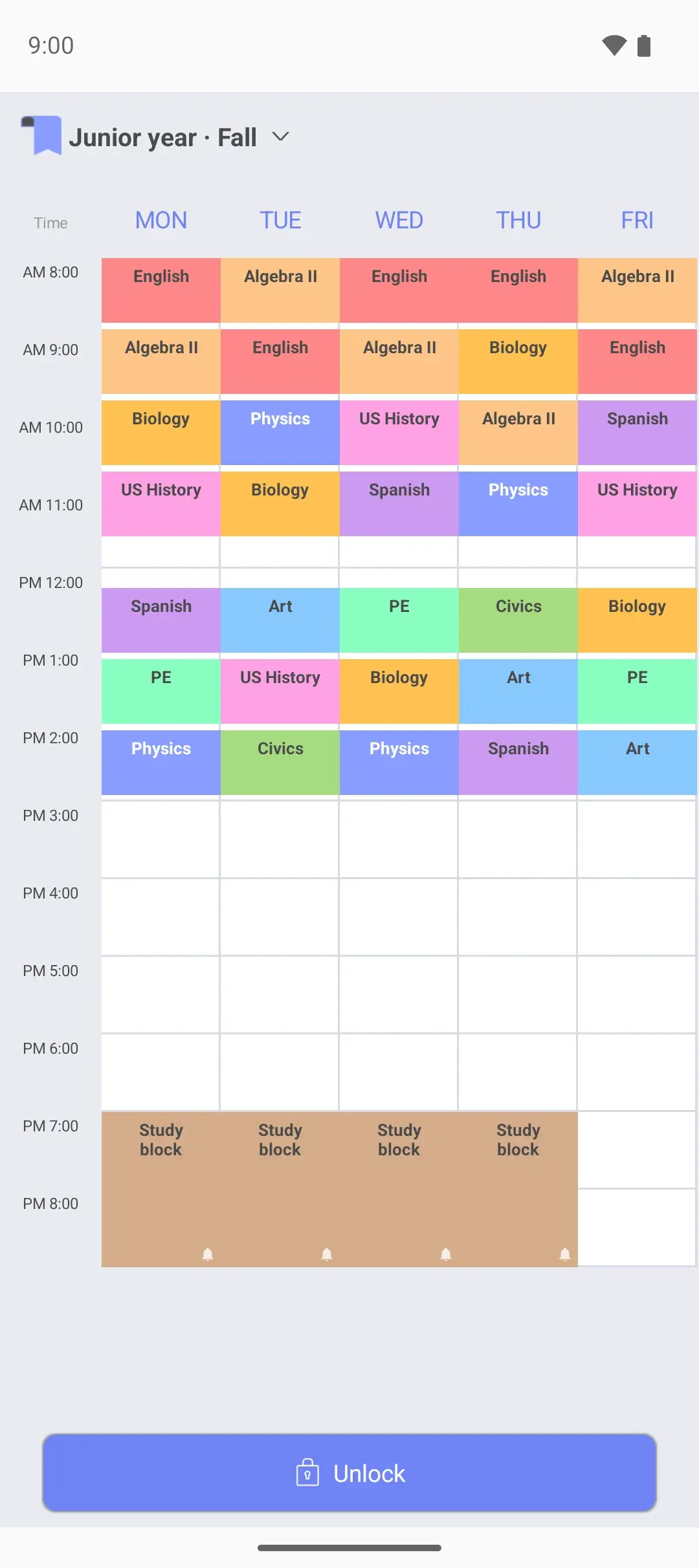
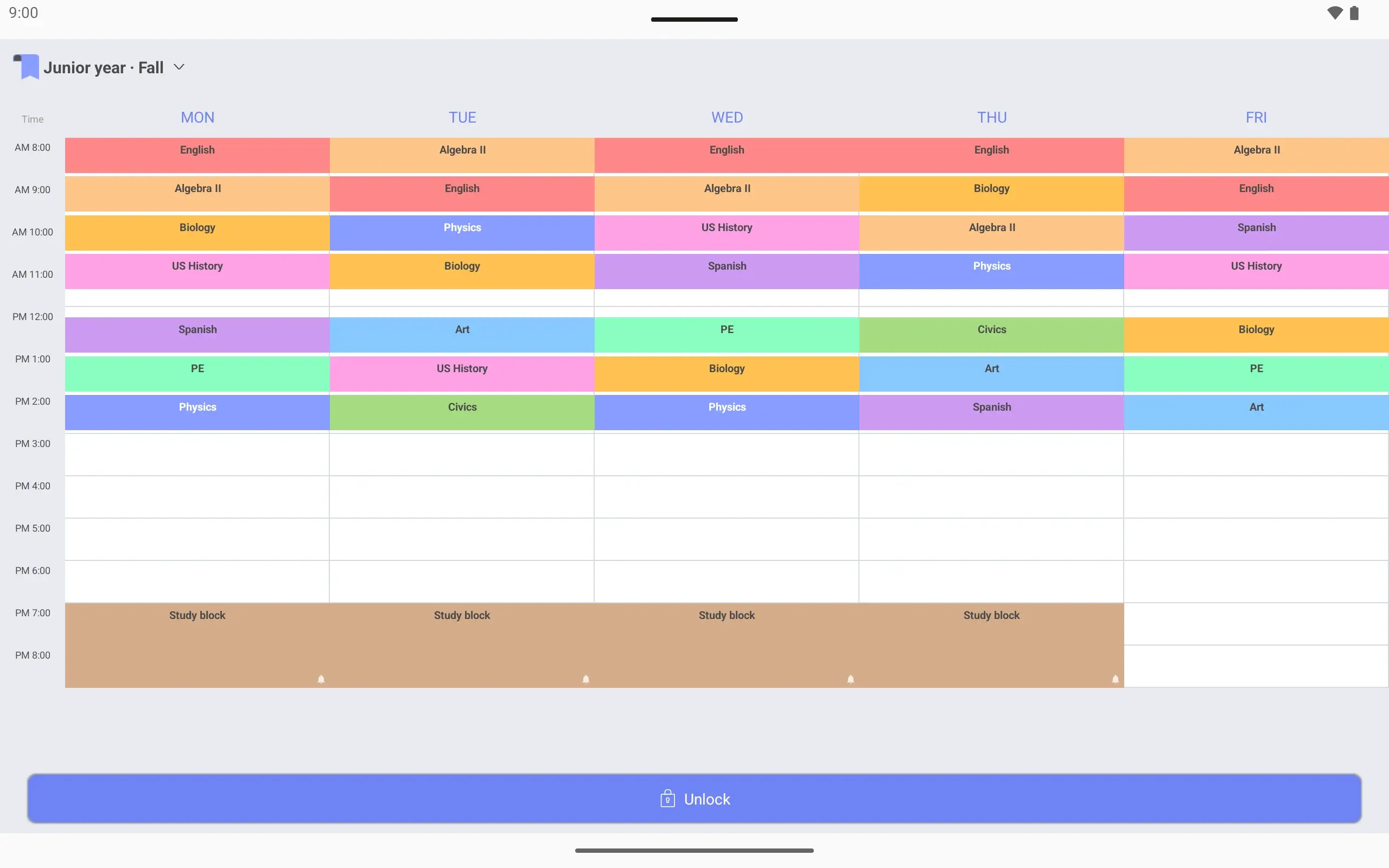
Give the new semester’s timetable a name, then pick its days and hours. First period starts at 8:00 am and the evening study block ends at 9 pm, so this one shows 8 am to 9 pm.
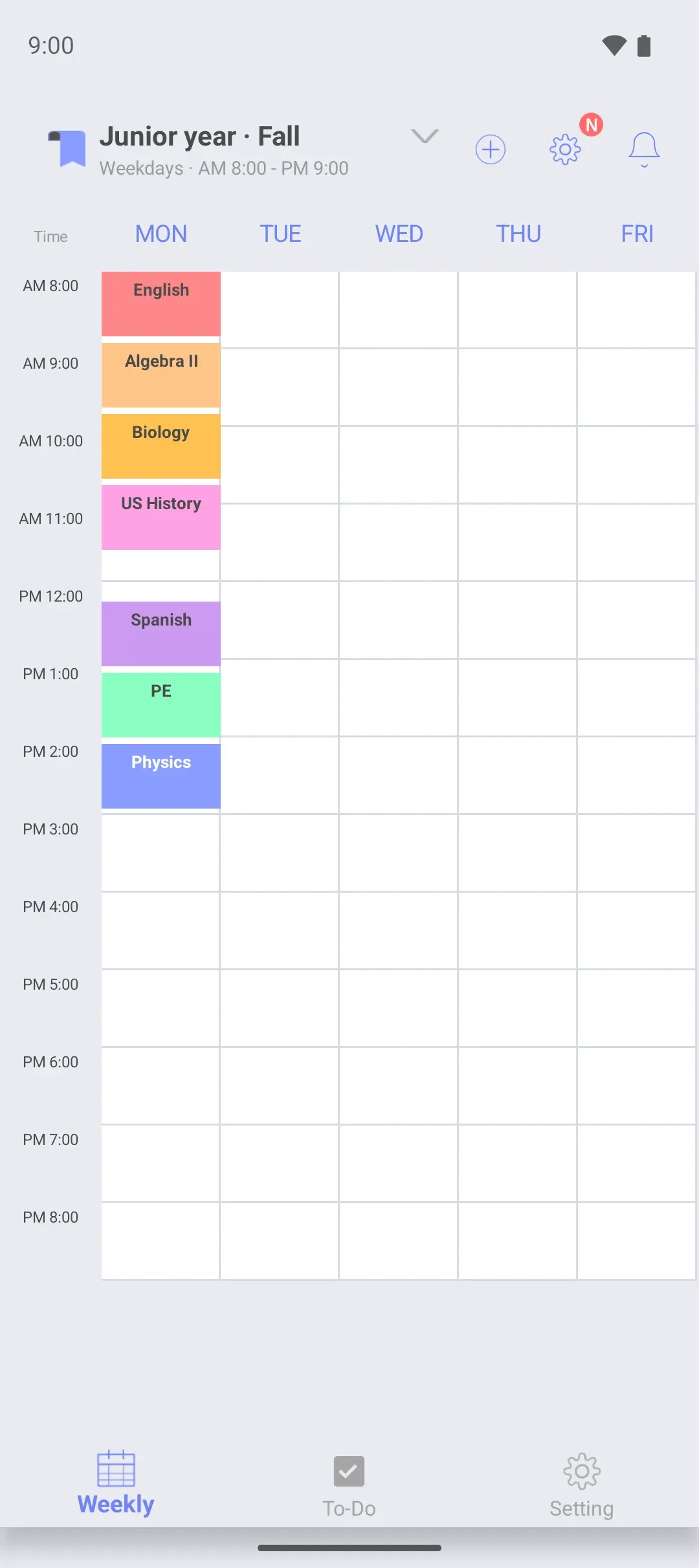
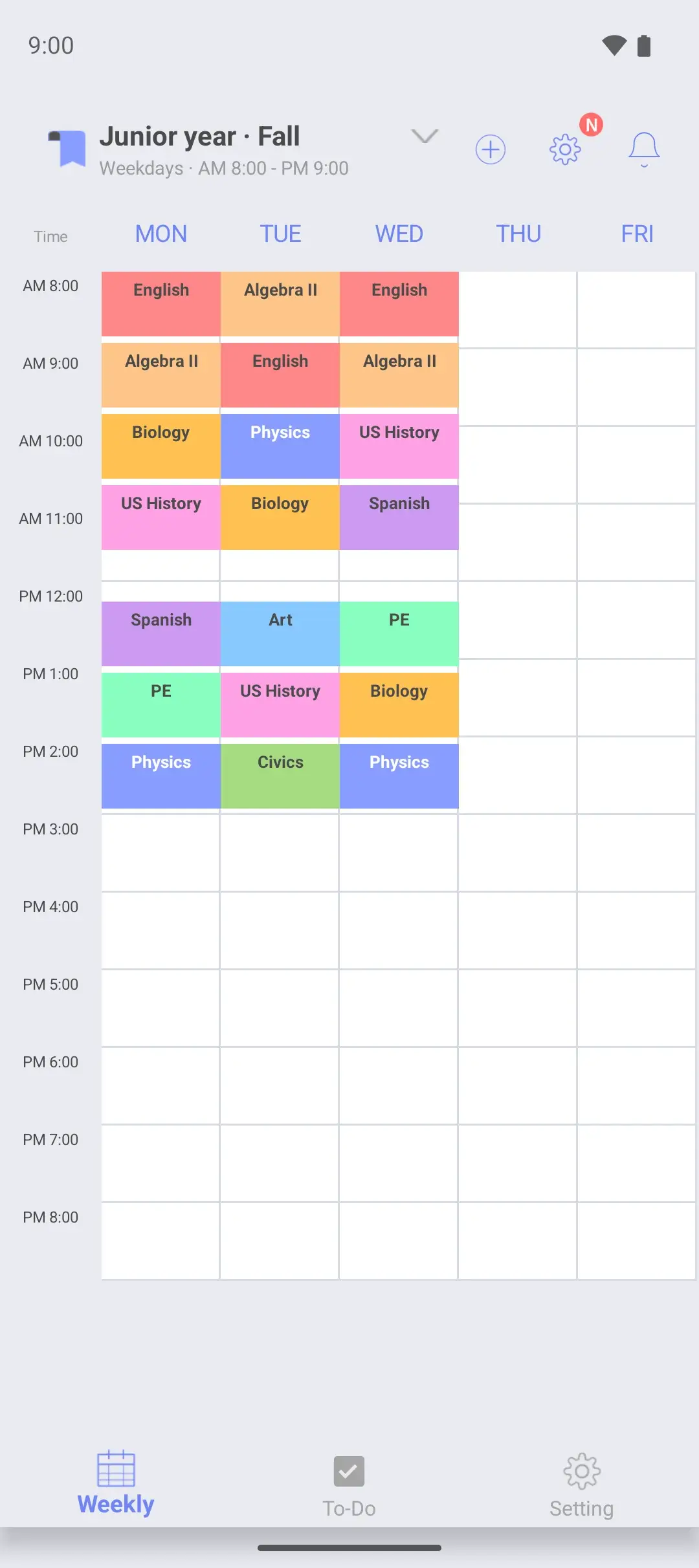
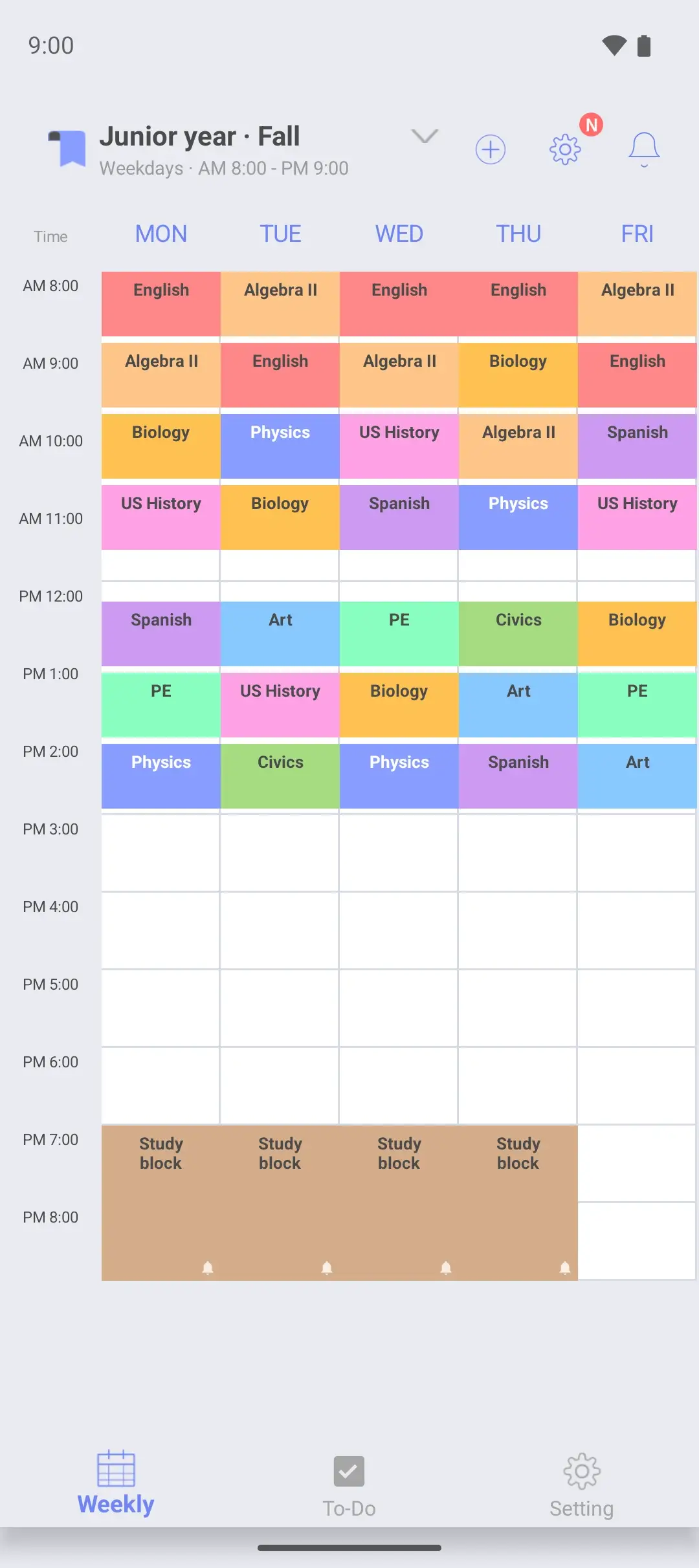
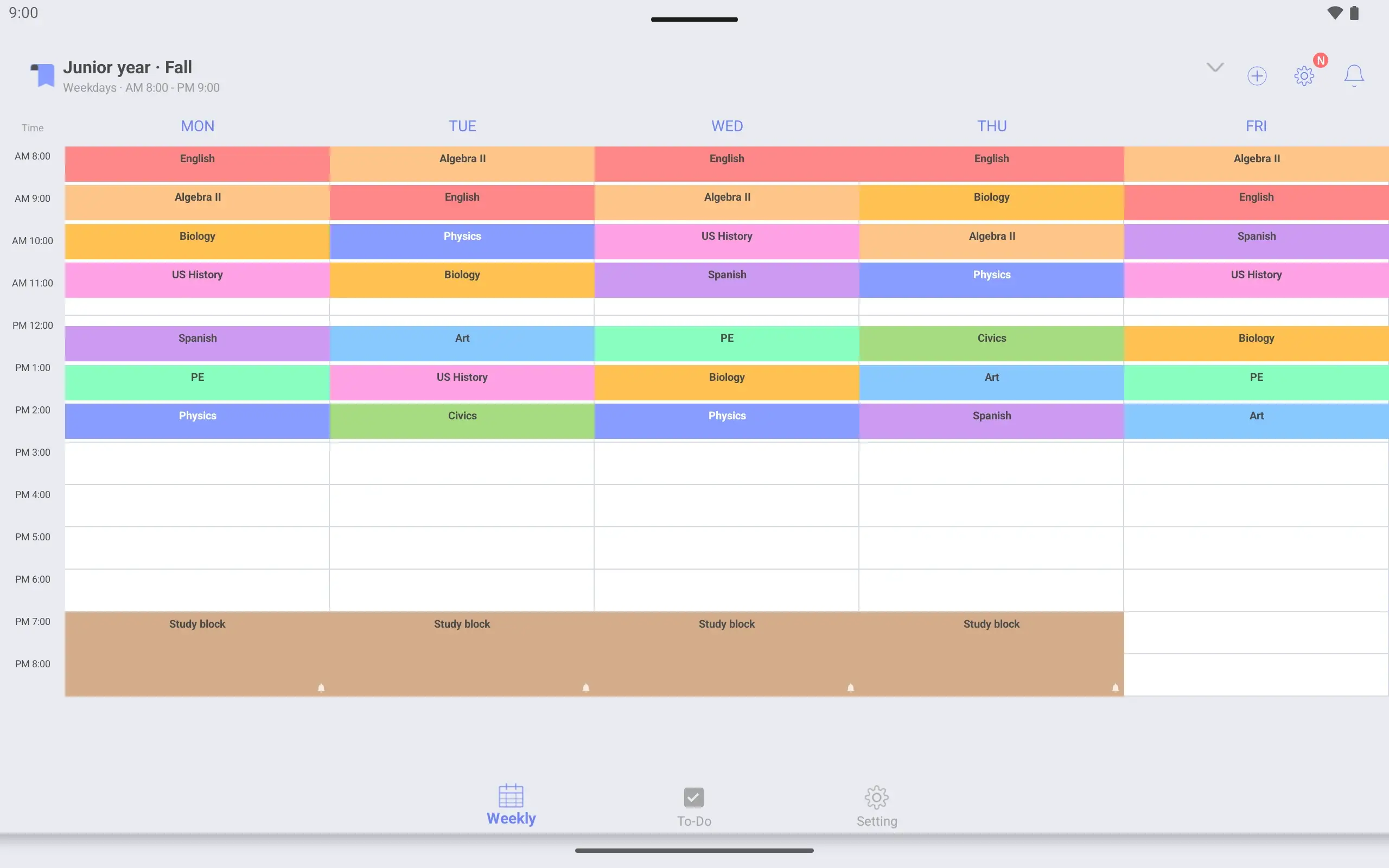
Periods are 50 minutes with 5 minutes of passing time. Set to the minute, they match the bell schedule. Lunch is left empty, and Monday to Thursday has a study block from 7 to 9 pm.
Each class or block can have its own alarm. The alarm rings every week on that day, at the start time. The alarm list shows every alarm you have turned on.
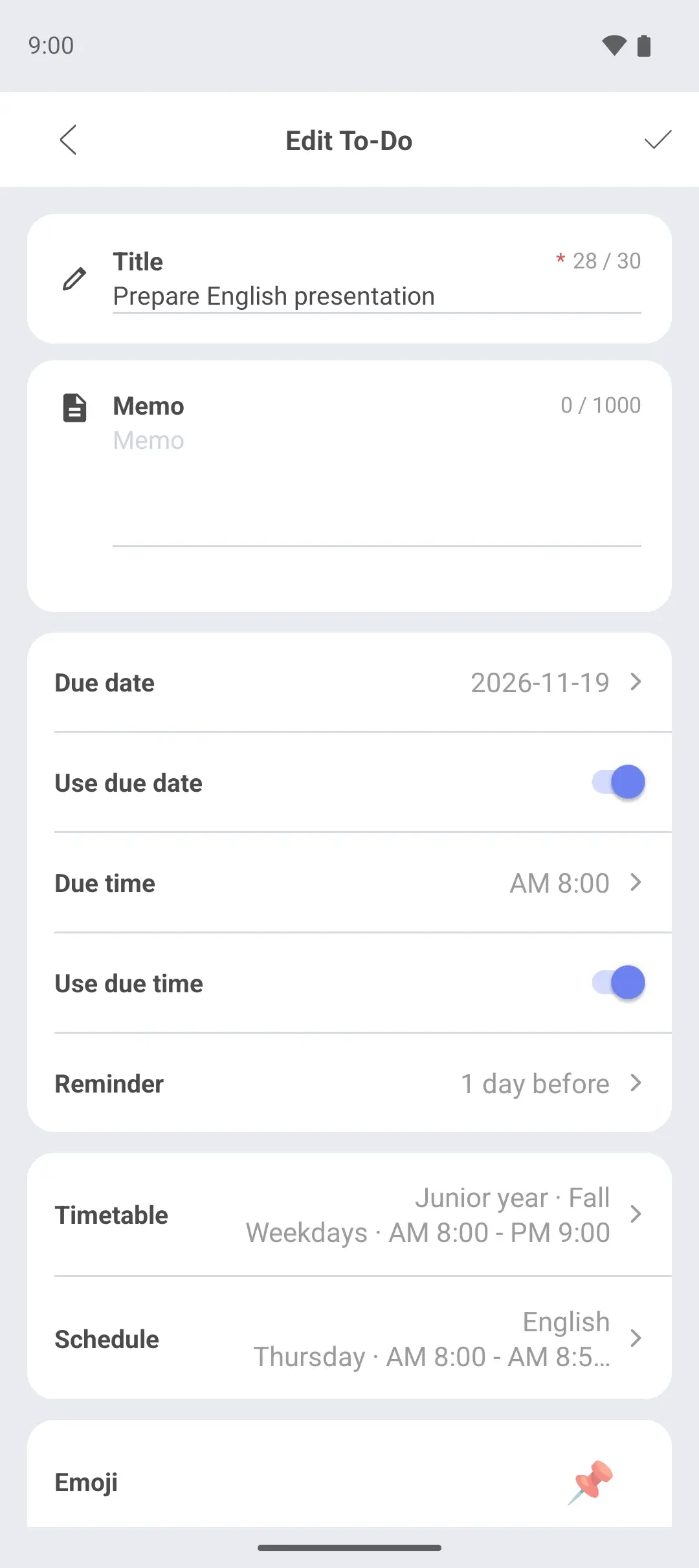
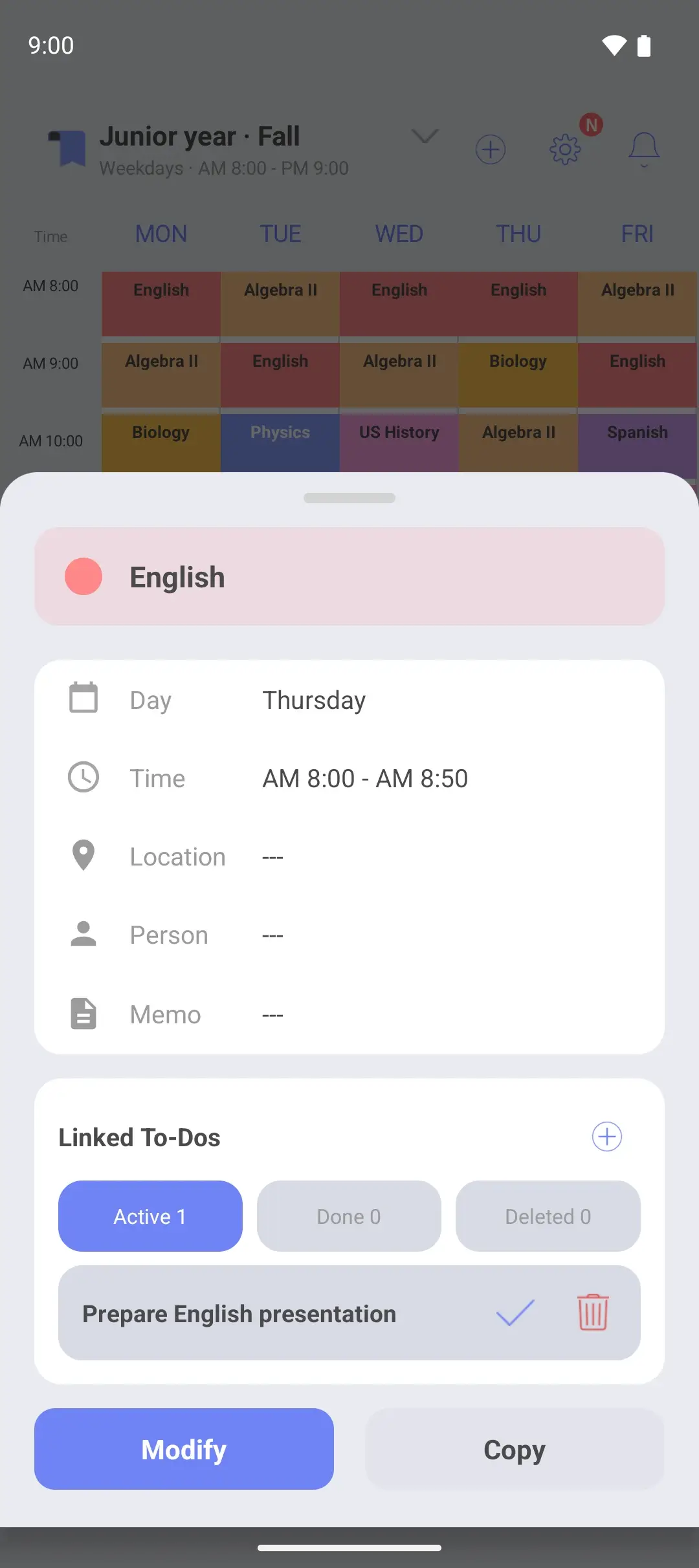
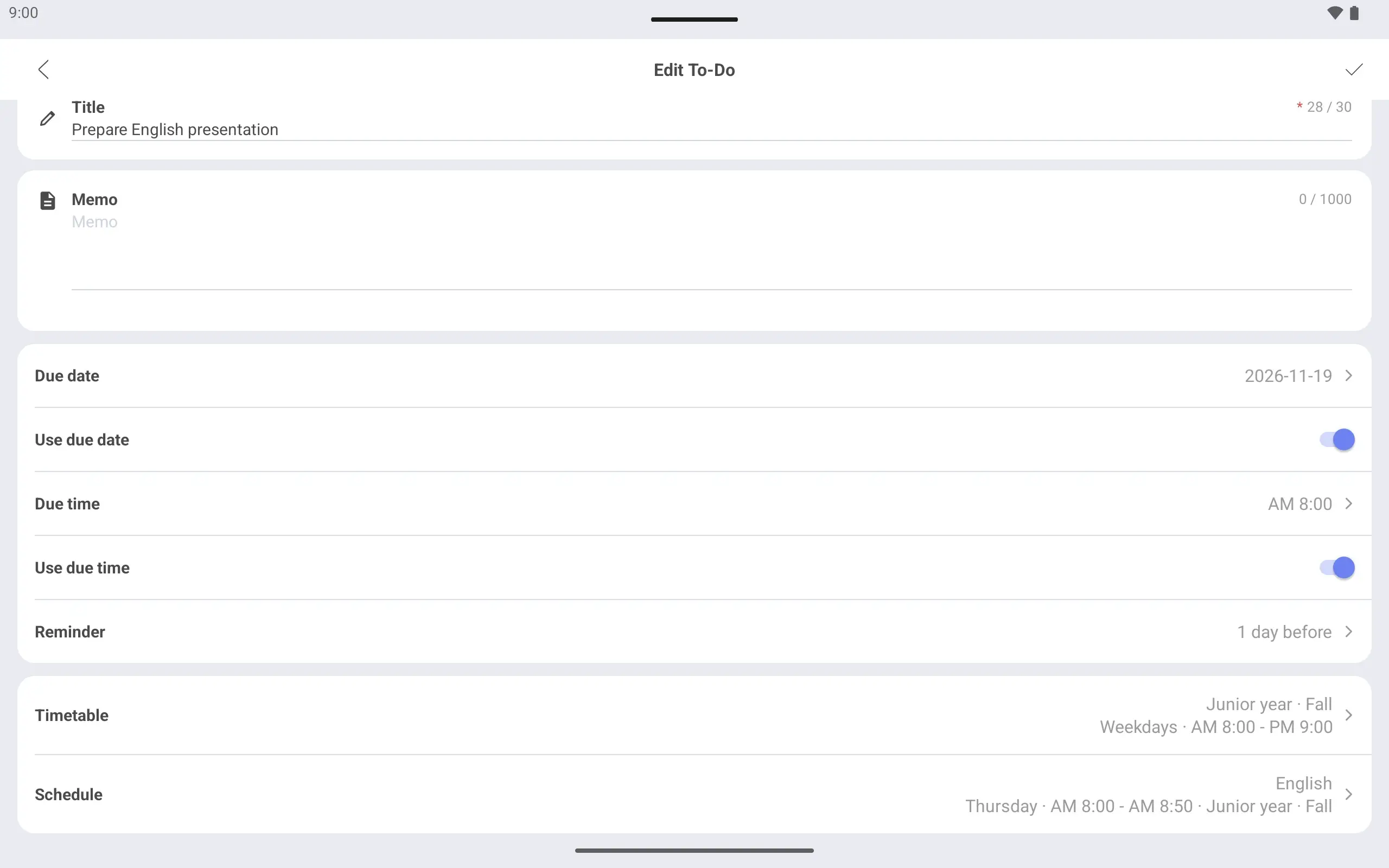
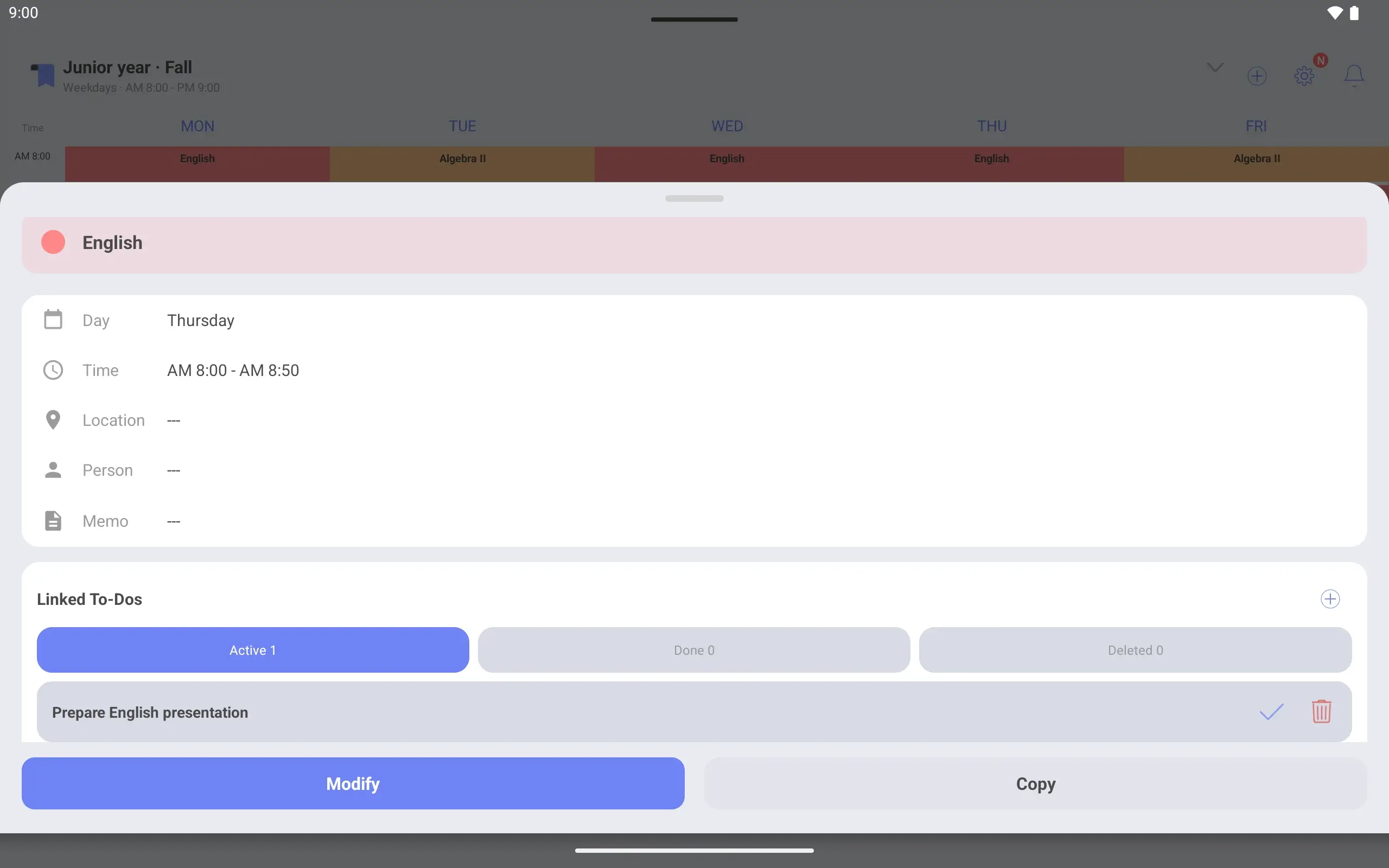
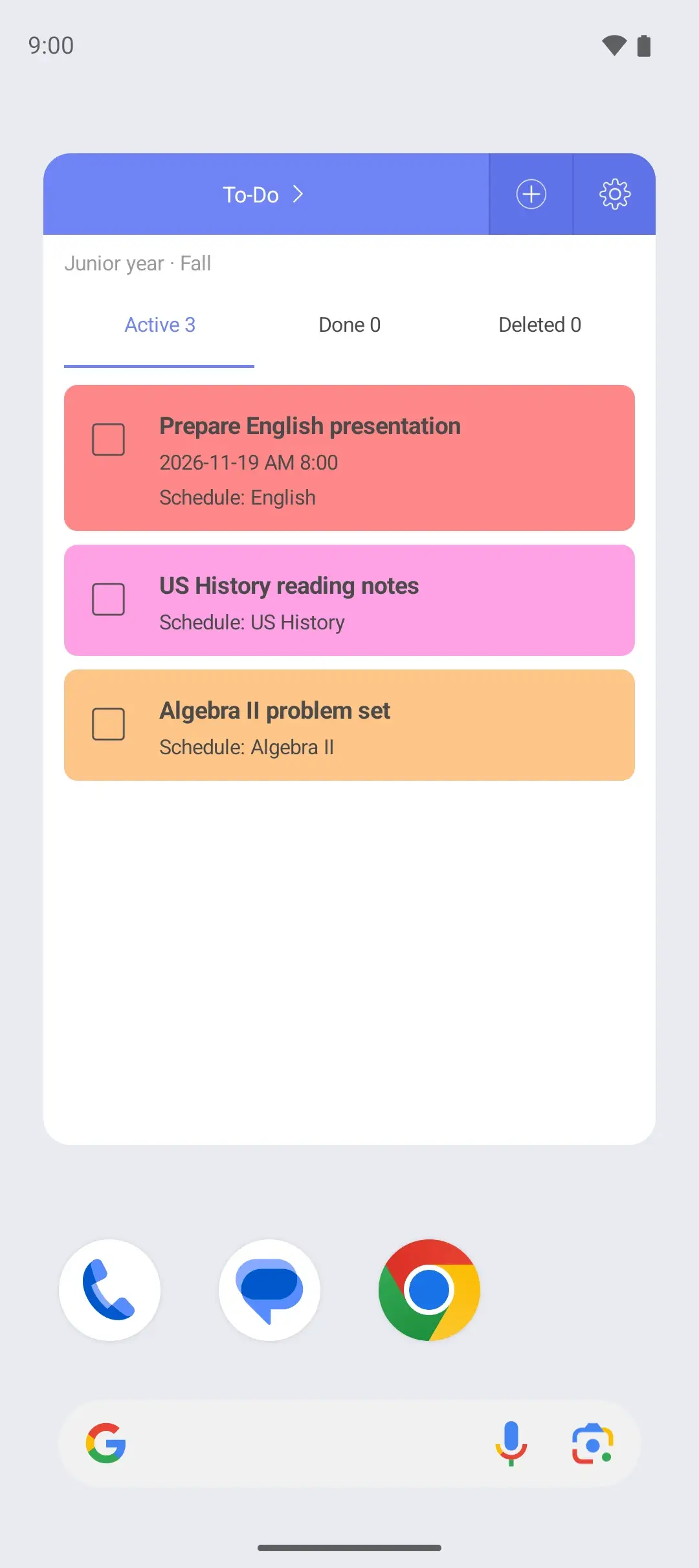
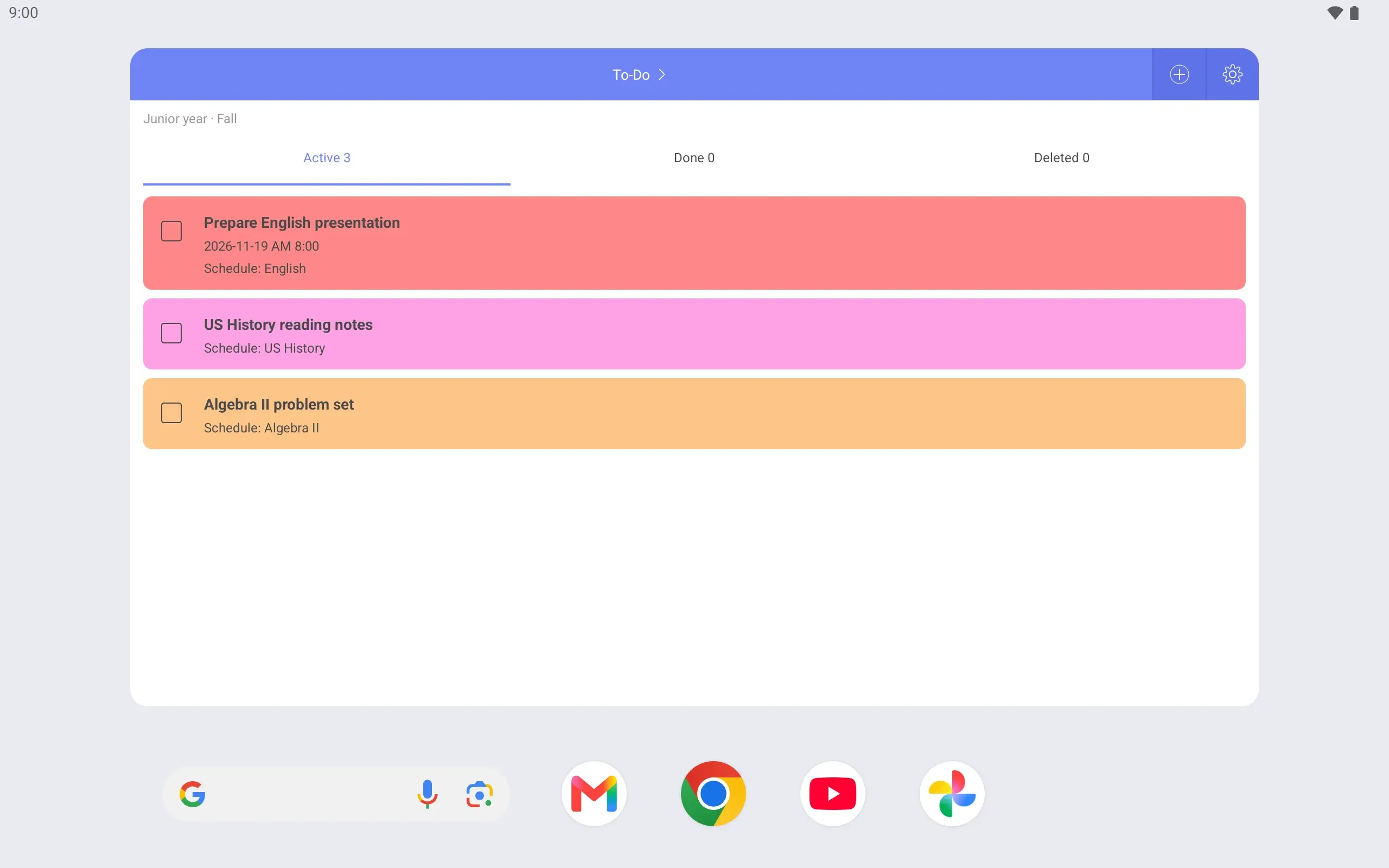
Add projects, presentations and homework as To-Dos and link each to the class it is for. Tap that class on the timetable to see what is due for it.
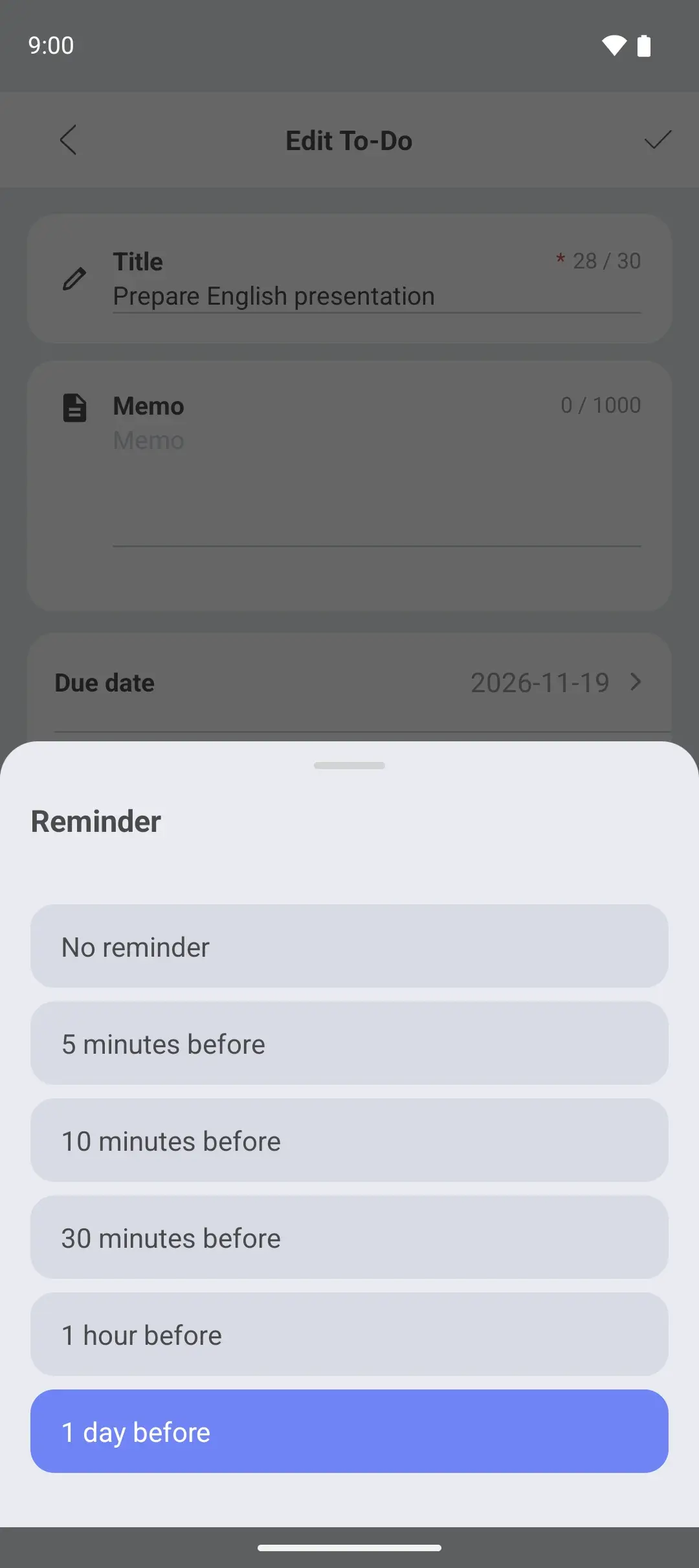
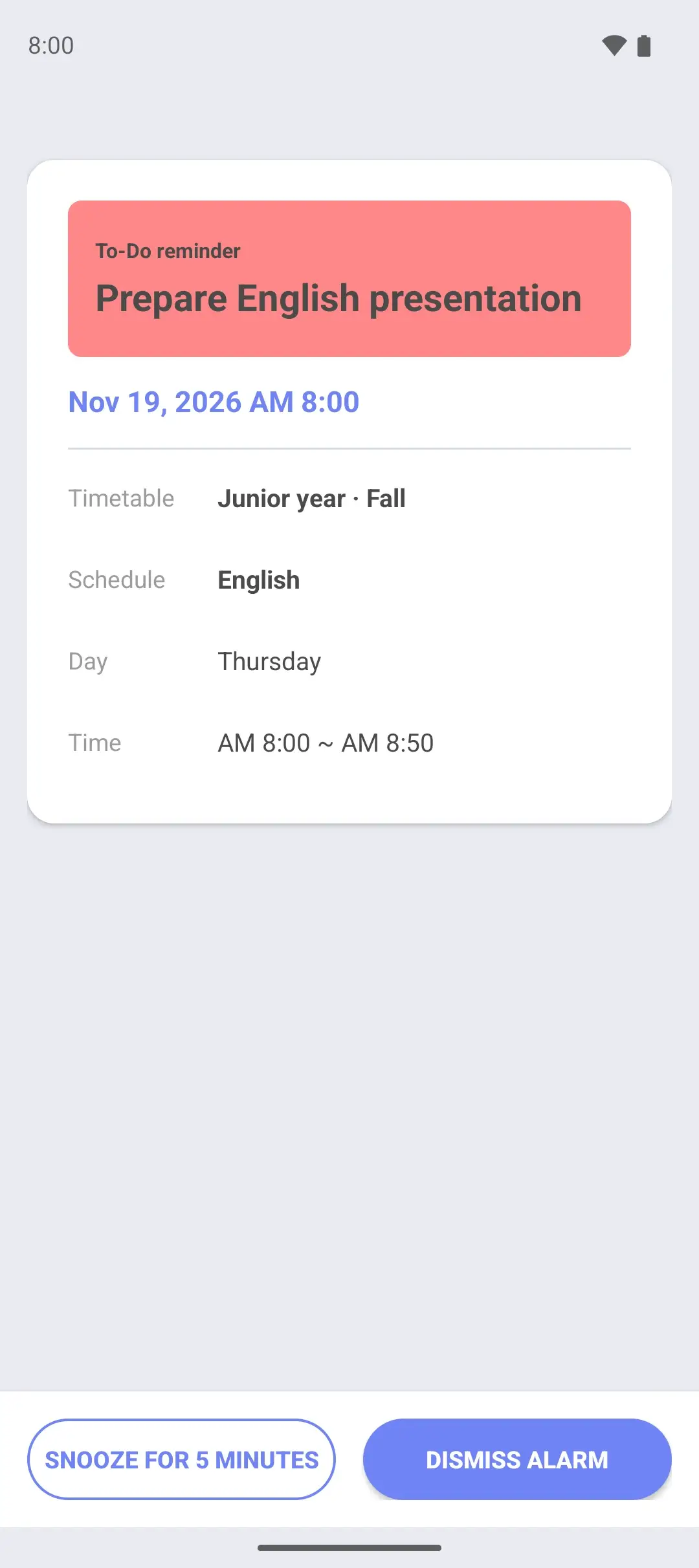
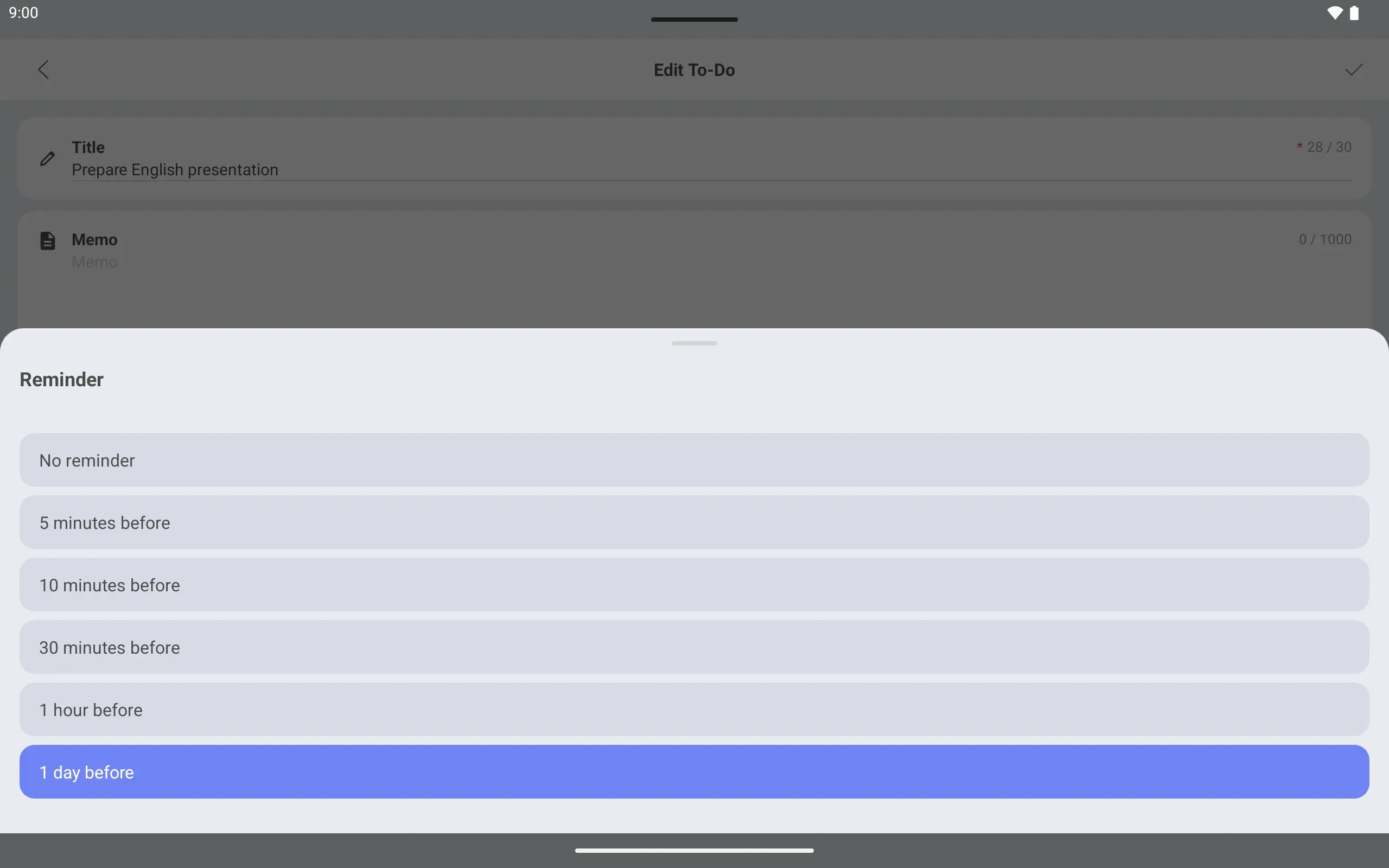
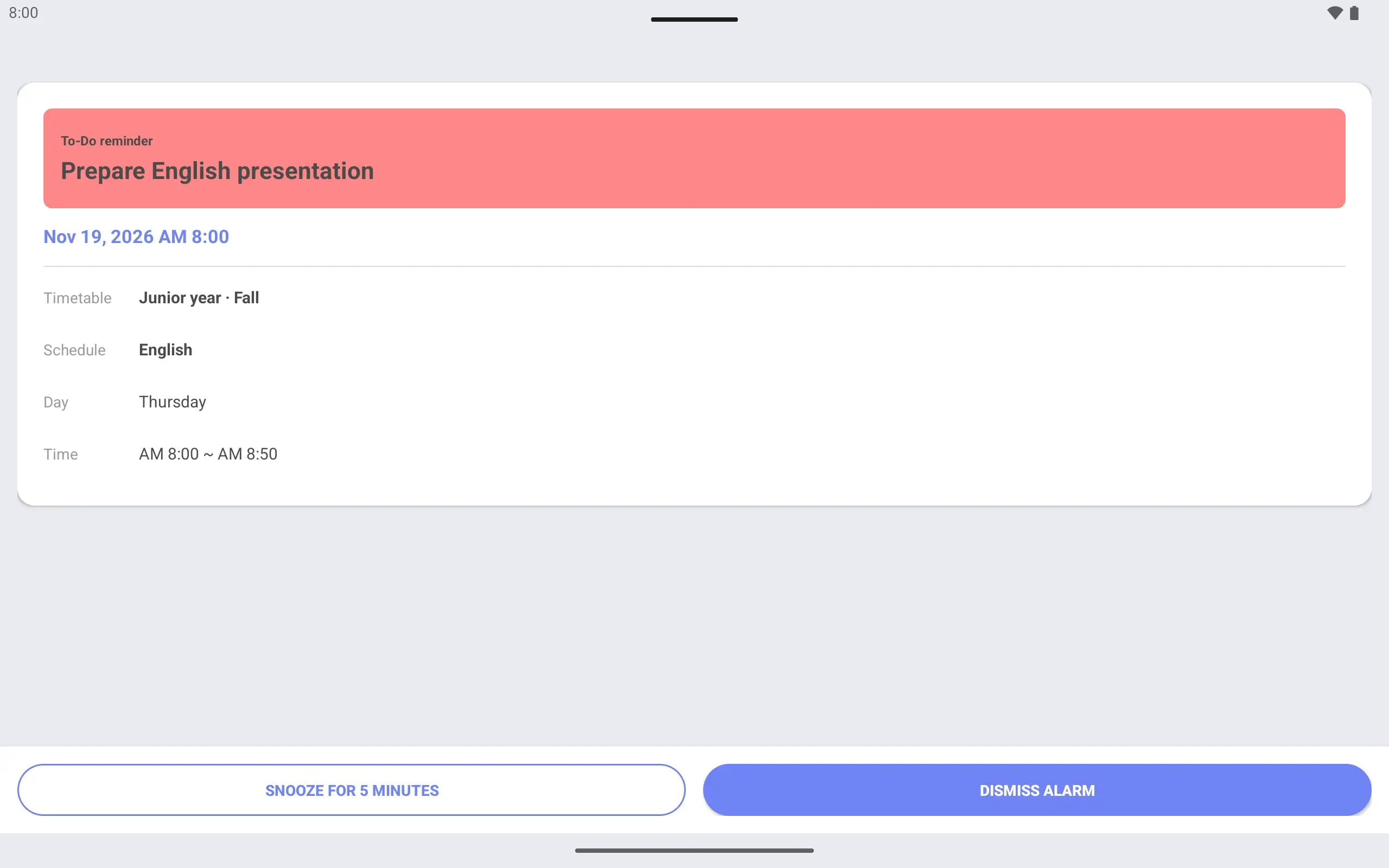
The due time is the start of first period on presentation day, with a “1 day before” reminder. The alarm screen opens at the same time the day before. A reminder can be set from 5 minutes to 1 day ahead.
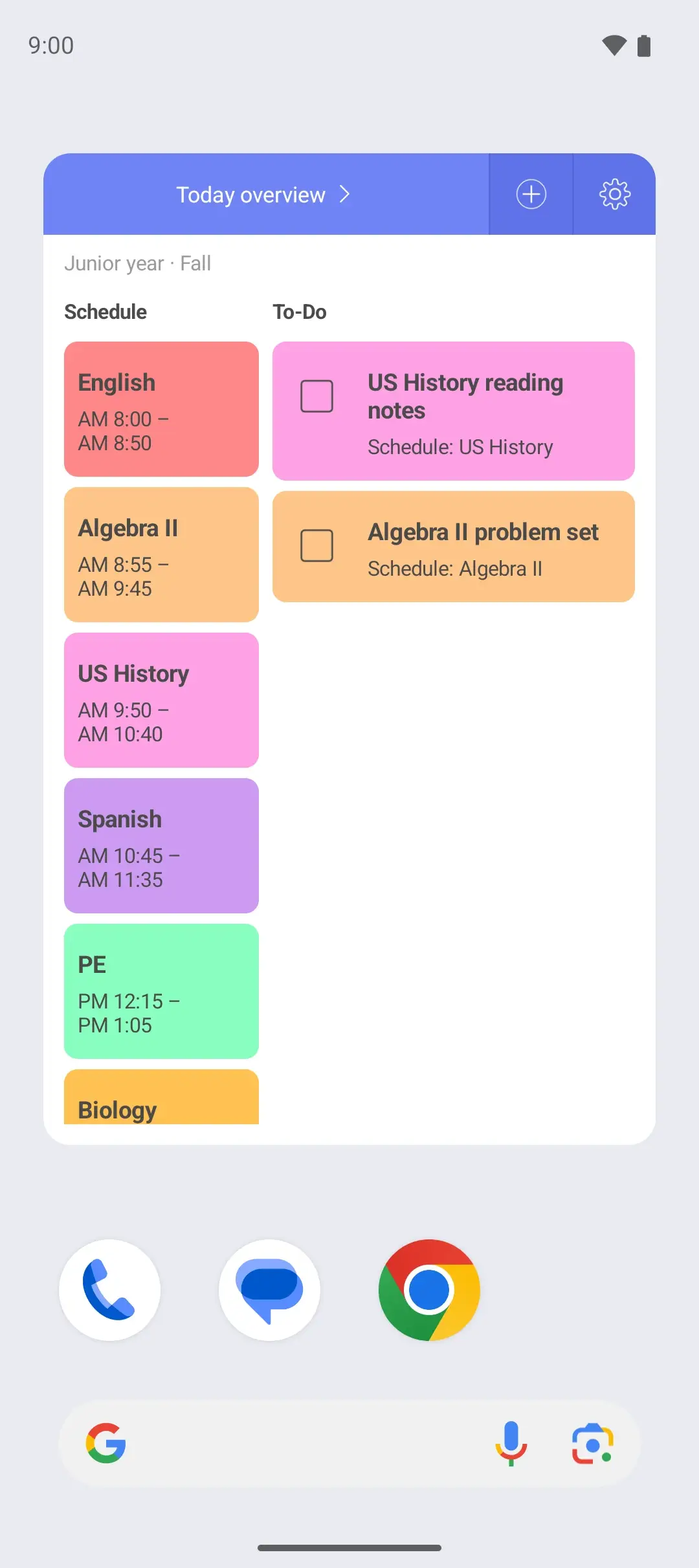
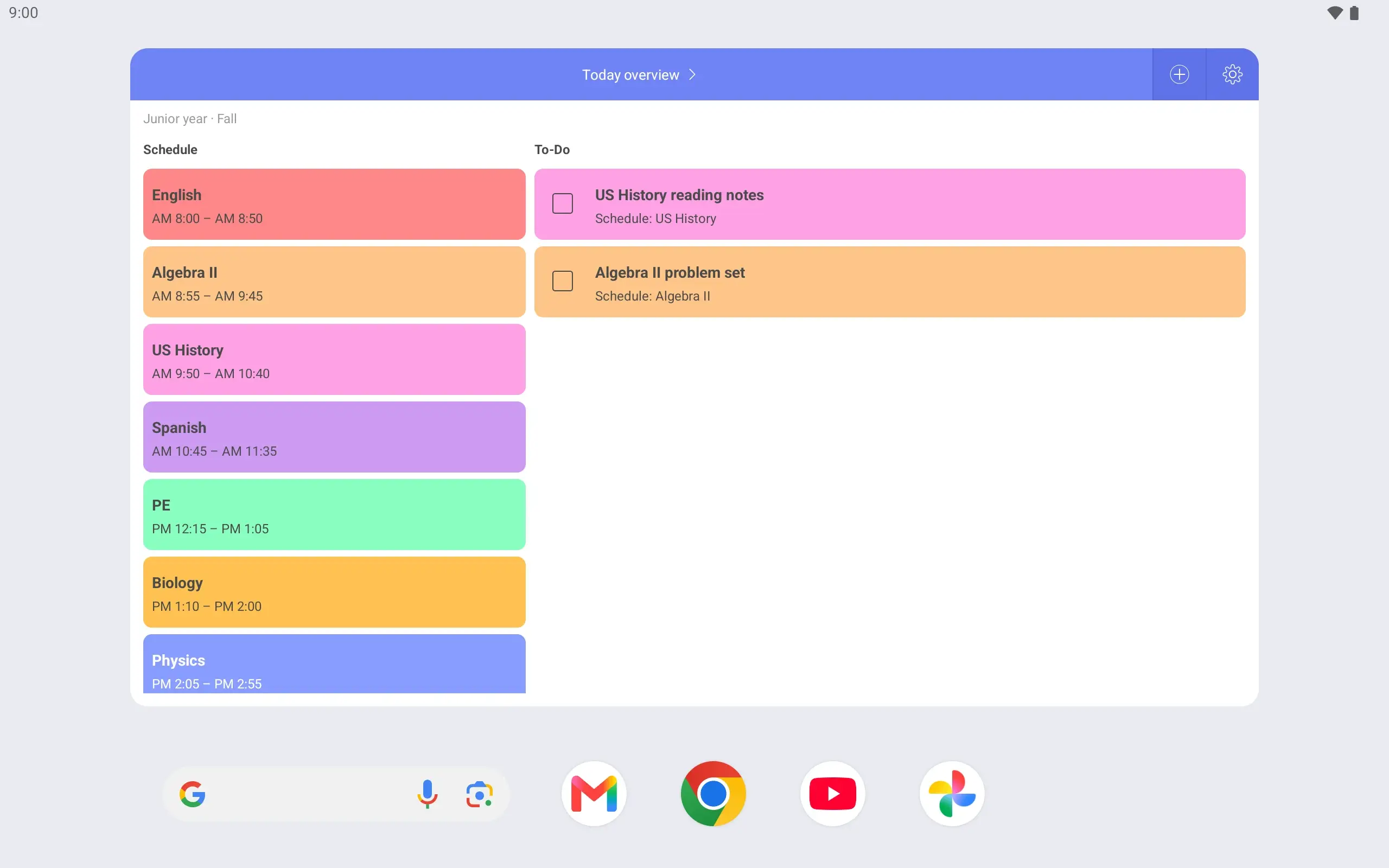
A look at the home screen in the morning is enough to know which class is in which period. The Today overview widget puts today’s classes and tasks in one place.
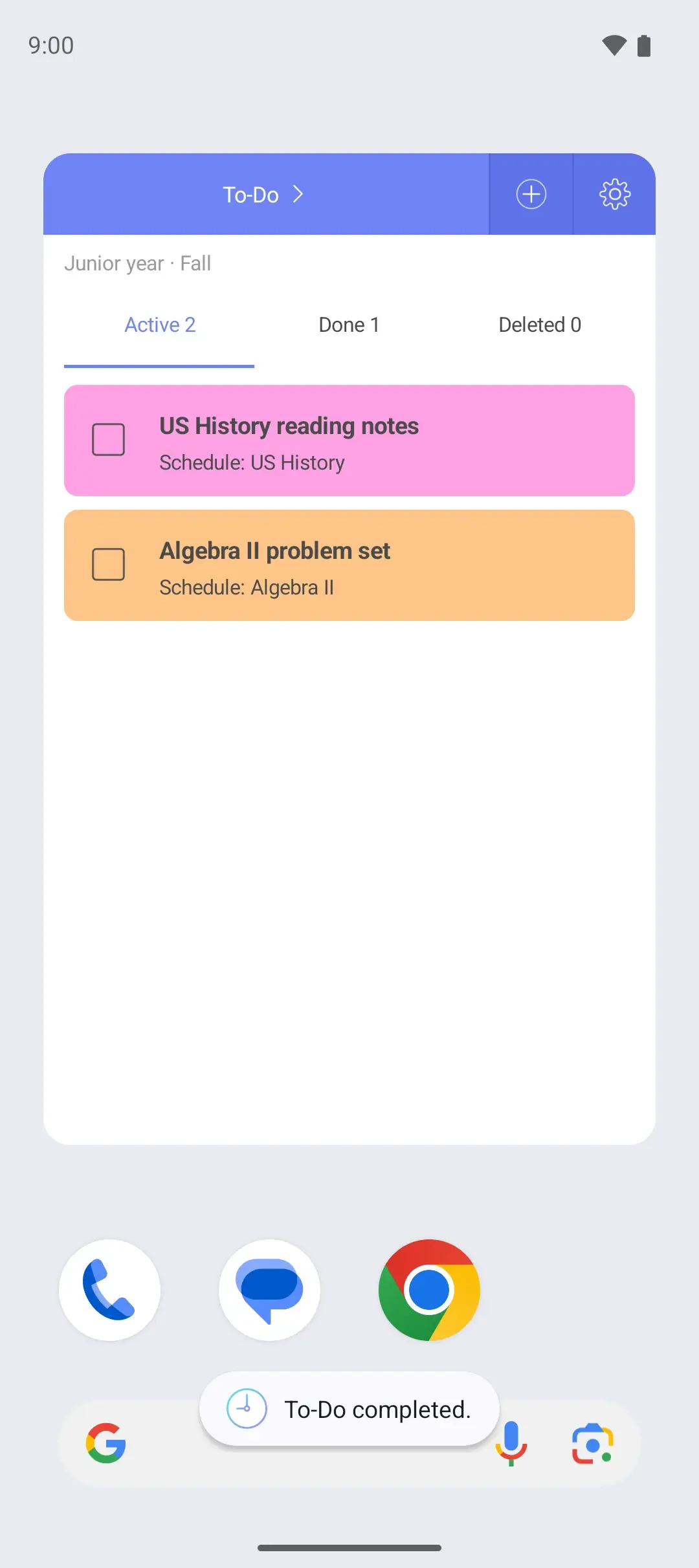
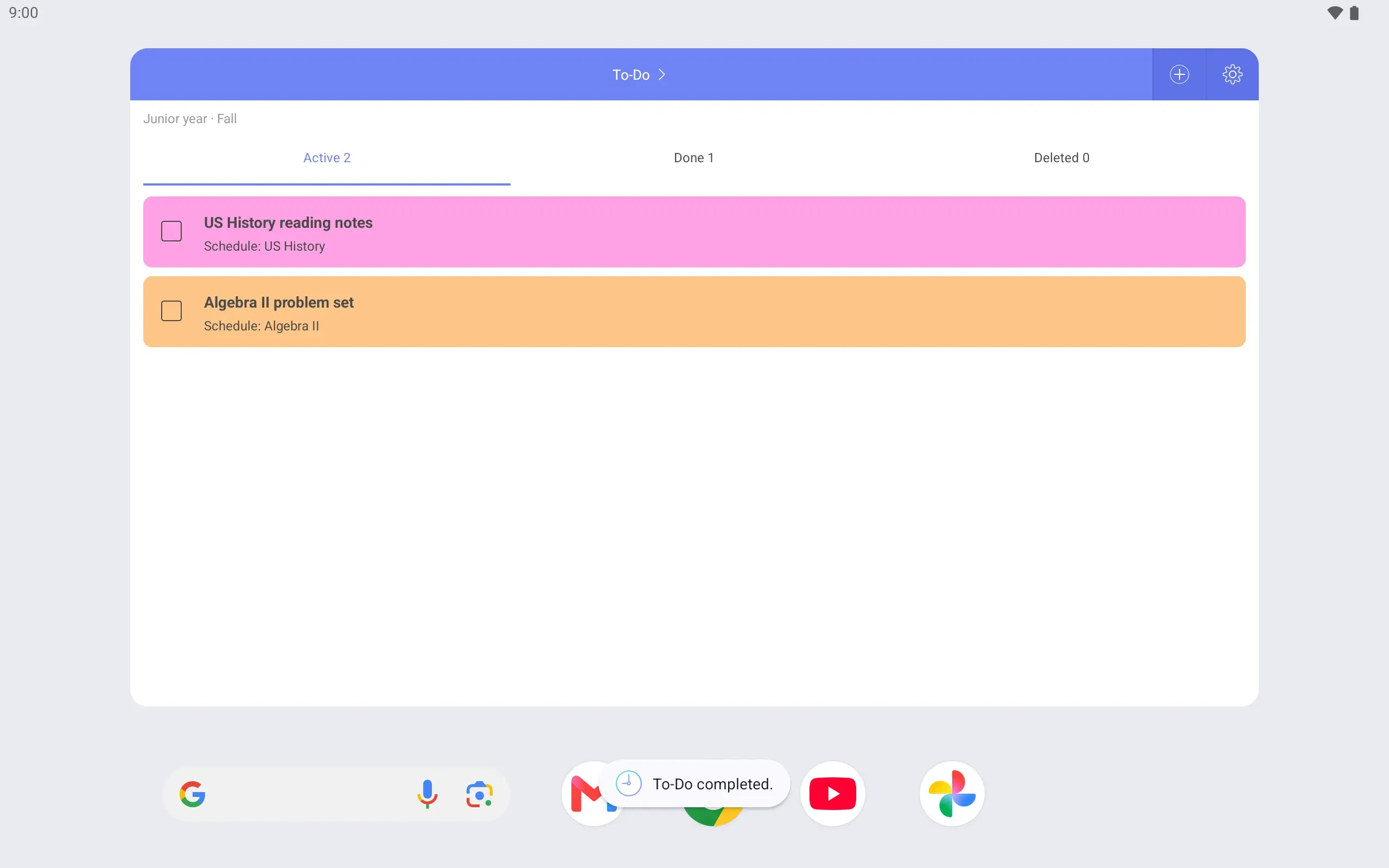
When something like presentation prep is finished, mark it complete right in the widget. Completed tasks can be found again in the app’s completed list.
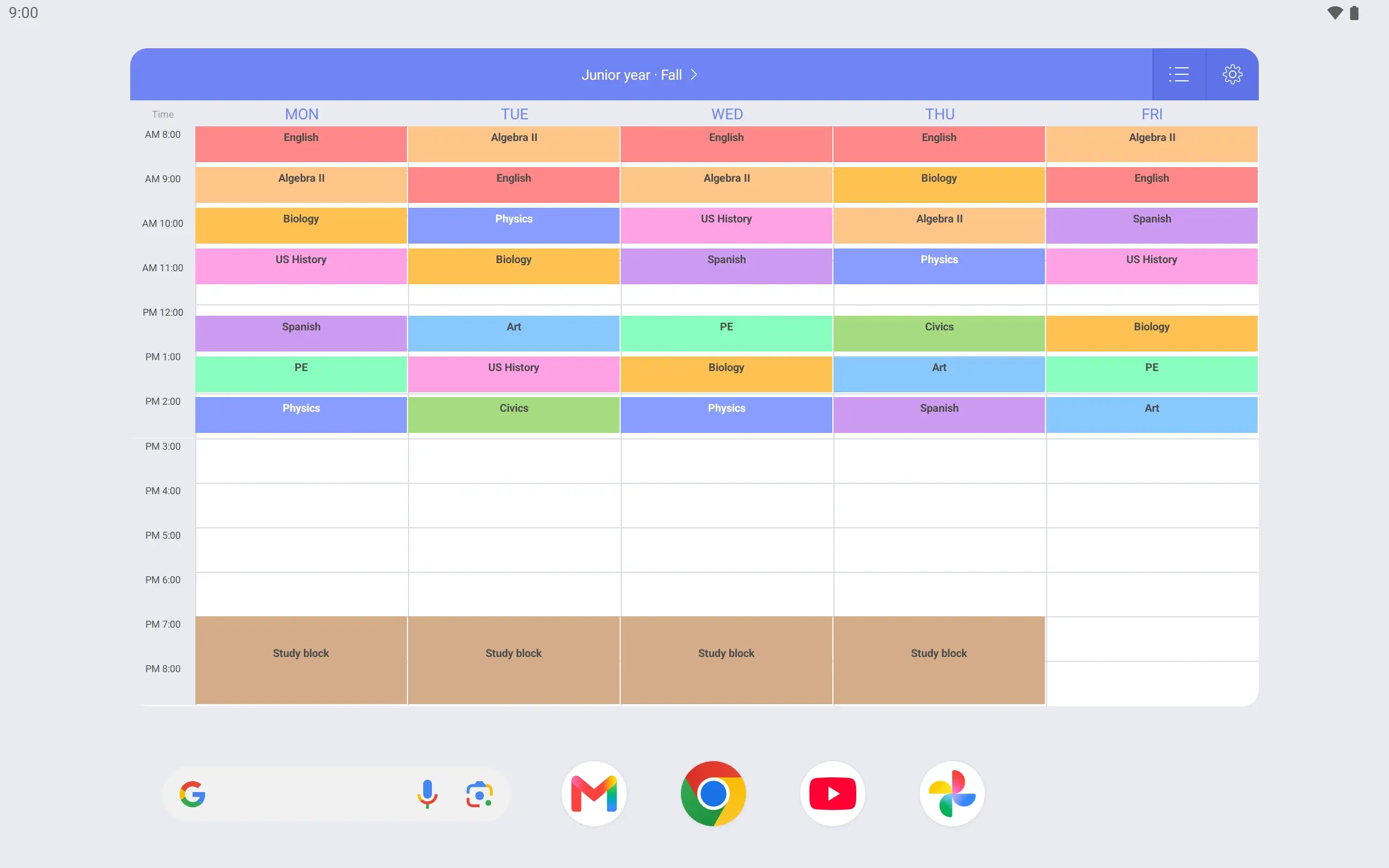
Wake the phone between classes and the weekly timetable shows before you unlock. Check the next period and put the phone away. Classes cannot be edited from the lock screen.