
In eight steps
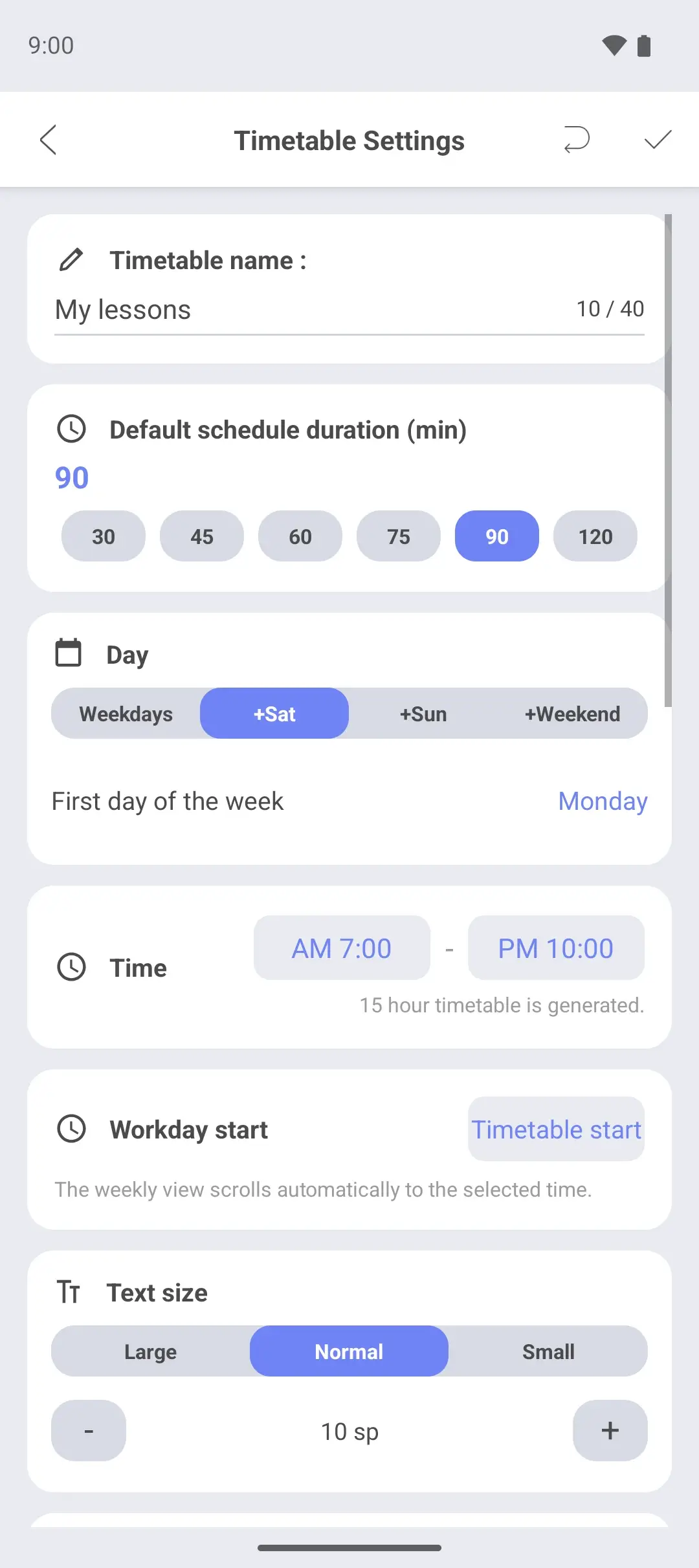
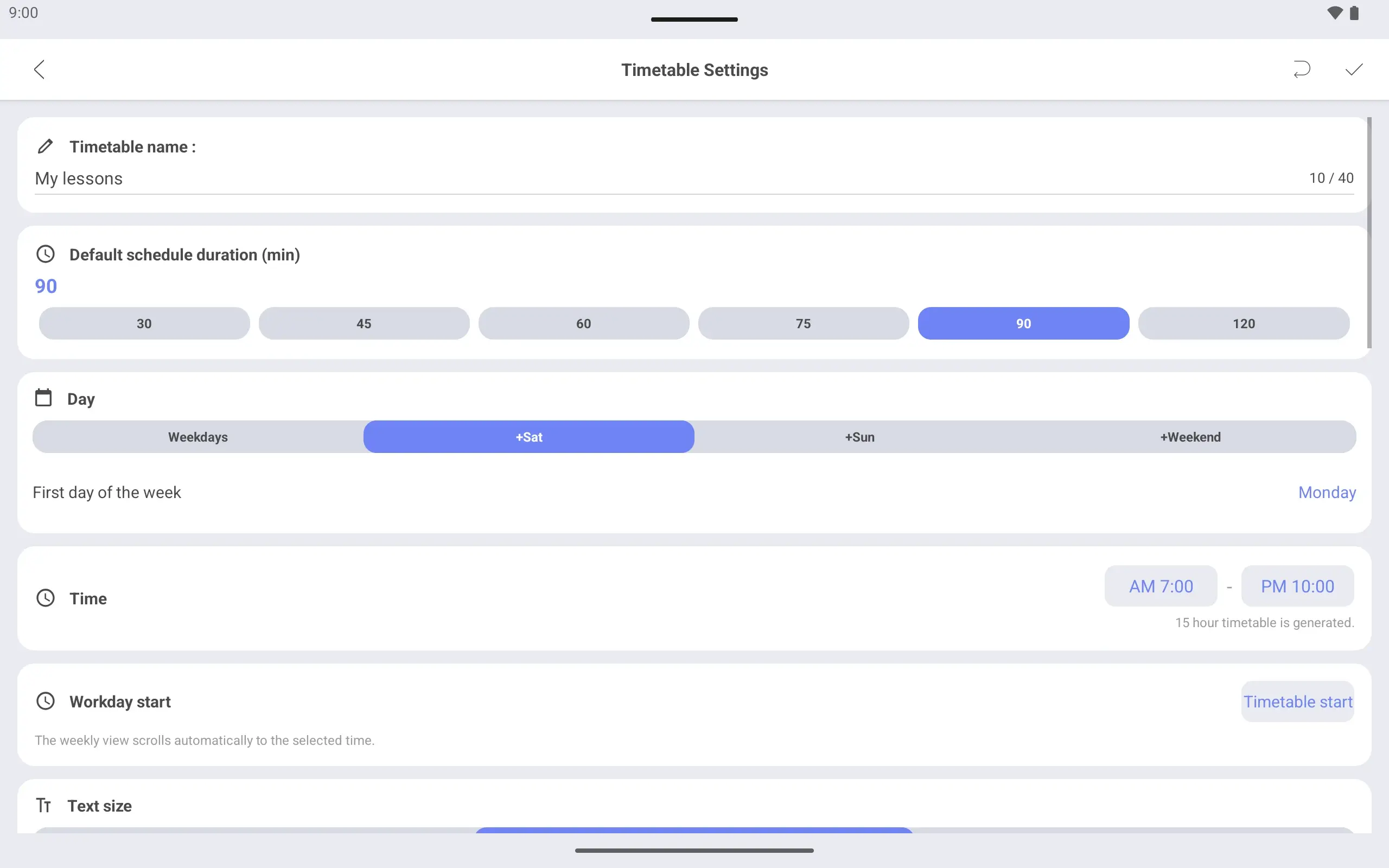
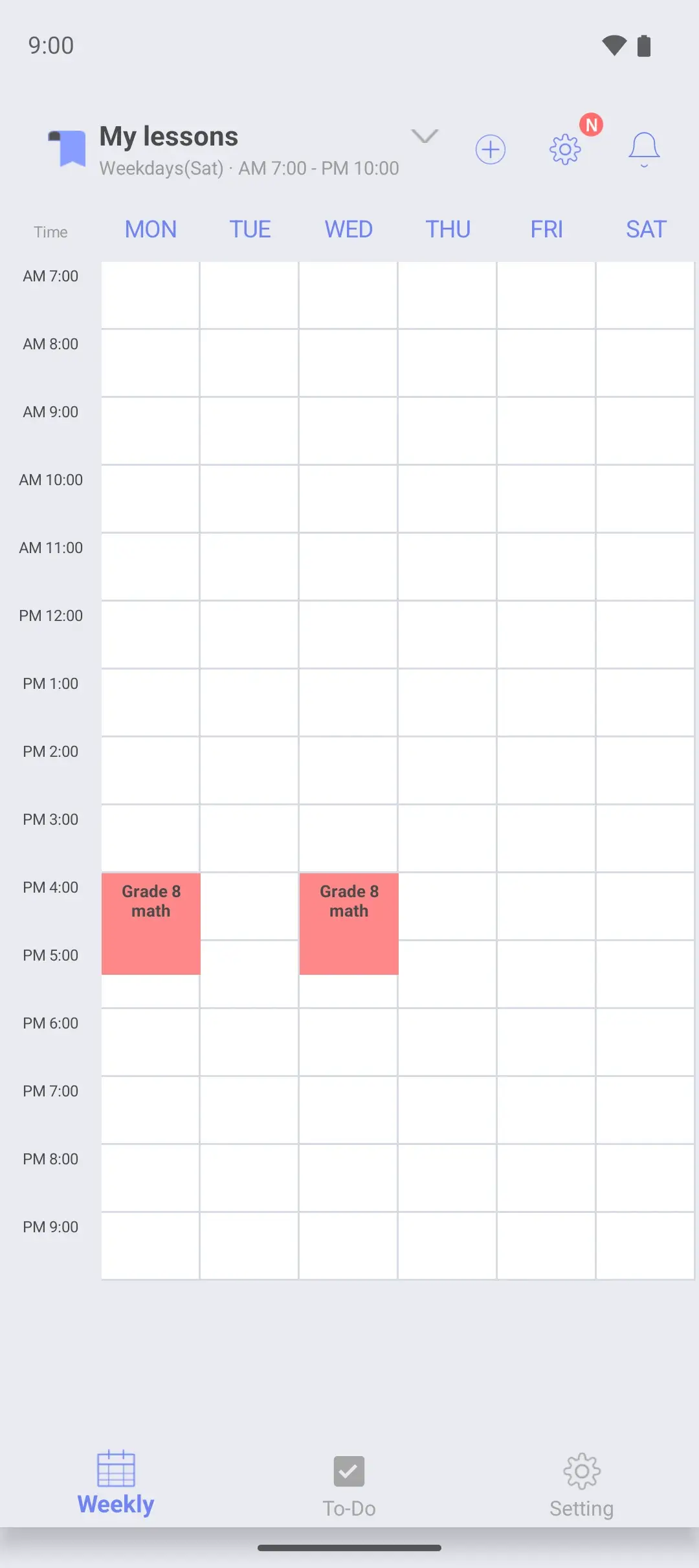
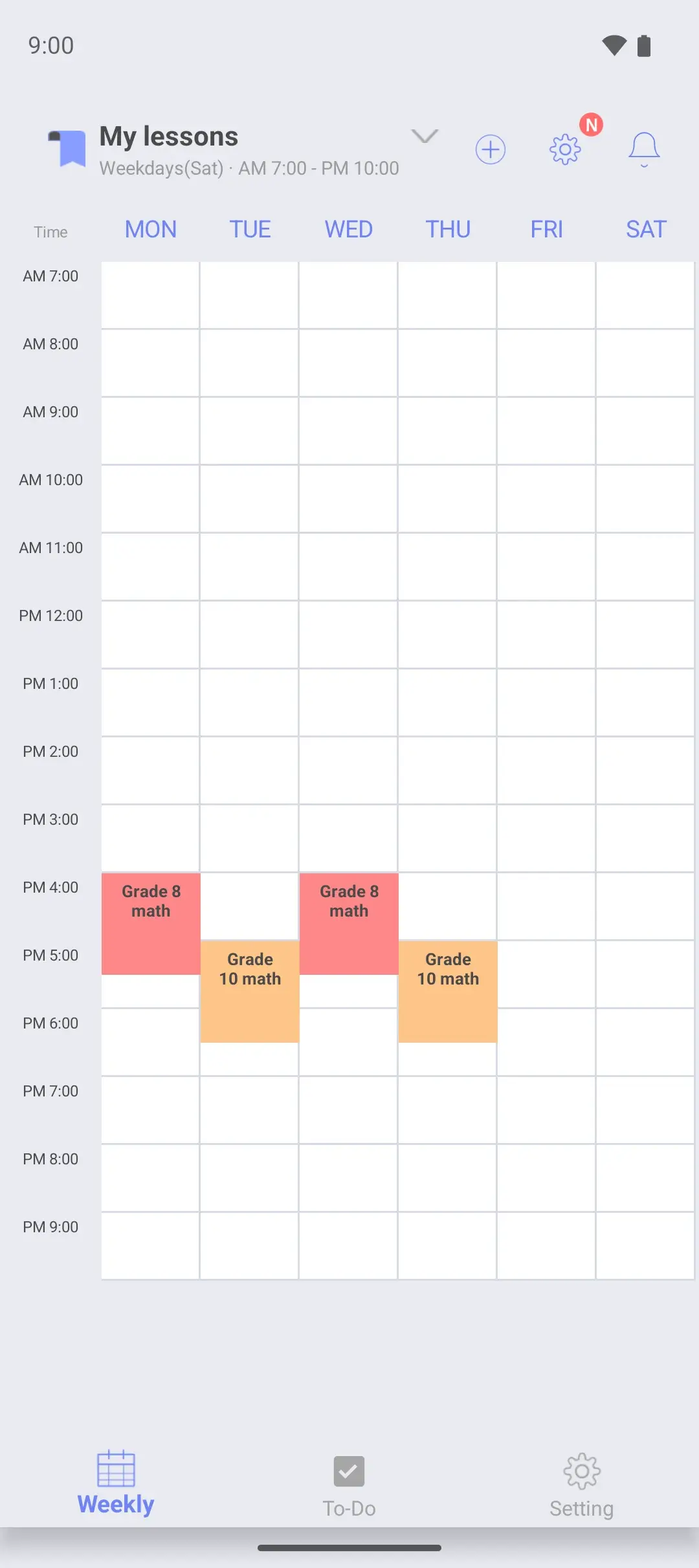
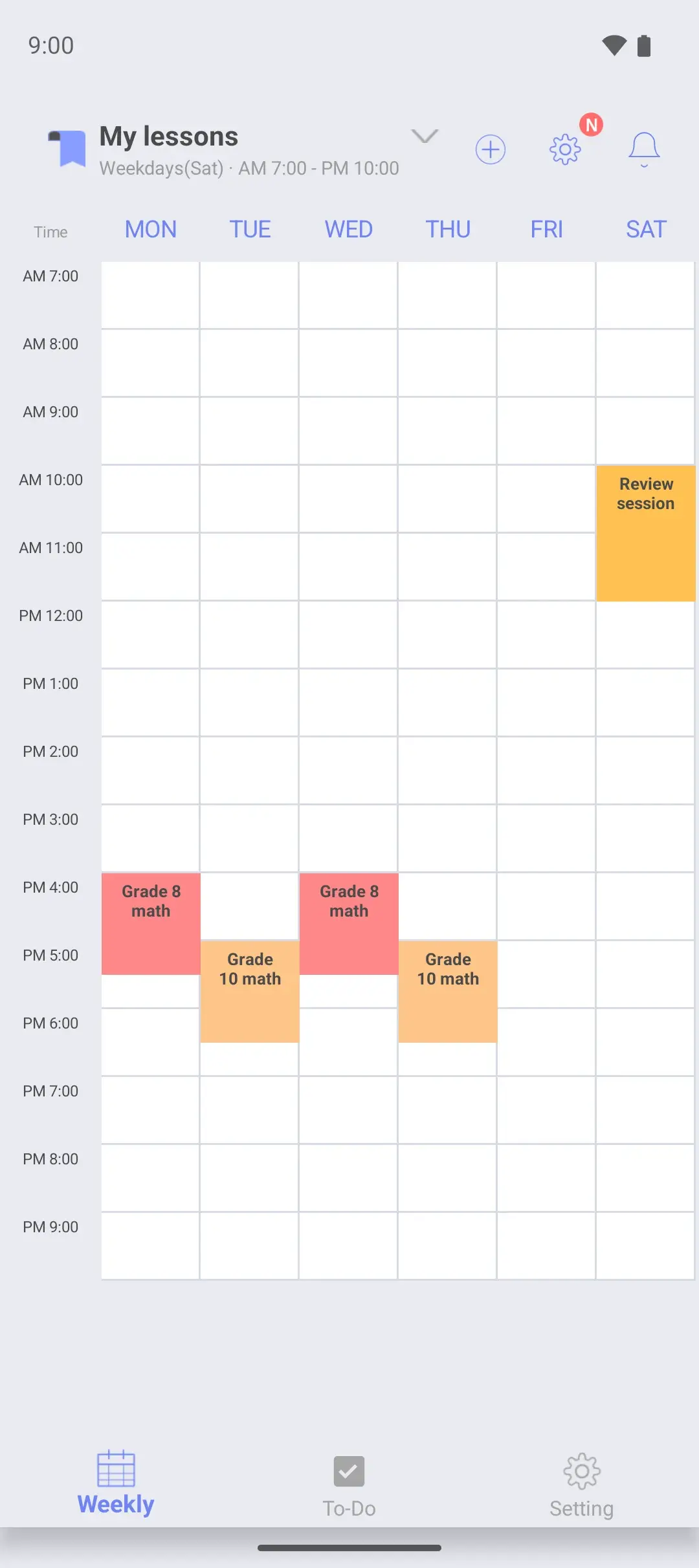
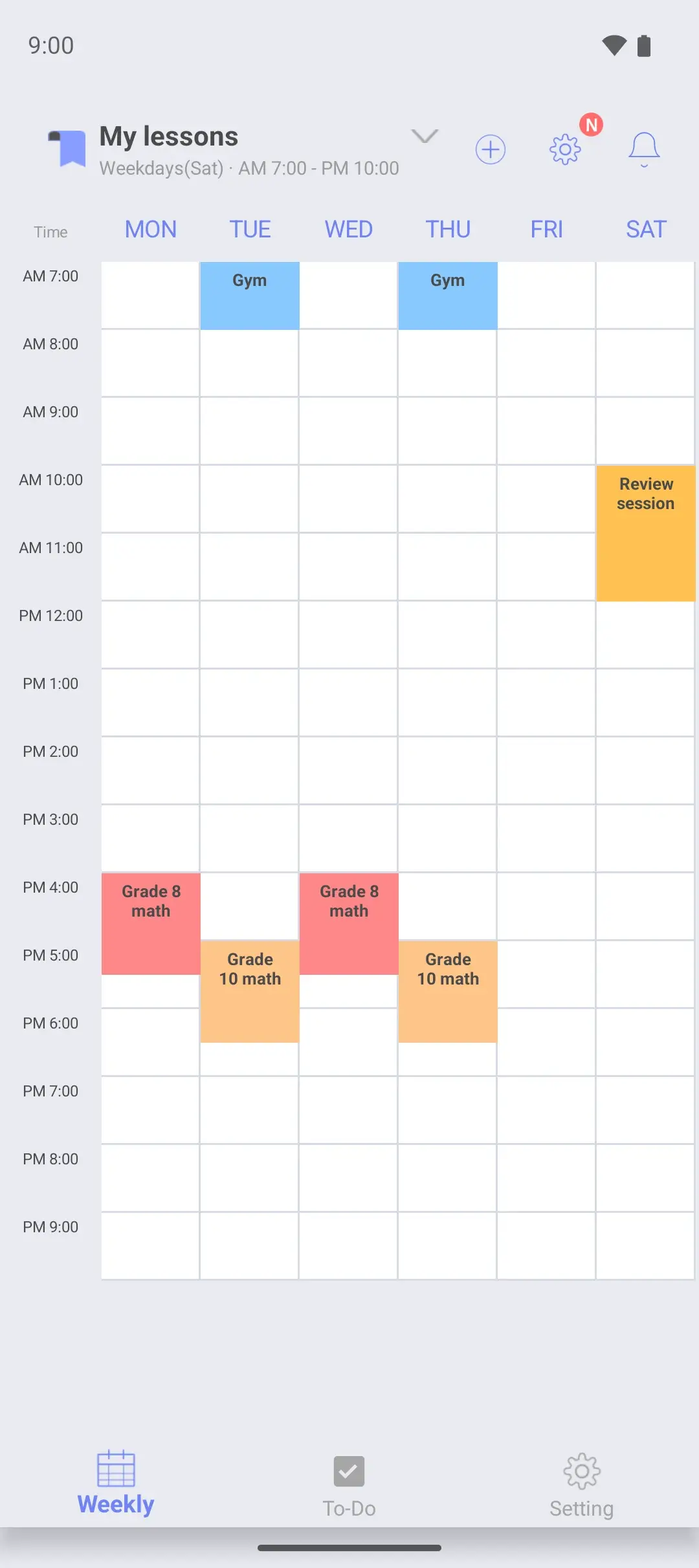
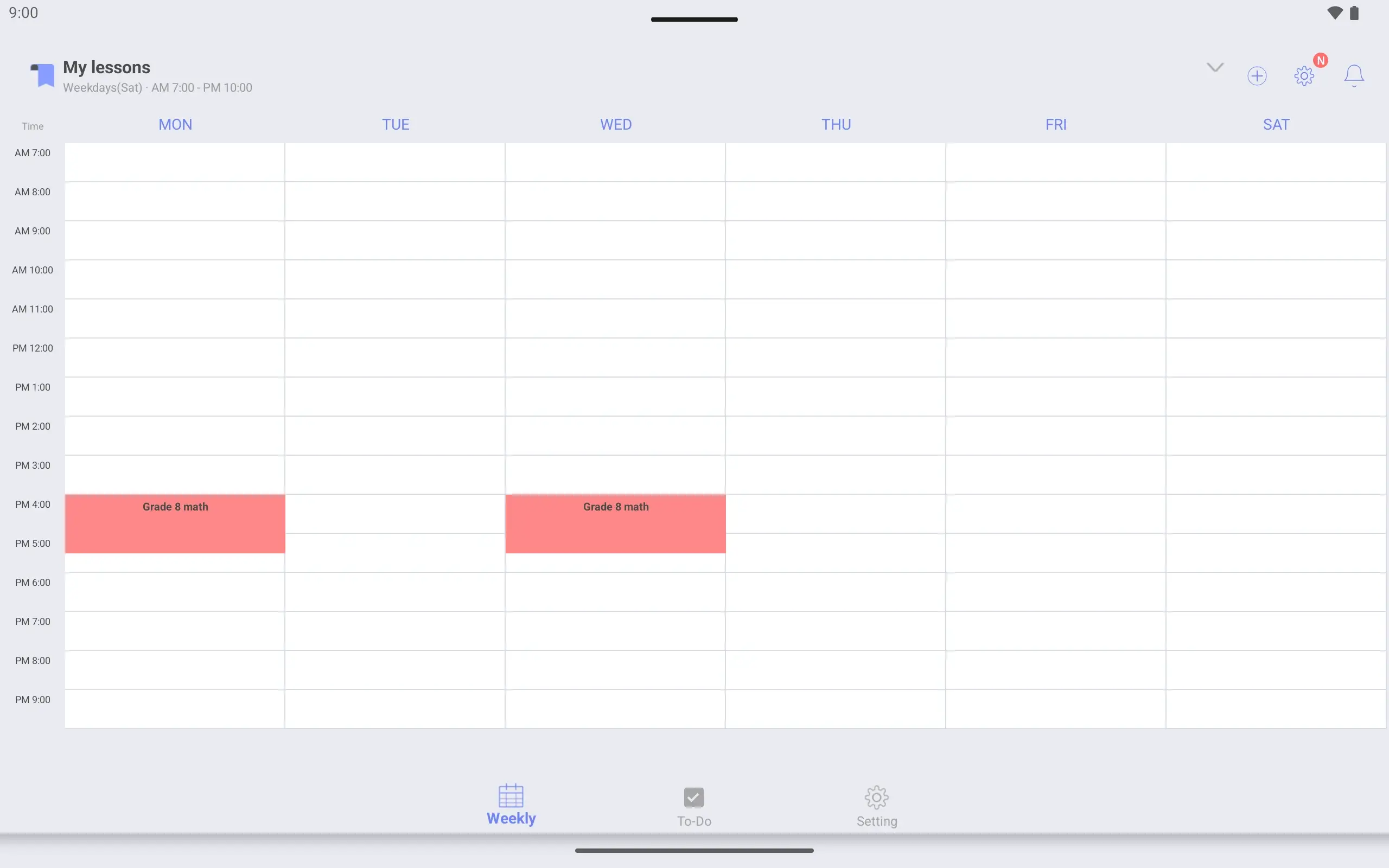
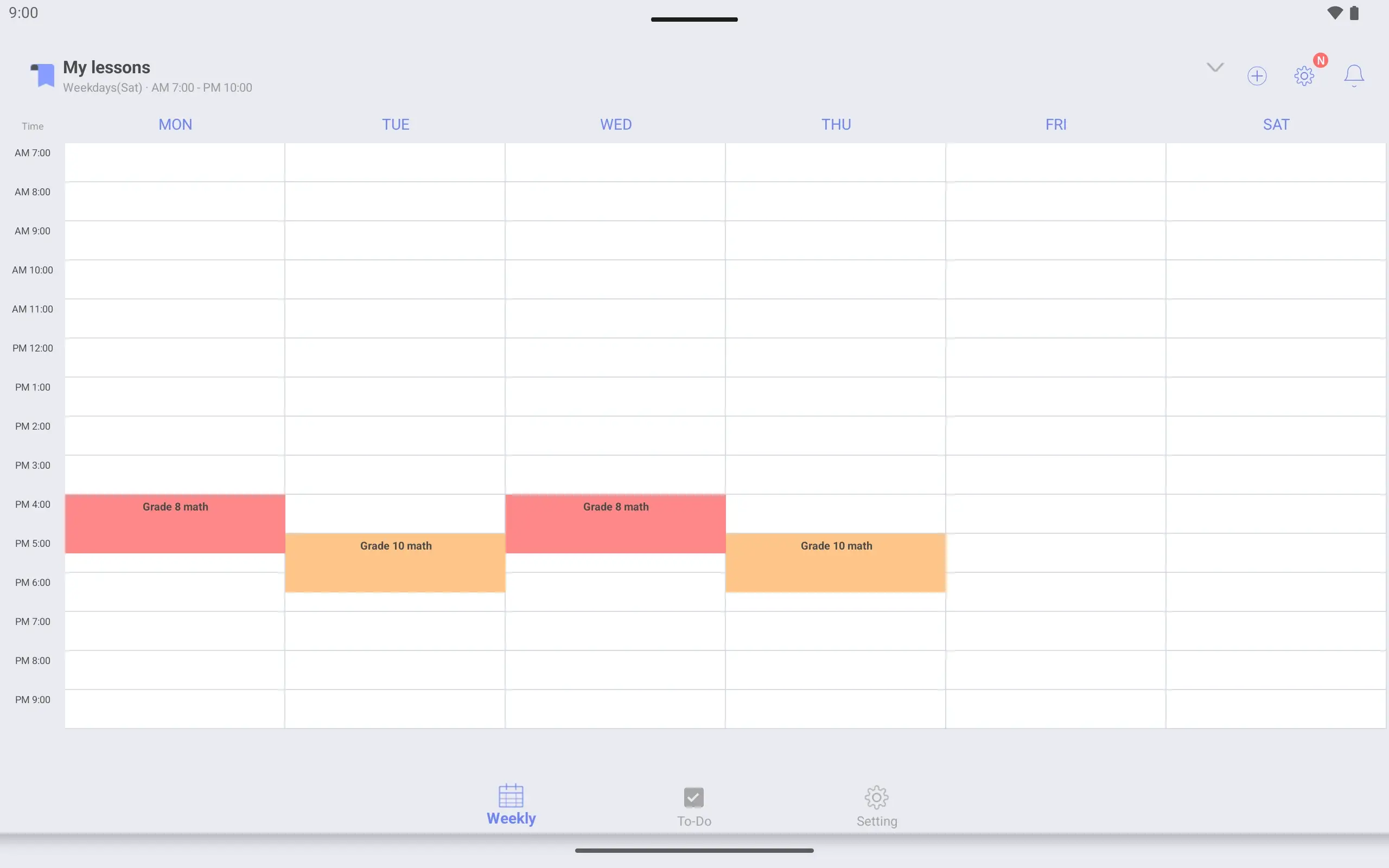
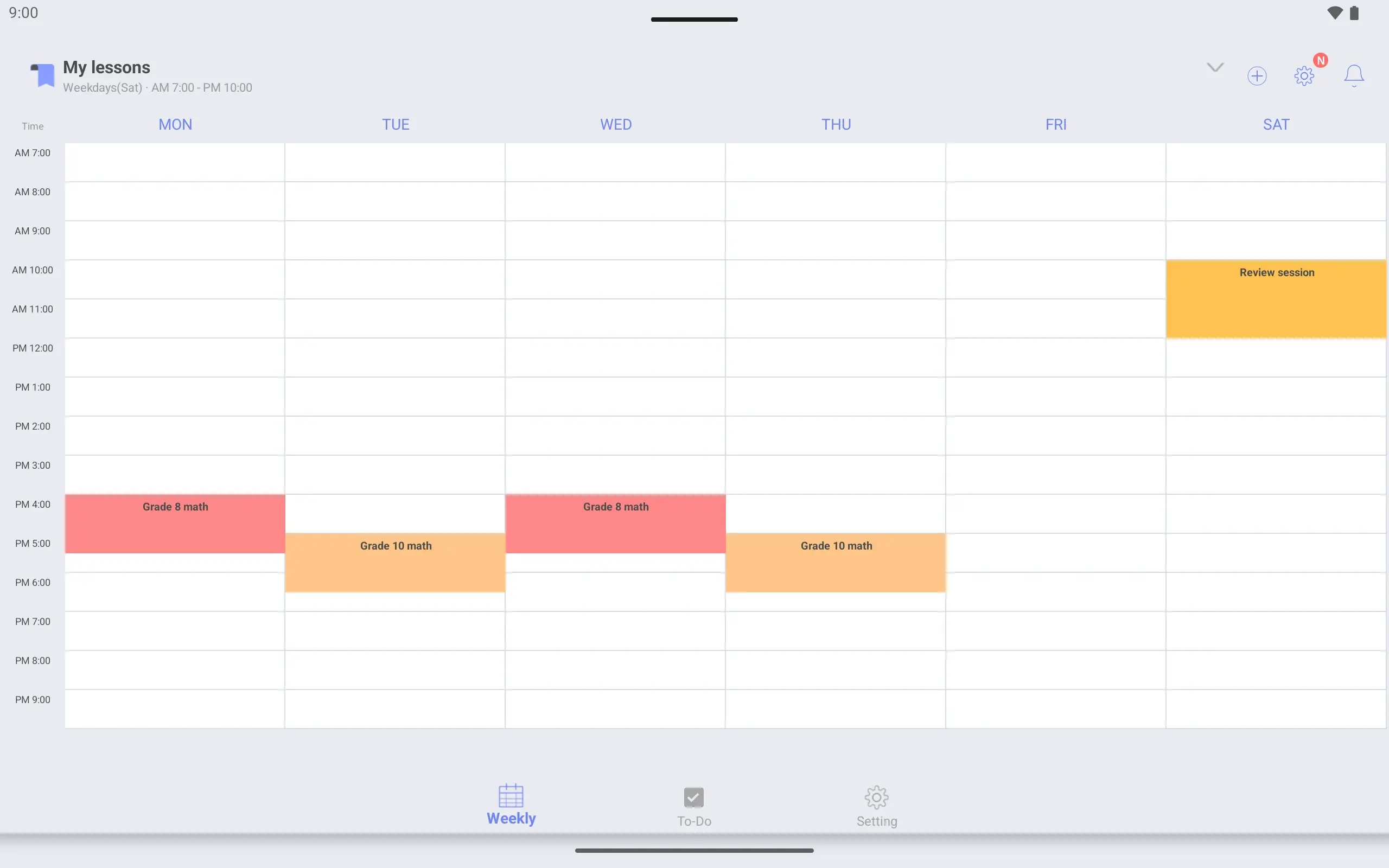
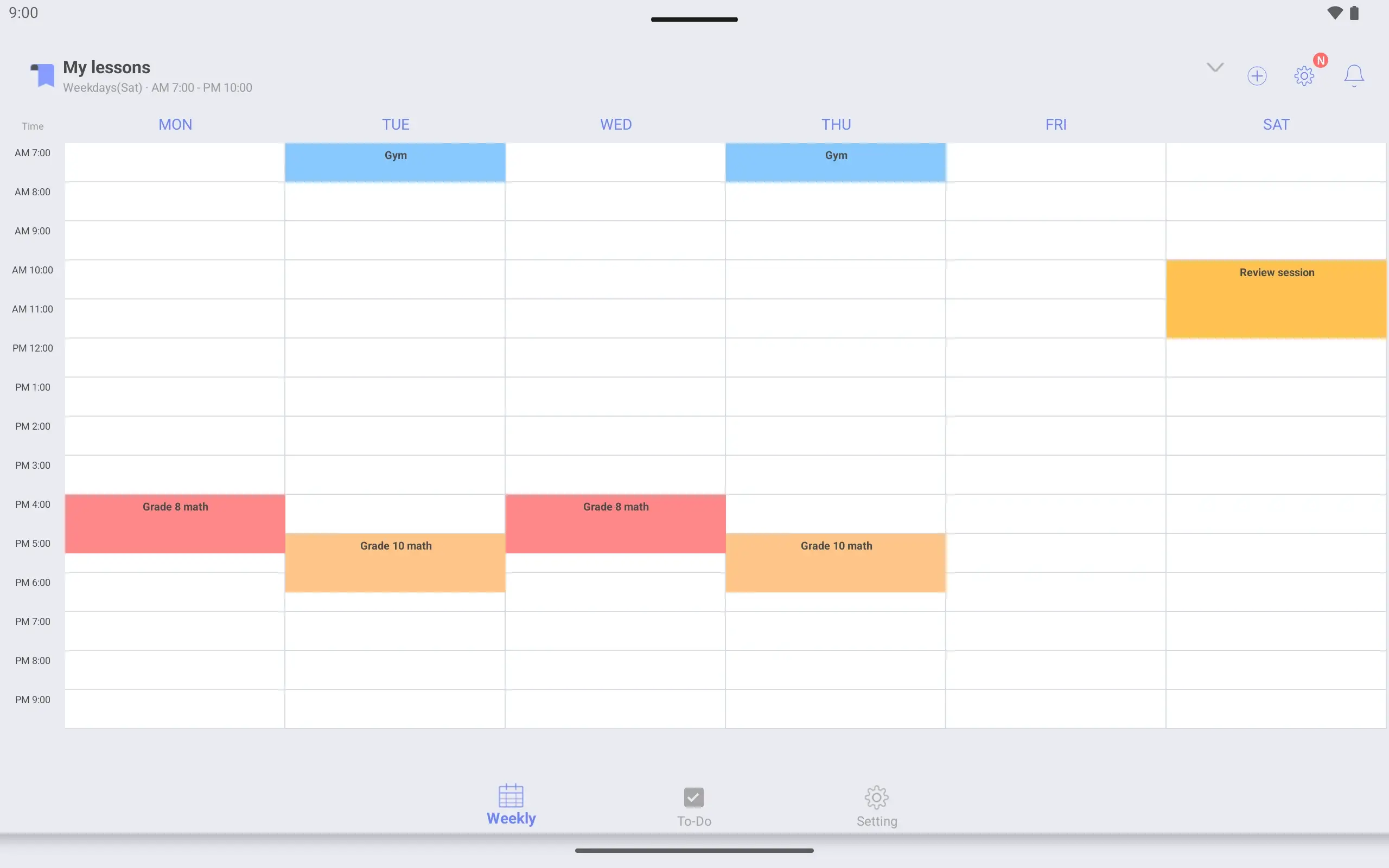
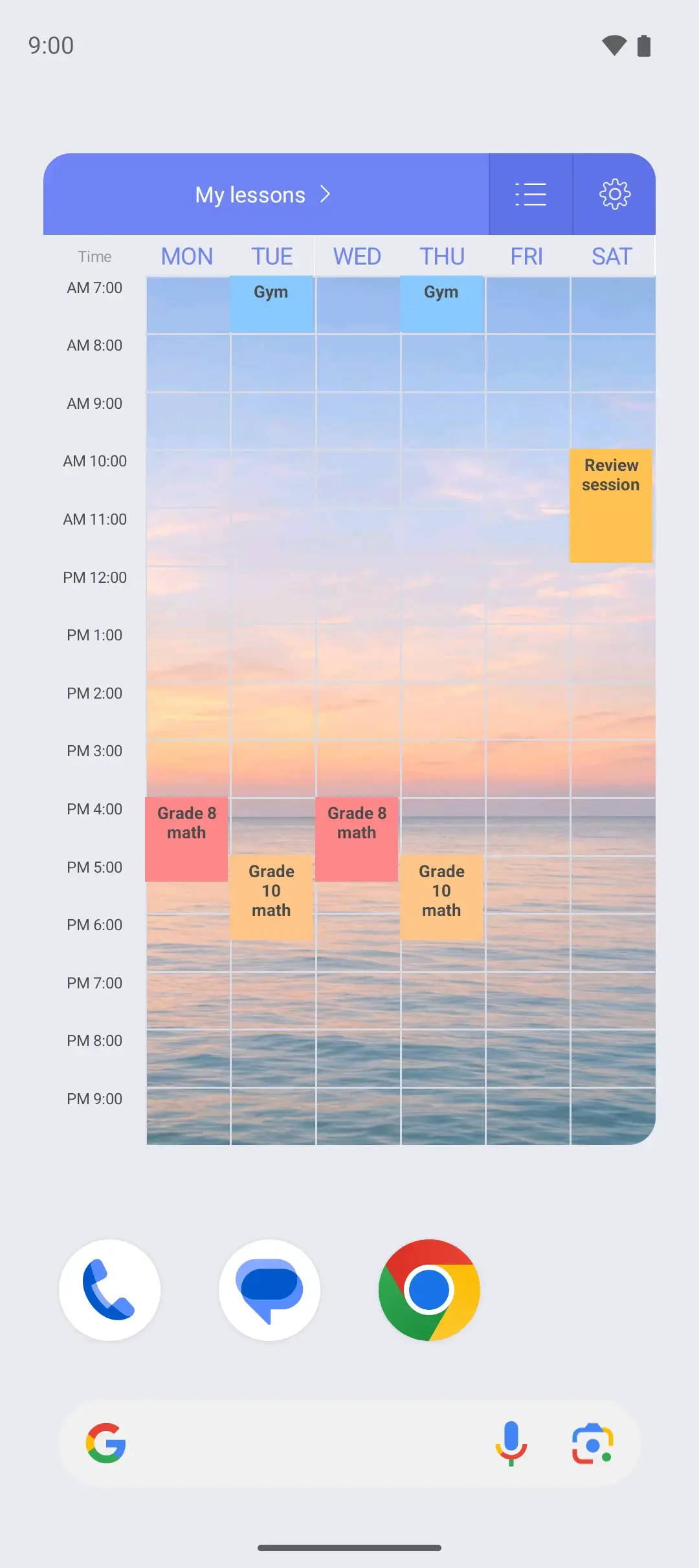
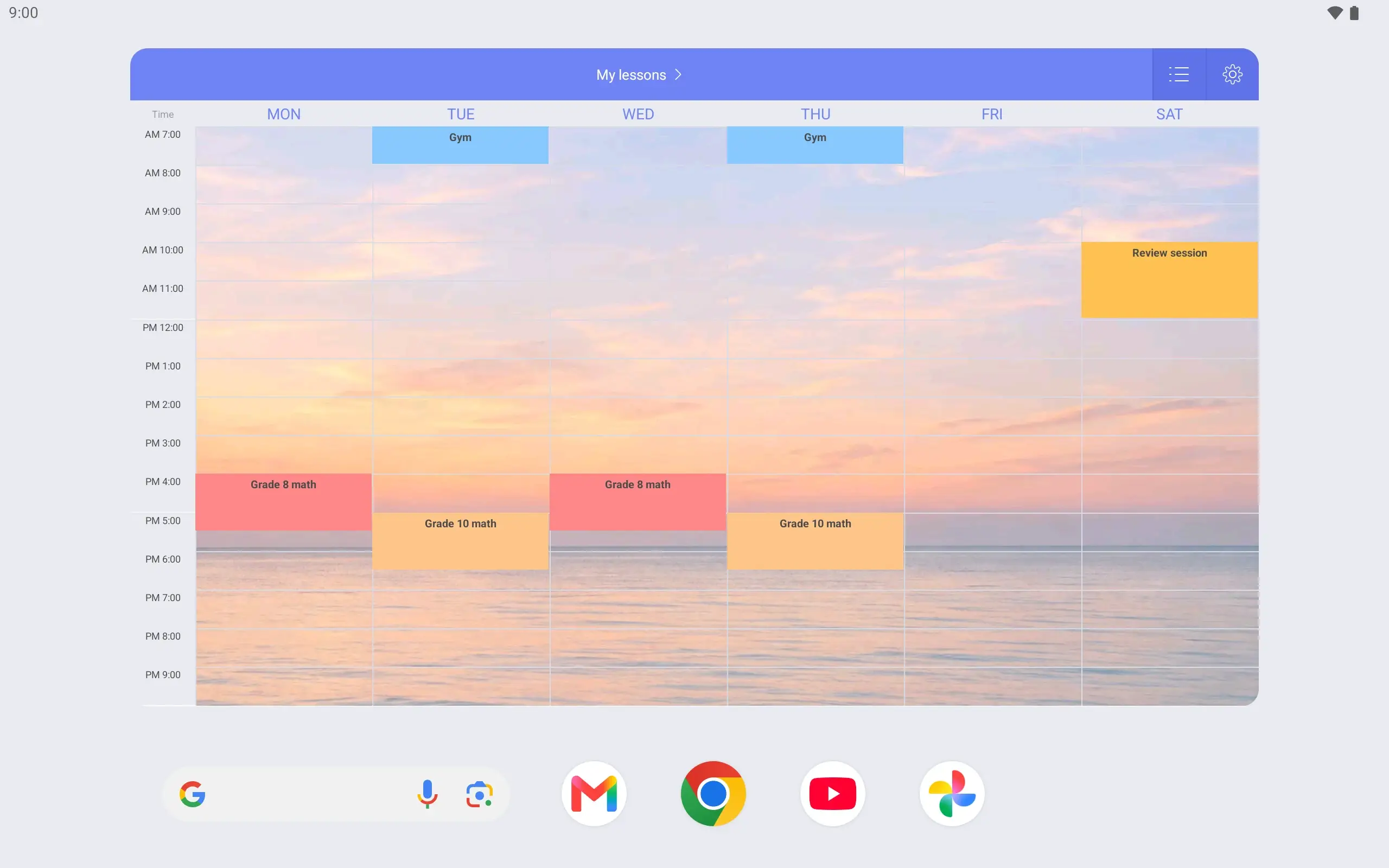
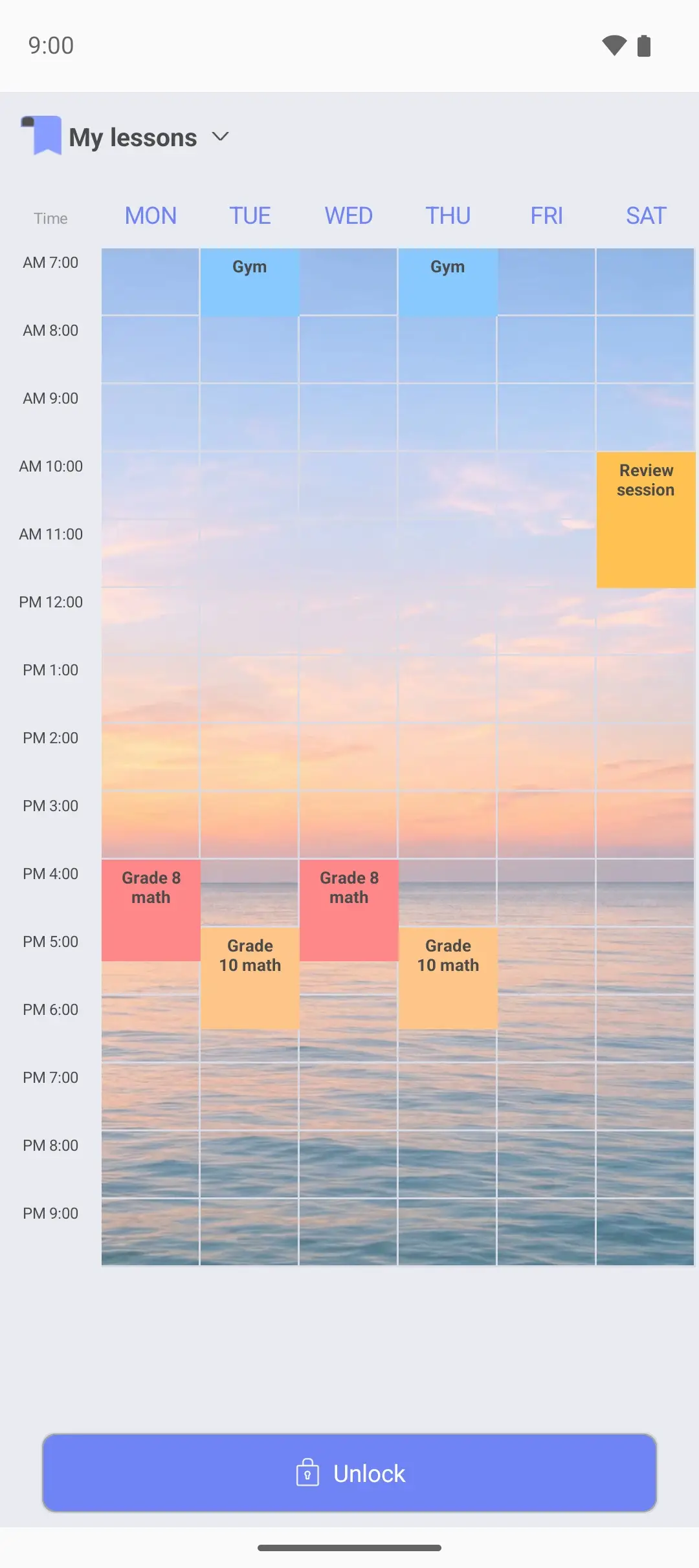
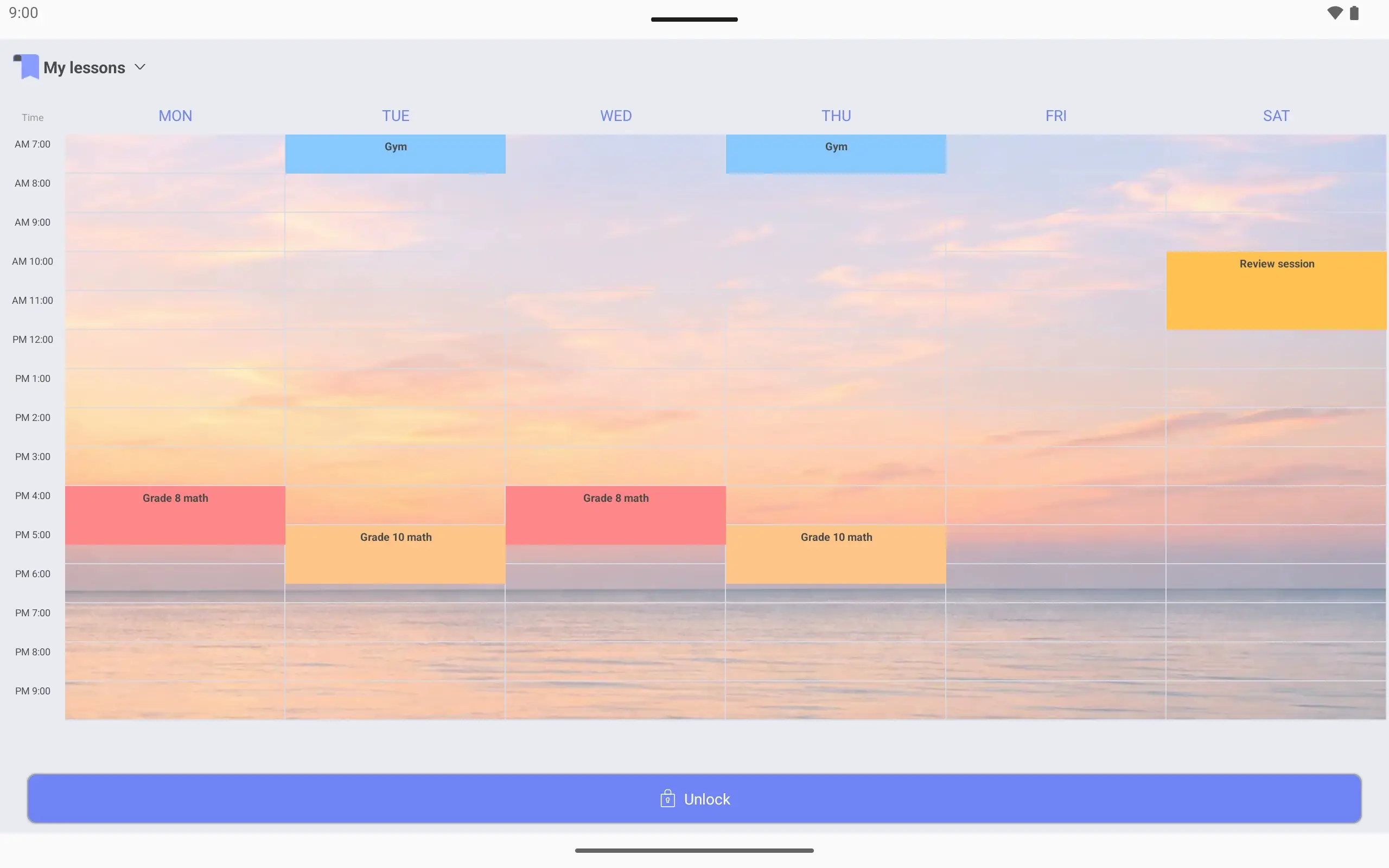
To fit lessons and personal plans on one page, this timetable covers a wide range: 7 am to 10 pm, Monday to Saturday. The morning gym and the evening lessons both fit.
Lesson times can be set to the minute. A Saturday review session 10:00–12:00 and the gym on Tuesday and Thursday at 7 am are in too. Give lessons and personal plans different colors and free time is easy to spot.
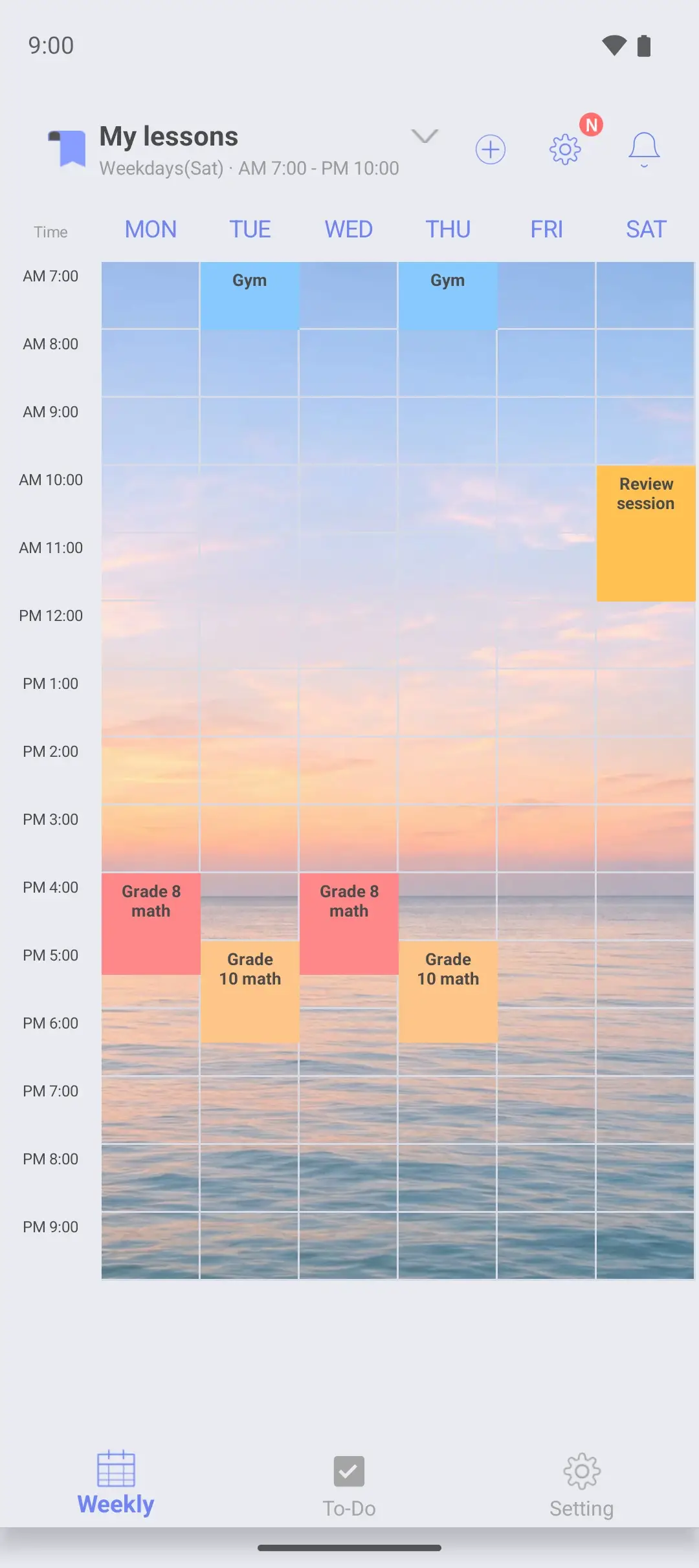
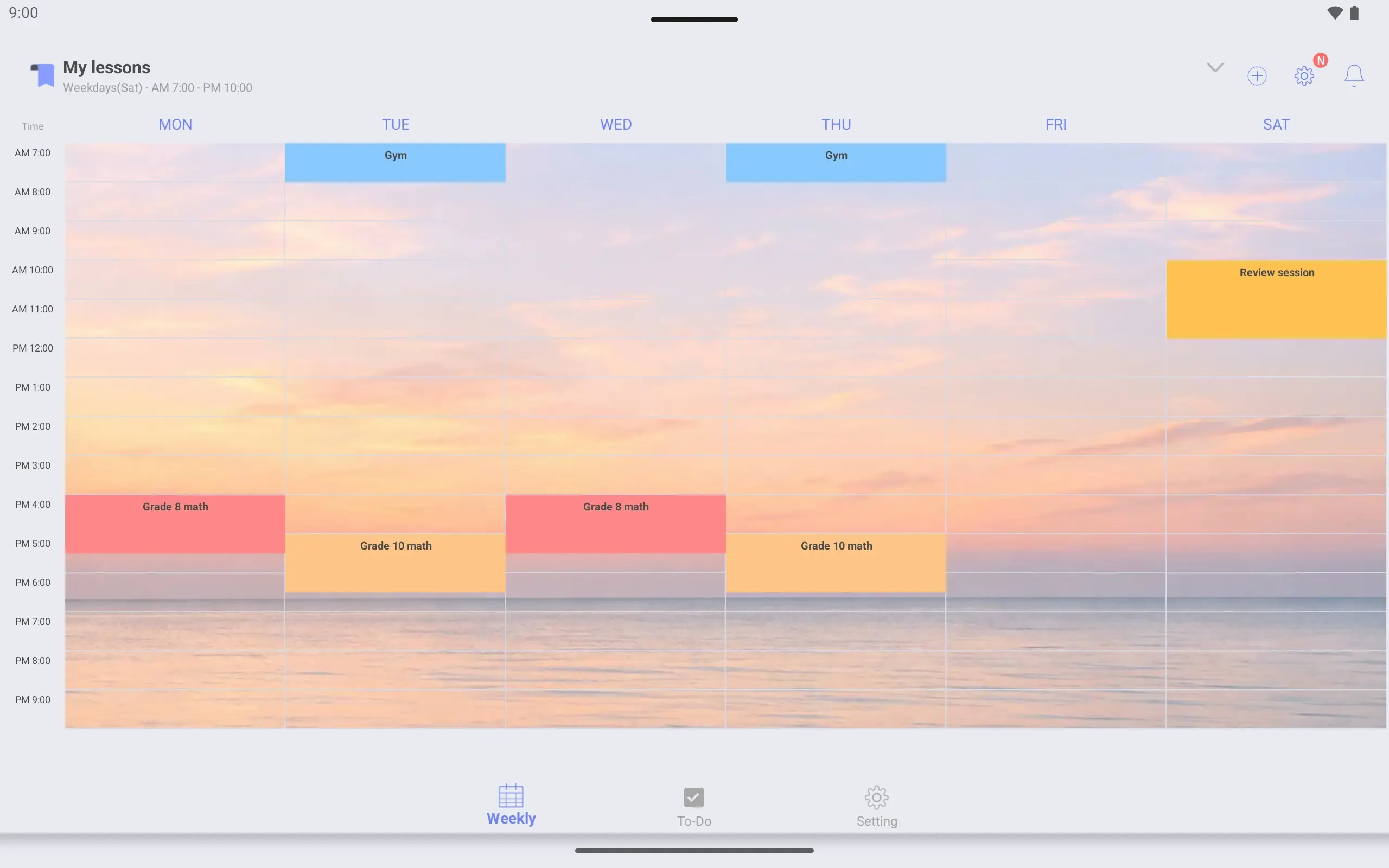
A timetable can have a photo you choose as its background. Crop it to fit the timetable. A page you look at every day can look the way you like.
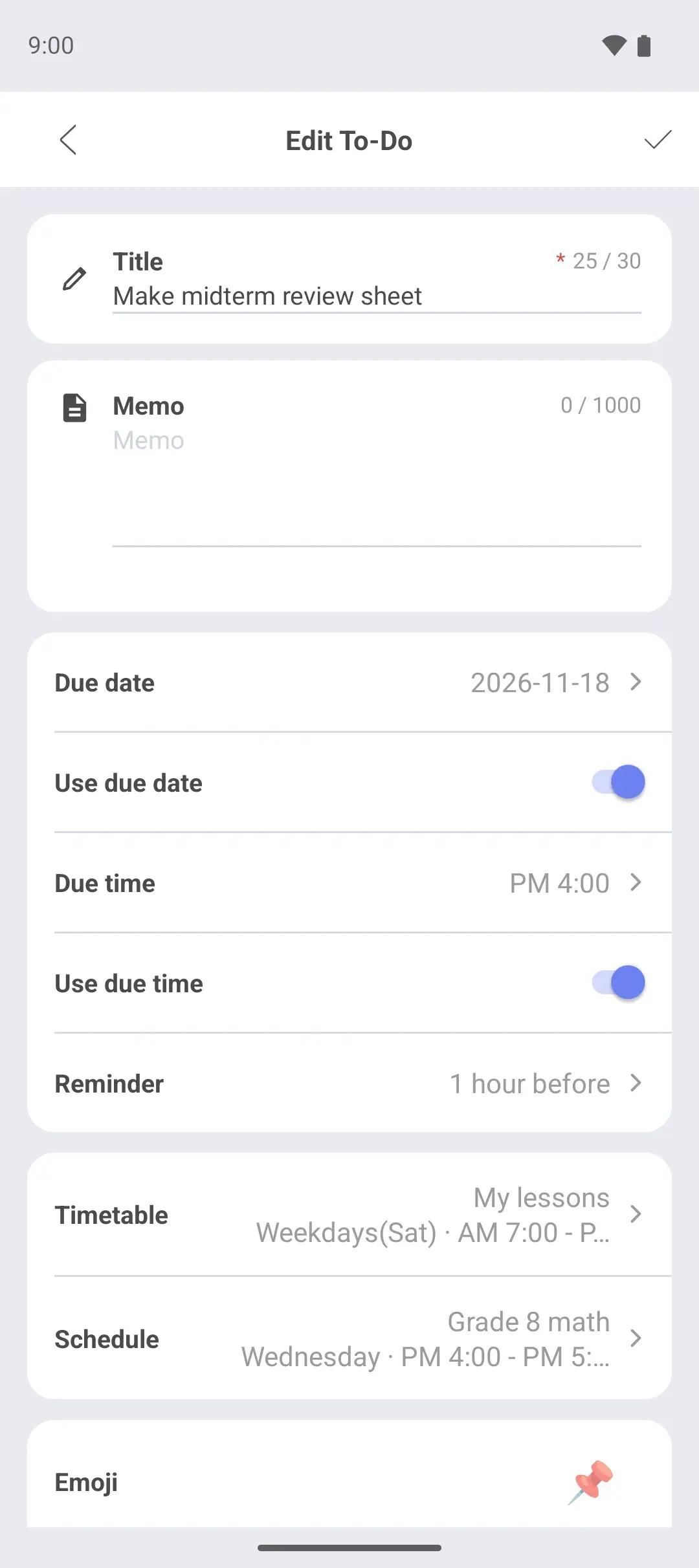
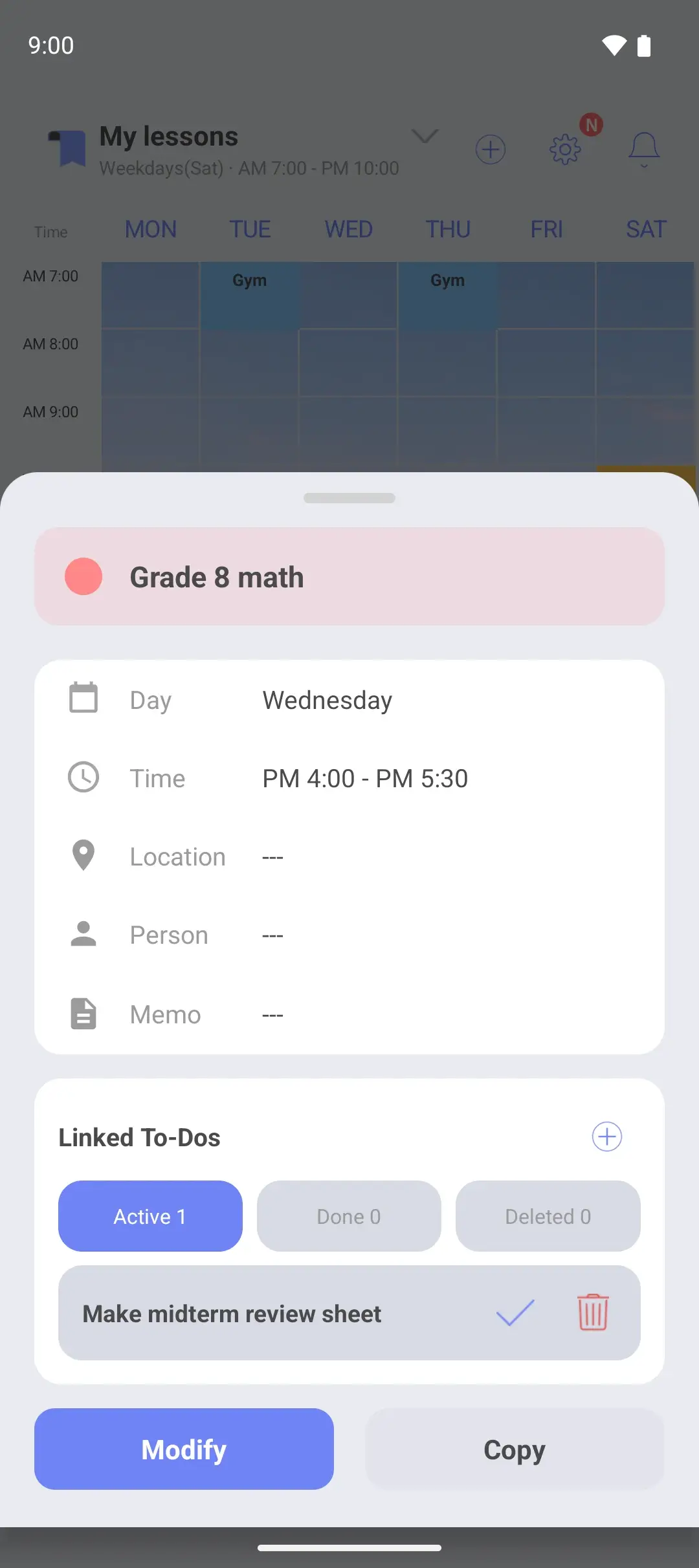
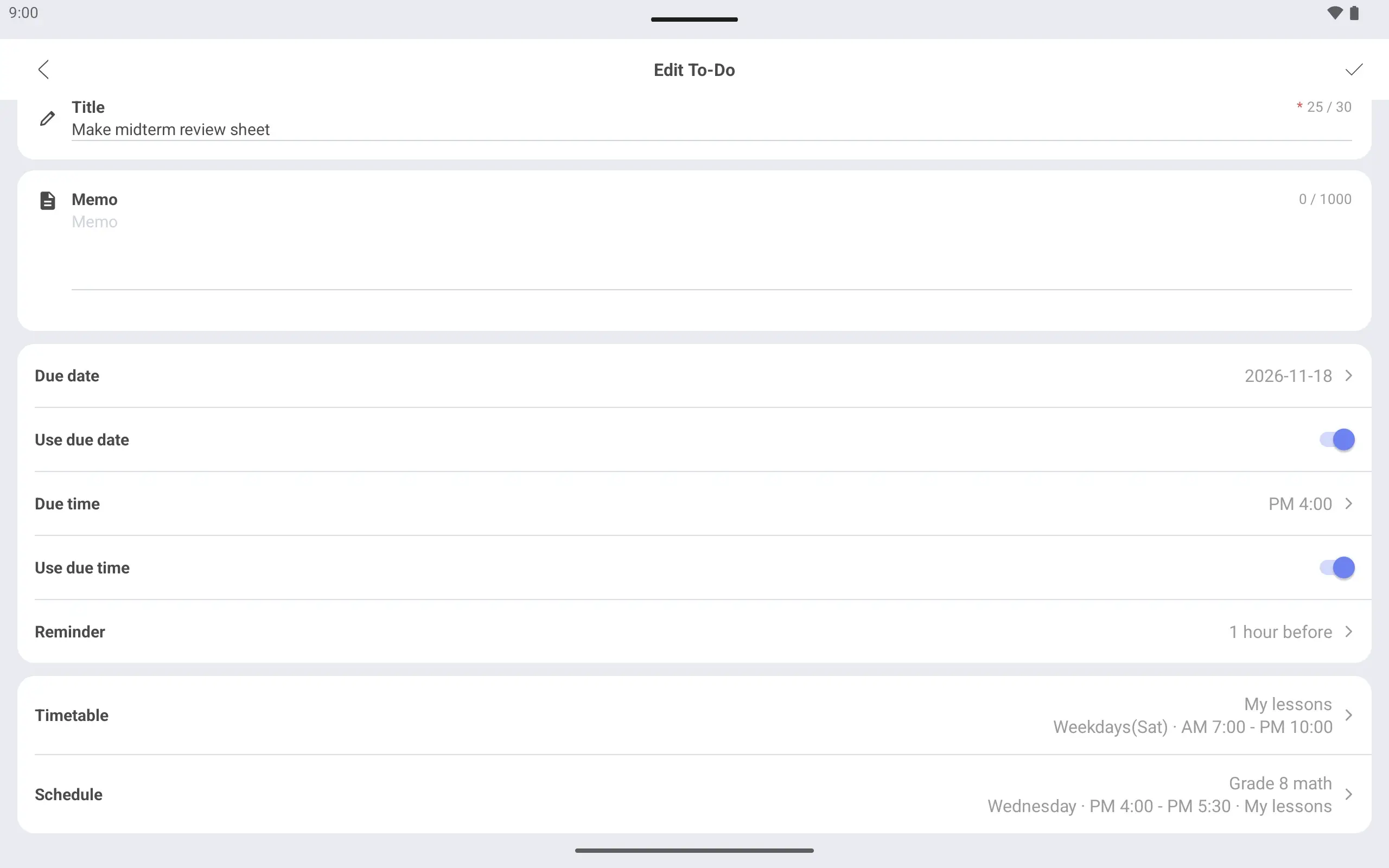
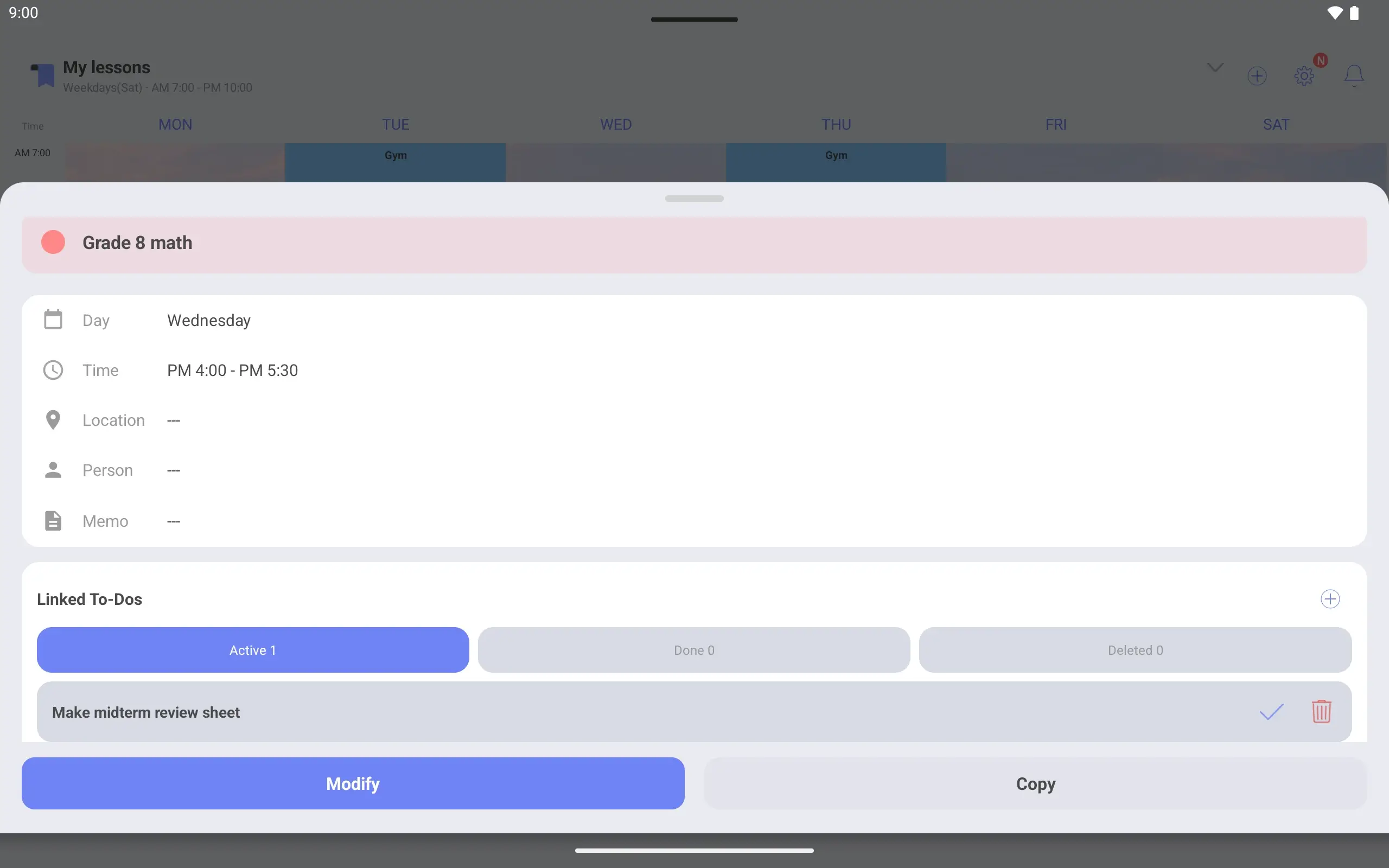
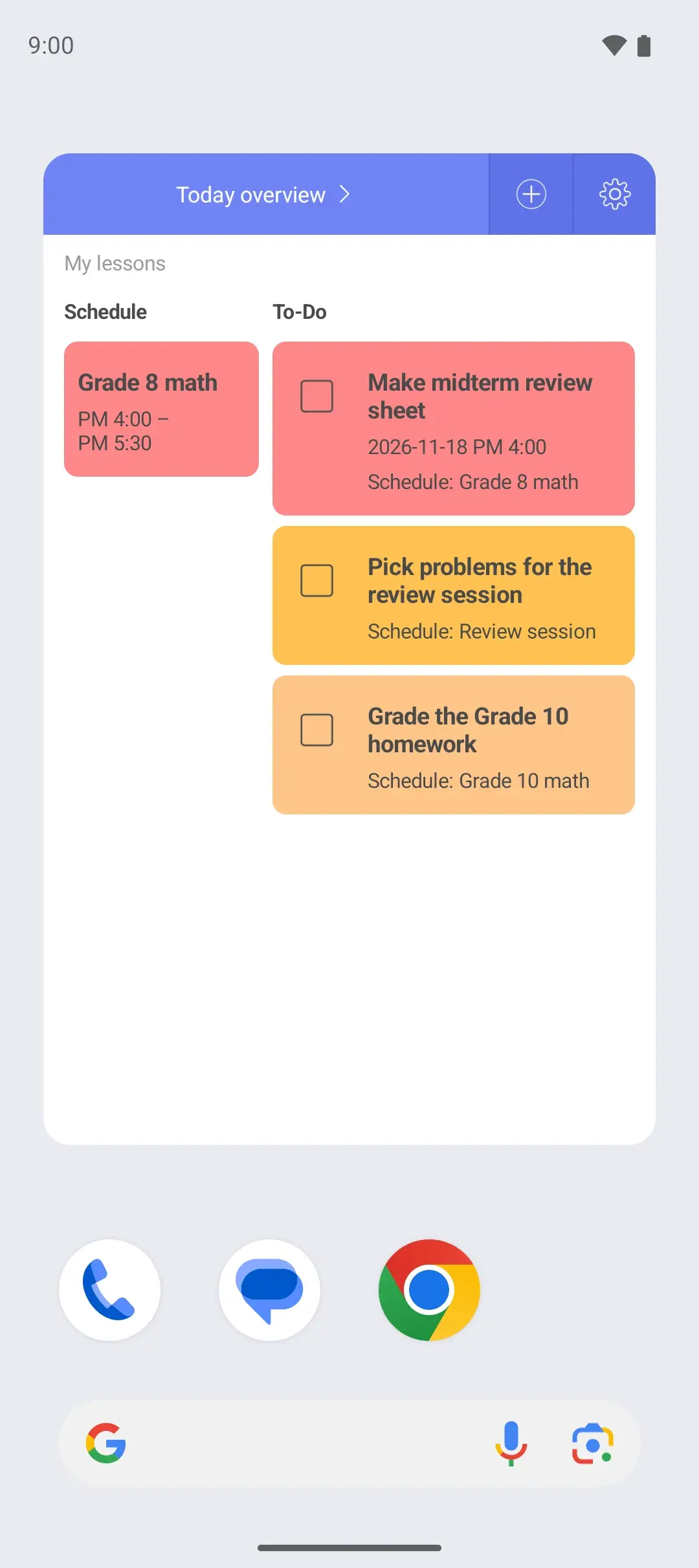
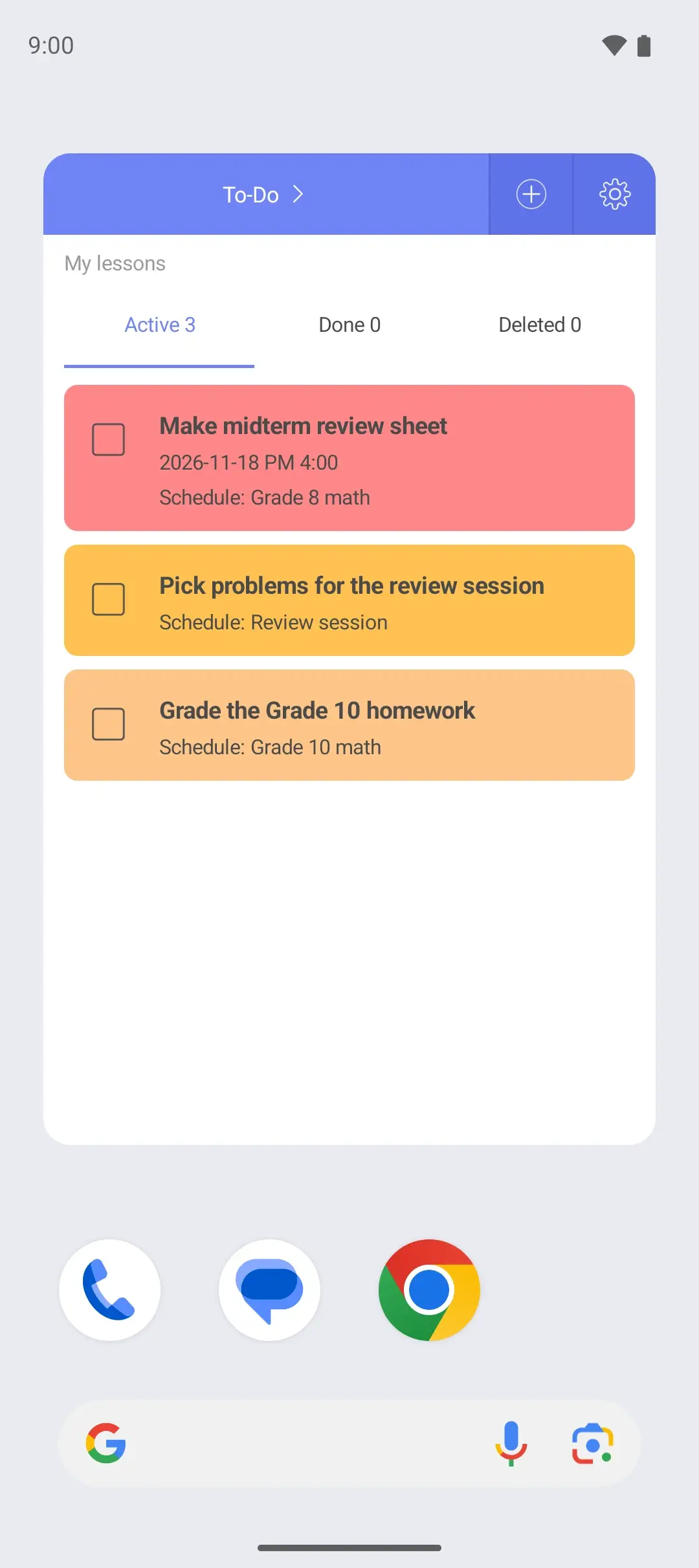
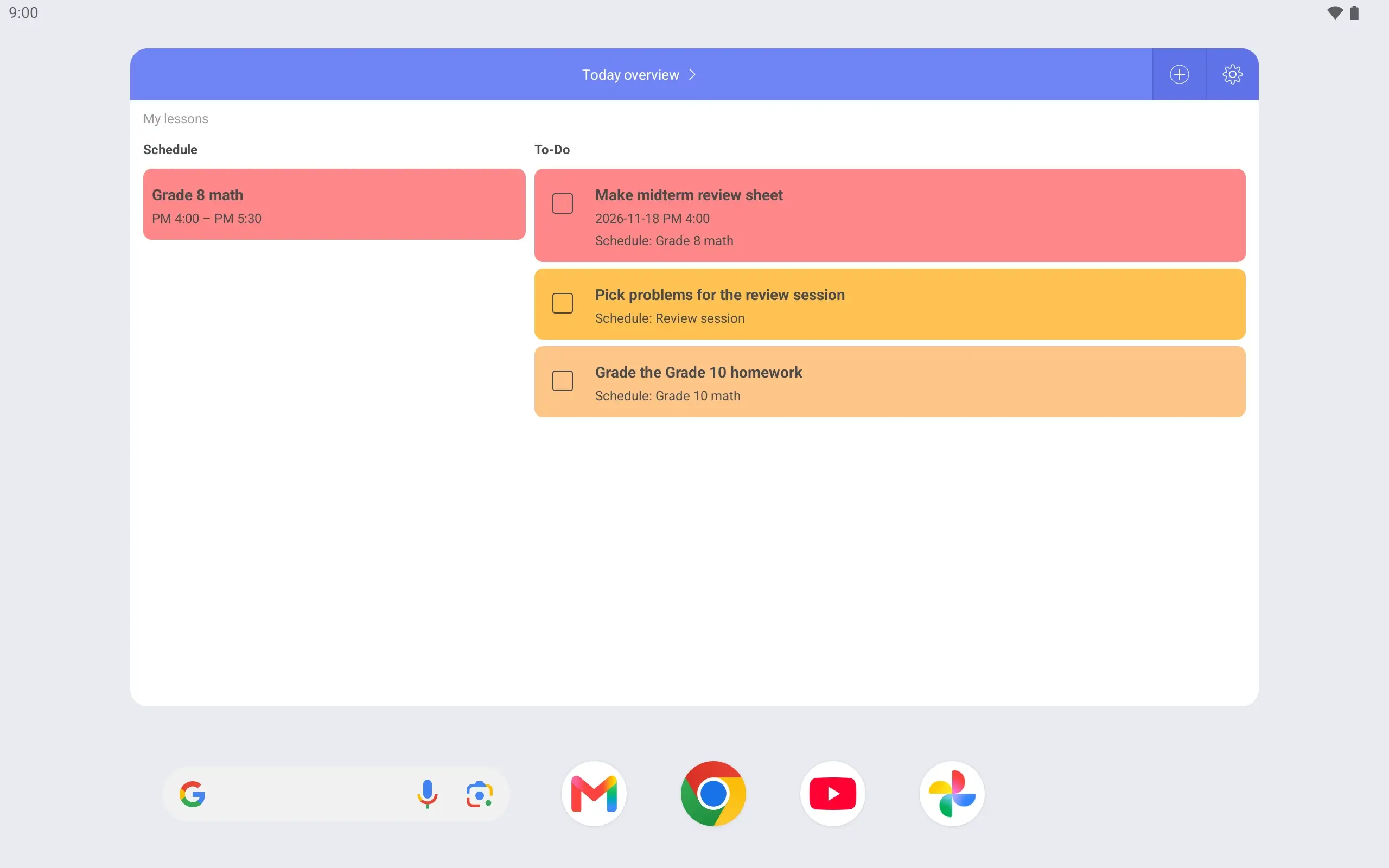
When you add a To-Do you choose the lesson it belongs to. Link prep work to each lesson, and tapping a lesson on the timetable shows what there is to do for it.
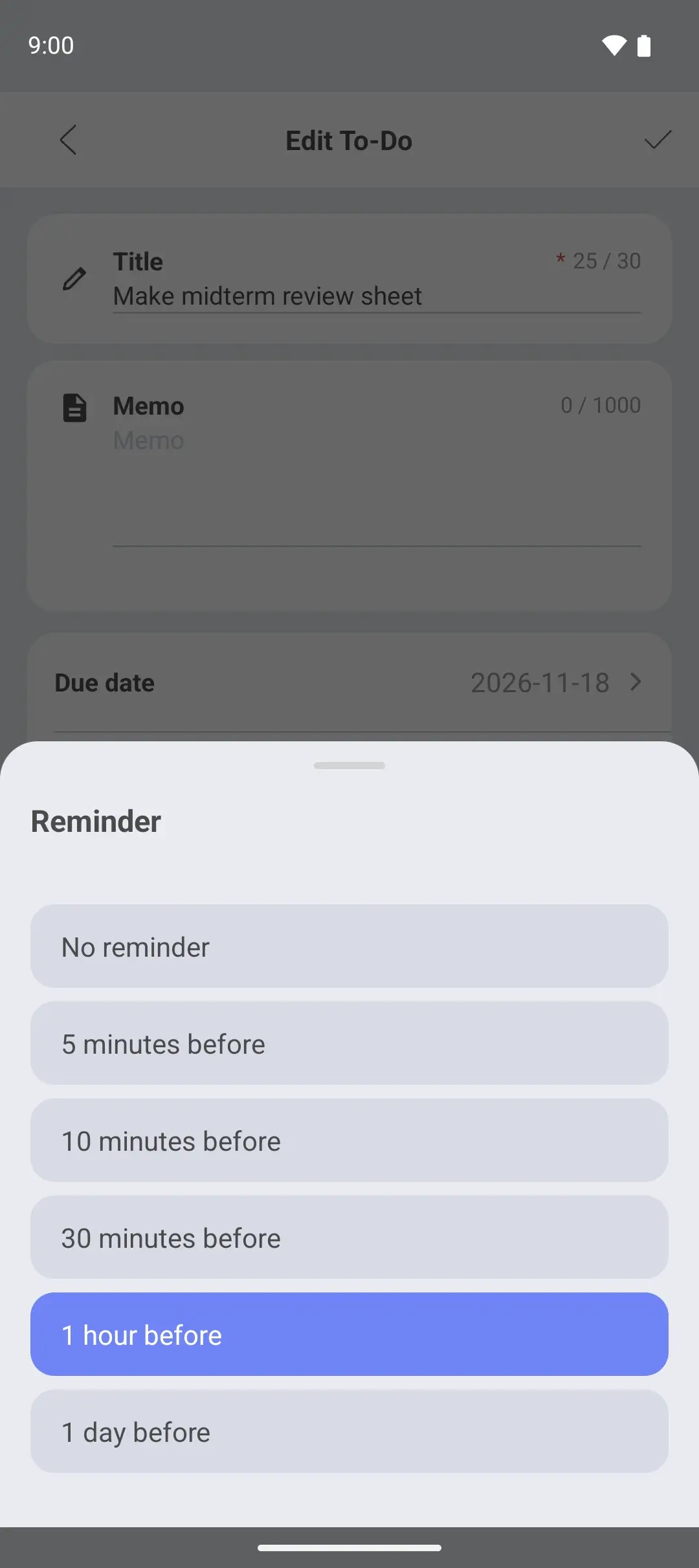
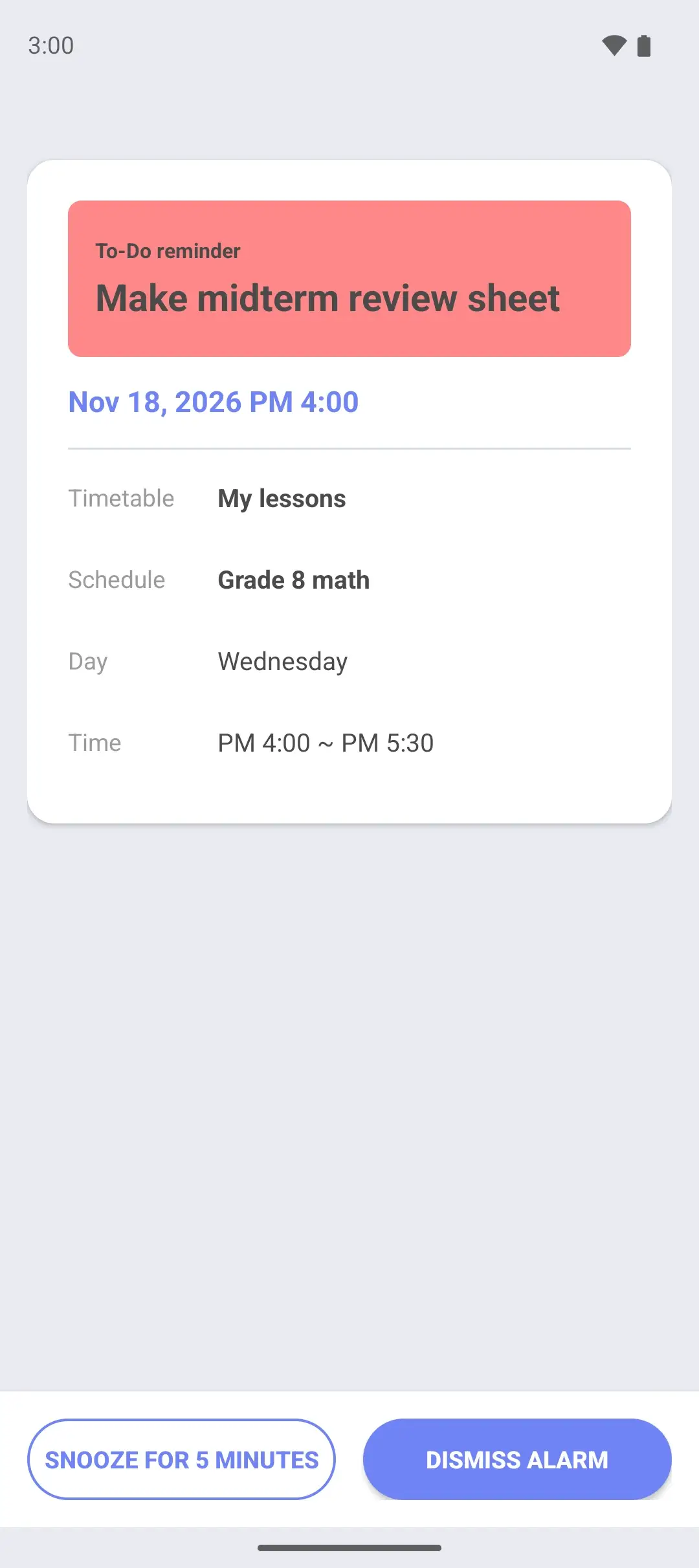
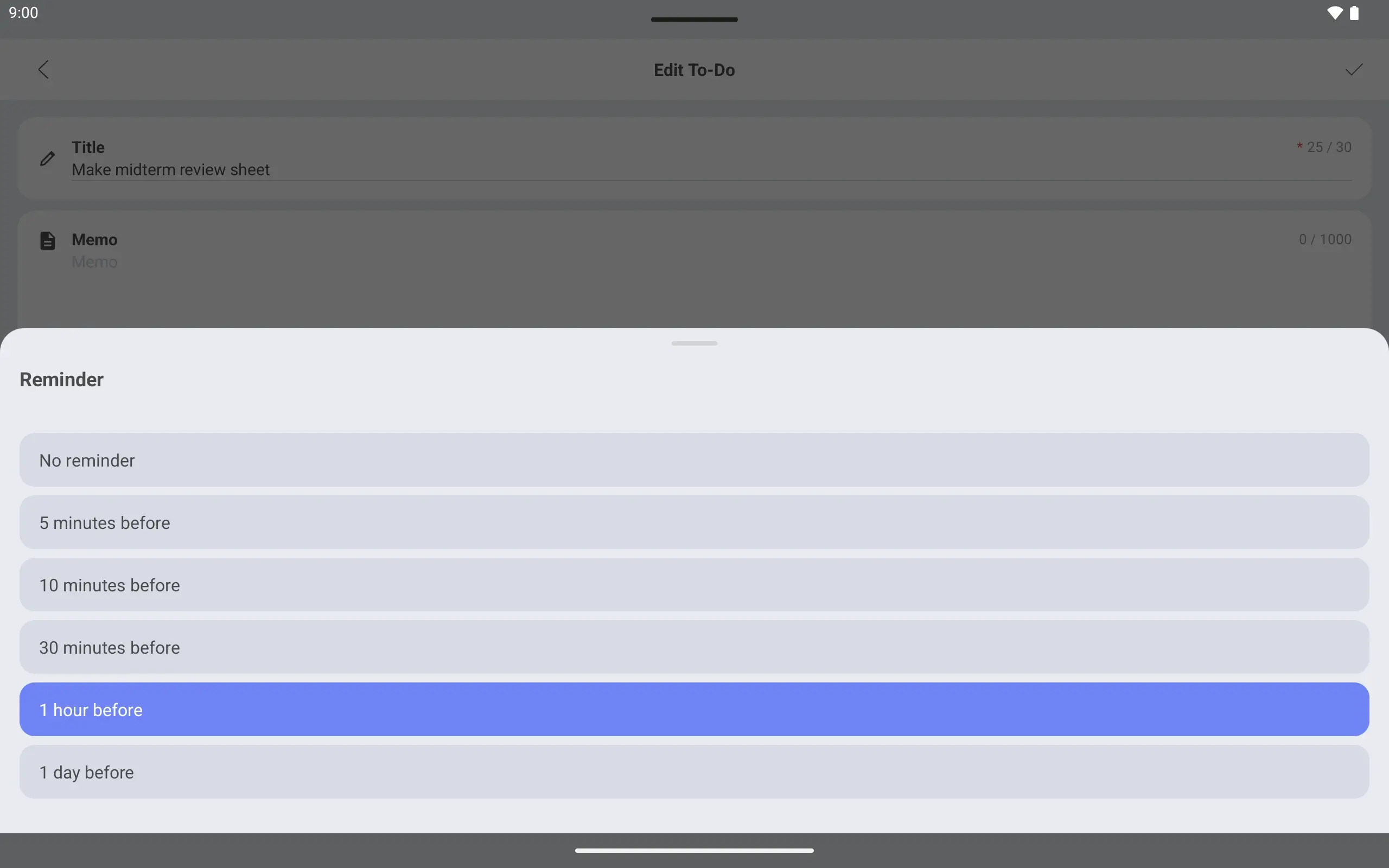
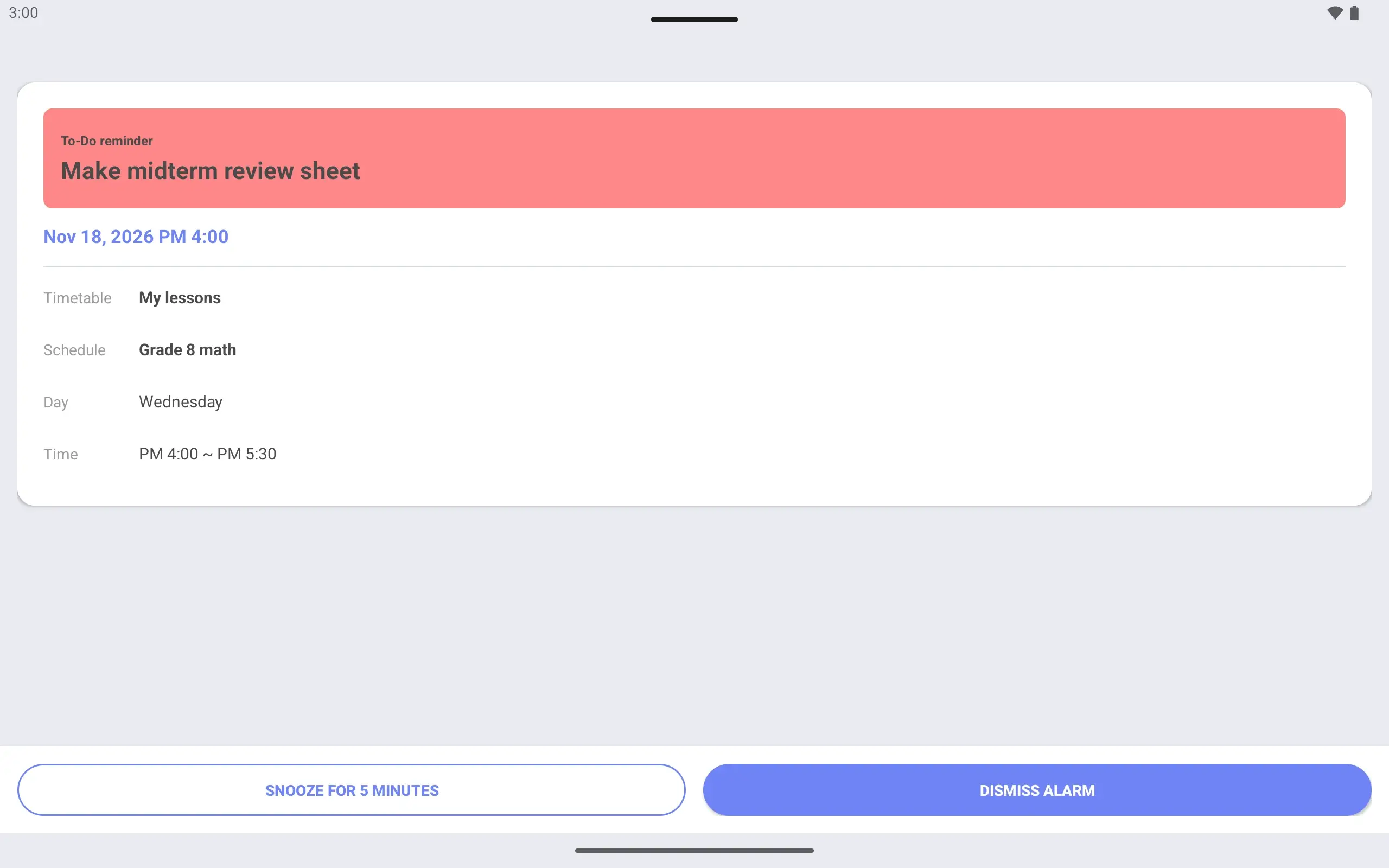
The due time is the start of the lesson, with a “1 hour before” reminder. When the alarm screen opens an hour ahead, there is time for a last look at the sheet. A To-Do needs a due date and a due time before a reminder can be turned on.
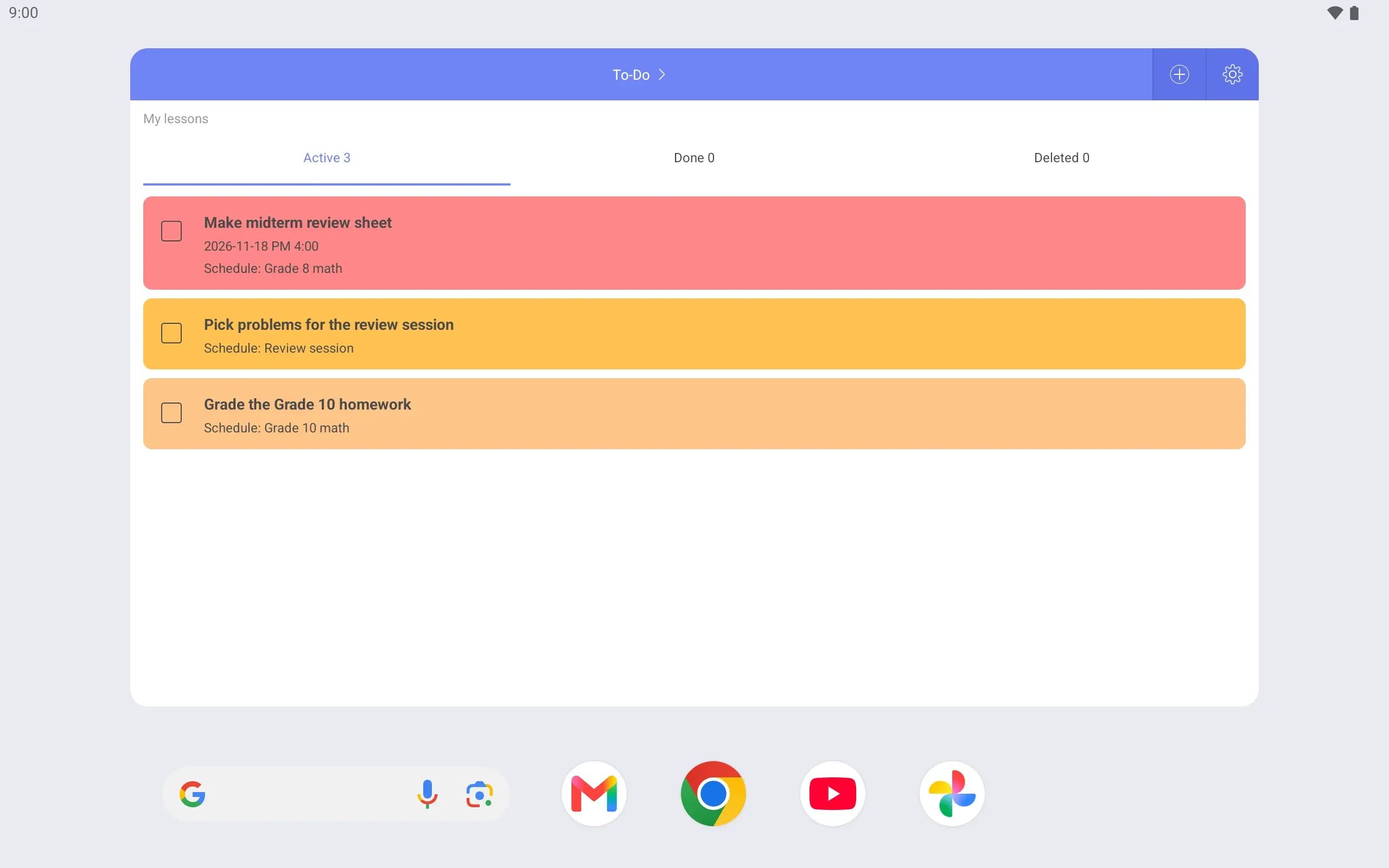
The weekly widget on the home screen shows this week’s lessons, and the To-Do widget shows your prep tasks. There is no need to open the app between lessons.
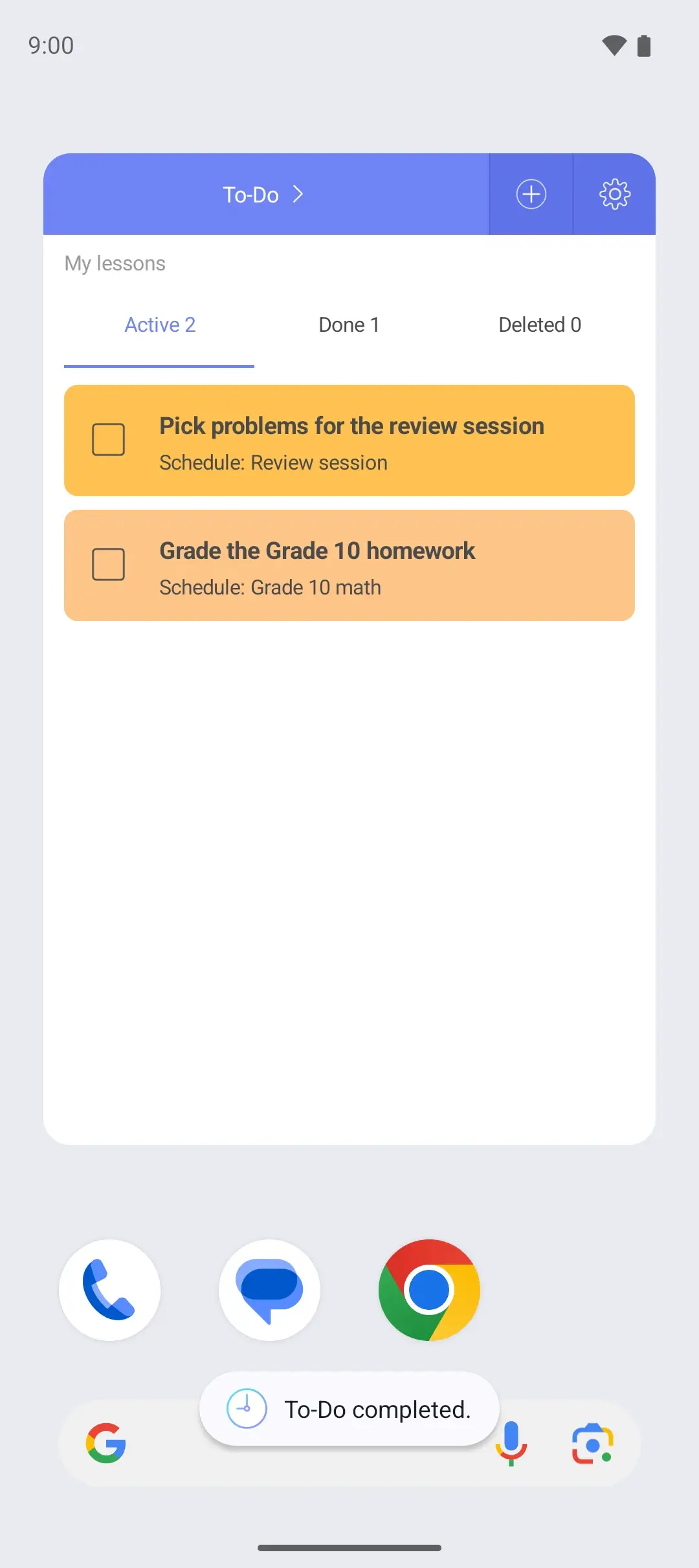
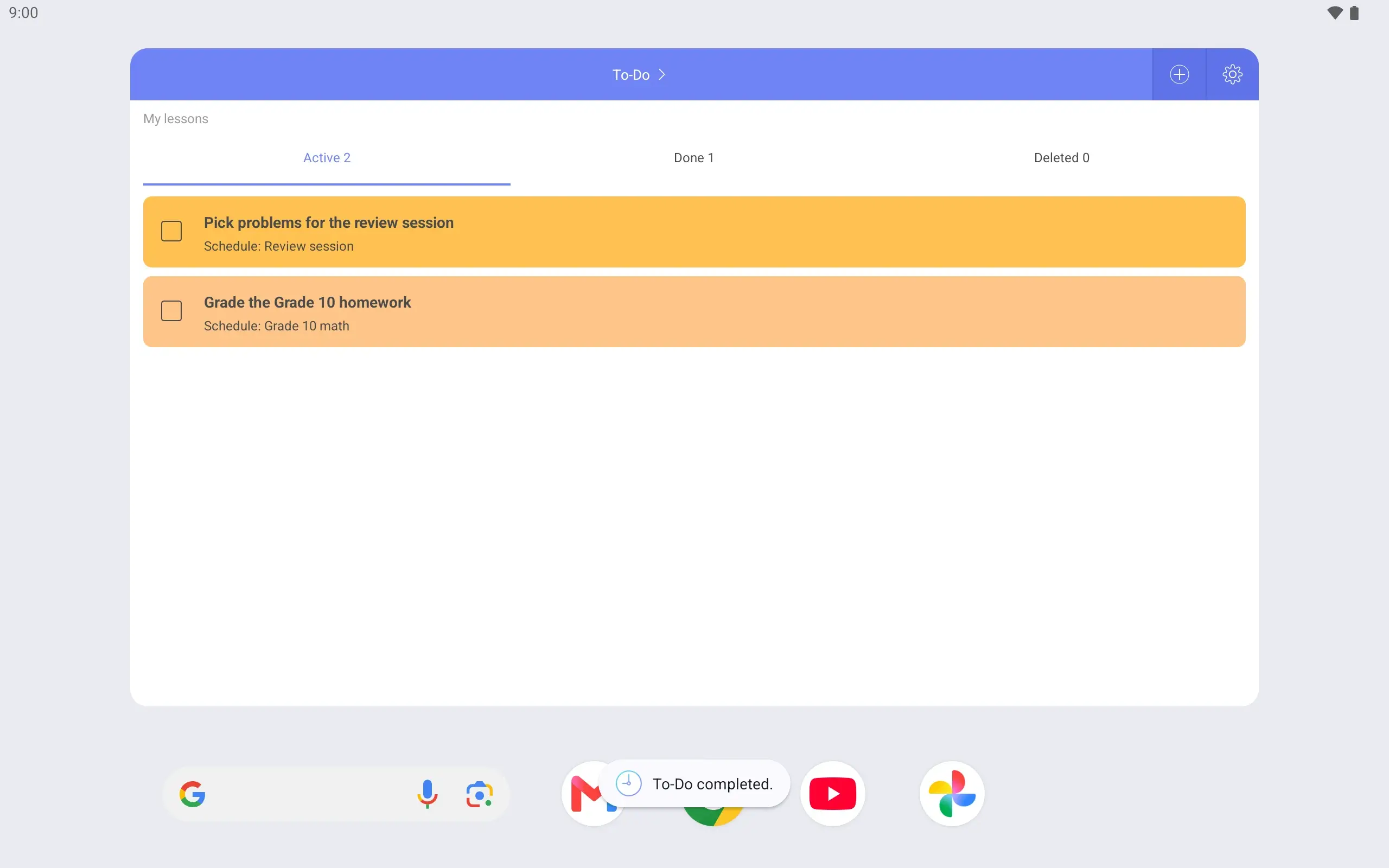
When the review sheet is finished, mark it complete in the home screen widget. It stays marked as complete in the app’s To-Do list.
The lock screen timetable helps on days with several lessons. Wake the phone to see when the next one starts. On the locked screen you can look, not edit.